Unlucid AI is a quick, browser based generator with a Gems credit system and few content filters. It is great for fast drafts, less so for polished work. If its limits are pinching, these four tools give you real free image and video generation, no credit card to start.
| a free tool that turns my prompt into an image, then a short video |
What Unlucid AI is, and where it runs out
Unlucid AI runs entirely in the browser across four areas: Video AI, Effects AI, an image generator, and light edit tools. It generates images from text in a handful of style modes, animates a still photo into a short clip, and offers more than 15 viral style motion effects. Everything is paid for in a currency called Gems, refilled with a daily free allowance, and the platform markets fewer restrictions than mainstream tools.
The honest limit is depth. Reviewers describe it as best for fast, disposable drafts rather than finished pieces, since there is little room to iterate, refine, or push resolution. The daily Gems run down quickly once you start animating, and the looser content policy puts more responsibility on the person creating. For anything you plan to publish or reuse, a tool with steadier output and clearer rights tends to serve better.
What separates a real free tool from a demo
Four things decide whether a free tier is worth building on. Check them before pouring hours into any one platform.
Refilling credits, not a one time trial The tools here refresh a daily allowance, so free use is sustainable. Steer clear of a headline free plan that hands over a single batch of credits and then quietly stops. | Watermark and resolution limits Free video is often stamped and capped at lower resolution. That is fine for drafting, but confirm the ceiling before planning to publish anything straight from the free tier. |
Commercial and privacy rights Some platforms make free creations public or reserve commercial use for paying users. Read the license so a client project does not run into a rights problem later. | Image cost against video cost A still frame is cheap, a video clip is not. On a shared credit pool, one long clip can cost as much as hundreds of images, so budget the two very differently. |
FOUR FREE ALTERNATIVES
Tools that do real image and video work for free
Each of these keeps a genuine free tier that refills, so free use is sustainable rather than a one time trial. Two are broad creative suites, and two lean into video. All figures reflect published rates as of mid 2026, and free tiers in this space change often.
01 / BEST ALL ROUND IMAGE SUITE
Leonardo AI
IMAGE LED, WITH VIDEO
| prompt cinematic portrait, soft rim light, 35mm, muted teal palette |
Owned by Canva since its 2024 acquisition and used by around 19 million people, Leonardo began life as an art generator and is now a full creative studio. The free plan hands out 150 Fast Tokens that reset every 24 hours, and because a first party image runs about 5 to 8 tokens, that works out to roughly 20 to 30 generations a day before heavier options such as the Alchemy refiner or Prompt Magic raise the cost. The web based AI Canvas layers on inpainting, outpainting and precise edits, with upscaling and background removal sitting alongside plain text to image.
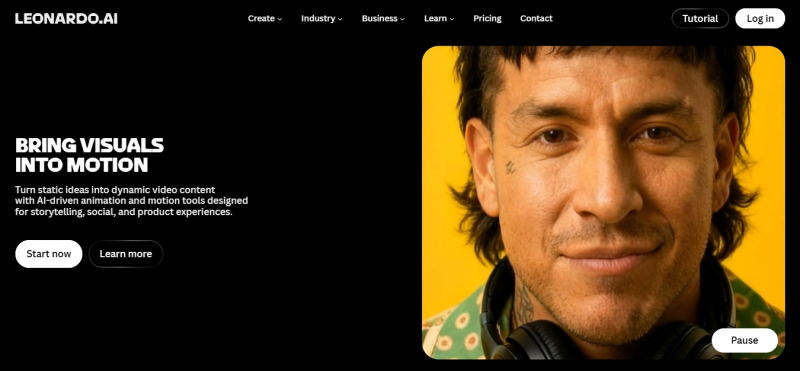
Its own Phoenix and Kino XL models cover most everyday looks, while third party engines like Veo, Kling and Seedance are piped in when a job needs a higher ceiling for image quality or image to video motion. Two limits shape free use. Video is restricted and spends tokens quickly, since one short premium clip can cost as much as several hundred basic images. Free creations are also public by default in the community feed and Leonardo retains reuse rights, so private generation, model training and token rollover begin on the paid tiers, which start near $12 a month.
| MADE BY | Canva, Australian roots, around 19 million users |
| FREE ALLOWANCE | 150 tokens a day, reset every 24 hours, no rollover |
| DOES | Text to image, AI Canvas editing, upscaling, image to video |
| MODELS | Phoenix and Kino XL, plus Veo, Kling and Seedance |
| PAID FROM | About $12 a month, adds privacy and token rollover |
| WATCH FOR | Free images are public, and video drains tokens |
02 / THE ALL IN ONE CONTROL ROOM
Krea AI
64+ MODELS, ONE CANVAS
| prompt real time sketch to render, product on marble, studio lighting |
Krea is less a single model than a control room. One free login reaches more than 60 engines for image, video and 3D, including Flux, Veo, Kling, Runway, Luma and Ideogram, plus Krea's own Krea 2 model and the faster Krea 2 Turbo added in mid 2026. Its signature is a real time canvas that renders as you sketch or type, with a voice mode for spoken instructions layered in during 2026, and it now serves over 30 million people across 191 countries, with brands like Lego, Samsung and Nike among its clients.
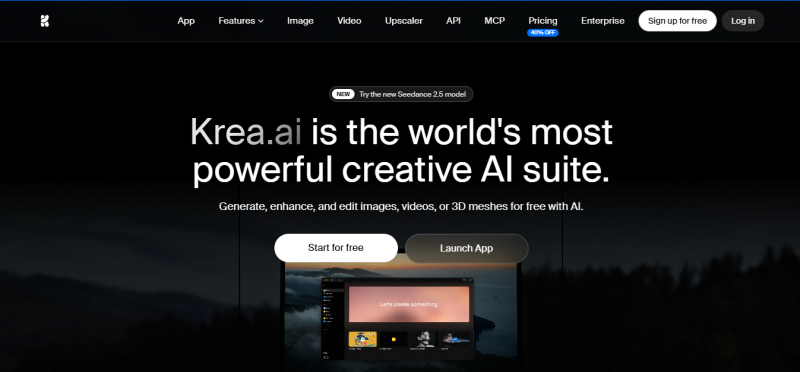
The free plan gives 100 compute units a day with no card required, and unusually it is actually usable for image generation, upscaling and the real time tools rather than a locked demo. Different actions spend different amounts, so the pinch shows up with video, where a single modern clip can swallow a large slice of the daily units. Commercial rights and heavier features such as LoRA fine tuning begin on the paid tiers, which run from about $9 a month for Basic up through Pro and Max. For comparing models without juggling five separate accounts and bills, nothing else on this list is as flexible.
| MADE BY | Krea, over 30 million users in 191 countries |
| FREE ALLOWANCE | 100 compute units a day, no card needed |
| DOES | Image, video, 3D, upscaling, LoRA, real time canvas |
| MODELS | 64+ including Flux, Veo, Kling, Runway and Krea 2 |
| PAID FROM | About $9 a month for Basic, adds a commercial license |
| WATCH FOR | Video spends units fast, free output is non commercial |
03 / BEST CINEMATIC VIDEO
Kling AI
MOTION QUALITY LEADER
| prompt slow dolly through neon rain, reflections, believable motion |
Built by the Chinese technology giant Kuaishou, Kling made its name on one thing above all, believable movement between frames, and it still tops many motion benchmarks in 2026. It runs both text to video and image to video, its recent 3.x models handle realistic physics and crowded, complex scenes, and clips stretch far longer than most rivals, up to around two minutes. An Elements feature locks characters and props so they stay consistent from shot to shot, and a storyboard style flow helps assemble multi angle scenes in a single pass.
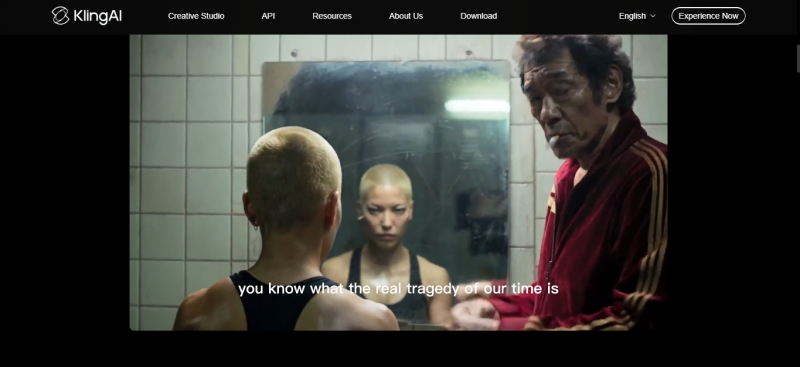
Kling also generates images for free, which pairs neatly with a credit saving habit: make several stills, keep the best, and animate only that one. The free plan hands out a daily pool of credits, commonly cited around 66, worth roughly six five second clips, resetting every 24 hours with nothing carried over. The main free tier catch is a visible watermark on video output, removed only on a paid plan, so Kling is at its best for drafting and judging quality before credits go toward a final clean render.
| MADE BY | Kuaishou, a major Chinese tech firm |
| FREE ALLOWANCE | About 66 credits a day, roughly six short clips |
| DOES | Text to video, image to video, free image generation |
| STANDOUT | Realistic motion, consistency tools, clips up to two minutes |
| PAID FROM | Credit plans that lift limits and drop the watermark |
| WATCH FOR | Free video is watermarked, credits do not roll over |
04 / FAST SOCIAL CLIPS AND EFFECTS
PixVerse
CLOSEST TO UNLUCID'S VIBE
| prompt apply the viral hug effect, then a punchy vertical clip |
PixVerse is the natural landing spot for anyone who liked Unlucid's viral effect templates but wanted steadier, faster output. Built for short form social content, it turns prompts and photos into clips in about 30 to 60 seconds, ships a deep library of trend driven effect templates, and since its V5 model it bakes in native audio, generating soundtracks, sound effects and lip sync inside the same render rather than as a separate step. The current V6 model allows any whole second length from 1 to 15 seconds, a flexibility most rivals lack, which suits TikTok, Reels and Shorts work.
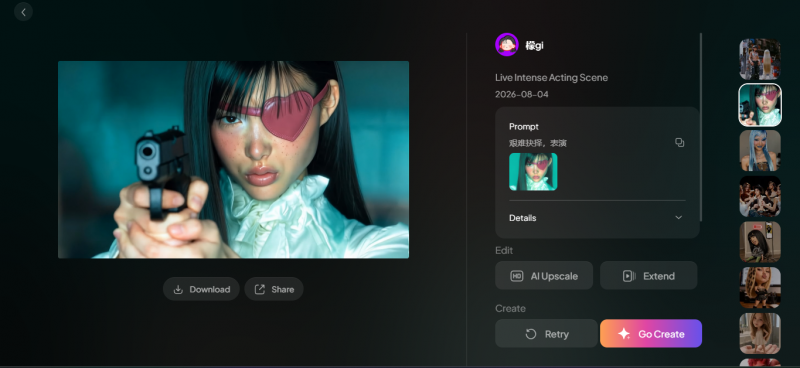
The free plan is one of the more generous in AI video: a one time bonus of 90 credits plus 60 credits that refresh every day, enough for roughly one or two short clips daily. It pays to be clear eyed about the free ceiling, though, because free exports carry a PixVerse watermark and cap at a low resolution near 540p. Removing the watermark and unlocking higher quality begins on the paid Standard plan around $10 a month, which is still the lowest entry point for watermark free commercial video on this list.
| MADE BY | PixVerse, on web and mobile |
| FREE ALLOWANCE | 90 credits to start, then 60 a day |
| DOES | Text and image to video, effect templates, native audio |
| STANDOUT | Fast 30 to 60 second renders, 1 to 15 second clips |
| PAID FROM | About $10 a month to drop the watermark and raise resolution |
| WATCH FOR | Free clips are watermarked and around 540p |
A smart free workflow: generate the image first, animate second. Still frames cost far less than video on every tool here. Build and pick the image on a suite like Leonardo or Krea, then spend your scarce video credits animating only the frame you already love. It stretches a free tier a long way. |
Free tiers at a glance
| TOOL | FREE ALLOWANCE | IMAGES | VIDEO | WATERMARK FREE | BEST FOR |
|---|---|---|---|---|---|
| Leonardo AI | 150 tokens a day | Strong | Limited | Yes on images | Image volume |
| Krea AI | 100 units a day | Strong | Limited | Yes on images | Many models, one canvas |
| Kling AI | About 66 a day | Yes, free | Strong | No on free video | Cinematic motion |
| PixVerse | Around 60 a day | Basic | Strong | Paid from $10 | Fast social clips |
| Unlucid AI | Daily Gems | Yes | Short clips | Varies | Fast disposable drafts |
QUICK DECISION
Match the tool to the job in front of you
Free tiers reward focus. Pick by the output that matters most and the credits stretch a lot further.
Lots of images, steady output Leonardo AI is the workhorse. A daily token pool, an editing canvas, and enough models to cover most looks without paying. | Comparing models in one place Krea AI wins here. Sixty plus engines and a real time canvas, all reachable from a single free login. |
Video that actually looks cinematic Kling AI leads on motion. Draft freely each day, then remove the watermark with a paid render when a clip is final. | Quick clips ready to post PixVerse fits best. Trend effect templates, fast 30 to 60 second renders, and native audio baked straight into the clip. |
Final VerdictIf one has to be the default For most people leaving Unlucid, Krea AI is the pick. It is the closest thing to an all in one replacement, covering image, video and 3D from one real time canvas, with a free tier that stays useful day to day and access to the same premium engines the paid tools charge for. When a project needs more, upgrading is a slider rather than a migration to a new app. The rest earn their place by specialising. Leonardo is the better home for heavy image work and light editing. Kling is the one to reach for when motion quality is the whole point, drafting free and paying only for the final clean render. PixVerse is the fastest route to a short social clip, effect templates and native audio included, with clean watermark free exports once you are on its low cost plan. Since every tool here refills its free credits daily, the winning move is to keep two open at once, an image suite and a video tool, and let each do what it does best. Best overall alternative: Krea AI |
Post Comment
Share your thoughts about this article.
Be the first to post a comment!





