Table of Content
The tool most people would name first no longer exists. OpenAI shut Sora down in April 2026 after it burned roughly a million dollars a day. The models that replaced it are cheaper, longer, and in several cases beat it on blind human voting.
The short answer
Google Veo 3.1 is the safest single pick. It is the only model generating 48kHz synchronised dialogue rather than just sound effects, it outputs up to 4K, and Google AI Studio gives you free access without a watermark.
Kling 3.0 wins on value and on blind votes. At roughly $0.10 per second it undercuts Veo, does native 4K at 60fps, and holds four separate entries in the Artificial Analysis top ten. On the llm-stats arena it sits at number one.
Runway Gen-4.5 is what you use when the shot has to match a storyboard rather than a description. It has fallen out of the leaderboard top ten since its 1,247 Elo launch, and it remains the professional pick anyway, because control beats raw score when a client is reviewing.
THE DISTINCTION THAT DECIDES EVERYTHING Two completely different products are both called AI video. Scene generators build footage from nothing. Avatar tools animate a presenter reading your script. Judging one by the other's standards is the most common mistake in this category, and it is why Synthesia looks terrible in cinematic rankings while being the correct answer for training content. |
Why Sora shut down
Any guide written before mid 2026 recommends Sora, so this needs clearing up first. OpenAI confirmed a two stage shutdown: the web and app experiences ended on 26 April 2026, and the API closes on 24 September 2026. Account data is deleted after that.
| Date | What happened |
|---|---|
| 24 March 2026 | OpenAI posts a farewell on X. Reports say Disney learned of it under an hour before the public announcement |
| 26 April 2026 | sora.com and the iOS and Android apps go dark |
| June 2026 | Pro-rated refund window opens for affected subscribers |
| 24 September 2026 | Sora 2 and Sora 2 Pro API endpoints stop working. Data deleted |
The cause was economics, not quality. Reporting put Sora's operating cost at around $1 million per day against roughly $2.1 million in in-app purchases across the product's entire life. A $1 billion Disney partnership collapsed alongside it. At about $0.75 per second, Sora 2 Pro was also the most expensive model on the market, five times Veo's fast tier for comparable output.
HARD DEADLINE IF YOU BUILT ON THE API 24 September 2026 is not a soft deprecation. Export any Sora content before then, because OpenAI has not guaranteed a later window. If your product calls the Sora API, migration is not optional and most alternatives accept OpenAI-compatible request formats, so the switch is usually a model parameter change rather than a rewrite. |
Full specification table
This is the table most comparisons skip. Resolution, frame rate, clip length and aspect ratios decide whether a model can do your job before quality ever enters the conversation.
| Tool | Max res | FPS | Max clip | Native audio | Aspect ratios | Gen time |
|---|---|---|---|---|---|---|
| Veo 3.1 | 4K native | 24 | 8 sec, extend to ~1 min | Yes, 48kHz dialogue | 16:9, 9:16 | Under 1 min |
| Kling 3.0 | 4K native | 60 | 15 sec, up to 2 min | Yes, multilingual lip-sync | 16:9, 9:16, 1:1 | Around 1 min |
| Runway Gen-4.5 | 1080p | 24 | Up to 40 sec | Limited | 16:9, 9:16, 1:1, 4:3, 3:4 | Around 1 min |
| Luma Ray3 | 1080p HDR | 24-30 | Up to 10 sec, extendable | Limited | 16:9, 9:16, 1:1 | 4x faster than Ray2 |
| Hailuo 2.3 | 1080p | 24-30 | 10 sec, extend to 60 | Yes | 16:9, 9:16, 1:1 | Under 1 min |
| Pika 2.5 | 1080p | 24 | Up to 30 sec | Limited | 16:9, 9:16, 1:1, 4:5 | Fast |
| Wan 2.6 | 1080p native | 24 | Short, frame control | No | 16:9, 9:16 | Around 20 sec |
| Synthesia / HeyGen | 1080p to 4K | Varies | Full-length videos | Yes, script driven | 16:9, 9:16, 1:1 | Minutes |
READING THIS TABLE PROPERLY Resolution is no longer the interesting axis, because every serious model now does 1080p or native 4K. The columns that actually separate these tools are frame rate, clip length and native audio. Kling at 60fps is doing something none of the others do, and Veo generating 48kHz dialogue rather than ambient sound is a category difference rather than a small improvement. |
What blind voting shows
Public arenas ask people to compare two outputs without knowing which model made which, then score by Elo. This is the closest thing to objective evidence in the category, and it comes with a serious caveat.
| Model | T2V, no audio | T2V, with audio | Can you buy it? |
|---|---|---|---|
| HappyHorse-1.0 | 1,357 Elo, led by 107 pts | About 1,212 | API only, via fal.ai |
| Seedance 2.0 | 1,272 | 1,213 to 1,219 | Mainly ByteDance's Doubao app |
| Kling 3.0 Pro | 1,243 to 1,246 | 1,110, four in top ten | Yes, broadly available |
| Runway Gen-4.5 | 1,247 at launch, now outside top ten | Not in top ten | Yes |
| Veo 3.1 | Top cluster | Around #3 | Yes |
Two things make this data easy to misread. First, the models at the very top are often the ones you cannot use. HappyHorse-1.0 appeared anonymously in April 2026 and was later confirmed as Alibaba's, built by a team led by a former Kuaishou VP who previously ran Kling's technical team. Seedance is distributed mainly through Doubao rather than a Western API. A score you cannot buy is a research result, not a product.
Second, different boards produce different winners. On llm-stats, Kling v3 leads text-to-video across 1,348 blind votes. On Artificial Analysis image-to-video, HappyHorse leads at 1,415 Elo. Veo 3.1 wins on audio polish, and Runway leads on controllability while sitting outside the general top ten entirely.
WHY RUNWAY FALLING OFF THE LEADERBOARD DOES NOT MATTER MUCH Gen-4.5 launched at 1,247 Elo as the number one model and has since been displaced by Seedance, HappyHorse and the Kling and Veo cluster. It is still the tool professionals reach for, because blind-vote arenas measure whether a random clip looks good, not whether you can hit a specific shot a client already approved. Those are different questions. |
Google Veo 3.1
Google Veo 3.1 Google DeepMind The only model generating true synchronised dialogue, not just ambient sound.
The dialogue capability is the separator, and it is worth being precise about what it means. Most models that claim native audio generate ambient sound and effects. Veo 3.1 generates 48kHz synchronised speech, so a character speaking actually looks like they are saying those words. If your video needs someone to talk on camera, this narrows the field to almost nothing else in one pass. 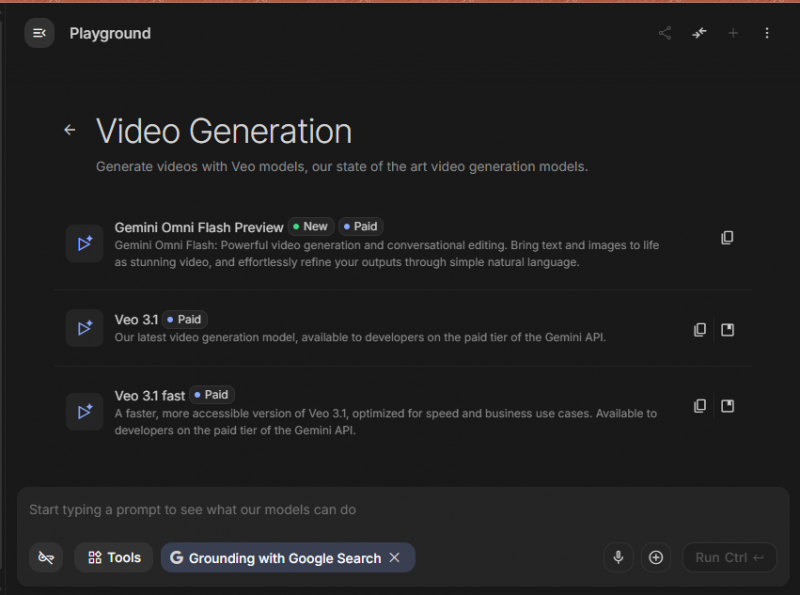 Prompt adherence is the second strength. It gives you what you described rather than something adjacent, which matters more in production than winning a benchmark by a few points, because every miss costs another generation. The three-tier structure is practical. Lite for drafts, Fast at around $0.15 per second for most work, Quality for final renders. Drafting on Lite and rendering on Quality is a straightforward way to cut a bill roughly in half.
|
Kling 3.0
Kling 3.0 Kuaishou Native 4K at 60fps, two minute clips, and the top spot on one of the two major blind-vote arenas.
Kling is the strongest argument against paying premium rates. It runs at roughly a tenth of what Sora charged, it is the only model here doing native 4K at 60fps, and on the llm-stats arena it holds first place across more than a thousand blind votes. 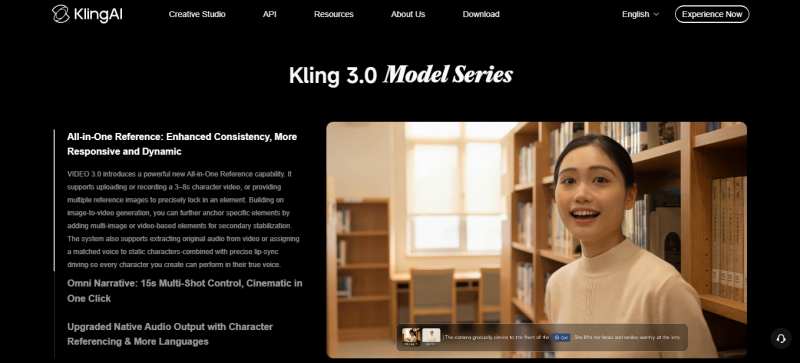 Clip length is the practical advantage. Two minutes of continuous generation against a typical 5 to 25 second cap means fewer joins, and every join is a chance for your character to change face. For explainers and narrative work that difference compounds fast. Independent hand testing also put Kling top, producing correct finger counts and proportions where rivals still fail. Kuaishou closed a roughly $3 billion round at an $18 billion valuation in July 2026, which is the clearest signal yet that this is not a budget option that will quietly disappear.
|
Runway Gen-4.5
Runway Gen-4.5 Runway A production workspace rather than a model. The only real answer when the shot is already storyboarded.
Runway sells a creative environment where generation is one tool among several. That difference shows the moment a client asks for a change, because every other tool on this list answers revision requests by generating something new and hoping. 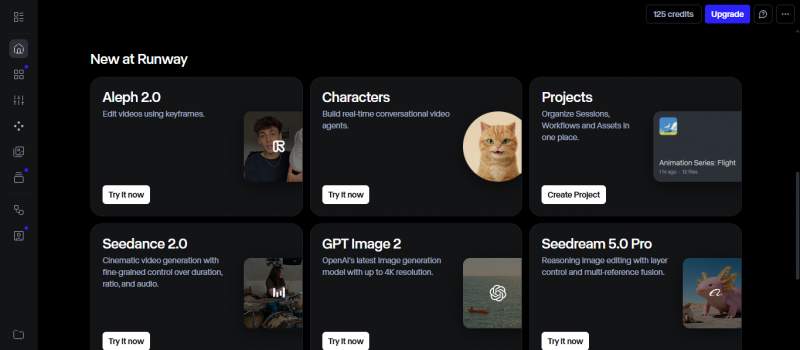 The control surface is what you pay for. Motion brush paints which parts of a frame move and in which direction. Keyframes set start and end states. Reference images hold a character or brand look steady. Video to video restyles footage you already shot. Runway also supports the widest set of aspect ratios here, including 4:3 and 3:4, which matters for print-adjacent and archival formats. The honest weakness is that plain text-to-video is less consistent than Veo unless you guide it. This tool rewards effort rather than prompting skill, which is exactly wrong for casual use and exactly right for professional use.
|
Luma Ray3
Luma Ray3 Luma AI The only model with native 16-bit HDR, and the only one exporting an edit decision list.
HDR is the reason Luma exists on a professional shortlist. It was first to native 16-bit high dynamic range, which matters when generated footage has to sit in a timeline next to properly graded camera material rather than live on a phone screen. 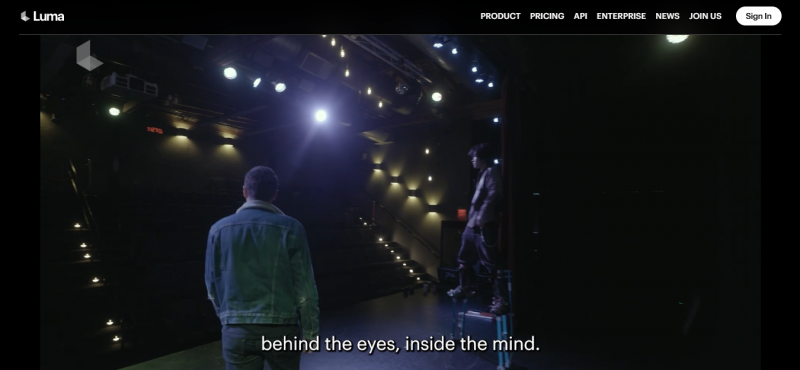 The 2026 updates pushed it further toward real pipelines. Ray3 Modify does video-to-video editing of actor footage. The multi-clip timeline editor added EDL export in June 2026, so you hand a sequence to a conventional editing suite rather than exporting flat files and rebuilding. Native connectors for Drive, Dropbox and Airtable handle asset management. Ray 3.2 and Ray 3.14 run as parallel sub-models, and per-second pricing came down roughly threefold against the previous Ray generation. It is also the most forgiving place to learn, with one of the more generous free tiers here.
|
MiniMax Hailuo 2.3
MiniMax Hailuo 2.3 MiniMax The cheapest credible option, with physics handling that beats its price.
Hailuo is the volume play, and its lowest tier at around a cent per second is roughly seventy times cheaper than Sora 2 Pro was. That changes what is economically possible: generating fifty variations to find one usable clip stops being reckless. 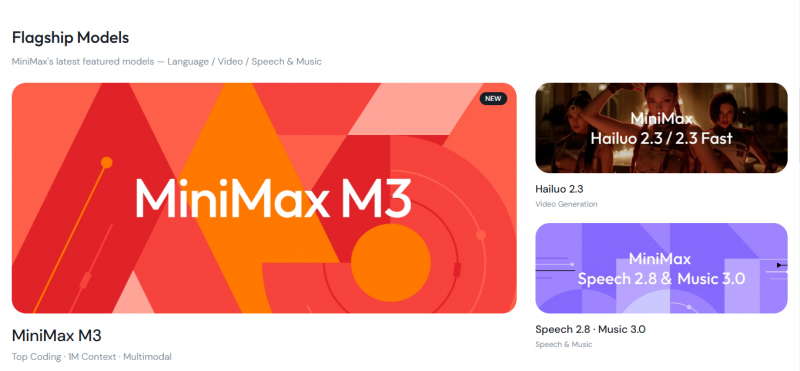 It is more than a budget option because of physics. Testers consistently rate its handling of motion as solid rather than merely acceptable, and it has a specific reputation for high-motion action scenes where cheaper models smear. Native audio at this price is also unusual. The limitation is polish on demanding prompts. Against Veo or Kling on a difficult brief the gap is visible, and finger artifacts still appear. For social content watched on a phone, that gap narrows considerably.
|
Pika
Pika 2.5 Pika Labs Built for fast social iteration, with editing features nothing else here offers.
Pika sits below the leaderboard top ten and remains genuinely useful, because its features target a workflow rather than a benchmark. Pikaswaps replaces objects inside existing footage. Pikaframes handles transitions between frames. PikaStream does real-time generation. 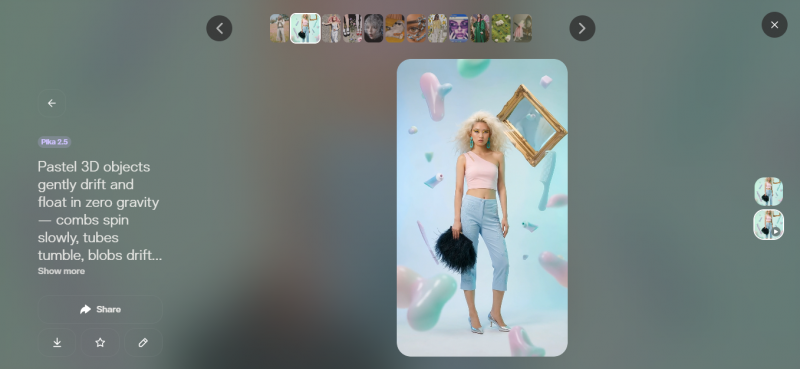 The 4:5 aspect ratio support is a small detail that matters, since it is the native format for several social feeds and cropping 16:9 down to it wastes half your frame. Pika also runs Pika Agents, which orchestrates across Kling, Veo, Seedance, MiniMax and others from inside Slack, Telegram, Discord, Notion and Figma. The tradeoff is the quality ceiling and the maths on cost. At $35 a month covering 60 to 120 seconds, heavy producers get more output per dollar from per-second APIs.
|
Wan 2.6
Wan 2.6 Alibaba, open weights Open weights, no vendor risk, and generation in roughly twenty seconds.
Wan is the answer for anyone who watched what happened to Sora and concluded that building on someone else’s hosted model is a risk. The weights are open, so you run it yourself, customise it, and nobody can switch it off. 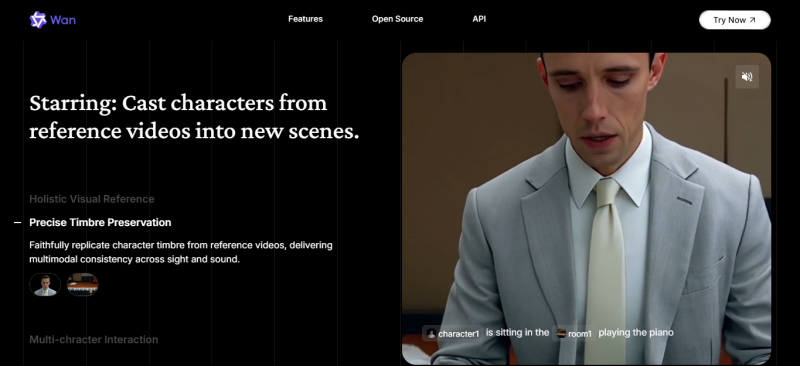 Speed is the underrated feature. Generation in roughly twenty seconds is faster than most hosted options, which changes how many iterations you can afford within an afternoon. Later versions added first and last frame control, a nine-grid image input, and prompt inputs up to 5,000 characters. The tradeoffs are real. Open models still trail the best closed systems on final polish, there is no native audio, and self-hosting means owning the GPU and the troubleshooting. That cost does not appear on an invoice but it exists.
|
Synthesia and HeyGen
Synthesia and HeyGen avatar platforms A different product entirely. You supply a script, not a scene description.
These solve the same problem as each other and a different problem from everything above. You write a script, pick an avatar, and get a person delivering it with correct lip sync. Synthesia leads on corporate training and communication. HeyGen is stronger on avatar quality and translation. 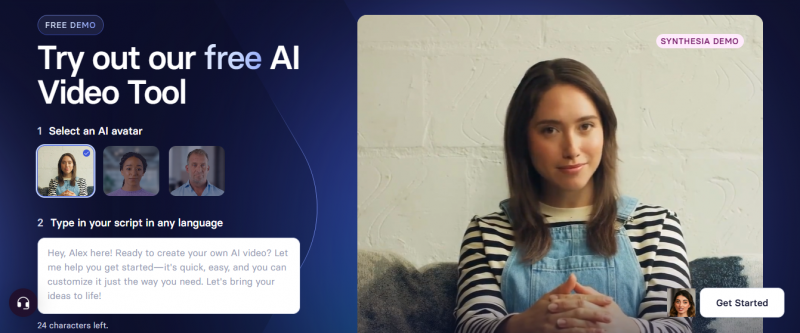 They belong in this article because a large share of people asking which AI makes real videos want exactly this. If your goal is a product walkthrough, an onboarding module, or one message in nine languages, a scene generator will waste your week. 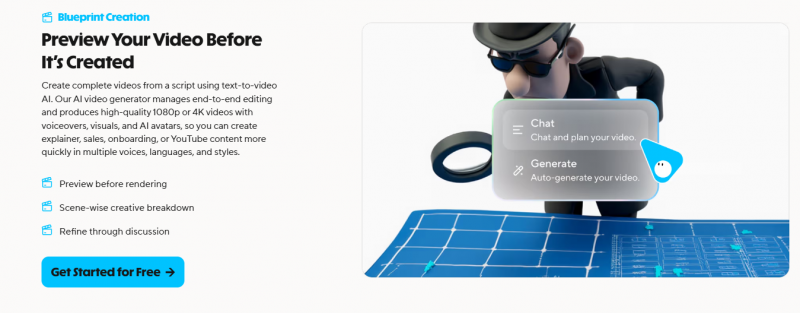 Cinematic rankings place them at the bottom, and that ranking is meaningless. They are not generating a world. They are replacing a studio, a camera and a presenter, and they do that reliably at a length no scene generator can reach.
|
Feature matrix
The capabilities teams actually ask about, in one grid.
| Capability | Veo | Kling | Runway | Luma | Hailuo | Pika | Wan |
|---|---|---|---|---|---|---|---|
| Synced dialogue | Best | Yes | No | No | Basic | No | No |
| 4K output | Yes | Yes | 1080p | 1080p | 1080p | 1080p | 1080p |
| 60fps | 24fps | Yes | 24fps | 30fps | 30fps | 24fps | 24fps |
| Clips over 30 sec | Extend | 2 min | 40 sec | Extend | To 60s | 30 sec | No |
| Shot control tools | Basic | Basic | Best | Good | Basic | Good | Frames |
| Image to video | Yes | Yes | Yes | Yes | Yes | Yes | Yes |
| Video to video | No | Limited | Yes | Modify | No | Swaps | No |
| Self-hostable | No | No | No | No | No | No | Yes |
| Free tier | AI Studio | Yes | Limited | 30/mo | Generous | Yes | Open |
Cost per 30 seconds
Per-second rates hide the real number. Here is the same 30 seconds of finished output across the range.
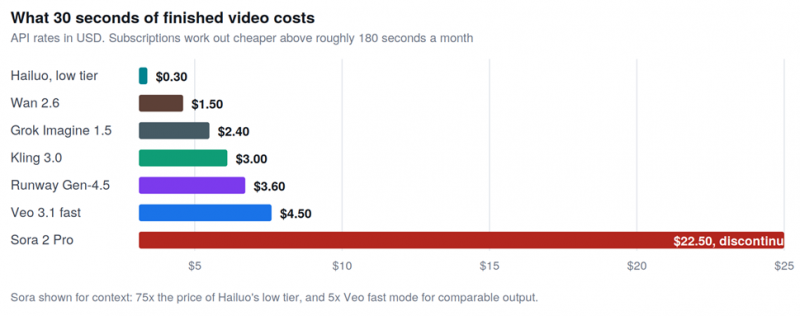
The spread across usable models is roughly fifteenfold. Sora sat far outside even that.
| Monthly output | Cheaper approach | Why |
|---|---|---|
| Under 60 seconds | Pay-as-you-go API | Subscription minimums exceed what you would spend per second |
| 60 to 180 seconds | Either, depending on tool | Kling Standard at $6.99 is hard to beat. Runway Standard at $15 wins on workflow |
| Over 180 seconds | One subscription plus one API | Pick a home base, add per-second access for hero shots needing audio |
TWO WAYS TO CUT THE BILL IMMEDIATELY Draft prompts on a cheap model before the final render, because most iterations get discarded and there is no reason to pay premium rates for those. And switch audio generation off when you do not need it, which saves 30 to 50 percent on models that charge extra for it. |
Free tiers compared
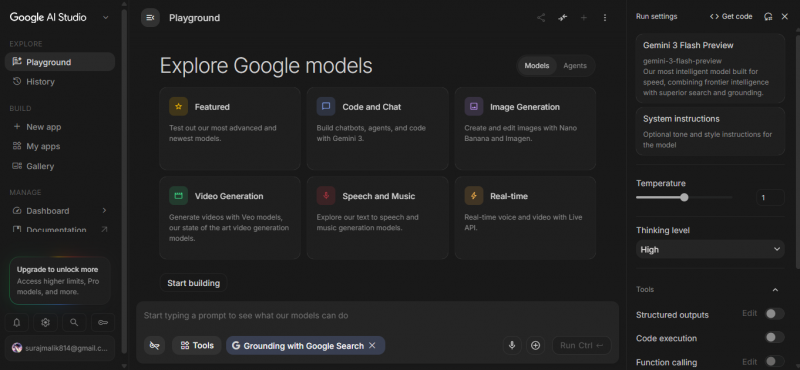
Every model here except Sora has a usable free tier, and they differ enough to matter when you are testing.
| Tool | What you get free | Watermark | Good for |
|---|---|---|---|
| Veo 3.1 | Access via Google AI Studio on any Google account | None | Testing the highest quality tier without paying |
| Kling 3.0 | Daily quota, among the most generous | Yes | Volume testing and learning prompt style |
| Luma Ray3 | About 30 generations per month | Yes, slower queue | Learning without a deadline |
| Hailuo | Generous starting allowance | Yes | High-volume experimentation |
| Runway | Limited starter credits | Yes | Trying the control tools specifically |
| Pika | Reasonably generous allocation | Some plans none | Short-form social tests |
| Wan 2.6 | Unlimited if self-hosted | None | Anyone with a capable GPU |
Where each model breaks
Every tool here produces something impressive on a good prompt. These are the specific failure modes, which is more useful than another list of strengths.
| Failure mode | Worst offenders | Best performer | Workaround |
|---|---|---|---|
| Hands in close-up | Pika, Hailuo, Luma still show finger artifacts | Kling 3.0, correct count and proportions | Frame shots to keep hands away from camera |
| Character drift across cuts | Any model when stitching short clips | Kling for length, Runway for reference control | Generate longer single clips, or lock a reference image |
| On-screen text and logos | All of them | None reliably | Add text in an editor afterwards, always |
| Exact repeatability | All of them, same prompt gives different output | Runway via keyframes and references | Save seeds where supported, work from reference frames |
| Liquids, cloth, hair | Budget tiers smear on fast motion | Hailuo on high motion, Veo on physics | Avoid close-ups of interacting materials |
| Prompt drift on long text | Models with short prompt limits | Wan, up to 5,000 characters | Split complex scenes into separate generations |
CHECK COMMERCIAL TERMS BEFORE SHIPPING CLIENT WORK Most paid plans allow commercial use, but the details vary by provider and change without much notice. Free tiers frequently add watermarks or restrict commercial rights entirely. Wan's open weights are the only case here where the licence is unambiguous and permanent. If the work is client-facing, read the current terms rather than assuming last quarter's still apply. |
Pick by output type
| What you are making | Use this | Because |
|---|---|---|
| Someone speaking on camera | Veo 3.1 | Only model with 48kHz synced dialogue in one pass |
| Anything longer than 30 seconds unbroken | Kling 3.0 | Two minutes continuous against a typical 25 second cap |
| High volume social clips on a budget | Kling or Hailuo | $0.10 and $0.01 per second respectively |
| A storyboarded shot with client revisions | Runway Gen-4.5 | Motion brush, keyframes and references beat reprompting |
| Footage cut against graded camera material | Luma Ray3 | Native 16-bit HDR and EDL export to your NLE |
| Fast action and high motion | Hailuo 2.3 | Physics handling rated strong for the price |
| Object swaps inside existing footage | Pika | Pikaswaps does this natively |
| A product you are building on | Wan 2.6 | Open weights, no vendor can switch it off |
| Broadcast-grade motion at 60fps | Kling 3.0 | Only model here doing native 4K at 60fps |
| A presenter explaining something | Synthesia or HeyGen | Scene generators cannot hold a talking head for minutes |
| Learning without paying anything | Veo via AI Studio | Top-tier quality, no watermark, free on any Google account |
The VerdictVeo 3.1 is the safest single answer and the only reliable route to spoken dialogue in one generation. Kling 3.0 wins on value, clip length, frame rate and blind votes, and is the better default if you are producing volume. Runway Gen-4.5 has fallen off the general leaderboard and is still what professionals use, because hitting an approved shot is a different skill from scoring well on a random prompt. Sora is gone, so discount any guide that still recommends it. Its shutdown was a statement about the cost of running these models, not about the technology, and the field now has more credible options than when Sora launched. Before committing, run your own prompts through three or four free tiers. Vendor demo reels are cherry-picked, arena scores move week to week, and the model whose default output already resembles what you want will save more time than the one sitting highest on a board. |
Post Comment
Share your thoughts about this article.
Be the first to post a comment!





