Table of Content
- Why people look for Runway ML alternatives
- Quick overview: where the main Runway ML alternatives shine
- Side‑by‑side: how these alternatives differ from Runway
- How to choose the right Runway ML alternative for your use case
- Example stacks that replace Runway ML in practice
- Final thoughts: when does it make sense to leave Runway behind?
Runway ML helped make AI video feel real for a lot of creators. It turned “what if we could generate a film from a prompt” from a research demo into something you could use for client projects, social content, and even short films.
But once you start using it seriously, the cracks appear: credits burn fast, exports can bottleneck, the web‑only workflow is limiting, and some teams need more control over models, APIs, or budgets. That is why “Runway ML alternatives” has become its own mini‑category in AI video.
This guide looks at the tools people actually move to when Runway no longer fits, and groups them by what they do better: price, quality, control, or workflow.
Why people look for Runway ML alternatives
Different teams hit different limits, but the complaints usually fall into a handful of buckets:
- Cost adds up quickly when you are testing a lot
Experimenting with styles, prompts, and variations can burn through credits or subscription tiers faster than you expect. - Limited control over models and infrastructure
Power users want to pick specific models, tune parameters more deeply, or deploy in their own stack rather than rely on one black‑box platform. - Web‑only workflow feels restrictive
Some teams want desktop tools, plugin‑based pipelines, or direct API access that fits into their editing and post‑production setups. - Specific strengths matter more than all‑round capability
For some projects, photorealistic humans, cinematic storytelling, or ad‑ready aspect ratios matter more than having one “generalist” tool.
Alternatives to Runway ML usually solve at least one of these problems better.
Quick overview: where the main Runway ML alternatives shine
Use this table near the top of the article to give readers a fast orientation.
High‑level snapshot of Runway ML alternatives
| Tool / platform | Best known for | Who it suits most |
| Sora (OpenAI) | Narrative, coherent story‑based videos | Filmmakers, storytellers, agencies |
| Google Veo | Cinematic realism and stable shots | Brands, studios, high‑end campaigns |
| Kling AI | Photorealistic humans and smooth motion | Creators needing realistic people and movement |
| Luma Dream Machine | Fast, cinematic drafts and ideation | Creators exploring concepts rapidly |
| Pika | Fun, stylised, social‑ready AI video | Short‑form, social, meme and motion content |
| ImagineArt / similar | Ad‑friendly, polished visuals and scenes | Marketers and advertisers |
| Seedance / Hailuo | Speed and affordability for bulk generation | Content farms, marketing teams, small studios |
| WaveSpeed‑style hubs | Access to many models (Kling, Sora, Veo, etc.) via API | Developers, agencies building custom pipelines |
| Magic Hour / Krea | Creative control for designers and motion artists | Designers, animators, experimental creators |
| Open‑source stacks | Full control and no per‑video SaaS lock‑in | Engineers, technical teams, tinkerers |
Category 1: cinematic and story‑driven alternatives
These tools compete most directly with Runway when you care about narrative, consistency, and cinematic feel more than quick memes.
Sora: when the story matters more than the effect
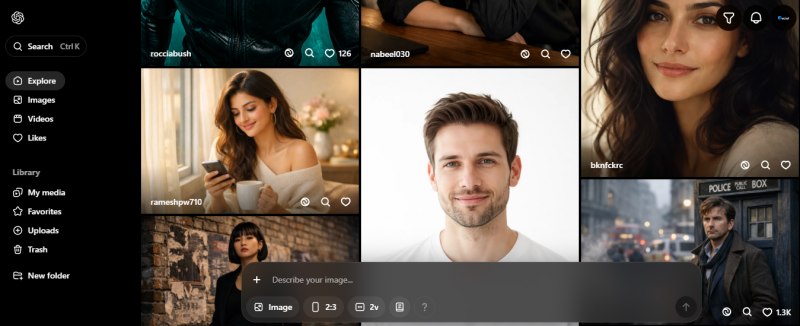
Sora’s main appeal is that it can stay on a story for longer than a few seconds and keep scenes coherent. That matters if you want videos that feel like they were shot, not just animated.
Use cases that make sense here:
- Short narrative ads and social spots that follow a character or storyline.
- Concept videos for campaigns where mood, pacing, and blocking matter.
- Exploratory “what if” cuts for directors before traditional shoots.
This is a strong Runway alternative when you are already writing scripts and sequences and want the AI to keep up with narrative structure rather than just individual prompts.
Google Veo: when you want stable cinematography
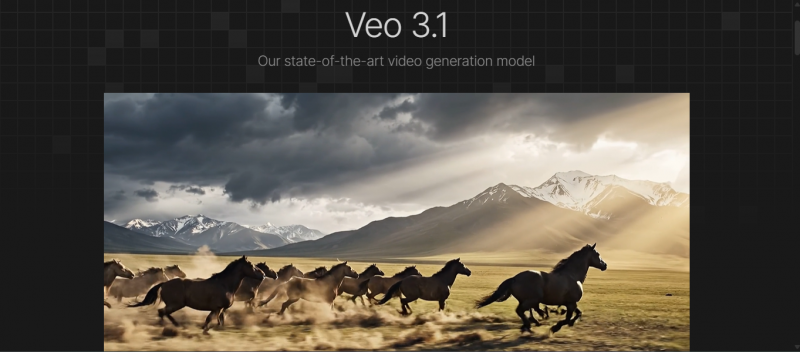
Veo’s positioning leans toward cinematic realism and more controlled camera work. Think steady shots, consistent lighting, and framing that feels close to what a DP would do.
Where it tends to shine:
- Brand work that needs a polished, less “AI‑glitchy” look.
- Product and lifestyle shots where consistency matters.
- Storyboards and pre‑visualisations that must look credible in client decks.
Compared with Runway, you can frame Veo as “the alternative you try when visual polish and stability outrank wild experimentation.”
Category 2: photoreal people and motion
Runway is good, but not always the best, at believable human motion and faces. Some newer entrants exist just to push that boundary.
Kling AI: serious about realistic humans
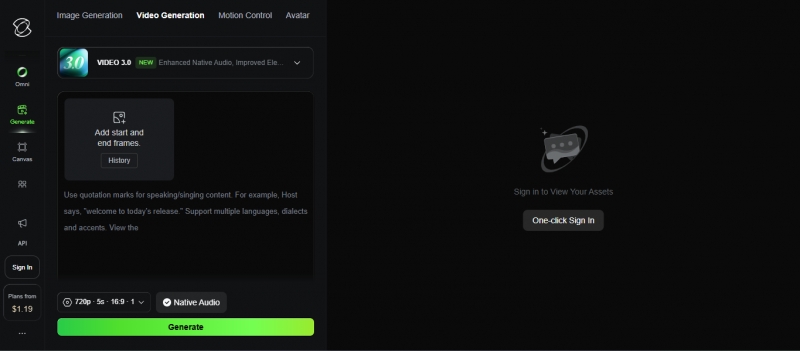
Kling is widely talked about for photoreal humans and relatively natural body and camera motion. It is not perfect, but it is fast catching up to or surpassing older tools in some tests.
It is a strong fit when:
- Your concept relies heavily on people looking and moving convincingly.
- You want dynamic shots, not just static head‑and‑shoulders framing.
- You are willing to do some prompt and shot iteration to dial in realism.
When comparing with Runway, you can position Kling as “the tool you try when your main complaint is that AI humans still feel a little off.”
Luma Dream Machine: for cinematic energy and fast experimentation
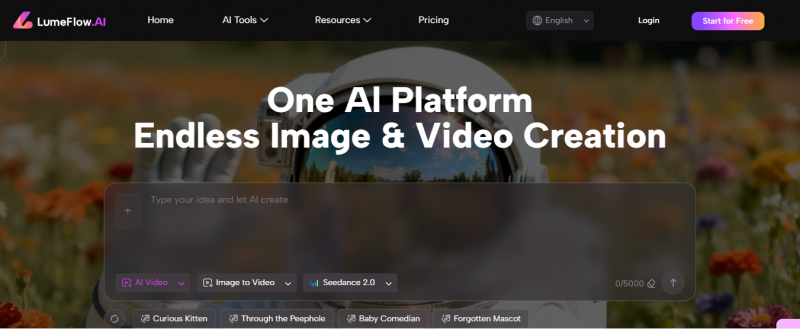
Dream Machine often appears in lists of top AI video generators for its combination of speed and cinematic feel. It is especially popular as an ideation tool.
Good uses include:
- Rapid moodboards and visual directions.
- Rough “animatics” for sequences you might later shoot for real.
- Layering AI video with traditional editing for a hybrid look.
If you think of Runway as your main workhorse, Dream Machine can be described as “the quick thinking partner you ping when you want three ideas in ten minutes.”
Category 3: social‑ready and stylised content
Here you are not chasing film‑grade perfection. You want punchy, stylised, scroll‑stopping content.
Pika and similar creative‑first tools
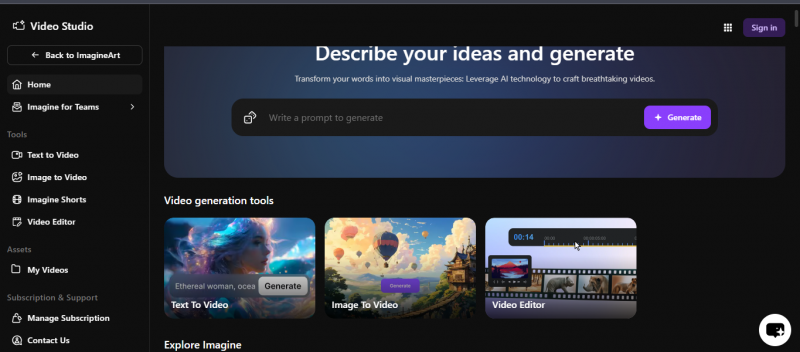
Creators often like Pika‑style platforms for:
- Short, loopable clips that play well on TikTok, Reels, and YouTube Shorts.
- Stylised and experimental looks that lean into “this is AI” rather than hide it.
- Easy remixing and re‑prompting for content batches.
Compared with Runway, these tools can feel:
- More playful and less “film school”.
- Faster to iterate when you are making lots of variations.
- Better aligned with the frenetic pace of social video.
This is a good angle if your blog targets creators who care more about output volume and visual punch than client‑grade polish.
Category 4: marketers and ad‑makers who want control
A lot of AI video tools now pitch themselves specifically as Runway alternatives for marketers: ad formats, hooks, and editing are first‑class citizens.
Ad‑centric platforms (ImagineArt, Magic‑Hour‑style tools, etc.)
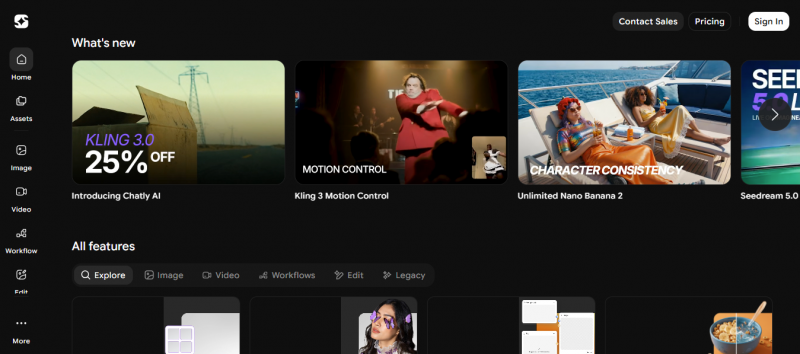
These tools generally:
- Provide aspect ratio presets and templates for ads and UGC.
- Focus on product shots, lifestyle scenes, and text overlays.
- Include basic editing, trimming, and exporting so you do not need a separate NLE for simple projects.
Position them in your article as:
- Better when your main job is producing ad creatives for Meta, TikTok, YouTube.
- Less ideal if you are trying to make experimental films or abstract visuals.
- Solid Runway alternatives if you felt Runway was slightly overkill or under‑targeted for direct response and paid media work.
Category 5: API‑first hubs and dev‑friendly alternatives
A different class of alternative does not compete on UI but on access: many models, one integration, and more operational control.
Aggregator platforms (WaveSpeed‑style hubs)
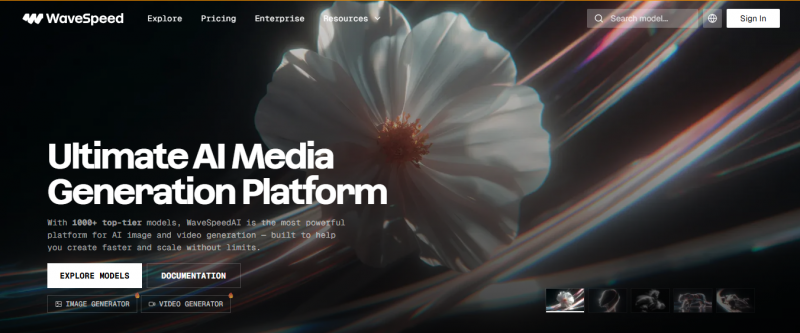
These platforms position themselves as “Runway, but with more models and better API access.” They typically:
- Expose multiple top video models (Kling, Sora‑style, Veo‑style, etc.) behind one API.
- Offer per‑request pricing rather than pure SaaS subscriptions.
- Make batch processing, automation, and rate limits more flexible.
You can describe them as:
- Ideal for teams building products, pipelines, or internal tools on top of AI video.
- Less focused on creators who are happy to click around in a web UI.
- Strong Runway alternatives when the frustration is “I need this inside my app, not in a browser tab.”
Comparison table: creator‑first vs API‑first
Add this inside the article to help readers self‑select.
| Approach | Runway‑style platforms | Aggregator / API‑first platforms |
| Primary user | Creators, editors, solo makers | Developers, agencies, product teams |
| Interface | Web UI with some API | API first, often with a minimal web console |
| Strength | Ease of use, visual controls | Model choice, automation, integration |
| Pricing feel | Subscriptions, credits | Per request, volume‑based, usage metering |
| Best for | Individual projects and campaigns | Products, tools, and internal pipelines |
Category 6: open‑source and self‑hosted stacks
Not everyone wants another SaaS bill or a closed platform. If your team is technical, open‑source alternatives to Runway ML can make more sense.
What this path looks like in practice:
- Using existing open models for video or diffusion and wiring them into your own infrastructure.
- Combining tools like PyTorch, MLflow, and FFMPEG‑based editors as building blocks.
- Running inference where you need it: on‑prem, on a preferred cloud, or even locally for prototypes.
Side‑by‑side: how these alternatives differ from Runway
This is where a comparison table adds real value. You can keep it simple and then expand with more detail in prose.
Runway ML vs key alternative directions
| Direction | What Runway does well | Where alternatives go further |
| Cinematic storytelling | Solid text‑to‑video and editing tools | Sora / Veo push longer, more coherent narratives |
| Realistic humans | Strong, but not always the leader | Kling‑style tools focus almost entirely on this |
| Social content | Capable, but not purpose‑built | Pika‑style tools optimise for short, fun, shareable |
| Ad production | Good creative tools | Ad‑centric platforms tailor everything to campaigns |
| Developer integration | API exists but is not the main focus | Aggregator platforms design around APIs and automation |
| Cost and experimentation | Subscription and credits can feel limiting | Alt platforms and open‑source give more cost levers |
How to choose the right Runway ML alternative for your use case
Instead of sending readers through 15 separate reviews, give them a clear decision lens.
Step 1: define the main job
Ask: “What does the video actually need to do?”
- Sell a product in a scroll‑heavy feed.
- Communicate a story or concept convincingly.
- Prototype ideas quickly for a director or client.
- Power an internal tool or product feature.
Once the job is clear, the right group of tools usually reveals itself.
Step 2: decide who will use it day to day
- Solo creator or marketer: UI, templates, and ease of use matter more than API elegance.
- Small agency: you want both quality and some repeatability for client work.
- Product or dev team: you care about APIs, rate limits, and model choice.
Step 3: be honest about budget and volume
- If you are generating a few hero pieces per month, high‑end tools might be worth it.
- Or you are generating dozens or hundreds of variations, per‑request or credit models with cheaper baselines matter more.
- If you are planning “AI video everywhere” inside a product, open‑source or aggregator routes might pay off long term.
Example stacks that replace Runway ML in practice
To keep the article grounded, you can show complete setups rather than just individual tools.
Stack 1: social‑first creator
- Prompt‑based: Pika‑style tool for quick, stylised clips.
- Editing: simple web or mobile editor for trimming and adding text.
- Optional: a second tool like Dream Machine for more cinematic anchor shots.
Here, Runway might feel heavy. The alternatives focus on speed and personality.
Stack 2: agency doing narrative and ads
- Narrative pieces: Sora or Veo‑style models for hero cuts and concept films.
- Ad variants: an ad‑centric platform with templates and aspect ratios tuned for media buying.
- Workflow: everything assembled in a traditional NLE (Premiere, Resolve, Final Cut).
Runway can be part of this, but if you need deeper model choice or specific strengths, you swap parts out as needed.
Stack 3: product team building AI video into their app
- Model access: an aggregator platform exposing several top models behind one API.
- Control: your own backend handling prompts, scheduling, and storage.
- UX: your app’s interface, not the video tool’s dashboard.
In this scenario, Runway feels like “someone else’s front‑end.” Alternatives focused on APIs are a better fit.
Final thoughts: when does it make sense to leave Runway behind?
Runway ML is still a strong tool. If you like the interface and your workload fits its pricing, you do not have to switch for the sake of novelty.
It makes sense to actively explore alternatives when:
- You are hitting hard limits on cost, credits, or export volume.
- Specific visual strengths (like photoreal people or long‑form storytelling) matter more than general flexibility.
- Your team needs API‑level access and the ability to choose or swap models.
- AI video is moving from “experiment” to “core part of your business or product.”
The market around Runway is now big enough that “Runway ML alternatives” is not just a keyword. It is a real ecosystem. The smart move is to be clear about what you need video to do for you, then pick the tool or combination of tools that does that job cleanly, instead of forcing every project through a single platform.
Post Comment
Share your thoughts about this article.
Be the first to post a comment!