WordPress just lost more than a tenth of its market share in 11 months.
In January it ran 43.0% of all websites. Today it runs 38.4%. It is the first sustained drop in the W3Techs series.
At the same time, new AI tools can build a full website from one sentence in under a minute. So should you ditch WordPress and let AI do it all?
Not so fast. One of these "cheap" AI builders costs $1.99 a month today and over $500 later. Another gives you more pages for free than it does when you pay. Keep reading before you spend anything.
Short on time? Here is the answer.
- Need a simple site this week? Use an AI builder.
- Building a blog, a store, or a business that will grow? Use WordPress.
- Want both? Use an AI tool that builds a WordPress site for you. (Yes, that exists.)
Is WordPress really dying?
Here is the share of all websites each platform runs today (W3Techs, 25 November 2026):
| Platform | Share of all websites |
|---|---|
| WordPress | 38.4% |
| Shopify | 5.5% |
| Wix | 4.2% |
| Squarespace | 2.4% |
| Lovable (AI builder) | 0.6% |
| Hostinger builder | 0.2% |
| Framer | 0.2% |
What this means in plain words:
- WordPress is shrinking, but it is still about 9 times bigger than Wix.
- Among the 1,000 biggest sites with a known platform, about half (49.8%) still use WordPress.
- Lovable, an AI builder most people have never heard of, is already as big as Drupal.
So WordPress is not dead. But for the first time, it has real competition.
Source: W3Techs
The question is a trap: you have 3 choices, not 2
Think of your website like a home.
| Choice | It is like... | The good | The bad |
|---|---|---|---|
| AI builder | Renting a furnished flat | Move in today | You can't knock down walls, and you can't take it with you |
| WordPress | Owning a house | Change anything, keep it forever | You fix the roof yourself |
| AI + WordPress | Owning a house that a robot builds for you | Fast start, and it is yours | Costs a bit more than the cheapest flat |
Most articles only compare the first two. The third one is where a lot of smart buyers are going in 2026.
The 8 tools worth your time
Here is the quick map. Details on each one follow.
| Tool | Best for | Starts at |
|---|---|---|
| Wix | Most small businesses | Free, then $17/mo |
| Hostinger | The lowest price | $1.99/mo |
| Framer | Beautiful design | Free, then $10/mo |
| Durable | Plumbers, coaches, consultants | Free, then $22/mo |
| Lovable | Building an app | Free, then $25/mo |
| WordPress.org | Blogs, stores, big sites | Free software |
| WordPress.com | WordPress with no tech work | Free, then $4/mo |
| 10Web | AI speed + WordPress freedom | $10/mo |
1. Wix: the one that lets you fix the AI's mistakes
In one line: the safest pick if you have never built a website.
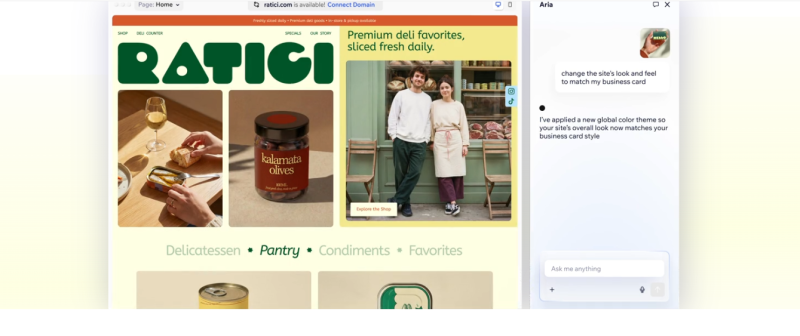
How it works, in 3 steps
- You type. One prompt gives you a complete website.
- You chat. You ask Aria, Wix's AI helper, to change things.
- You drag. If the AI gets it wrong, you move things by hand.
Step 3 is the big deal. With many AI builders, you are stuck when the AI misunderstands you. With Wix you just fix it yourself.
What it costs (paid yearly)
| Plan | Per month | Storage | Can you sell? |
|---|---|---|---|
| Free | $0 | Limited | No (shows Wix ads) |
| Light | $17 | 2 GB | No |
| Core | $29 | 50 GB | Yes |
| Business | $39 | 100 GB | Yes |
The nice surprise: the AI tools cost nothing extra on any plan.
The catch: you need Core or higher to sell anything. And your site lives on Wix. You cannot move it to another host.
2. Hostinger: the $1.99 website that costs $527 later
In one line: the cheapest way to get online, if you read the receipt first.
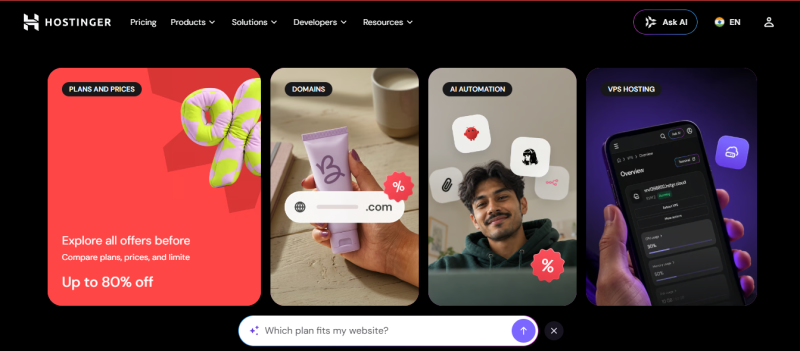
Hostinger's AI builds your site and includes hosting, a domain, and email. The price looks unbeatable. Now look at the receipt.
| What the ad says | What it means |
|---|---|
| $1.99 a month | You pay $95.52 today |
| "Per month" | For 48 months, all upfront |
| Renews automatically | At $10.99 a month |
| Your next 4 years | $527.52 |
Two more things on that receipt:
- You get 250 AI credits once, not every month. More credits start at $4.99 for 500.
- Drag-and-drop sites can't be exported. If you leave, you rebuild.
Is it still a good deal? For the first four years, yes. Under $100 for a website, hosting, and email is hard to beat. Just set a reminder before the renewal date.
3. Framer: gorgeous, until page 31
In one line: the best-looking sites, with the tightest limits.
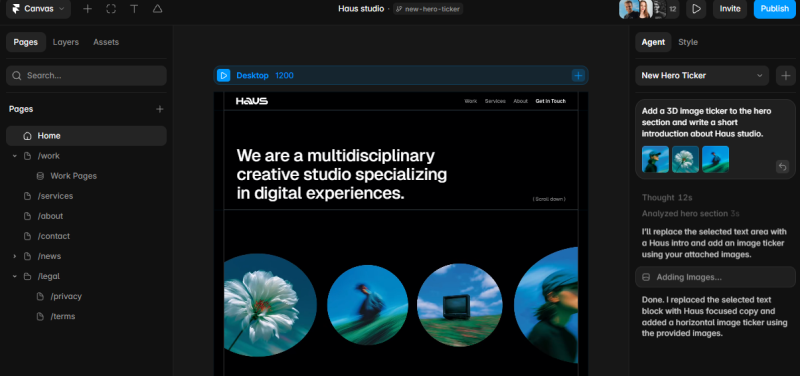
Framer is what designers use. Smooth animations, sharp layouts, a site that looks custom-made. But look at this table before you fall in love.
| Free | Basic ($10/mo) | Pro ($30/mo) | |
|---|---|---|---|
| Pages | 1,000 | 30 | 150 |
| AI credits | 500, one time | 1,000 a month | 3,000 a month |
| Your own domain | No | Yes | Yes |
Read the first row again. The free plan allows more pages than the paid plans. The free plan is a playground on a Framer address. The paid plans are built for small, polished sites.
Three costs people miss:
- You pay per site. Three sites, three bills.
- Paying monthly costs more: $15 and $45 instead of $10 and $30.
- Each extra team member or language is $20 a month.
Skip it if you plan a blog with hundreds of posts.
4. Durable: a website in 30 seconds (but no shop)
In one line: a website plus the business tools a solo worker needs.
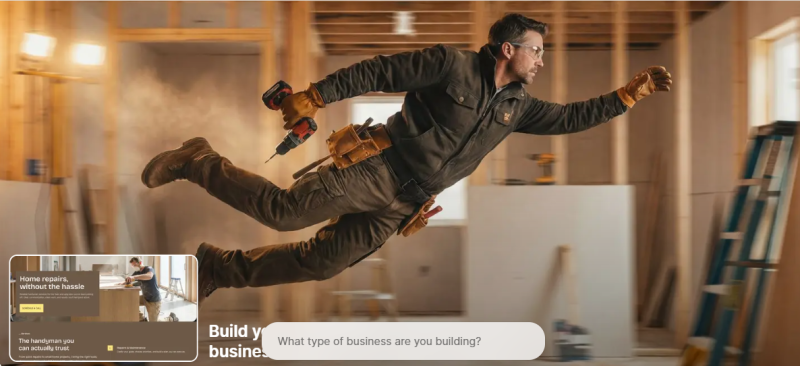
Meet Priya. She is a plumber. She has put off building a website for two years.
Sunday night: she types her business name and city. About 30 seconds later, she has a website.
Monday: a customer fills in her contact form. The lead appears in a customer list that came with the site.
Friday: she sends the invoice from the same screen.
That is Durable. One login for the website, the customers, and the invoices.
What Priya pays:
- Free: a durable.site address and 300 AI credits in total.
- Launch: $25 a month, or $22 if paid yearly. Includes her own domain.
- Grow: $49 a month, or $41 if paid yearly.
What Priya can't do: open an online shop. Durable has no ecommerce.
Watch out: many reviews still show old Durable prices of $12 and $20. Those plans are gone.
5. Lovable: 4 things everyone gets wrong
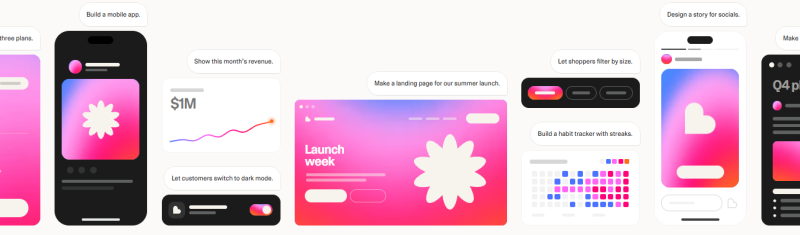
In one line: not a website builder. An app builder.
Wrong: "It's like Wix."
Right: Lovable writes real app code. Use it when you want a tool, a dashboard, or a product, not a five-page business site.
Wrong: "Nobody uses it."
Right: it is on 0.6% of all websites. That is more than Hostinger's builder and Framer put together.
Wrong: "It's $25 a month."
Right: it is $25 for 100 credits. Run out, and extra credits cost $15 per 50. The free plan gives 5 credits a day, up to 30 a month.
Wrong: "You're trapped, like with every AI tool."
Right: on the Pro plan you can edit and download your code. That is more freedom than most AI builders give.
6. WordPress: losing share, gaining a brain
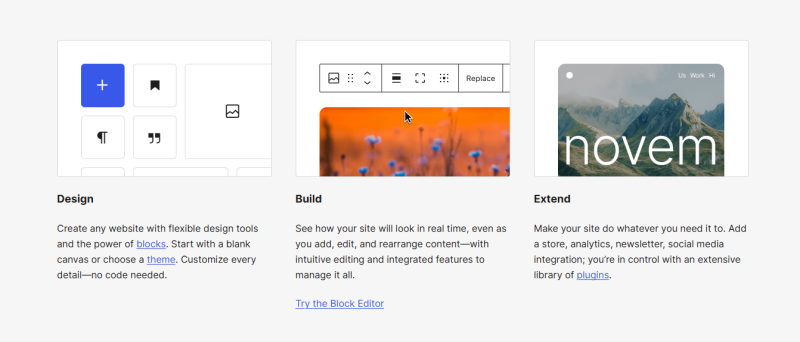
In one line: more work to set up, and nothing else gives you this much control.
WordPress's wild 2026, in three dates
- January: 43.0% of all websites.
- May: version 7.0 arrives with AI built into the core. Plugins can now talk to AI models from Anthropic, Google, and OpenAI through one shared connection.
- November: 38.4% of all websites, and 74,484 plugins in the official directory.
So WordPress had its worst year for market share and its biggest upgrade in years, both at once.
What you pay: the software is free. You pay for hosting and a domain.
What you do: pick a host, install it, keep it updated. Or pay a host to handle that.
The popular shortcut: Elementor, a drag-and-drop builder used by 31.5% of all WordPress sites. It now has AI that plans your pages and writes your copy. Elementor's blog lists plans from $60 a year.
7. 10Web: the cheat code
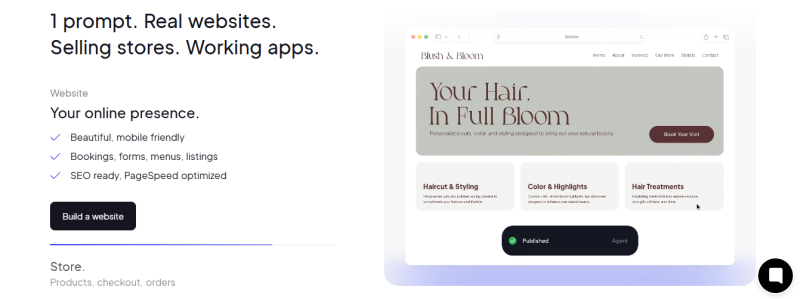
In one line: AI builds it in minutes, and it is a real WordPress site.
Why people love it
- You type a prompt and get a real WordPress site, not a locked format.
- You can edit by chatting, clicking, or coding.
- Because it is WordPress, you can move it later.
Why people complain
- The entry plan gives 100 AI credits a month. Heavy editing burns through them.
- Reviewers report slow support when a site goes down.
The limit to know
- The entry plan covers one site and 10,000 visitors a month. Popular sites must upgrade.
The price: $20 a month, or $10 a month if you pay $120 for the year.
3 differences that decide everything
Difference 1: Speed (how fast are you online?)
- AI builders: seconds to minutes. Durable takes about 30 seconds. Hostinger takes under a minute.
- WordPress the old way: an evening if you know what you are doing. A weekend if you don't.
- WordPress with AI: minutes, using WordPress.com or 10Web.
Winner: AI builders.
Difference 2: Money (what do you really pay?)
Here is the real cost of year one on the cheapest paid plan.
| Tool | Year one | AI included |
|---|---|---|
| WordPress.com Personal | $48 | Limited use |
| Hostinger Premium | $95.52 (covers 4 years) | 250 credits, once |
| 10Web AI Starter | $120 | 100 credits a month |
| Framer Basic | $120 | 1,000 credits a month |
| Wix Light | $204 | Included, no meter |
| Lovable Pro | $250 | 100 credits a month |
| Durable Launch | $264 | 1,000 credits a month |
The thing nobody explains: credits.
Credits work like phone data. Every AI action uses some. When they run out, you wait for next month or you pay more.
Almost every AI builder uses them now. And a "credit" is a different size on every tool, so 1,000 on one is not better than 100 on another. Before you buy, ask one question: what happens when my credits run out?
Winner: a tie. AI builders are cheap to start. WordPress stays cheap as you grow.
Difference 3: Freedom (can you ever leave?)
This is the one that hurts three years from now.
| Tool | Can you take your site with you? |
|---|---|
| WordPress.org | Yes, to any host |
| WordPress.com | Yes |
| 10Web | Yes, it is real WordPress |
| Lovable | Yes, you can download the code on Pro |
| Wix | No |
| Hostinger builder | No |
And what about Google?
Good news: Google does not punish a site for being built by AI. It punishes using automation mainly to game the rankings. Its guidance also says checking AI-written content by hand before you publish is critical.
So the tool will not hurt your ranking. Lazy content will. Read the rules: Google Search Central.
Winner: WordPress.
Take the 60-second test
Pick A or B for each question.
| Question | A | B |
|---|---|---|
| Do you need to be live this week? | Yes | No rush |
| Will your site grow past 30 pages? | No | Yes |
| Is Google traffic your main plan? | No | Yes |
| Will you sell lots of products? | No | Yes |
| Would rebuilding in 3 years hurt? | Not much | A lot |
Your result
- Mostly A: use an AI builder. Wix for most people, Hostinger for price, Framer for looks, Durable for service businesses.
- Mostly B: use WordPress.
- Half and half: use 10Web or WordPress.com.
- You want an app, not a site: use Lovable.
The verdict
AI builders are better at starting. WordPress is better at lasting.
If your website is a digital business card, let AI build it tonight and get back to work.
If your website is the business, build on WordPress. And thanks to WordPress 7.0, you can now have AI do the heavy lifting inside it.
The real mistake is not picking the "wrong" side. It is picking the flat when you needed the house.
Post Comment
Share your thoughts about this article.
Be the first to post a comment!