Table of Content
- Key Statistics
- Why AI Product Video Matters Now
- The Three Kinds of AI Product Video
- What You Need Before You Start
- The Step-by-Step Workflow
- How to Protect Product Fidelity
- AI Video Tools and Models (Mid-2026)
- Workflow Platforms for E-commerce
- Which Tool for Which Job
- Platform Format Cheat Sheet
- Common Mistakes to Avoid
- A Simple Starting Recipe
- Verdict
Video is now the baseline expectation on a product page, and AI has made it cheap enough to produce for an entire catalog rather than a handful of hero products. This guide covers why it matters, the three kinds of product video, a repeatable workflow, how to protect product fidelity, a detailed look at the current tools and models, and the format each platform expects.
Key Statistics
The case for product video is well documented. A few figures worth keeping in mind before you start:
| METRIC | FIGURE | SOURCE |
|---|---|---|
| Businesses using video marketing | 91% | Wyzowl 2026 |
| Shoppers who prefer a short video to learn about a product | 63% | Wyzowl 2026 |
| Average conversion, sites with video against sites without | 4.8% vs 2.9% | WebFX |
| Higher add to cart after a product video, at the top end | Up to 144% | Invesp / Aberdeen |
| People convinced to buy after watching a video | 85% | Wyzowl 2026 |
| Reduction in product returns from explainer video | Around 35% | Industry benchmarks |
| Growth in AI video generation volume, Jan 2024 to Jan 2026 | 840% | Industry data |
| Ad buyers using or planning to use generative AI for video | 86% | IAB |
Ceiling figures reflect best case results. Typical mid-market lifts often land in a more modest range.
Why AI Product Video Matters Now
Two things changed at once. Quality crossed the line into production ready, and the cost of making a video fell far enough to cover an entire catalog rather than a few hero products.
The case for video was never really in doubt. Sites that feature video convert at 4.8 percent on average against 2.9 percent for those without, a lift of roughly 65 percent from video alone (WebFX). On product pages the effect compounds, because a clip answers the questions a shopper would otherwise abandon the page to resolve. It is not only a sales lever. Explainer video can cut product returns by around 35 percent by setting accurate expectations before the box arrives, which protects margin after the sale as well as before it.
What is new is supply. AI video generation grew more than eightfold between early 2024 and early 2026, and most marketing teams now use AI generated video in at least one campaign every quarter. When the barrier to producing video drops, everyone produces more of it, so the advantage is shifting from whoever can afford video to whoever makes it well and at the right cadence.
The Three Kinds of AI Product Video
The most useful decision you make is which kind of video you are producing, because it decides which tool you reach for. Pick the kind first, and everything downstream follows.
- Cinematic showcase. The product itself in motion: a slow rotation, a macro close up on texture or a logo, or a lifestyle scene of the item in use. No presenter. This is the workhorse for product pages and premium feeds, built from your own photos with image to video generation.
- UGC and avatar ads. A person holds and talks about the product, in the style of a creator review. This format carries a large share of e-commerce ad spend because it feels authentic in feed. It is built with AI actor tools rather than product motion models.
- Quick motion clips. Zoom and pan animation over your product images, or a fast script to stock montage with captions and music. Cheap and quick, and good enough for volume testing and simple social posts across many products.
What You Need Before You Start
AI video is only as good as what you feed it. Three things need to be in order before you generate anything.
Good input photos matter most. Aim for high resolution images, at least 1200 pixels on the longest side and ideally more, with clean backgrounds and consistent lighting. Higher resolution input produces noticeably better output once the model applies zoom or pan. No model invents detail that is not in the source, so if your photography is weak, fix that first.
Clarity on goal and placement comes second. A vertical ad and a landscape product page hero are different videos, not one video cropped two ways. Decide where the clip is going before you make it.
A short concept comes third. Even fifteen seconds benefits from a plan: what the first frame shows, what moves, and the single thing the viewer should take away. A sentence or two keeps your generations on target.
The Step-by-Step Workflow
A repeatable process that works whether you are making one video or a hundred.
1. Define the goal and placement. Name the surface, the aspect ratio, and the length it needs. This one decision drives every choice that follows.
2. Prepare your product assets. Gather clean, high resolution photos from the angles you want to feature. For UGC, add a clear front facing shot the avatar can appear to hold.
3. Write a one line concept or script. For a showcase, describe the shot, such as a slow rotation on a stone surface in soft studio light. For UGC, write the spoken hook and one or two benefit lines.
4. Pick the tool for the job. Match the tool to the kind of video. Do not force a cinematic model to make a talking head ad, or an avatar tool to make a product rotation.
5. Generate, and lead with a reference image. For product work, feed your actual photo as the reference. Image to video preserves your product far better than describing it in text. Prompt for subtle, believable motion, not dramatic camera moves.
6. Review for product fidelity. Check every frame. Confirm the label is right, the logo intact, the color true, and the proportions correct. This is the step most people skip and the one that matters most.
7. Add audio, captions, and branding. Some models generate sound in the same pass, otherwise add music and voiceover after. Add captions, because most social video plays muted, and a logo or brand color if it fits.
8. Export per placement. Render to the aspect ratio and resolution each platform expects, rather than exporting once and cropping everywhere.
9. Make variants and test. Cheap iteration is the real advantage. Spin three or four versions with different hooks, run them, and let performance pick the winner. This is how you beat creative fatigue without a new shoot every two weeks.
How to Protect Product Fidelity
Here is the constraint that separates e-commerce video from every other kind: the customer receives the real product. Your label, logo, color, and proportions have to be exactly right in every frame, because a clip that quietly reshapes your bottle or recolors your packaging is not just off brand, it becomes a returns and complaints problem. Three habits keep fidelity intact.
Lead with your real photo. Image to video anchored on your actual shot holds detail far better than text that describes the product from scratch. This is where a fidelity first model earns its place.
Keep motion restrained. The faster the action, the more the model has to invent, and invented frames are where labels warp. A slow rotation stays accurate. A whip pan does not.
Review frame by frame, and regenerate freely. Generation is cheap, so never accept a smeared logo in second three. Regenerate, or keep only the clean frames, and cull without mercy.
AI Video Tools and Models (Mid-2026)
There is no single best tool, so pick by the job. It helps to separate the underlying models that generate the frames from the workflow platforms built on top of them for e-commerce. The models are the raw engines. The platforms wrap those engines in a paste a link, get a finished ad workflow that suits producing at catalog scale.
The Underlying Video Models
These are the generation engines. Most teams use two or three depending on the shot. The table compares the current leaders on the axes that matter for product video, and detail on each follows. Sora 2 is left out because OpenAI discontinued it in April 2026.
| MODEL | IMAGE TO VIDEO | CLIP LENGTH | NATIVE AUDIO | RELATIVE PRICE | BEST FOR |
|---|---|---|---|---|---|
| Google Veo 3.1 | Strong | Short | Yes, best sound | Higher | Hero and brand film |
| Kling 3 | Best | Medium | Yes | Lowest | Product motion at volume |
| Seedance 2 | Strong | Longest | Yes | Mid | Multi reference scenes |
| Runway Gen-4.5 | Moderate | Medium | Yes | Higher | Editing led creative work |
| Grok Imagine 1.5 | Top rated | Short | Yes | Low | Fast, cheap image to video |
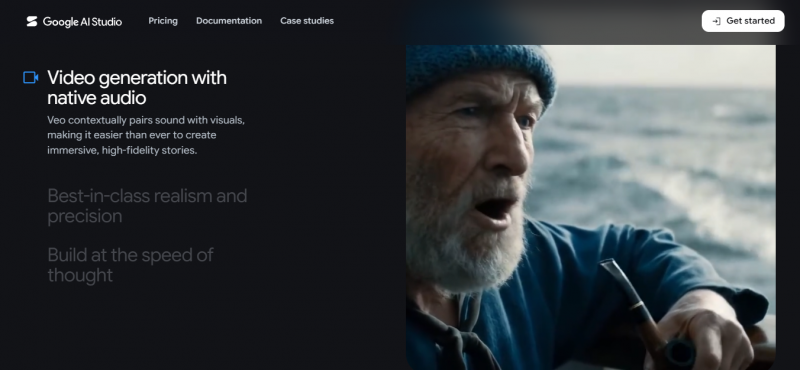
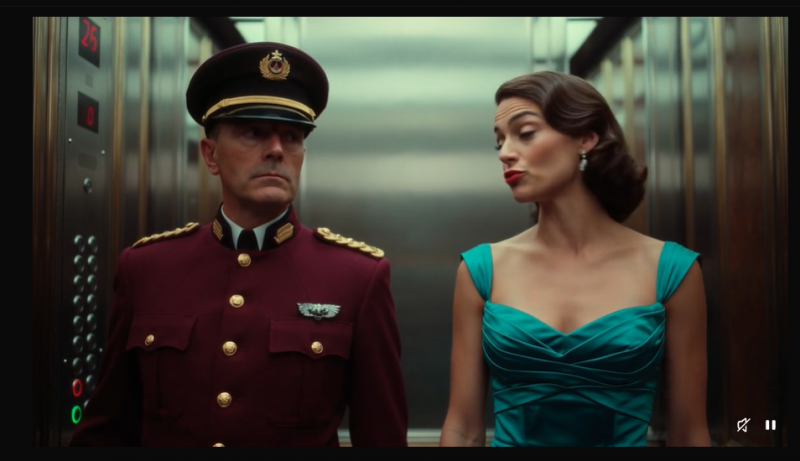
Google Veo 3.1. Google DeepMind's flagship, and the strongest choice for hero and brand grade footage. It produces true 4K at up to 60 frames per second, generates synchronized audio in the same pass covering dialogue, ambient sound, and effects, and delivers cinematic color and lighting that reads like footage shot on a cinema camera. It accepts one or two reference images or video clips and offers a full API. The trade-off is cost, since a 30 second clip runs roughly 4.50 dollars in fast mode and about 12 dollars in standard, higher than most rivals per second. Reach for it when visual quality is the primary requirement.
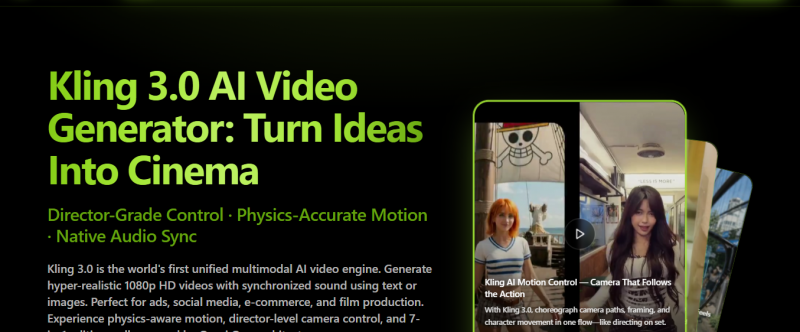
Kling 3. Kuaishou's model, and the standout for image to video fidelity, which makes it the strongest default for e-commerce. It preserves a reference photo's subject, lighting, and composition more faithfully than the others while adding believable motion, and it does so at the lowest cost among the premium models, often around 0.50 dollars per clip. That combination of accuracy and price makes it ideal for product motion, social first clips, and high volume iteration across a catalog. Recent versions add native audio.
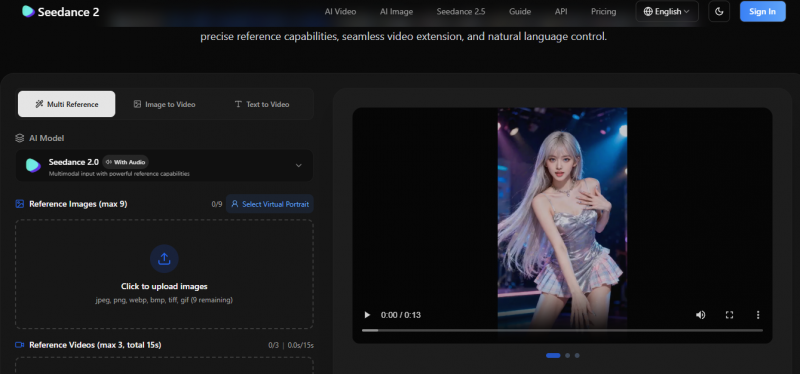
Seedance 2. ByteDance's model, built around multimodal input. It accepts images, video, audio, and text references together, up to around a dozen assets in one workflow, which gives strong compositional control without relying on a text prompt alone. It offers the longest clip durations of the leading models, up to roughly 15 seconds, and generates native audio. Choose it for multi reference scenes where you want to combine several inputs into one coherent shot.
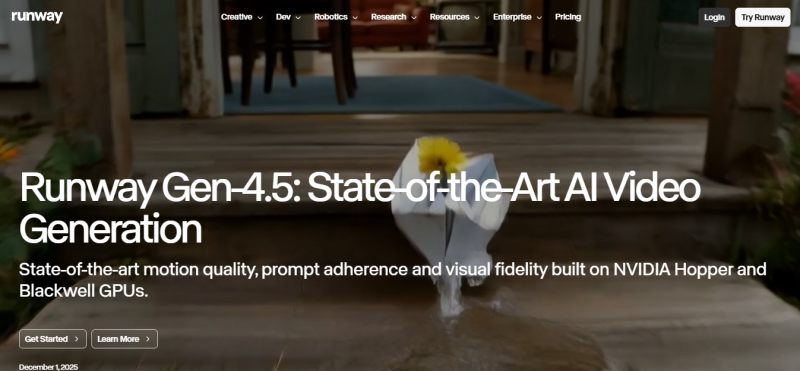
Runway Gen-4.5. A creative first model with strong camera control and motion, well suited to stylized and cinematic shots rather than strict product accuracy. It has a mature API and a broad editing ecosystem around it. Test it on the specific shots you make most, since its strengths show up more in creative framing than in faithful product reproduction.
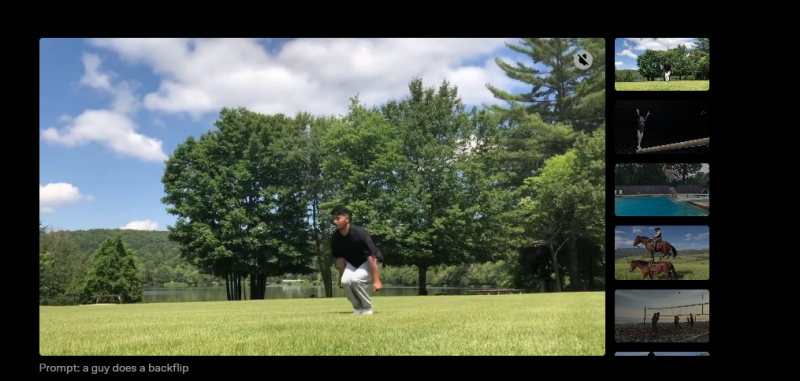
Grok Imagine Video 1.5. The entry from xAI, which debuted at the top of the image to video leaderboard. It is inexpensive at roughly 0.08 to 0.14 dollars per second, includes native audio, and offers a still to shot workflow aimed at brand ads. It is newer than the others, so treat it as promising and worth testing rather than a settled default.
Other current models. Luma Ray 3.2 and MiniMax Hailuo 2.3 are also among the current leaders and are worth testing for particular looks and camera moves.
OpenAI Sora 2. No longer a recommendation. OpenAI discontinued the consumer Sora app in April 2026, and it was among the most expensive options to run. Do not build a new workflow around it, and use one of the current models above instead.
Model names, versions, and pricing change almost monthly, so confirm current availability and cost before you commit.
Workflow Platforms for E-commerce
If you would rather not prompt a raw model, a layer of e-commerce native tools wraps them in a paste a product link, get a finished ad workflow. They scrape your product page for images, price, and description, draft a script, and render the video, which cuts production time sharply when you are producing across many SKUs. They split into two groups by the kind of video they make.
Platform comparison at a glance
| PLATFORM | CATEGORY | STANDOUT | FREE PLAN | ENTRY PRICE | BEST FOR |
|---|---|---|---|---|---|
| Creatify | URL to video | Batch variants across SKUs | Yes, watermark | $29/mo | High volume product ads |
| Pexo | Cinematic ads | Auto picks best engine per shot | Not listed | Not listed | Hands off cinematic output |
| PixVerse | Product and general | Ad Master product ads | Yes | Not listed | Product ads plus a creative tool |
| Zeely | URL to video | Pulls product data from a link | Not listed | $25/mo | Simple URL to ad on a budget |
| HeyGen | Avatar and UGC | 175+ languages with lip sync | Yes | $29/mo | Multilingual spokesperson |
| Synthesia | Avatar and explainer | 140+ languages, SOC 2 | Yes | $29/mo | Corporate and training |
| Arcads | UGC actors | Most realistic talking head | No | $110/mo | High volume hook testing |
Prices are approximate entry tiers and change often. Not listed means the provider does not publish the figure openly.
For cinematic product ads and URL to video:
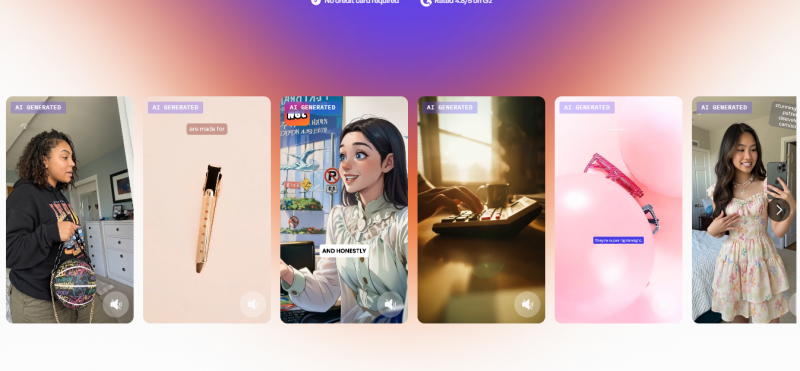
Creatify. Built end to end for e-commerce. Paste a product URL and it scrapes the images, description, and pricing, drafts several scripts from a library of ad copy, and renders the ad, often in under four minutes. It offers more than 1,000 AI avatars across roughly 29 languages, pre built product templates, and a Batch Mode that spins many variants across scripts, avatars, and templates at once, which is its main strength for catalogs. Avatar realism is mid range rather than best in class. Pricing runs from a free watermarked plan to a Creator tier around 29 dollars per month and a Starter around 39 dollars per month. Best for high volume URL to ad production across many SKUs.
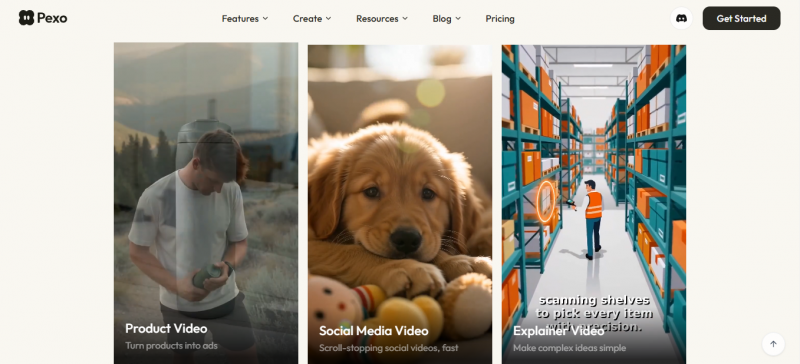
Pexo. Focused on finished cinematic product ads with no filming, avatar, or manual editing. It auto selects the best model per shot across more than ten engines, exports in 9:16, 1:1, and 16:9, and can spin fresh variants from a single sentence, which helps fight creative fatigue. Paste a product link or drop in photos, describe the vibe, and it generates the whole ad. Best for cinematic product in motion output when you want the platform to choose the right engine for you.
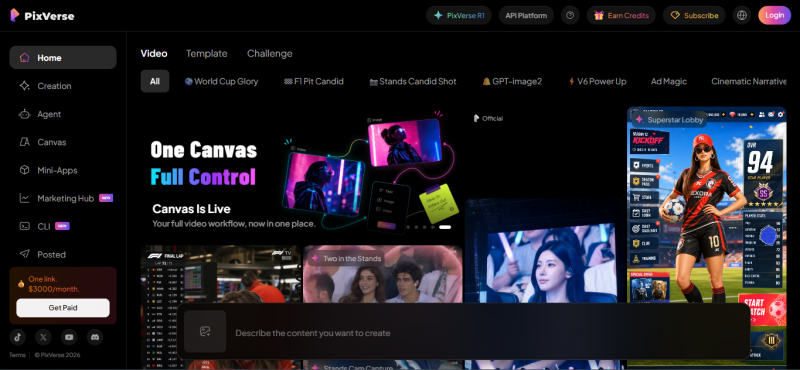
PixVerse. Pairs an Ad Master workflow for product driven ads with a broader general purpose AI video platform. It is designed to turn existing product images into commercial style videos without a full shoot, and it scales across many SKUs. Best for teams that want both a product ad workflow and a flexible creative tool in one place.
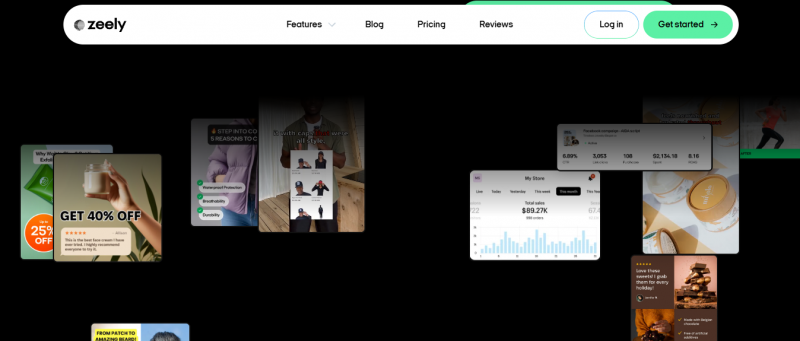
Zeely. An e-commerce ad generator rather than a general video lab. Add a product link and it pulls the images, price, and product description, then builds a video ad in minutes. Entry pricing starts around 25 dollars per month. Best for a straightforward URL to ad workflow on a modest budget.
For UGC and avatar led ads:
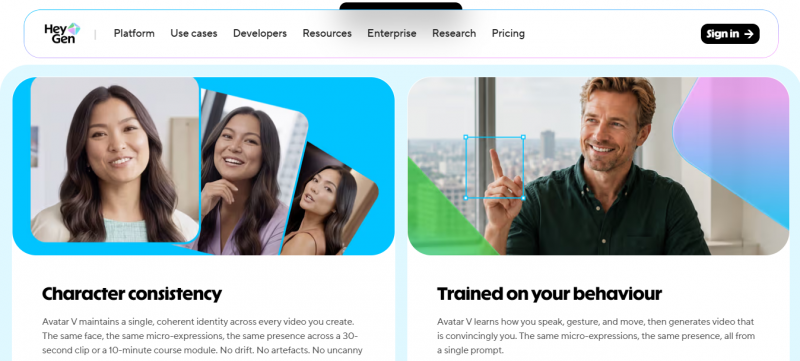
HeyGen. A polished avatar and spokesperson platform that handled every ad format in independent testing without needing a second tool. Its Avatar IV models are highly realistic, it supports more than 175 languages with voice cloning and preserved lip sync, and its URL to video and Video Agent features turn a web page or a prompt into a structured ad. Pricing includes a free tier, a Creator plan around 29 dollars per month, and a Business plan around 149 dollars per month. Best for multilingual scale and a professional presenter across many markets.
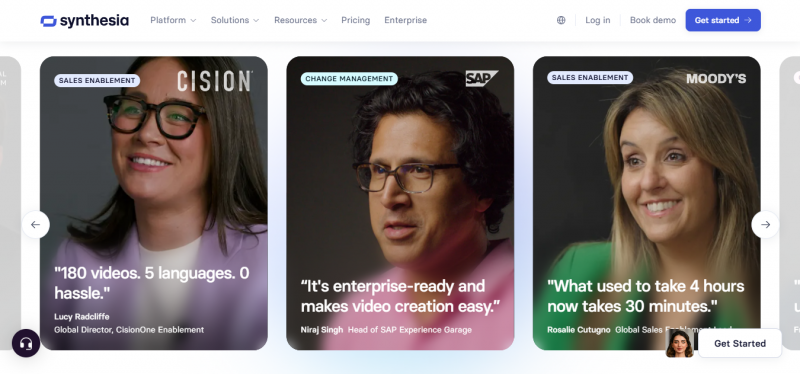
Synthesia. The established name for AI avatar video, aimed at corporate and educational content. It offers more than 230 avatars, over 140 languages with automatic lip sync, SOC 2 compliance, single sign on, and screen recording that pairs an avatar with a product demo. The look is polished but corporate, so it fits training, internal communications, and B2B product explainers more than direct response social ads. It has a free plan and a Starter tier around 29 dollars per month. Best for professional presenter style explainers where authority matters more than a homemade feel.
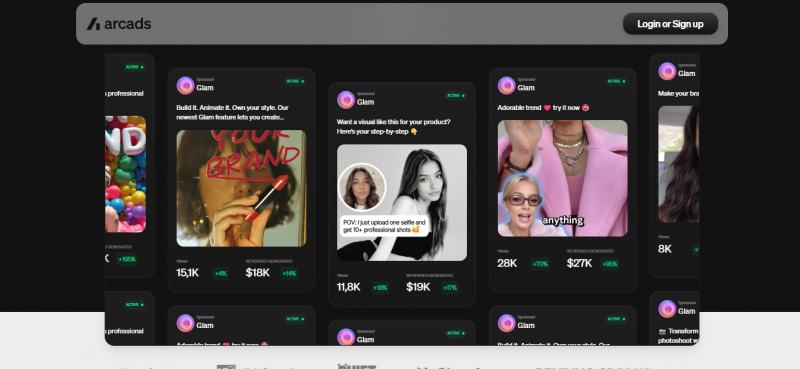
Arcads. Built for performance marketing, with the most natural motion captured actors of the group and genuine emotional range for testimonial style reads. There is no free plan, and pricing starts around 110 dollars per month for roughly ten video credits, about 11 dollars per finished video, with higher tiers for volume. One credit equals one video, and small edits require regenerating the whole clip. Best for media buyers running high volume hook and face testing who can absorb credit based pricing.
Adoption is already broad on the buy side. IAB data shows 86 percent of ad buyers are using or planning to use generative AI to build video ad creative.
Which Tool for Which Job
This pulls the model and platform choices into one view. Find your goal on the left, then use the recommended pick and the reason to decide quickly.
| YOUR GOAL | RECOMMENDED PICK | WHY |
|---|---|---|
| Product page motion, such as a rotation or macro | Kling 3 | Best image to video fidelity at the lowest cost |
| Premium brand or hero film | Google Veo 3.1 | Cinematic color and the best native audio |
| One shot built from several reference assets | Seedance 2 | Multimodal input and the longest clips |
| Editing led or VFX heavy creative | Runway Gen-4.5 | Camera control, motion brush, and best lip sync |
| Lowest cost per clip | Kling 3 or Grok Imagine 1.5 | Cheapest generation among current models |
| High volume product ads across many SKUs | Creatify | URL to video with batch variant generation |
| A hands off finished cinematic ad | Pexo | Auto selects the best engine for each shot |
| Realistic testimonial or talking head ad | Arcads | Most natural motion captured actors |
| The same ad in many languages | HeyGen | 175+ languages with preserved lip sync |
| Corporate, training, or B2B explainer | Synthesia | Polished presenter with compliance features |
Platform Format Cheat Sheet
Match the export to the destination rather than reusing one file everywhere. A single master video always creates compromises.
| PLACEMENT | ASPECT RATIO | IDEAL LENGTH | LEAD WITH |
|---|---|---|---|
| Product page | 16:9 | 20 to 40 sec | Clear proof and full usage context |
| TikTok and Reels | 9:16 | 8 to 20 sec | A hook in the first 3 seconds |
| TikTok Shop | 9:16 | 15 to 30 sec | Product in use, then the offer |
| Instagram feed | 1:1 or 4:5 | 10 to 20 sec | One benefit, delivered fast |
| YouTube | 16:9 | 30 to 90 sec | Comparison or tutorial framing |
| Retargeting ads | 9:16 or 1:1 | 8 to 15 sec | The problem, then the product |
Captions belong on every placement, since a large share of social video is watched with sound off.
Common Mistakes to Avoid
1. Describing the product instead of showing it. Text only generation is the top cause of product drift. Feed the photo.
2. Too much motion. Restraint reads as premium and keeps the product accurate. Overblown camera moves read as AI and break fidelity.
3. One video for every platform. A cropped landscape clip looks wrong as a vertical ad. Export per surface.
4. Skipping captions. Muted autoplay is the default on social. No captions means no message.
5. Shipping a single version. Making one video and stopping wastes the cheapest advantage you have. Generate several and test.
6. Ignoring the first three seconds. On social the opening frame decides whether anyone watches the rest. Put your strongest visual there.
A Simple Starting Recipe
Take your single best product photo, high resolution on a clean background. Feed it to an image to video model with a simple prompt for a slow rotation or a gentle push in. Generate a few takes, keep the one where the product stays perfectly accurate, add captions and a short music bed, then export it vertically for social and in 16:9 for your product page. That is a complete, publishable product video. Once the loop feels natural, you scale it across the catalog and layer in UGC ads and variant testing.
Verdict
If you take only a few decisions from this guide, take these.
For the product in motion. use Kling 3. It preserves your label, color, and proportions better than any current model and costs the least, which is exactly what a full catalog needs. Keep Google Veo 3.1 for hero and brand films where cinematic polish and sound justify the higher price, and reach for Seedance 2 when a single shot has to combine several reference assets.
For ads with a person on camera. match the tool to the job rather than picking one winner. Arcads produces the most convincing testimonial style actors and earns its higher floor once you are testing hooks seriously. HeyGen is the choice when the same ad has to run in many languages. Synthesia belongs in corporate and training content rather than direct response.
To produce at volume. and skip prompting a raw model, Creatify's URL to ad batch workflow does the most work per hour across many SKUs, while Pexo is the better pick when you would rather let the platform choose the right engine for each shot.
One firm negative. do not build a new workflow on OpenAI Sora 2, which was discontinued in April 2026. Use one of the current models instead.
Above all, the most valuable habit outlasts any tool choice. Feed the model your real product photo, keep the motion restrained, and check every frame for fidelity. A modest tool used carefully beats a powerful one used carelessly, and that is the difference between video that sells and video that quietly costs you returns. Start with one product and one clean loop, then expand across the catalog.
Post Comment
Share your thoughts about this article.
Be the first to post a comment!





