SHORT ANSWER Technically yes, practically almost never. Classic self replicating viruses are close to impossible on a standard iPhone, but scam pop ups, phishing, prank shortcuts, rogue configuration profiles, and rare targeted spyware are all real. The threats you face are different from the one you fear, and that changes what you should actually do. |
Every strange thing an iPhone does eventually gets blamed on a virus. The battery drains faster than it used to, so it must be a virus. Safari throws up an alarming pop up, so it must be a virus. The phone moos like a cow, and it absolutely must be a virus. Almost none of it ever is, but the fear persists because most people have never been told what iOS actually blocks, what slips through anyway, and how to tell the difference. This briefing covers all three.
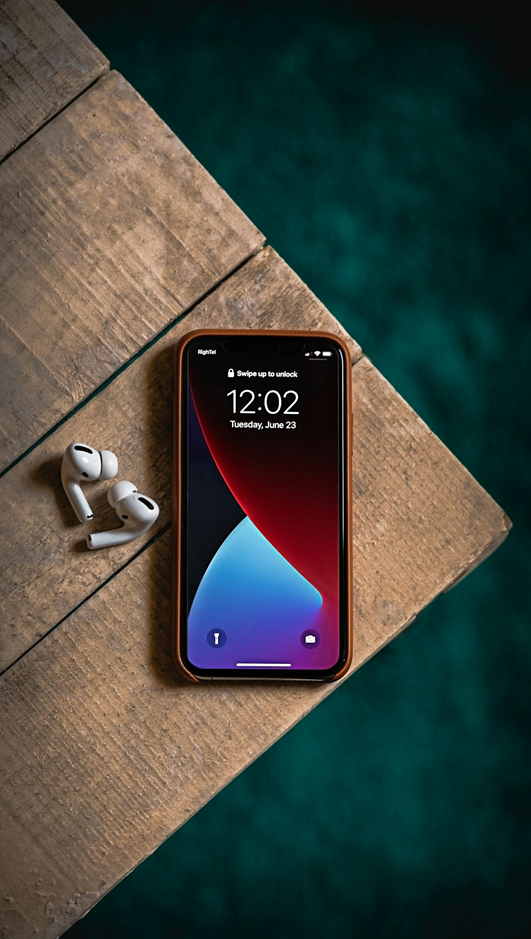
The lock screen is only the visible layer. Most of the iPhone's real defenses work underneath it.
Why a Classic Virus Almost Cannot Happen on an iPhone
A virus, in the strict sense, is malicious code that installs itself, replicates, and spreads from program to program. Three design decisions in iOS make that lifecycle close to impossible on a standard, non jailbroken iPhone.
Sandboxing. Every app runs inside its own sealed container and cannot read, modify, or infect the files of another app or the operating system. A malicious app that somehow reached your phone would be locked in a room with no doors, which breaks the “spread” step a virus depends on.
App Review and code signing. Apps arrive through the App Store, where they are reviewed, and every piece of code must be cryptographically signed. Unsigned code simply refuses to run, so malware cannot quietly install itself the way it can on an open platform.
Rapid, universal updates. When a genuine flaw is found, Apple patches it across all supported devices at once, and the fix ships in the next iOS update. This is why the single most protective habit an iPhone owner has is boring: install updates promptly. Apple publishes every fix on its official security releases page, and the list is a running record of doors being closed.
None of this makes an iPhone invincible. It makes a self spreading virus economically and technically unattractive, which pushes attackers toward the softer targets covered next: the person holding the phone, the browser, and the settings screens.
The Six Threats iPhones Actually Face
Real iPhone threats rarely look like movie hacking. Most look like a convincing message asking you to tap.
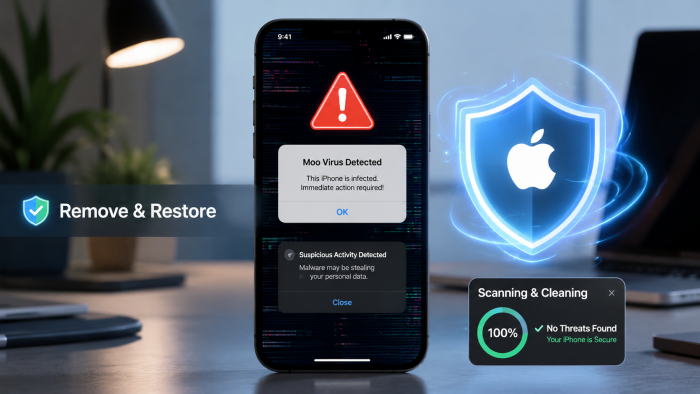
Scam pop ups and calendar spam COMMON, LOW HARM Those “Your iPhone is infected” alerts in Safari are advertisements, not diagnoses. They live on shady web pages and cannot scan anything. Their cousins are spam calendar invites that flood your schedule with alarming events. Both are bait designed to make you tap through to a fake fix, and both are cleared by closing the tab, clearing Safari data, and deleting the subscribed calendar. |
Phishing and smishing COMMON, REAL HARM Fake delivery texts, fake bank alerts, and fake Apple Account warnings are the most successful attack on iPhone owners, because they skip the phone's defenses and attack your trust instead. No software flaw is needed if you type your password into a counterfeit page yourself. The FTC keeps a clear, current primer on recognizing and avoiding phishing scams that is worth ten minutes of anyone's time. |
Prank shortcuts VIRAL, LOW HARM A newer category: Apple Shortcuts weaponized as practical jokes that hijack accessibility settings to zoom the screen, invert colors, and blast sound effects. The famous example is the mooing prank that spread across social media in 2026, and if your phone currently sounds like a farm, this walkthrough on how to fix the Moo Virus on iPhone covers the complete removal and cleanup. These pranks are not infections, but they prove a serious point: whoever installed one had access to your unlocked phone. |
Malicious configuration profiles - UNCOMMON, REAL HARM Configuration profiles are legitimate tools that companies and schools use to manage devices, but a malicious one installed through a deceptive link can redirect your traffic or monitor activity. Check Settings > General > VPN & Device Management . If a profile is listed that you cannot explain, remove it. |
Jailbreak and sideloading malware - SELF INFLICTED Jailbreaking removes the sandbox and code signing protections on purpose, and sideloaded apps from unofficial sources skip review entirely. Nearly every documented case of genuine iPhone malware traces back to one of these two choices. The protections only protect a phone that still has them. |
Mercenary spyware - RARE, SEVERE Tools like Pegasus can compromise a fully updated iPhone with no tap required, but they cost millions, burn quickly once discovered, and are aimed at journalists, activists, diplomats, and executives. If you are in one of those groups, enable Lockdown Mode in Settings and take Apple's threat notifications seriously. If you are not, this threat belongs on the news, not on your worry list. |
Symptom vs Reality: What That Weird Behavior Usually Means
This is where the virus myth does its damage: real, mundane causes get ignored while people hunt for an infection that is not there. The comparison below maps the five most reported “virus symptoms” to what they usually are and what to try first.
COMPARISON 01: THE SYMPTOM TRANSLATION TABLE
| Symptom | What People Assume | Most Likely Reality | First Move |
|---|---|---|---|
| Battery drains fast | A virus is running in the background | An aging battery, a misbehaving app, or heavy background refresh | Check Settings, then Battery, and review per app usage and battery health |
| Constant pop ups | The phone is infected with adware | Scam web ads in Safari or a spam calendar subscription | Clear Safari history and website data, then delete unknown calendars |
| Phone runs hot and slow | Malware is mining or spying | A heavy app, extreme weather, an old device, or a pending update | Restart, close the heavy app, and install any waiting iOS update |
| Unknown app or profile appears | A hacker installed something remotely | Someone with physical access, a family member, or a deceptive install link | Delete the app, check VPN and Device Management, and change your passcode |
| Data usage spikes | The phone is secretly transmitting data | An app syncing or streaming in the background after a settings change | Review per app cellular usage in Settings and restrict the offender |
Stock iPhone vs Jailbroken iPhone: The Risk Gap
The second comparison worth internalizing is what happens to your risk profile the moment the built in protections are removed. The two devices below are the same hardware. They are not the same phone.
COMPARISON 02: SAME HARDWARE, DIFFERENT RISK
| Dimension | Stock iPhone | Jailbroken iPhone |
|---|---|---|
| Sandbox | Every app is isolated and cannot touch other apps or the system | Removed or weakened, letting code roam across the system freely |
| App sources | Reviewed and signed apps from controlled channels | Any package from any repository, with no review and no signature check |
| Realistic virus risk | Close to zero, with attacks pushed toward phishing instead | Genuine, with documented malware families targeting jailbroken devices |
| Updates | Immediate access to every security patch | Often stuck on old iOS versions to preserve the jailbreak, leaving flaws open |
| Warranty and support | Full Apple support and warranty coverage | Software support can be refused and problems are yours to solve |
| Who should accept it | Everyone who uses their phone for anything that matters | Security researchers and tinkerers with a spare device and nothing sensitive on it |
What to Do If You Think Your iPhone Is Infected
The response plan is settings and habits, not software. iOS has no user facing antivirus for a reason.
Work through this in order, and stop as soon as the symptom disappears. Each step is free, reversible, and takes minutes, which is exactly why the panic purchases at the end of this list are almost never needed.
Update iOS first, not last Most genuine exploits target flaws that a patch already fixed. Go to Settings > General > Software Update and install anything waiting. Apple's own walkthrough for updating your iPhone covers every method, including updating from a computer if the phone is misbehaving badly. |
Restart the phone A restart clears misbehaving processes, stuck audio, and most temporary weirdness. It is the cheapest diagnostic in existence, and it separates persistent problems from passing ones. |
Clear Safari data and prune calendars Go to Settings > Apps > Safari and clear history and website data to kill scam pop up loops. Then open Calendar, check your subscribed calendars, and delete any you never added. |
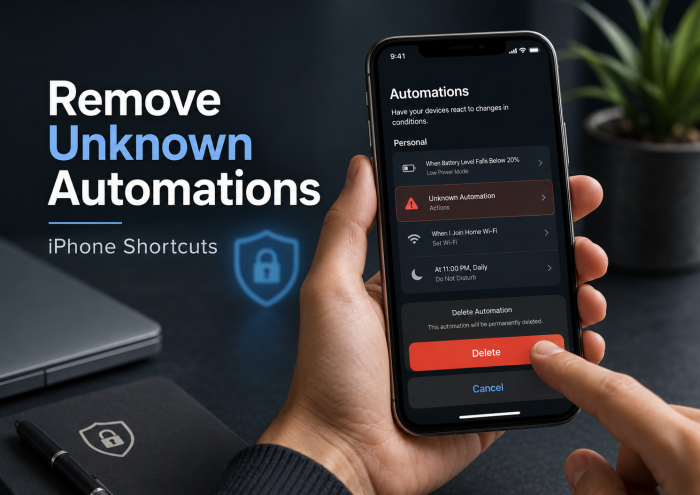
Audit apps, shortcuts, and profiles Delete apps you do not recognize, review the Shortcuts app for automations you never created, and check Settings > General > VPN & Device Management for profiles that should not be there. This trio catches pranks, rogue profiles, and unwanted installs in one sweep. |
Change your passcode and Apple Account password If anything unexplained appeared on the phone, assume someone had access and rotate both. Turn on two factor authentication if it is somehow still off, and check which devices are signed in to your account. |
Restore only as a last resort If symptoms persist through everything above, back up, erase the phone, and set it up again, ideally restoring apps selectively rather than from a full backup of a suspect device. A clean install removes anything software based. If problems survive even that, the cause is hardware or account level, not malware. |
Notice what is missing from that list: antivirus apps. Because of the sandbox, an iOS “antivirus” cannot scan other apps or the system, so it has nothing meaningful to scan. Most sell VPNs and fear in a security costume. The settings above do more than any of them can.
The Bottom Line
Your iPhone almost certainly does not have a virus, and it almost certainly never will. The architecture makes classic infections wildly impractical, which is precisely why the real threats aim at you instead: phishing texts, scam pop ups, pranks installed by someone holding your unlocked phone, and deceptive profiles. Different threats demand different defenses, and none of those defenses is an antivirus app. Keep iOS updated, treat urgent messages with suspicion, guard your passcode like the key it is, never jailbreak a phone you rely on, and run the six step plan if something ever feels wrong. Do those five things and you are better protected than any software subscription could make you. |
The healthiest mindset is neither fear nor complacency but calibration: the iPhone in your pocket is one of the hardest consumer targets ever built, and the easiest way through its defenses has always been a convincing message and a moment of trust. Guard the moment, and the phone guards itself.
Post Comment
Share your thoughts about this article.
Be the first to post a comment!