The 10 Second Test (Take It Before You Read Anything Else)
Ask your AI tool one question: "Book me the cheapest flight to Lisbon next Friday and put it on my calendar."
If it gives you a list of flights and tells you what to click, you have an assistant.
If it comes back twenty minutes later with a confirmation number and a calendar invite, you have an agent.
That single test is the whole article in one line. Everything below explains why that gap exists, why it matters for your money and your time, and why half the "agents" being sold right now are assistants wearing a trench coat.
The Quick Answer
AI Assistant: You ask, it answers. One request, one response. You stay in the driver's seat.
AI Agent: You set a goal, it figures out the steps, uses tools, checks its own work, and keeps going until the job is done.
Industry definitions line up with this. Google describes AI agents as software systems that use AI to pursue goals and complete tasks on behalf of users, and IBM frames an agent as a system that autonomously performs tasks by designing workflows with the tools it has available. Assistants, by contrast, are the familiar chat window: helpful, fast, and waiting for your next message.
Now let's go round by round.
The Showdown: 7 Rounds, One Winner Per Round
Round 1: Who Starts the Work?
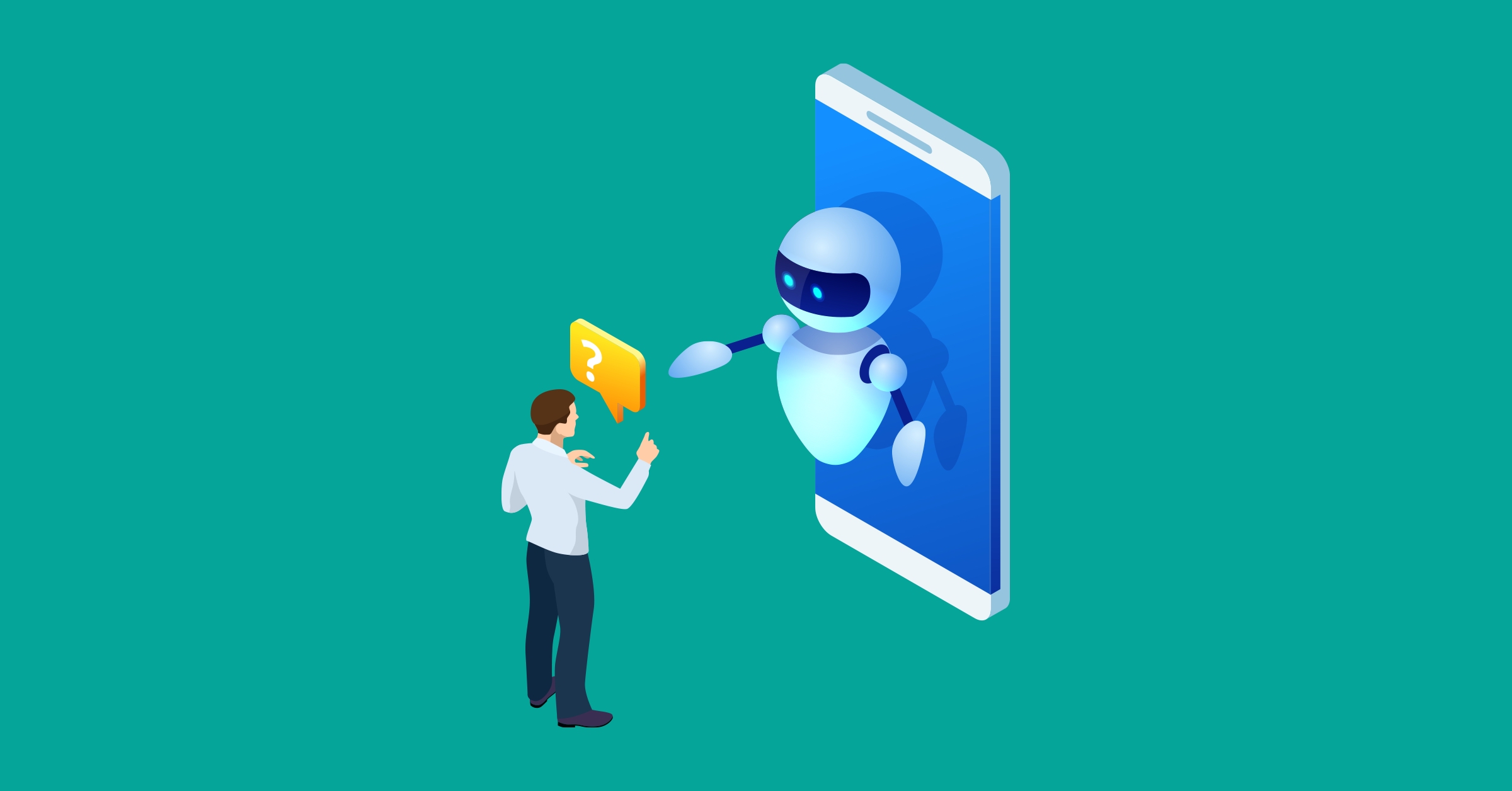
Assistant: Reactive. It does nothing until you type. Close the tab and it forgets you exist.
Agent: Proactive. Give it a goal and it decides what the first move is, then the second, then the third. Many agents can also be triggered by events, such as a new ticket landing or a report hitting a deadline.
Winner: Agent, for initiative. Assistant, for predictability.
Round 2: One Step or Many?
Assistant: Single-turn. Even a long conversation is really a chain of separate "ask, answer" moments stitched together by you.
Agent: Multi-step. It plans a sequence, executes each step, reads the result, and adjusts. If step three fails, it tries a different route instead of stopping to ask you.
Winner: Agent. This is the core mechanical difference.
Round 3: Can It Actually Touch the World?
Assistant: Mostly talks. Modern assistants can search the web, read your files, or run a quick calculation, but the output is still text for you to act on.
Agent: Acts. It can call APIs, update a CRM, send emails, write and run code, move files, and chain those actions together. Microsoft's own training material notes that some assistants can call tools, but they usually do far less planning, delegation, or autonomous follow-through than an agent.
Winner: Agent, by a wide margin.
Round 4: Who Picks the Tools? (The One Everyone Gets Wrong)
Here's the trap. People assume "it has tools, so it's an agent." Not true.
Assistant: You choose the tool, or the tool is called because your prompt obviously needs it. One prompt, one tool call, done.
Agent: It chooses the next tool based on what the last tool returned. That feedback loop is what makes it an agent. Tool access is the entry ticket; tool selection in a loop is the actual sport.
Winner: Agent. If your "agent" never decides anything on its own, it's an assistant with plugins.
Round 5: Memory and Learning
Assistant: Remembers the current chat and, in newer products, a handful of saved preferences. Each task is still mostly a fresh start.
Agent: Carries state across the whole task, logs what worked and what didn't, and in enterprise setups stores that in a knowledge base so the next run is smarter.
Winner: Agent, but with a warning: more memory means more surface area for errors to compound.
Round 6: Supervision and Risk
Assistant: You review every output before anything happens. Mistakes are cheap because nothing was executed.
Agent: It executes. A wrong decision can send the wrong email, delete the wrong file, or spend real money. Good agent design adds guardrails, approval gates, and human checkpoints for anything irreversible.
Winner: Assistant. Lower autonomy means lower blast radius. This is not a weakness; it's a feature for high stakes work.
Round 7: Cost and Complexity
Assistant: Cheap to run, easy to deploy, almost no setup.
Agent: More expensive per task (many model calls, many tool calls), harder to build, harder to debug, and needs monitoring.
Winner: Assistant on cost. Agent on value, when the task is big enough to justify it.
The Scorecard
| Dimension | AI Assistant | AI Agent |
|---|---|---|
| Trigger | Your prompt | A goal or an event |
| Scope | One request at a time | End-to-end task |
| Planning | None (you plan) | Breaks goals into steps |
| Tool use | On request, one call | Chooses tools in a loop |
| Memory | Current chat, light prefs | Task state plus long-term logs |
| Human role | Reviewer of every output | Supervisor of outcomes |
| Error cost | Low (nothing executed) | Higher (actions are real) |
| Setup effort | Minutes | Days to weeks |
| Best for | Drafting, answering, exploring | Workflows, automation, ops |
Final tally: Agents win on capability (5 rounds). Assistants win on safety and cost (2 rounds). The right answer depends entirely on the job, which brings us to the part that actually saves you money.
Where Each One Wins in Real Life

Pick an assistant when:
- You want to think out loud, draft, rewrite, or explain something
- The task is creative and you want control over every line
- A wrong answer costs you thirty seconds, not thirty dollars
- You're new to AI and want to build intuition first
Pick an agent when:
- The job has 5+ steps and clear success criteria
- It touches multiple systems (email, calendar, CRM, database, codebase)
- It needs to run while you're asleep or in meetings
- You've already got an assistant doing the task and you're tired of being the glue between steps
Real examples
| Task | Assistant does | Agent does |
|---|---|---|
| Customer support | Drafts a reply for the rep to send | Reads the ticket, checks the order, issues a refund within policy, replies, closes ticket |
| Sales research | Summarises a company you paste in | Finds 50 target accounts, enriches them, drafts personalised outreach, loads to CRM |
| Coding | Writes a function you asked for | Reads the bug report, finds the file, patches it, runs tests, opens a pull request |
| Reporting | Explains a chart you upload | Pulls data every Monday, builds the chart, flags anomalies, posts to Slack |
3 Myths That Need to Die
Myth 1: "ChatGPT, Claude, and Gemini are AI agents."
By default they are assistants. The same models become agents when wrapped in a loop with tools, goals, and the authority to act. The model is the engine; the agent is the car.
Myth 2: "Agents are smarter than assistants."
Often they run on the exact same model. The difference is architecture and autonomy, not IQ.
Myth 3: "Agents will replace assistants."
No. Most organisations end up with both: assistants for the human-in-the-loop work and agents for the repeatable, measurable workflows. Think of them as different gears, not competing products.
The 60 Second Decision Checklist
Answer yes or no:
- Can I describe the finished result in one sentence?
- Would I trust a competent new hire to do this without checking in?
- Does the task cross at least two apps or systems?
- Will it need to run more than once?
- Is a mistake recoverable?
Five yeses: Build or buy an agent.
Three or four: Start with an agent that pauses for approval before irreversible steps.
Two or fewer: An assistant is the right tool. Save your budget.
Post Comment
Share your thoughts about this article.
Be the first to post a comment!