Table of Content
- What Pica AI is and where it gives ground
- Face swap against a dedicated swapper
- Restoration against a mobile specialist
- Upscaling against desktop software
- The rival that challenges on all three jobs
- Scorecard across the three rounds
- The four challengers in brief
- What each billing model really costs
- Which one to pick
- Privacy, data handling and refunds
- Final verdict
Pica AI does three jobs in one place. This piece runs each job as its own round against a specialist, then brings in the one rival that takes on all three at once.
Three developments that date most existing comparisons
| What changed | Detail |
|---|---|
| Pica is folding into ArtGuru | Its photo enhancer was moved to the sister product Artguru in late 2025, while face swap, headshots and avatars stay under the Pica name |
| Topaz ended one time pricing | Perpetual licences were discontinued in late 2025, so the widely quoted 199 dollar buyout is no longer sold to new customers |
| Adobe is acquiring Topaz | An agreement was signed on 25 June 2026 with closing expected in the second half of the year, subject to approval |
What Pica AI is and where it gives ground
Pica AI is a consumer photo platform from WEGITAL HK LIMITED, a Hong Kong company, launched in 2023. It bundles face swap in single, multi face and video modes, an AI headshot generator, a photo enhancer, old photo restoration and image generation, all drawing on one shared credit pool. It runs in a browser and as iOS and Android apps. Its iOS listing showed 4.5 out of 5 across 835 ratings as of April 2026.
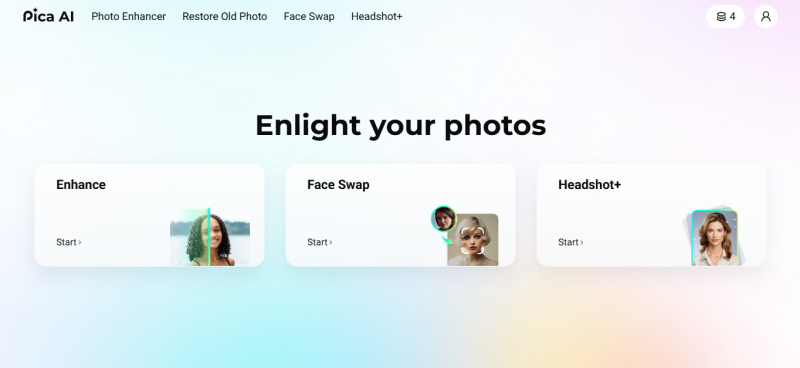
Paid plans have been listed at around 4.99 dollars a month for Basic and 9.99 dollars for Pro, with higher tiers carrying commercial rights, though published figures vary by region and by source.
Three specific limits shape everything below. Multi face swap is capped at three faces per image, where rivals handle four. The enhancer no longer runs on Pica’s own engine following the Artguru move. And there is no public developer API, so the tools are meant to be operated by hand rather than called from your own software.
That makes Pica a generalist, so the honest question is not whether some tool beats it overall. It is whether the specific job you keep returning to is one where a specialist is meaningfully better.
Face swap against a dedicated swapper
What this round is judged on Face slots available per image, blending at the jawline and neck, colour and lighting matched to the destination photo, and behaviour on video where the head turns. |
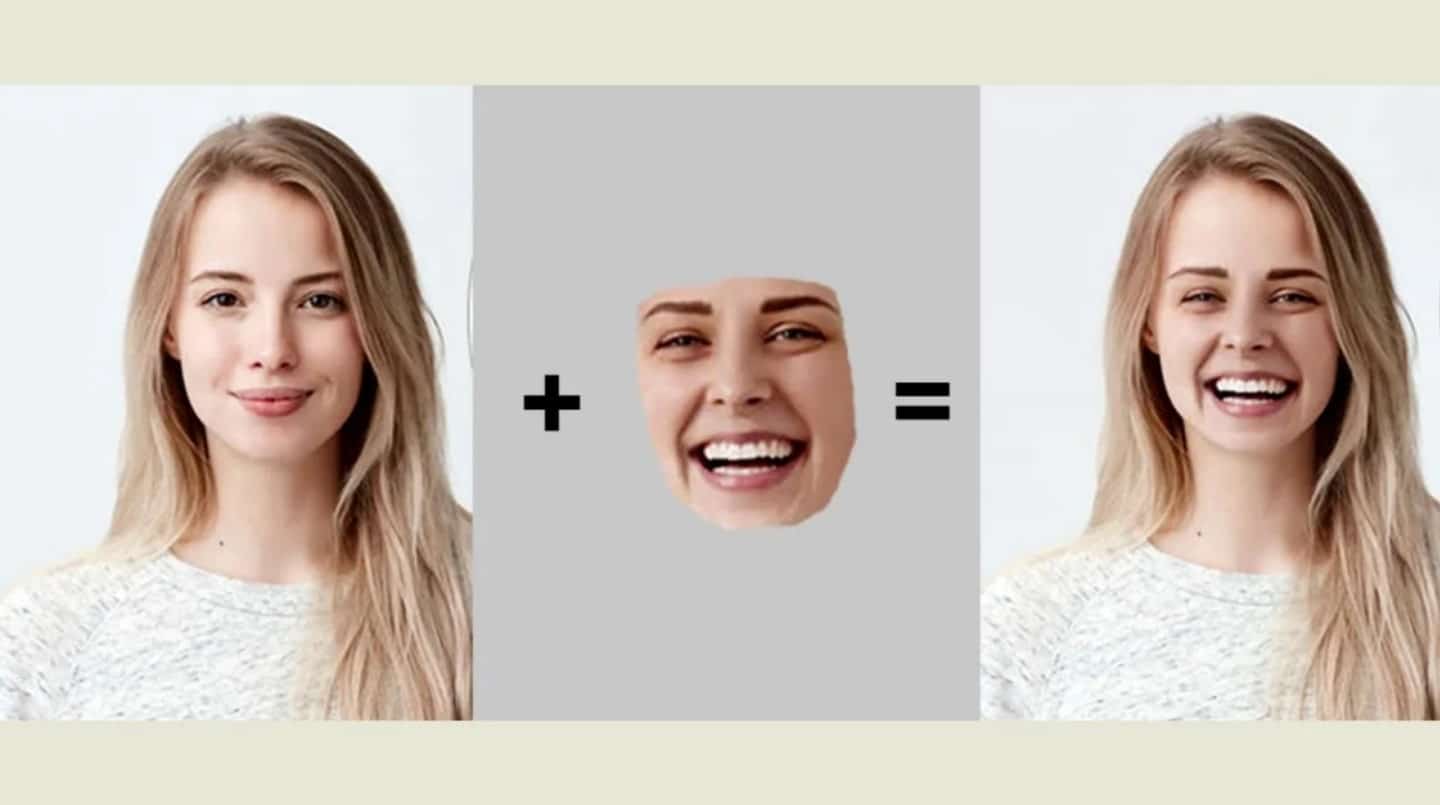
INCUMBENT Pica AI Strengths Single, multi face and video modes in one tool Template library for dropping a face into ready made scenes Runs on web, iOS and Android States that face swap uploads are deleted within about 24 hours Limitations Capped at three faces per image No public developer API Not built for batch or automated work | CHALLENGER Strengths Handled a four person photo that Pica could not Independent testers scored the swap around 8.8 out of 10 Single, batch and longer video swaps Publishes a developer API including face swap Credits sold as one time packs and marketed as non expiring Limitations Free exports carry a watermark and are capped in resolution Video swaps warp at the jawline when the head turns Occasional downtime and support described as thin |
ROUND 01 RESULT Remaker AI takes it on capability, and the credit model suits occasional use better than a monthly fee. Weigh the reliability caveat below before committing money. |
The API gap is the cleanest dividing line between these two, and it decides the choice outright for anyone building image editing into their own product rather than clicking through a website. A direct head to head of the two goes further into the batch and refund differences sitting underneath the swap quality itself.
A reliability caveat worth pricing in Reports on Remaker AI in 2026 conflict, and the disagreement matters more than the feature list. Several 2026 sources still describe 30 credits on signup plus 5 daily. Others document the free tier being removed in January 2026, an outage in December 2025, a shift of payments toward cryptocurrency and Telegram in March 2026, and a Trustpilot score of 2.6 out of 5 on an unclaimed profile, alongside an offshore Anguilla registration. Separately, the Google Play listing published by a third party developer is a clone rather than the official app, and has drawn complaints about credits being deducted without a result. The official Android route is the web app. |
Restoration against a mobile specialist
What this round is judged on Whether the tool recovers detail that is genuinely in the scan or invents plausible replacements, how it handles scratches and tears rather than only faces, and what it does to skin texture on portraits. |

INCUMBENT Pica AI Strengths Dedicated Restore Old Photo tool aimed at scratches, faded colour and lost detail Enhancer upscales to around four times toward near 4K One flow, no settings to learn Same subscription as the face swap and headshot tools Limitations Enhancement now runs on the Artguru engine after the late 2025 move Output judged adequate for social media rather than print Free tier of roughly four to five credits | CHALLENGER Remini Strengths The reference point for mobile face and old photo work Recovers what is in the image rather than inventing new detail One tap visibly improves most degraded portraits Available on iOS, Android and web Limitations Aggressive smoothing produces the known plastic skin look Billed weekly, and web and mobile are separate subscriptions Weaker on badly damaged prints than on faces Cancellation difficulty reported repeatedly in user reviews |
ROUND 02 RESULT Remini wins on faces and wins clearly. It loses on billing, and it is the wrong tool for scratches, tears and missing sections, which need more than face reconstruction. |
Check the billing cycle before the output Remini is billed by the week, commonly reported between 6.99 and 9.99 dollars, which annualises to roughly 28 to 40 dollars a month, or somewhere between 360 and 520 dollars held for a full year. A web plan does not unlock the app. Neither point is a comment on output quality, which is good. Both are comments on what you are signing up to. |
Upscaling against desktop software
What this round is judged on Reconstruction of edges and texture rather than pixel stretching, behaviour at full size on print sized output, support for the file you actually have including RAW, and throughput on more than one image. |
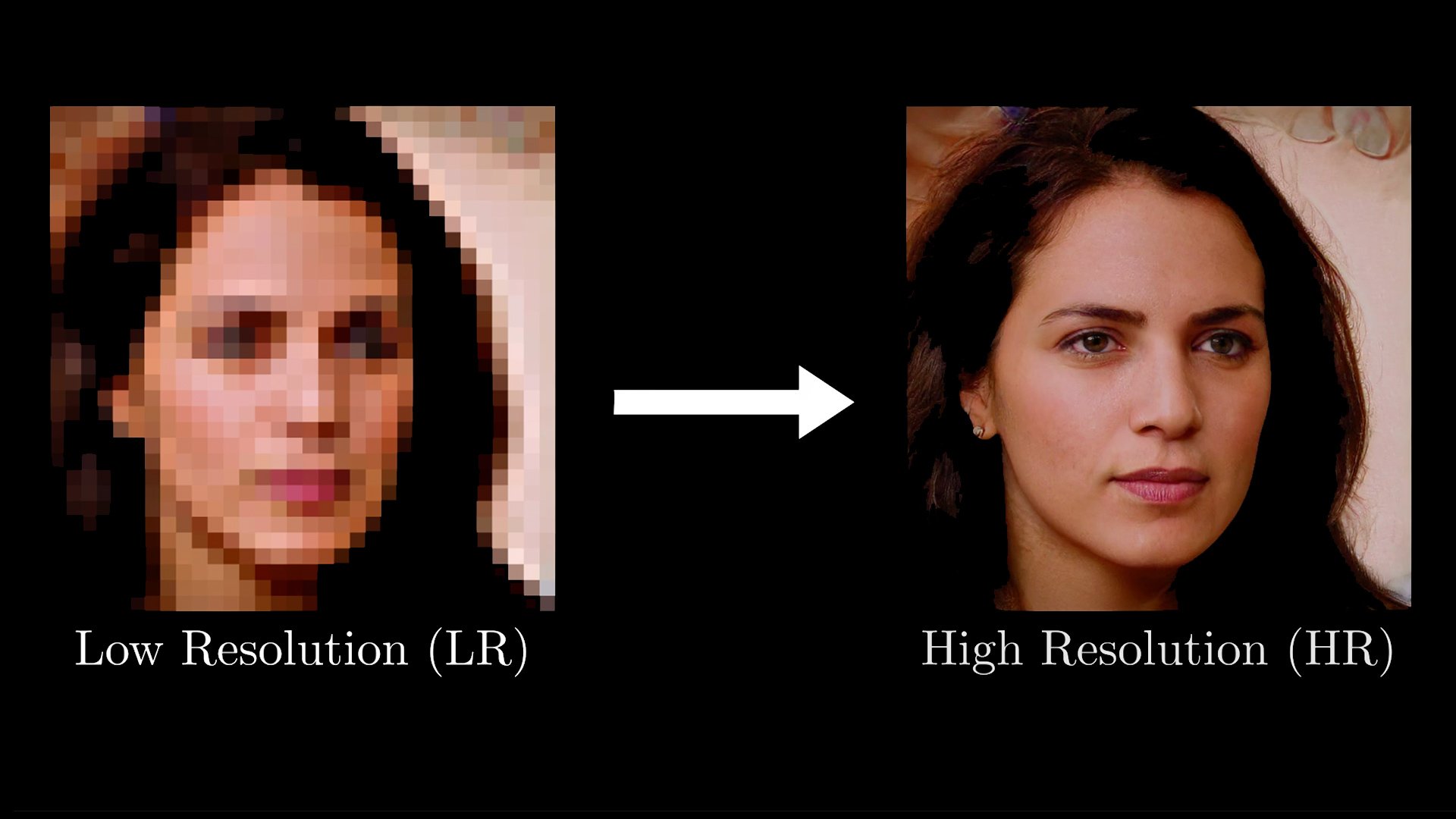
INCUMBENT Pica AI Strengths Enhancement and upscaling in the same flow Results in seconds No install and no hardware requirement Upscales to around four times toward near 4K Limitations No RAW support No batch processing Aimed at casual users rather than photographers | CHALLENGER Topaz Strengths Rated the quality leader for AI upscaling in independent testing Processes RAW files directly and supports batch operations Runs locally on your own GPU, so images never leave the machine Model choice per source type including low resolution and scanned material Limitations Desktop install and a real learning curve Subscription only since late 2025 with no permanent free tier No face swap and no colorization |
ROUND 03 RESULT Topaz wins on output and it is not close, but it is a different category of purchase. If you upscale a few photos a year, the quality gap will not repay the price or the setup. |
Topaz pricing is in flux, so treat any figure as provisional Perpetual licences ended in late 2025 and the line is subscription only. Published 2026 figures differ noticeably between sources, which is itself the signal. Gigapixel has been listed anywhere from about 12 to 29 dollars a month depending on tier and billing cycle, with an annual figure around 149 dollars. The Photo app sits higher, and the Studio bundle has been listed at roughly 399 dollars a year or 69 dollars month to month. A free web trial covering around 10 images exists, but there is no permanent free plan. With the Adobe agreement signed in June 2026 and closing expected later in the year, anyone weighing an annual commitment should check the live pricing page rather than trusting any article, including this one. |
The rival that challenges on all three jobs
Three specialists each beat Pica at one thing. That is a fair result for a generalist, and it does not answer the question most people are actually asking, which is whether there is a better version of what Pica already is.
Fotor is the closest like for like alternative. It is a full online editor carrying AI enhancement, old photo restoration, image upscaling and face tools inside one credit system, with conventional editing in the same tab.
Where it pulls ahead is the free tier and the breadth. Fotor Basic grants a handful of starter credits plus roughly a dozen standalone tools, including the upscaler and the restore tool, several of which open without a signup. In one hands on comparison of web based restoration, its output on badly damaged prints was rated the strongest of any browser tool tested, with scratched and torn mid century photographs reconstructed convincingly. Pro has been listed at around 8.99 to 10.99 dollars a month, with Pro plus near 23.99 dollars.
Where it gives ground is focus. It is a design suite that grew AI features rather than an AI tool that grew an editor, and its face swap is not the equal of a dedicated swapper.
One conflict to settle before relying on the free tier Sources disagree on watermarking. An independent audit in May 2026 found every free tier export watermarked, while Fotor’s own face enhancer page advertises downloads with no watermark. The likely explanation is that individual standalone tools behave differently from the main editor. Test the specific tool you need on one image before planning a workflow around it. |
Scorecard across the three rounds
Ratings reflect the job named in the column, not overall quality. A tool can lose two rounds and still be the right purchase if it wins the one that dominates your usage.
| Tool | Face swap | Restoration | Upscaling | Platform | Billing model |
|---|---|---|---|---|---|
| Pica AI | Capable, capped at three faces | Capable, now via Artguru | Capable, no RAW | Web, iOS, Android | Subscription with credits |
| Remaker AI | Strongest, plus an API | Not a focus | Serviceable, criticised | Web, Windows, Mac, iOS, Android | One time credit packs |
| Remini | Not offered | Strongest on faces | Tied to enhancement | iOS, Android, web | Weekly subscription |
| Topaz | Not offered | Strong and faithful | Strongest | Desktop, some web | Subscription only since late 2025 |
| Fotor | Present but basic | Strong on damaged prints | Strong | Web and apps | Freemium plus subscription |
The four challengers in brief
Remaker AI, the face swap specialist
A browser based toolkit built around face swapping, with background removal, upscaling and generation alongside it. No install and no subscription, with credits sold in one time packs listed at roughly 9.99 dollars for 100, 19.99 for 250 and 49.99 for 700, marketed as non expiring. Single, batch and longer video swaps are supported, and it publishes a developer API including face swap.
Watch for conflicting 2026 reports on free tier availability, uptime and payment methods, an upscaler that drew criticism in independent testing, and a third party clone on Google Play that is not the official app.
Remini, the restoration specialist
A mobile first enhancer with a very large user base, known for one tap improvement of blurry selfies and faded family photographs. It recovers what is present in the image rather than inventing new detail, and it is strongest on faces specifically rather than on whole damaged prints.
Watch for weekly rather than monthly billing, separate subscriptions for web and app, over smoothed skin on portraits, and cancellation complaints in user reviews.
Topaz, the upscaling specialist
Desktop software widely treated as the benchmark for AI sharpening, denoising and upscaling. It handles RAW files and batches, and runs locally on your own hardware. Model selection lets you match the approach to the source, including dedicated handling for low resolution and scanned images.
Watch for the end of perpetual licences in late 2025, subscription pricing that varies between published sources, and the Adobe acquisition agreed in June 2026.
Fotor, the all in one rival
An online editor that added a deep AI layer covering enhancement, restoration, upscaling, background removal and face tools inside a single credit pool, with templates and conventional editing attached. The closest structural match to what Pica offers, with a more usable free tier.
Watch for conflicting reports on free tier watermarking, and a face swap weaker than a dedicated tool.
What each billing model really costs
These five tools use four different billing models, which makes headline prices close to meaningless against each other. Weekly billing in particular reads cheap and lands expensive. Figures are drawn from published 2026 sources that do not always agree, and are here to show the shape of each model rather than to quote a price.
| Tool | Model | Entry point | Rough annual shape | Free tier |
|---|---|---|---|---|
| Pica AI | Subscription with shared credits | About 4.99 for Basic and 9.99 for Pro per month | Low to mid hundreds at the upper tiers | Daily refreshing credits, roughly four to five |
| Remaker AI | One time credit packs | About 9.99 for 100 credits | Scales only with what you use | Signup credits plus a small daily allowance, disputed |
| Remini | Weekly subscription | About 7 to 10 per week | Roughly 360 to 520 if held all year | Limited and watermarked |
| Topaz | Subscription only since late 2025 | Single app plans, figures vary by source | Around 149 upward per app, bundles higher | Trial only, around 10 web images |
| Fotor | Freemium plus subscription | About 8.99 to 10.99 per month for Pro | Under 100 a year on annual billing | Starter credits plus standalone tools |
The one number that changes the decision A weekly plan held for a year costs more than most annual subscriptions in this comparison combined. If you are restoring a finite pile of photographs rather than working continuously, subscribe, finish the batch, and cancel deliberately in the same week. Set the reminder when you sign up, not afterwards. |
Which one to pick
| If your situation is | Pick | Because |
|---|---|---|
| Face swaps are most of your usage | Remaker AI, cautiously | Better multi face handling than Pica, an API if you need one, and no subscription to forget |
| You are fixing old family photographs | Remini for faces, Fotor for damage | Remini is unbeaten on faded and blurry portraits, while scratches and tears need a restoration focused tool |
| Anything is going to print | Topaz | The quality gap is real and no browser tool closes it, though the trial is the sane starting point |
| You want a better version of Pica | Fotor | The same consolidation logic with a more usable free tier, stronger restoration and real editing attached |
| You use all three jobs occasionally | Stay on Pica | Specialists only repay the switch when one job dominates, and three subscriptions cost more than one |
| You are building this into software | Remaker AI | It is the only tool here with a published developer API, and Pica offers none |
Privacy, data handling and refunds
Face tools process material that is more sensitive than an ordinary photo editor handles, and the published policies differ sharply in how much they disclose.
What Pica AI discloses
Pica’s privacy policy states that it processes the location and shape of facial features, which depending on local law may qualify as biometric data, and says this is used to generate the requested output rather than to identify anyone. It draws a distinction that is easy to miss: uploaded photos and videos are not used to train its AI, but generated content may be. Face swap uploads are stated to be deleted within about 24 hours, while content stored in an account can remain until the user removes it. Data may be processed in the United States, mainland China and Hong Kong, and training that already occurred is not reversed by deleting an account later.
What Remaker AI discloses
Remaker’s published policy is more detailed on advertising and analytics than on uploads. It describes collection of IP addresses, browser and device identifiers, interaction data and cookie identifiers, along with analytics and retargeted advertising. It does not give an equally clear account of how long uploaded face images, generated swaps or facial data are retained. That is an absence of disclosure rather than evidence of retention, but it is the gap to weigh.
Refunds on a disappointing result
Remaker’s refund window is narrow. A refund requires that it is the account’s first purchase, that no more than 50 credits have been used, that the request arrives within three days of payment, and that a detailed justification is supplied. It states that lack of use, a change of mind or subjective dissatisfaction do not qualify, and approved refunds take five to ten business days. Pica routes refunds through Apple or Google where the purchase was made there, and handles web payments through support. Neither should be bought on the assumption that weak output will be refunded, which is the practical argument for testing on a small pack first.
Consent and platform terms
Both platforms prohibit using their face tools to impersonate people or to create content a subject has not agreed to, so the terms you accepted already draw the line. The workable test is whether you would show the person the result before publishing it.
Final verdict
Pica AI loses all three rounds, and that is a less damning result than it sounds. A specialist should beat a generalist at the thing it specialises in, and Pica is genuinely competent at each of the three jobs. What the rounds establish is not that Pica is bad, but that its value is convenience rather than output, and convenience stops paying the moment one job starts dominating your usage.
So the switch is worth making in three specific situations. If you swap faces on group photos, the three face cap is a hard wall and Remaker AI clears it, with an API attached if you ever need to automate. If you are working through a box of family photographs, Remini is better on the faces and a restoration focused web tool is better on the damage. If anything is going to print, Topaz is the only answer here and the others are not close.
If none of those describe you, the honest recommendation is either to stay put or to move sideways to Fotor, which offers the same one login logic with a more usable free tier and stronger restoration. It is the closest thing to a direct replacement rather than an upgrade in one dimension.
Two cautions apply whatever you choose. Remaker’s 2026 reporting is contradictory enough that a small credit pack should come before any real spend. And Topaz pricing is unsettled following the end of perpetual licences and the pending Adobe acquisition, so a trial beats an annual commitment until that closes.
The test that settles it faster than this article Take the single image you most want fixed, run it through the free tier of the two tools you are weighing, and compare the actual output at full size. Every tool here is generous enough at entry level to allow that, and it answers the question more reliably than any feature list. |
Post Comment
Share your thoughts about this article.
Be the first to post a comment!





