Fdown.net is the quick way to save a Facebook video, but pop-ups and reliability send people looking. Here are three solid picks for each device, with current pricing, how each route works, and a clear verdict.

| facebook.com/watch/?v=1234567890 SD · HD · 1080p · 4K Download |
Almost every tool is a version of this: paste the link, choose a quality, save the file.
Fdown.net (also known as FBDown) does one thing well: paste a Facebook video link, pick a quality, download. But the pop-up ads, the reports of it reopening itself on browser startup, and the wish for a proper app or higher-quality saves send plenty of people looking. The best replacement depends entirely on your device, so this guide gives you three factual picks each for Android, iPhone, and PC, after two quick things worth knowing.
How every one of these works
The workflow barely changes between tools. On Facebook, open the video, tap Share, and choose Copy link. Paste that into your downloader, pick a quality, and save.
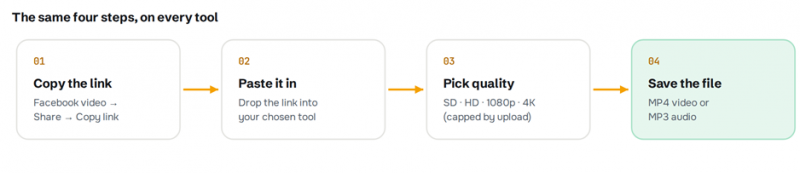
Fig. 1 - Copy, paste, pick, save
Two facts save disappointment. First, Facebook compresses every upload, so you can never download better quality than the creator originally posted; a tool advertising 4K only delivers it when the source was 4K. Second, you cannot save a live video until the broadcast has ended.
The right approach for each device
A browser tool works on all three platforms with nothing to install, and it is the fastest fix for a one-off. If you download often, a dedicated app or desktop program is worth it, and that is where the picks below differ by device.
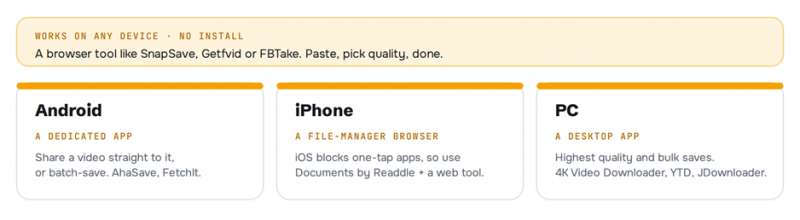
Fig. 2 - One web tool for all, or a device-native option
Three picks for Android
Android is the most flexible platform. A dedicated app lets you share a video straight to it, browse Facebook inside the app, or batch-save clips, things a website cannot do.
1. AhaSave Video Downloader
Android · Google Play · free, ad-supported
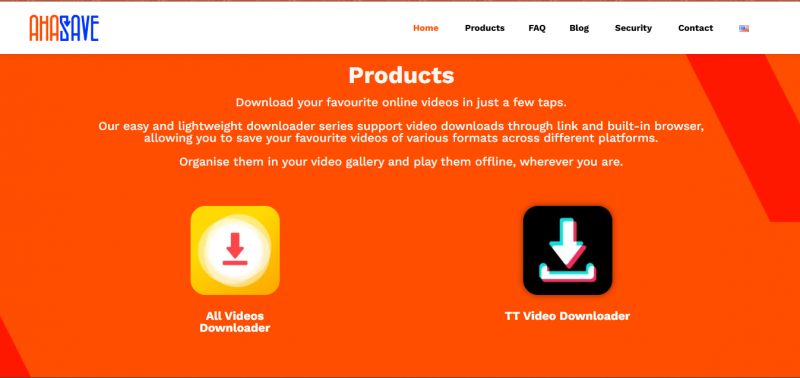
AhaSave is an Android-first downloader available on both Google Play and the developer's own site, and it is built around how people actually use their phones. It saves Facebook videos, Reels, and Stories, and can strip the audio out to MP3 when you only want the sound. There are three ways to feed it a video: paste a copied link, use Android's share sheet to send a clip straight from the Facebook app, or browse Facebook inside AhaSave's own built-in tab and tap to save. Everything you grab lands in an organised in-app gallery, and it runs downloads in the background and in batches. The catch is the usual one for a free app: it is ad-supported, though the ads stay out of the core download flow.
PRICING Free, and ad-supported. An optional in-app purchase removes the ads. |
2. FetchIt
Android · F-Droid · open source (MIT)
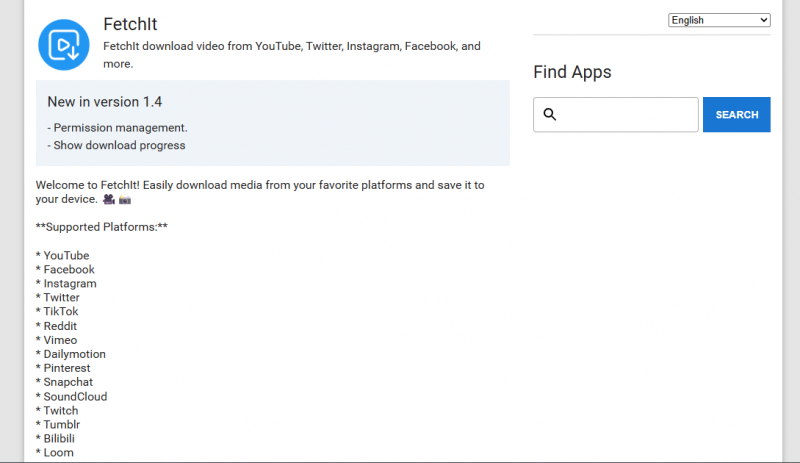
FetchIt takes the opposite approach to the commercial apps: it is free, open-source under the permissive MIT licence, and distributed through F-Droid rather than the Play Store, which means no ads, no trackers, and no account. You paste a URL, choose where the file should land with a folder picker, and it pulls the media down. Beyond Facebook it also handles YouTube, Instagram, TikTok, and a range of other sites, so it can be your single grabber across platforms. Because it is open source, anyone can inspect exactly what it does with your data, which is why it is the standout when privacy is the priority. The trade-off is polish: the interface is plain and utilitarian.
PRICING Free. Open source, with no ads and no paid tier. |
3. Free Download Manager
Android (also Windows, Mac, Linux) · free
Free Download Manager is a veteran of desktop downloading that brings a genuinely capable, genuinely free app to Android, and it treats Facebook video as just one of many things it can fetch. It watches for downloadable links from your browser, queues multiple downloads at once, and, crucially, supports resuming, so a dropped connection partway through a long video does not mean starting over. Multi-threaded downloading keeps large files and high speeds moving, and it doubles as a general download and file manager rather than a single-purpose social grabber. It is overkill for one clip, but if you pull a lot of media of different kinds, one reliable manager beats a drawer full of narrow apps.
PRICING Free. No paid tier, and none of the aggressive ads common in this category. |
A WORD ON SIDELOADING Heavily advertised apps like Snaptube and VidMate are not on the Google Play Store and must be sideloaded from a website. Both have huge user bases and work well, but they have drawn scrutiny over aggressive advertising and broad permissions, and one has a documented history of surprise premium-subscription charges. If you use them, download only from the official site and review the permissions before installing. |

Three picks for iPhone
iPhone is the trickiest, by design. Apple restricts what apps can download and where files can go, so there is no one-tap Facebook downloader on the App Store the way there is on Android. Every reliable route uses a file-manager app with a built-in browser, so all three picks share the same method.
1. Documents by Readdle
iOS · App Store · free
Documents by Readdle is a full-featured file manager from a long-established developer, and its built-in web browser is what makes it the go-to Facebook downloader on iPhone. Open the browser inside Documents, visit a web downloader such as SnapSave or FDownload.app, paste your copied Facebook link, choose a quality, and the file downloads into the app. From there you move it into the Files app or save it to your Photos library. Because Documents is a serious, frequently updated app with millions of users, it sidesteps the biggest risk on iOS, the flood of shady single-purpose downloaders that appear, break, and vanish. For most iPhone users, this is the method to learn.
PRICING Free. An optional Documents+ subscription unlocks extra features, but downloading works fine on the free app. |
2. MyMedia
iOS · App Store · free
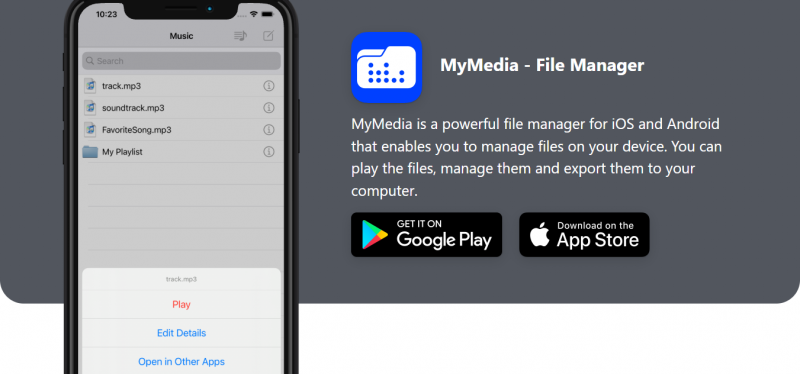
MyMedia is a lighter file-manager-and-downloader that works the same paste-into-its-browser way as Documents, and its standout feature is privacy. It lets you set a passcode that locks the app, so anything you download stays sealed inside rather than mixing into your camera roll where anyone glancing at your Photos could see it. It handles common formats like MP4, MOV, and M4V, includes a basic built-in player, and keeps the workflow to the familiar copy-link, open-browser, paste, save loop. It is a little less polished than Documents, but the passcode lock is a genuine reason to choose it.
PRICING Free, and ad-supported. |
3. FileMaster
iOS · App Store · free tier
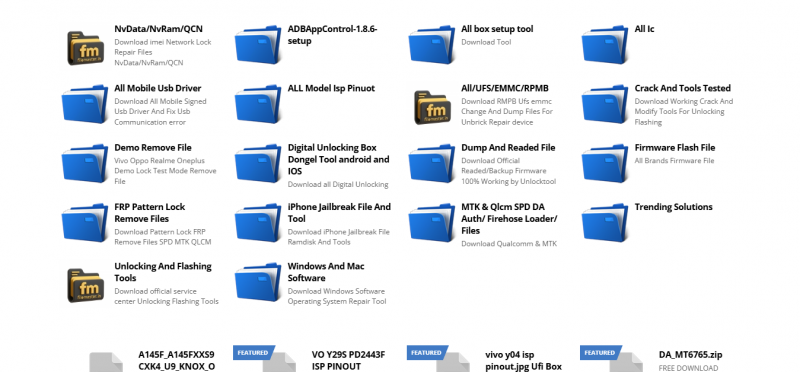
FileMaster rolls several tools into one: a file manager, a media player for both video and audio, a document viewer, and a downloader, all behind an optional passcode. The download step uses the same built-in-browser method, but because FileMaster plays your files inside the app, it effectively becomes a private offline library rather than just a way to grab clips, useful if you keep a lot of downloaded video on your phone and want to watch it without exporting to Photos first. It reads a wide range of file types, which makes it handy beyond video too. Choose it if you want an all-in-one media hub rather than only a downloader.
PRICING Free tier with ads. A paid upgrade removes the ads and unlocks extra features. |
THE METHOD, STEP BY STEP
- In the Facebook app, open the video, tap Share, then Copy link.
- Open the browser inside Documents, MyMedia, or FileMaster.
- Go to a web downloader, paste the link, and choose the quality.
- Save the file, then move it to Files or Photos.

Three picks for PC
On a desktop you get the most control, the highest quality, and proper software instead of a website. This is the route to take if you archive videos, want true 4K, or download in bulk. All three run on Windows, macOS, and Linux.
1. 4K Video Downloader
Windows · macOS · Linux · free + paid
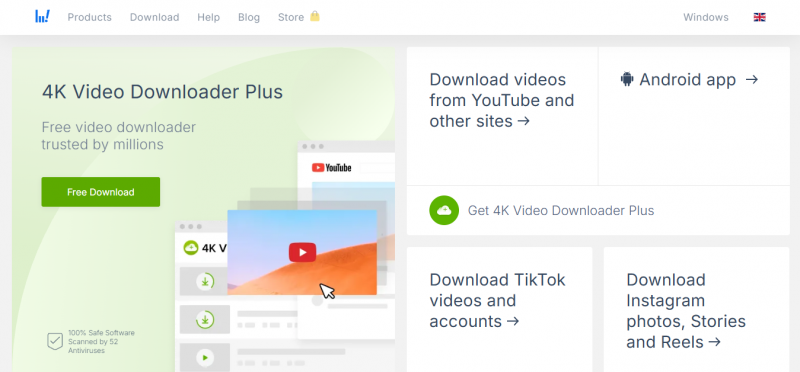
4K Video Downloader is the desktop pick most reviewers reach for first: a clean, ad-free native app that focuses on getting you the highest possible quality. It captures Facebook video up to 4K, and even 8K when the original was uploaded that high, and it can extract audio to MP3, M4A, or OGG. Beyond single videos, it can grab entire playlists or a channel's uploads in one pass, and a Smart Mode remembers your preferred format and quality so every download after the first is a single click. If quality and a no-nonsense interface matter most, this is the one to install.
PRICING A free version, capped at about 10 downloads a day. The Pro licence is around 42 dollars for a lifetime key; shorter plans start near 15 dollars a year, and a five-app bundle is about 65 dollars. Note: the app was relabelled 4K Video Downloader Plus in early 2026. |
2. YTD Video Downloader
Windows · macOS · free + Pro
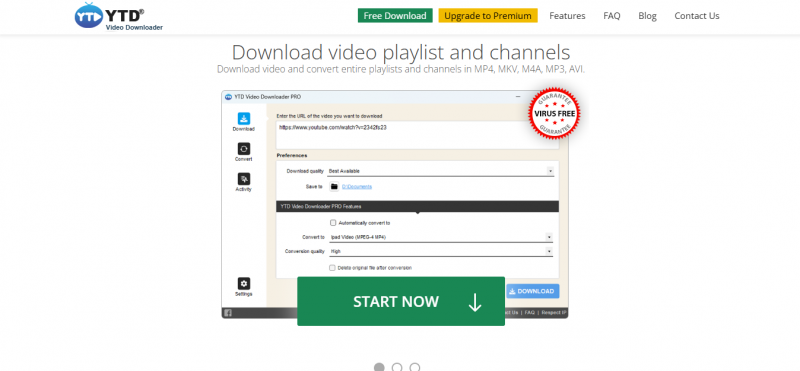
YTD is one of the longest-serving desktop downloaders, and its appeal is reliability without complexity. It saves in MP4, MOV, or MP3 and includes a built-in player so you can preview a clip before committing to keep it, which quietly prevents the classic mistake of downloading the wrong video. The interface is dated but obvious, and it processes standard Facebook videos quickly. It suits people who just want to save the occasional video without learning new software.
PRICING A free version. YTD Pro is a subscription, around 48 dollars a year at list price and frequently discounted, with a 30-day money-back guarantee. |
3. JDownloader
Windows · macOS · Linux · open source
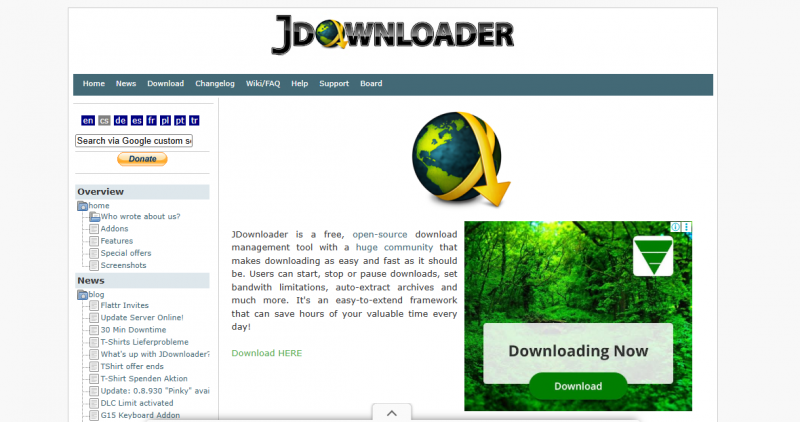
JDownloader is the power user's choice: free, open-source, cross-platform, and engineered for volume. Paste a whole batch of links, or let its link grabber pull every downloadable file from a page, and it queues them, downloads in parallel, and automatically resumes anything interrupted. It supports thousands of sites, can unpack archives, and offers deep automation for people who download regularly. All that capability comes with a busier, more technical interface than the streamlined apps, but if you download in bulk and refuse to pay or accept limits, nothing else on this list matches it.
PRICING Free. Open source, with no paid tier. Decline any bundled offers during installation, as with any free desktop tool. |
INSTALLER CAUTION Freemake Video Downloader is a common recommendation, but its installer has bundled extra software in the past, so read every screen and decline optional offers. And remember every web tool above works in a desktop browser too, if you would rather install nothing. |

Quick pick by device
| Device | Fastest (no install) | Best dedicated tool | Why |
|---|---|---|---|
| Android | SnapSave (web) | AhaSave or FetchIt | Apps add share-to-save and batch downloads |
| iPhone | Documents + a web downloader | Documents by Readdle | iOS blocks simple one-tap downloaders |
| PC | SnapSave or FBTake (web) | 4K Video Downloader | Desktop apps give true 4K and bulk saves |
Availability, features, and ad levels change often here. A 2026 snapshot, so verify before relying on any one tool.
Stay safe, and keep it legal
This category rewards a little caution. A few rules cover almost everything.
Never enter your Facebook password. A downloader has no reason to ask for it. A login prompt is a red flag, close the tab or delete the app. |
Beware fake buttons and bundleware. On free sites, the biggest “download” button is often an ad. On desktop installers, decline any optional bundled software during setup. |
Sideload with scrutiny. Android apps outside the Play Store, and any app requesting far more permissions than a downloader needs, deserve a careful look before you install. |
Set realistic quality expectations. Facebook compresses uploads, so you cannot beat the original, and live videos only save after they finish. |
Keep it legal and respectful. Save content you own, have permission for, or public videos for personal offline viewing. Do not re-upload or redistribute others' work, and only download private videos you are genuinely authorized to access, such as your own. |
The Verdict
What to actually install
If you take one habit away, make it this: for a quick save on any device, paste the link into a reputable web tool like SnapSave. It works on Android, iPhone, and PC, needs nothing installed, and is genuinely all most people ever need. Everything below is about removing friction once you download often enough to feel it.
When you cross that line, go device-native. On Android, AhaSave is the best all-rounder thanks to its share-to-save flow and Reels and Stories support, FetchIt wins on privacy as an open-source app, and Free Download Manager is the one to reach for if you download heavily. On iPhone, the answer is simple: learn the Documents by Readdle browser method, because Apple's restrictions make it the safest and most capable route by far. On a PC, 4K Video Downloader is the choice for the best quality and a clean interface, while JDownloader is unbeatable for free, no-limit bulk downloading. Whatever you land on, keep the basics: no passwords, watch installers and permissions, and only save content you have the right to keep.
QUICK Summary
| Best for most people: SnapSave (web), free, nothing to install, works on every device. |
| Best Android app: AhaSave, share-to-save, Reels and Stories, MP3 extraction. |
| Most private: FetchIt on Android (open source), Documents by Readdle on iPhone. |
| Best iPhone route: Documents by Readdle paired with a web downloader. |
| Best for quality: 4K Video Downloader (PC), up to 4K and 8K, from about 42 dollars lifetime. |
| Best for free bulk downloads: JDownloader (PC), open source, no limits. |
Post Comment
Share your thoughts about this article.
Be the first to post a comment!





