Seven tools now turn a sentence into a finished poster, and they are not interchangeable. This guide sorts them by what they are actually good at, what they cost, and the print mistakes that ruin AI designs after they leave the screen.
THE SHORT VERSION For most people, Canva's Magic Design is the fastest route from idea to printable flyer, Adobe Express is the pick when print quality and commercial safety matter, and Microsoft Designer is the strongest option that costs nothing at all. Everything else in this guide exists for a specific job: events, brand consistency, decorative typography, or pure artwork. |
The landscape in four facts
| FACT | WHY IT MATTERS |
|---|---|
| 4.5M+ | Templates in Canva's library, the largest starting pool of any tool here (Piktochart's 2026 comparison) |
| $0 | What Microsoft Designer costs with any Microsoft account, DALL-E generation included (SimilarLabs, 2026) |
| Licensed | Adobe Firefly is the only major generator trained exclusively on licensed and public-domain content, the safest choice for commercial posters (Deepak Gupta, 2026 tools review) |
| $0 to $15 | The monthly price band covering every consumer tool in this guide (vendor pricing, mid-2026) |
Poster or flyer: why it changes the tool
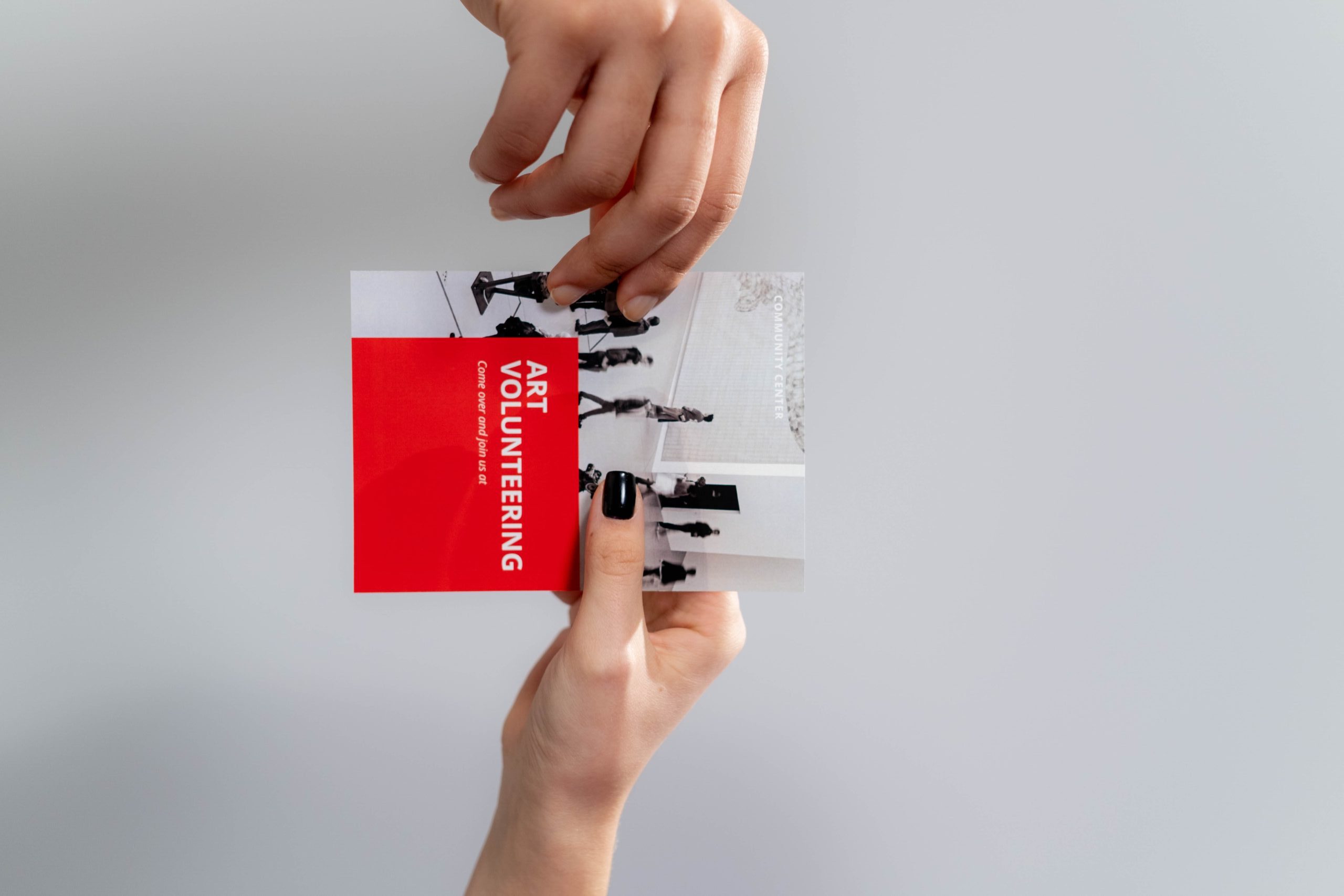
The two words get used interchangeably and the tools treat them differently. Posters are large-format, built around one bold visual with minimal text, and read from a distance. Flyers are typically letter-sized, carry more copy, and get read in the hand. Functionally the software is similar; the real differences sit in default dimensions and layout styles.
That distinction decides your priorities. A poster lives or dies on its artwork, which favors tools with strong image generation like Adobe Firefly or Midjourney. A flyer lives or dies on layout and information hierarchy, which favors template engines like Canva and PosterMyWall that already know where the headline, date, and call to action belong.
One more split matters before you pick anything: screen or paper. Screens show color in RGB while professional printers use CMYK, and many free tools only work in RGB. A bright neon poster designed in RGB can come back dull from the print shop. If paper is the destination, CMYK support belongs on your checklist from the start, not after the first bad print run.
Three kinds of "AI design", not one
Marketing pages use "AI design" for three different technologies, and knowing which one a tool leads with predicts what you will get.
- TEMPLATE MATCHERS
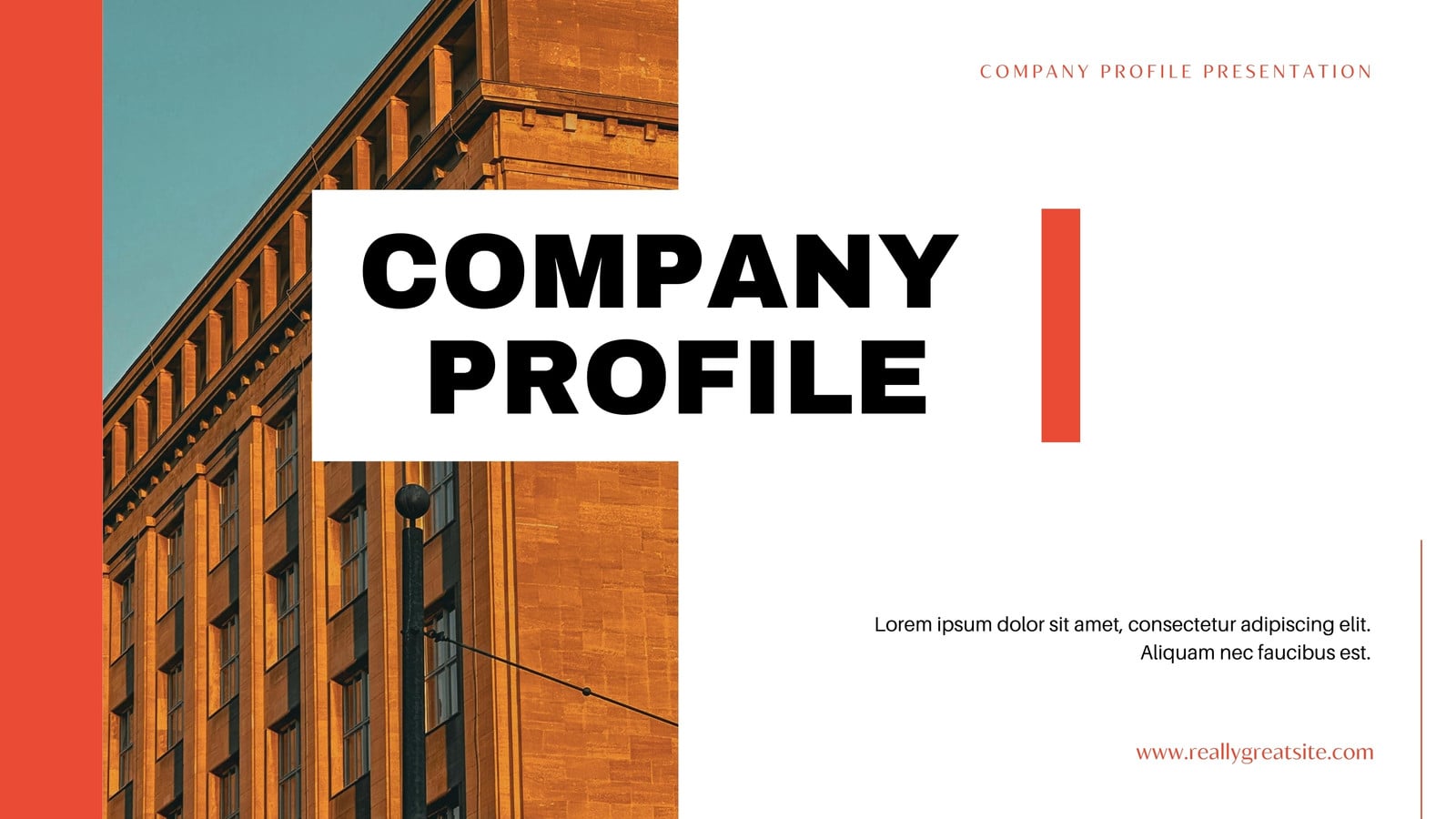
You type a brief, the AI picks and populates templates from a human-designed library. Fast, reliably legible, rarely surprising. Canva's Magic Design and PosterMyWall work this way.
- PROMPT-TO-LAYOUT
The AI composes the layout itself: headline placement, imagery, and copy from one description. More variety, less predictability. Microsoft Designer and Visme's AI drafts sit here.
- IMAGE GENERATORS

The AI produces the artwork, not the document. Midjourney and Firefly make the striking visual; you still assemble text and layout in an editor. Best output, most steps.
Most finished posters use two of the three: a generated image dropped into a template or AI-arranged layout. The tools below are ordered with that combination in mind.
The tools in detail
Prices are entry-level monthly plans as published in mid-2026 and change often. Several of the comparison articles cited are written by companies in this market, which is noted where it matters.
Canva
BEST FOR MOST PEOPLE
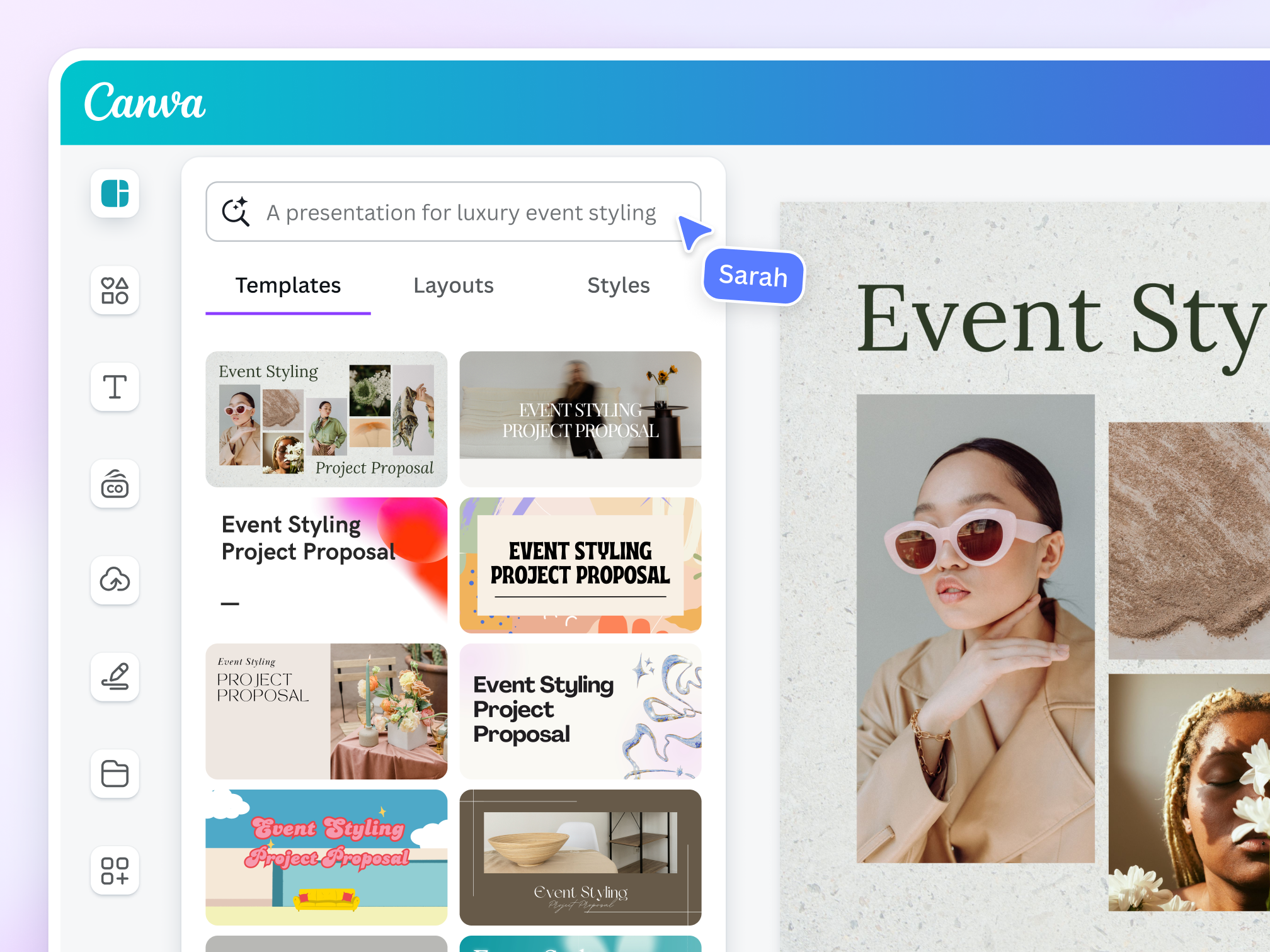
AI: Magic Studio, Canva AI 2.0 · Templates 4.5M+ · Free AI ~200 Standard + 20 Premium credits/mo · Pro ~$15/mo or $120/yr
Canva's Magic Design takes a short brief and returns multiple editable layout directions with matched colors, fonts and imagery, and since its 2026 update it automatically pulls your Brand Kit colors and fonts into those drafts. The wider Magic Studio suite covers the rest of a flyer workflow: Dream Lab generates commercially licensed images at 500 generations per month on Pro, Magic Write drafts the copy, and the 2026 headline feature, Canva AI 2.0, is a conversational interface that builds fully editable design objects rather than flat images. Pro also now bundles the Affinity design suite and over 141 million premium assets.
Two specifics matter before you commit. First, pricing: Pro rose from $10 to around $15 per month in a late-2024 increase, and the free plan's roughly 20 Premium AI credits per month disappear fast once Dream Lab is involved, so the free tier demos the features rather than supporting a workflow. Second, print: Magic Media images output at roughly 384 by 688 pixels by default, fine for social feeds and far too small for a poster, so the separate Boost Resolution step is mandatory before anything goes near a printer. Reviewers also flag the "template energy" problem, where uncustomized output looks like every other Canva design on the feed.
Adobe Express
PRINT AND COMMERCIAL SAFETY
AI: Firefly generation · Free tier: Firefly + brand kit + 2,000+ templates · Premium $9.99/mo · Fonts 25,000+ families on Premium
Adobe Express, launched in December 2021 as the rebrand of Adobe Spark, pairs a template editor with Firefly, and Firefly's training data is its quiet advantage: it is trained exclusively on licensed Adobe Stock, public-domain and openly licensed material, which makes it the lowest-risk generator for commercial posters where rights questions get expensive. The free plan is unusually generous for this market: Firefly image generation, a brand kit, one-click background removal, more than 2,000 templates and access to thousands of Adobe Stock images, all before any payment.
Premium at $9.99 per month unlocks the full template collection and over 25,000 font families from Adobe Fonts, the largest typography range of any tool here. Print is where it separates from Canva: 2026 comparisons rate Express ahead on design and print quality, its Quick Actions convert file formats in one step, and finished posters can be sent straight to physical printing through its Zazzle integration for cards, invitations and posters. The trade-offs are a smaller template pool than Canva and an interface reviewers describe as having a steeper learning curve, one that rewards some design instinct.
Microsoft Designer
BEST FREE OPTION
AI: DALL-E powered · Price: Free with a Microsoft account · Type: Prompt-to-layout
Microsoft Designer is the strongest tool in this guide that costs nothing: it is completely free with any Microsoft account, with DALL-E image generation included rather than metered behind a paywall. It works prompt-first, generating complete layout options with imagery baked in instead of pointing you at a template library. The documented way to get good results from it is specificity: prompts that state colors, style and mood return visibly better posters than one-line briefs, because the AI is composing the design rather than filling in a human-made frame.
Its limits are equally specific. It carries far fewer templates than Canva, there is no professional print pipeline or CMYK handling, brand management is thin, and you choose among the layouts the AI proposes rather than exercising fine control. The 2026 roundups consistently slot it as the fast free answer for basic design needs with mobile access, which is precisely the job: one-off flyers, community notices, and anyone who refuses another subscription.
PosterMyWall
EVENTS AND RETAIL
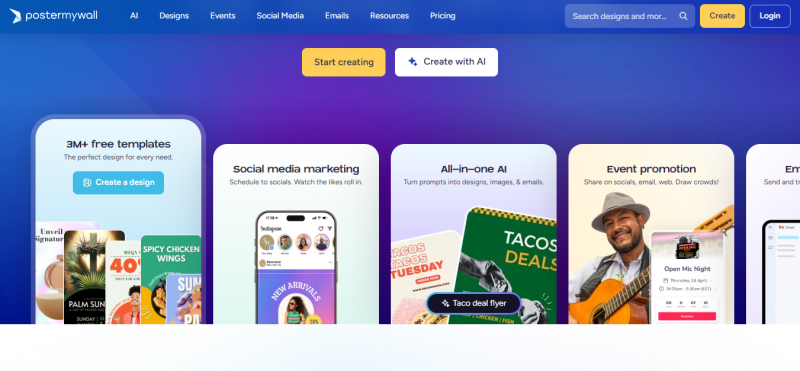
Focus: Event flyers, promotions · Free tier: Large template library · Premium $9.99/mo · Teams $29.99/mo Premium Plus
PosterMyWall does one job with unusual focus: event and retail promotion. Its template library leans hard into concert flyers, sales, restaurant specials and community events, and it treats animation as a first-class format, exporting animated flyers for social feeds where static-first tools stop at PNG. Inside the editor, AI image support, one-click background removal and smart text placement handle the fiddly parts, and tooltips walk first-time users through their first design, which is why the roundups aim it at event planners and retail rather than corporate teams.
Exports cover JPG, PNG and high-resolution print-ready PDF alongside social-media-sized files, so one design serves the venue noticeboard and the Instagram story without rework. Premium at $9.99 per month unlocks the advanced AI features, downloads and premium assets, with Premium Plus at $29.99 per month for organisations and teams. One disclosure worth knowing: the most detailed 2026 comparison featuring it is published by PosterMyWall itself, though its pricing and export claims check out against the tool.
Visme
BRAND CONSISTENCY
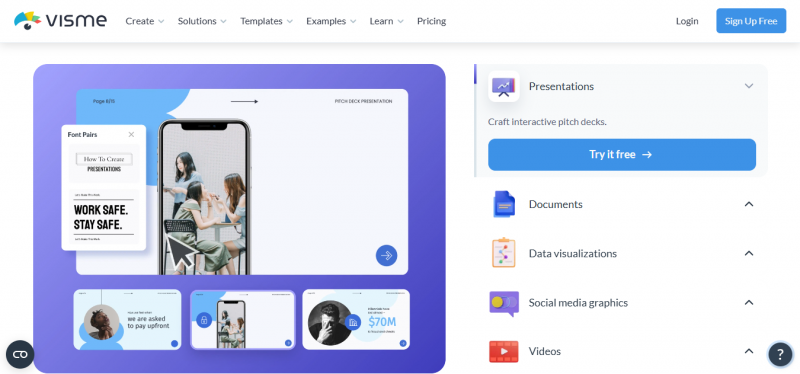
AI: Brand Wizard + AI drafts · Starter $12.25/person/mo · Focus: Teams, data-heavy output
Visme's angle is consistency at volume. Its Brand Wizard ingests your fonts, colors and logo once, then every AI-generated flyer, infographic and presentation comes out already on brand, which removes the most tedious step of design work inside organisations. The AI draft feature proposes titles, subtitles and layout previews in seconds, and the same brand definition carries across flyers, reports and slide decks, so a campaign's poster and its accompanying deck stop drifting apart visually.
Its centre of gravity differs from every other tool here: reviewers note it skews toward infographics, data visualization and interactive presentations, making it the pick when the flyer carries charts or when branded reporting matters as much as promotion. The Starter plan at $12.25 per person per month prices it against Canva Pro, and one 2026 comparison judged Canva the cheaper route to comparable AI output for pure marketing design. A solo user making one gig poster will find Visme more machinery than the job needs; a team shipping twenty branded pieces a month will find the machinery is the product.
Kittl
DECORATIVE TYPOGRAPHY
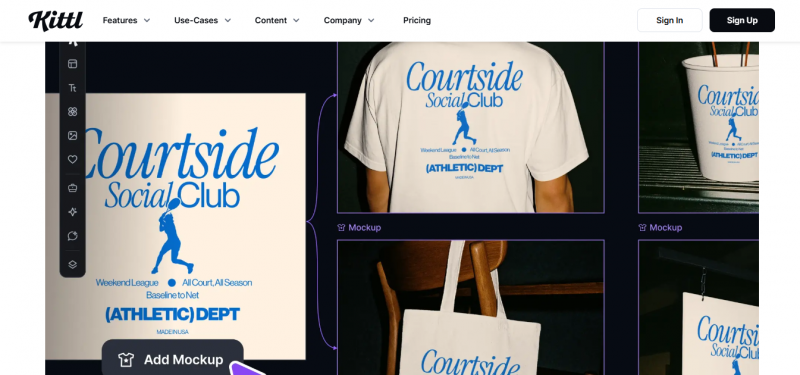
Fonts: 1,400+ Monotype on paid plans · Free: 5 projects, 800px/72 DPI cap · Pro $12/mo annual · Export: SVG + vector PDF
Kittl, a Berlin-based platform launched in 2022 out of the Heritage Type project and now past 10 million users, occupies the gap between template tools and Adobe Illustrator. Its editor is built around text effects that apply transformations, shading and decoration simultaneously, something Canva's engine does not support: reviewers' shorthand is that gold-foil lettering taking twenty steps in Illustrator takes two clicks here. Paid plans include more than 1,400 premium fonts through a Monotype partnership, and its AI panel runs multiple models, including Ideogram for typography-heavy pieces and Flux for illustration, plus a vectorizer that converts uploaded raster images into editable SVGs.
The plan structure has sharp edges worth knowing. The free tier gives 5 projects and a one-time allowance of 200 AI tokens, but caps exports at 800 pixels and 72 DPI with no commercial license, so free output is never print-ready, though it is watermark-free. Pro at $12 per month billed annually ($15 monthly) adds the commercial license, high-resolution and vector export; Expert at $24 per month adds Brand Kits and volume features. AI tokens do not roll over between months. For band posters, brewery flyers and merch-adjacent design where the type is the artwork, nothing else at this price competes; for plain informational flyers, its strengths sit unused.
Midjourney
THE ARTWORK ENGINE

Type: Image generator only · From $10/mo · Free tier: None · Role: Makes the visual, not the layout
Midjourney does not make posters. It makes the image the poster is built around, and at that single job it remains the reference point: 2026 comparisons consistently rate it the most aesthetically refined image generation available, and even Canva-focused reviews concede that Dream Lab's output does not reach Midjourney's level. For a poster whose entire purpose is one arresting visual, generating the artwork here and assembling the text layer in Canva, Express or Kittl is the highest-ceiling workflow in this guide.
The costs of that ceiling are concrete. There is no free tier and subscriptions start at $10 per month. Text rendering inside generated images remains unreliable, so dates, names and prices must be typeset on top in a layout tool, never prompted into the image. And unlike Firefly's licensed-only training data, Midjourney's contested training sources make it the riskier choice for commercial client work. Treat it as the artwork department, never the whole studio.
Head-to-head comparison
| TOOL | AI TYPE | FREE TIER | PAID FROM | BEST FOR |
|---|---|---|---|---|
| Canva | Template matcher + Magic Studio | Yes, ~20 Premium credits/mo | ~$15/mo | Fast flyers, most people |
| Adobe Express | Templates + Firefly generation | Yes, with Firefly | $9.99/mo | Print quality, commercial safety |
| Microsoft Designer | Prompt-to-layout, DALL-E | Entirely free | $0 | Zero-budget one-offs |
| PosterMyWall | Templates + AI images | Yes, large library | $9.99/mo | Event and retail promotion |
| Visme | Brand Wizard + AI drafts | Yes, limited | $12.25/person/mo | On-brand output at team scale |
| Kittl | Multi-model AI + vector editor | Yes, 800px export cap | $12/mo annual | Artistic posters, lettering |
| Midjourney | Image generator only | No | $10/mo | The hero artwork itself |
The print traps AI will not warn you about
AI tools optimise for how a design looks on screen, and paper punishes that in four specific ways.
RGB color that dies in CMYK
Vivid blues, neons and saturated purples on screen often have no CMYK equivalent and print muddy. Check whether your tool offers CMYK preview or export before designing in colors you love; many free tools do not.
Resolution that was fine on a phone
A poster needs roughly 300 DPI at final size. An AI image generated at social-media resolution and stretched to A2 turns soft at arm's length. Generate at the highest available resolution or upscale before layout, not after.
Text inside generated images
Image generators still mangle letterforms. Any words the poster needs, including dates, prices, and names, should be typeset in the design tool on top of the artwork, never prompted into the image itself.
No bleed
Print shops trim paper, and designs that end exactly at the edge risk white slivers. Export a print PDF with bleed where the tool supports it; PosterMyWall and Adobe Express handle print-ready PDF export, and it is one reason they earn their spots here.
Verdict
| Start with Canva if you want the shortest path from brief to finished flyer, and with Adobe Express if the design is going to paper or a paying client. Keep Microsoft Designer bookmarked for anything that should cost nothing. Reach for PosterMyWall when the job is an event, Visme when the job is staying on brand across a team, Kittl when the type is the star, and Midjourney when the image is. None of these picks costs more than $15 a month, so the honest way to choose is to give the same brief to your top two and print the results. |
THE ONE THING TO DO THIS WEEK Take a real upcoming need, one event or one promotion, and run the identical brief through two tools' free tiers. Then print both on the cheapest paper available. The screen will not tell you which tool wins; the printout will, usually inside ten seconds of holding them side by side. |
Post Comment
Share your thoughts about this article.
Be the first to post a comment!





