Your customers are already on WhatsApp. They message you at 9 PM asking for a quote, follow up on a delivery, or ask "is this still available?" And if those chats live only on a sales rep's phone, you have a problem: no record, no follow-up, no visibility, and leads that quietly disappear.
That is exactly why a CRM with WhatsApp integration has gone from "nice to have" to "non-negotiable" for sales and support teams. Pick the right one and every WhatsApp conversation becomes a tracked lead, a logged activity, and a deal moving through your pipeline. Pick the wrong one and you are paying for two tools that never talk to each other.
Quick Answer: The 7 Best CRMs With WhatsApp Integration
| CRM | Best For | WhatsApp Approach |
|---|---|---|
| HubSpot | All-in-one marketing, sales, and service | Native WhatsApp channel in the inbox |
| Zoho CRM | Small and midsize businesses on a budget | Native WhatsApp Business API integration |
| Salesforce | Enterprises that need deep customization | WhatsApp via Marketing Cloud and Service Cloud |
| Microsoft Dynamics 365 | Companies already in the Microsoft ecosystem | First-party WhatsApp channel |
| Freshsales | Fast-moving sales teams | Native WhatsApp Business integration |
| Kommo | Messenger-first sales teams | Built around WhatsApp from day one |
| Bitrix24 | Teams that want CRM plus collaboration tools | WhatsApp inside the Contact Center |
What Is a CRM With WhatsApp Integration (And Why Should You Care)?
A customer relationship management (CRM) system is software that stores customer data, tracks interactions, and helps teams manage leads and deals. If you want the full background, Wikipedia's overview of customer relationship management is a solid primer.
Add WhatsApp integration and the CRM can:
- Pull WhatsApp chats into contact and deal records automatically
- Let reps reply to WhatsApp messages from inside the CRM, not from a personal phone
- Send approved template messages for reminders, confirmations, and follow-ups
- Trigger automations (assign a lead, move a deal stage, send a reply) based on messages
- Give managers a full view of every conversation across the team
Most serious integrations run on the WhatsApp Business Platform, which is Meta's API for businesses. To send messages on the platform you need a display name, a business phone number, a WhatsApp Business Account, and a Meta Business Manager. You can read the official requirements on Meta's WhatsApp Business Platform documentation.
One cost detail many buyers miss: since July 1, 2025, Meta charges businesses per message, with rates that depend on whether the message is marketing, utility, authentication, or service. Your CRM subscription is only part of the bill.
The 7 Best CRM Software Options With WhatsApp Integration
1. HubSpot: Best All-in-One CRM With WhatsApp
%20Conversations%20Launch%20Assets/Conversations_Hero.png)
HubSpot is the CRM most teams land on when they want marketing, sales, and customer service under one roof. Its WhatsApp integration connects a WhatsApp Business account to the shared inbox, so every message shows up next to emails, live chats, and calls on the same contact timeline.
Why it stands out
- WhatsApp conversations logged directly on contact records
- Workflows that trigger on WhatsApp messages (lead rotation, follow-up tasks, deal stage changes)
- Shared team inbox so no chat gets stuck on one person's phone
- Reporting that shows how WhatsApp conversations contribute to revenue
Best for: Growing businesses that want one platform for the whole customer journey.
Keep in mind: WhatsApp is available on paid tiers, and HubSpot's pricing climbs quickly as you add hubs and seats. Check current plans before you build your budget around it.
2. Zoho CRM: Best Value for Small and Midsize Businesses
Zoho CRM is the budget-friendly heavyweight. It offers a native WhatsApp Business integration that lets you send and receive messages, use templates, and keep every chat tied to a lead or contact.
Why it stands out
- Native WhatsApp Business API connection, no middleware needed
- Chat history saved against leads and contacts
- Automation through Zoho's workflow rules and Blueprint
- Deep integration with the rest of the Zoho suite (Books, Desk, Campaigns)
Best for: Small and midsize businesses that want strong features without an enterprise price tag.
Keep in mind: The interface can feel busy for first-time CRM users, and some advanced WhatsApp features require higher-tier plans.
3. Salesforce: Best Enterprise CRM With WhatsApp
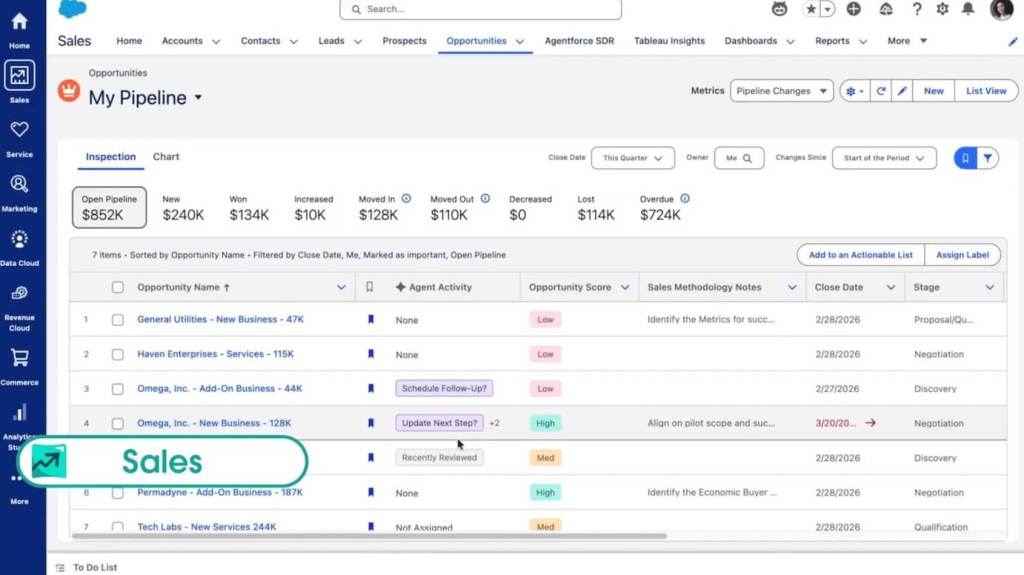
Salesforce is the enterprise standard, and its WhatsApp capabilities live in Marketing Cloud (for outbound campaigns) and Service Cloud (for support conversations). If you need WhatsApp at serious scale with heavy customization, this is where you look.
Why it stands out
- WhatsApp messaging for both marketing journeys and service cases
- Agents handle WhatsApp alongside other channels in one console
- AI assistance for reply suggestions and case summaries
- Unlimited customization through the Salesforce platform
Best for: Large organizations with complex processes and a dedicated admin team.
Keep in mind: Salesforce is expensive, and setup typically needs a partner or an in-house specialist. Overkill for small teams.
4. Microsoft Dynamics 365: Best for Microsoft-Centric Companies

If your company runs on Microsoft 365, Teams, and Azure, Dynamics 365 is the natural CRM choice. Microsoft has announced general availability of a WhatsApp channel in Dynamics 365 Contact Center, powered by Azure Communication Services and built natively within the Microsoft ecosystem.
Why it stands out
- First-party WhatsApp channel, no third-party connector required for the ACS route
- Deep integration with Outlook, Teams, and Power Platform
- Copilot AI features for agents
- Enterprise-grade security and compliance
Best for: Mid-sized to large companies already invested in Microsoft tools.
Keep in mind: WhatsApp enforces a 24-hour window, so you will need to set up approved message templates for outbound messages. Microsoft's setup guide, Configure a WhatsApp channel in Dynamics 365, walks through the process.
5. Freshsales: Best for Fast-Moving Sales Teams
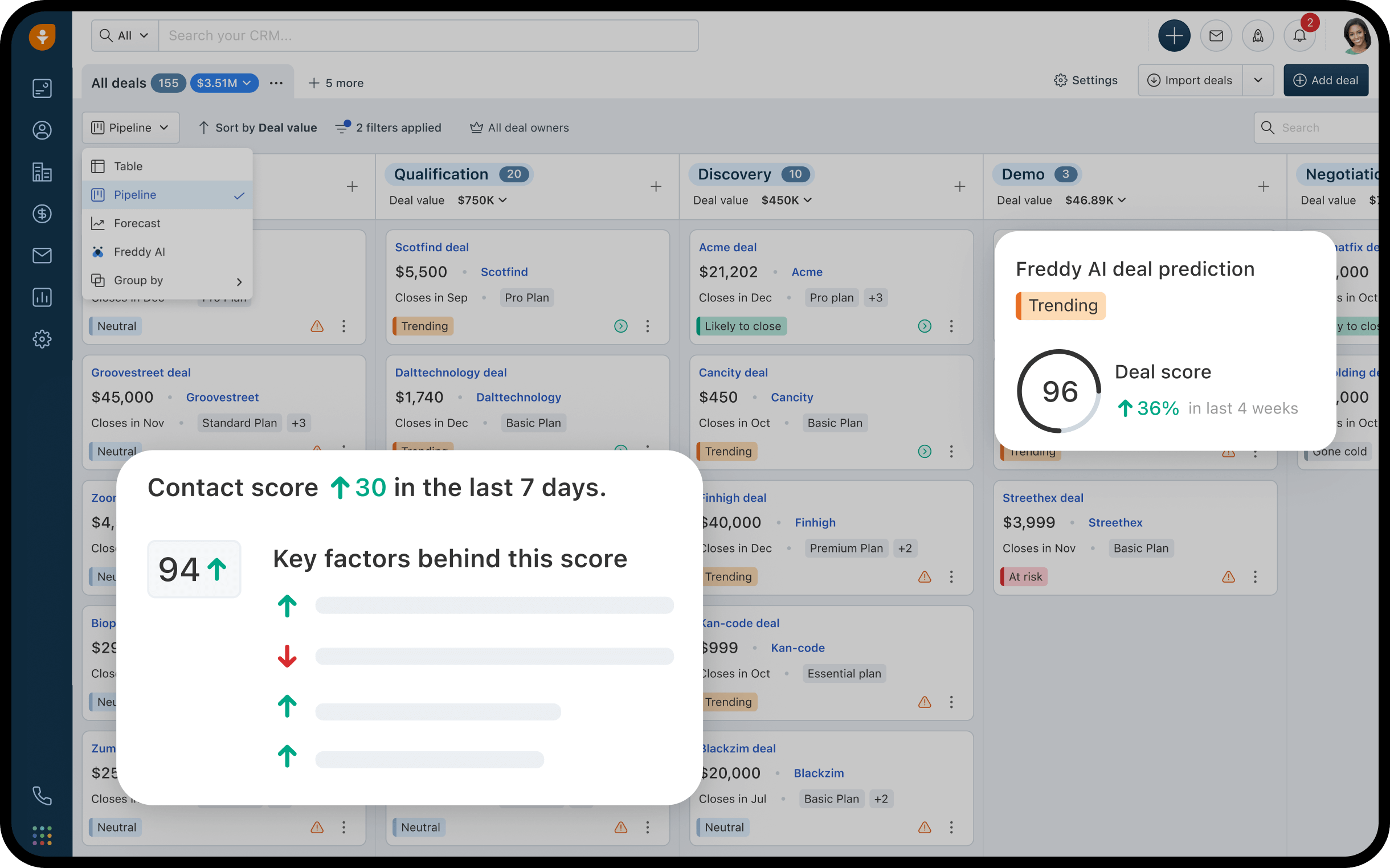
Freshsales (part of Freshworks) is built for sales reps who want to move quickly. Its WhatsApp Business integration lets reps chat with leads directly from the deal view, with templates and automation ready to go.
Why it stands out
- WhatsApp conversations inside the contact and deal pages
- Freddy AI for lead scoring and suggested next steps
- Clean, modern interface with a short learning curve
- Built-in phone and email alongside WhatsApp
Best for: Sales-led teams that want speed and simplicity over endless configuration.
Keep in mind: Reporting is less powerful than Salesforce or HubSpot, and WhatsApp features depend on your plan tier.
6. Kommo: Best Messenger-First CRM
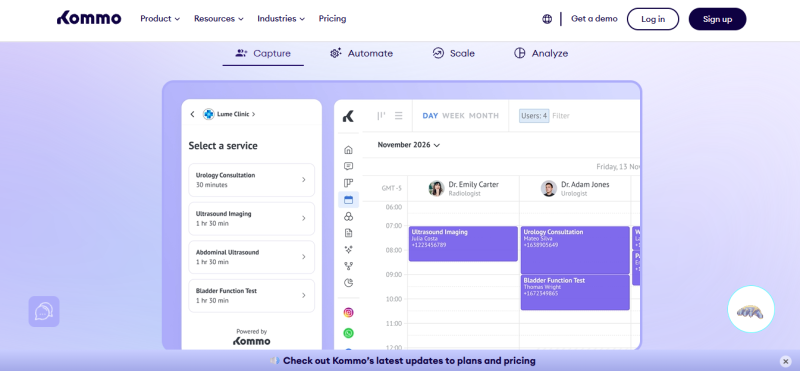
Kommo (formerly amoCRM) is different from the rest of this list because it was designed around messaging apps from the start. The whole CRM revolves around a unified inbox and a visual pipeline where WhatsApp chats become deal cards.
Why it stands out
- WhatsApp is a core feature, not an add-on
- No-code chatbot builder (Salesbot) for automated replies
- Visual pipeline that feels natural for chat-driven sales
- WhatsApp broadcasts and templates built in
Best for: Small businesses and sales teams that do most of their selling through chat.
Keep in mind: It is less suited to complex B2B processes with long sales cycles and many stakeholders.
7. Bitrix24: Best CRM Plus Collaboration Bundle
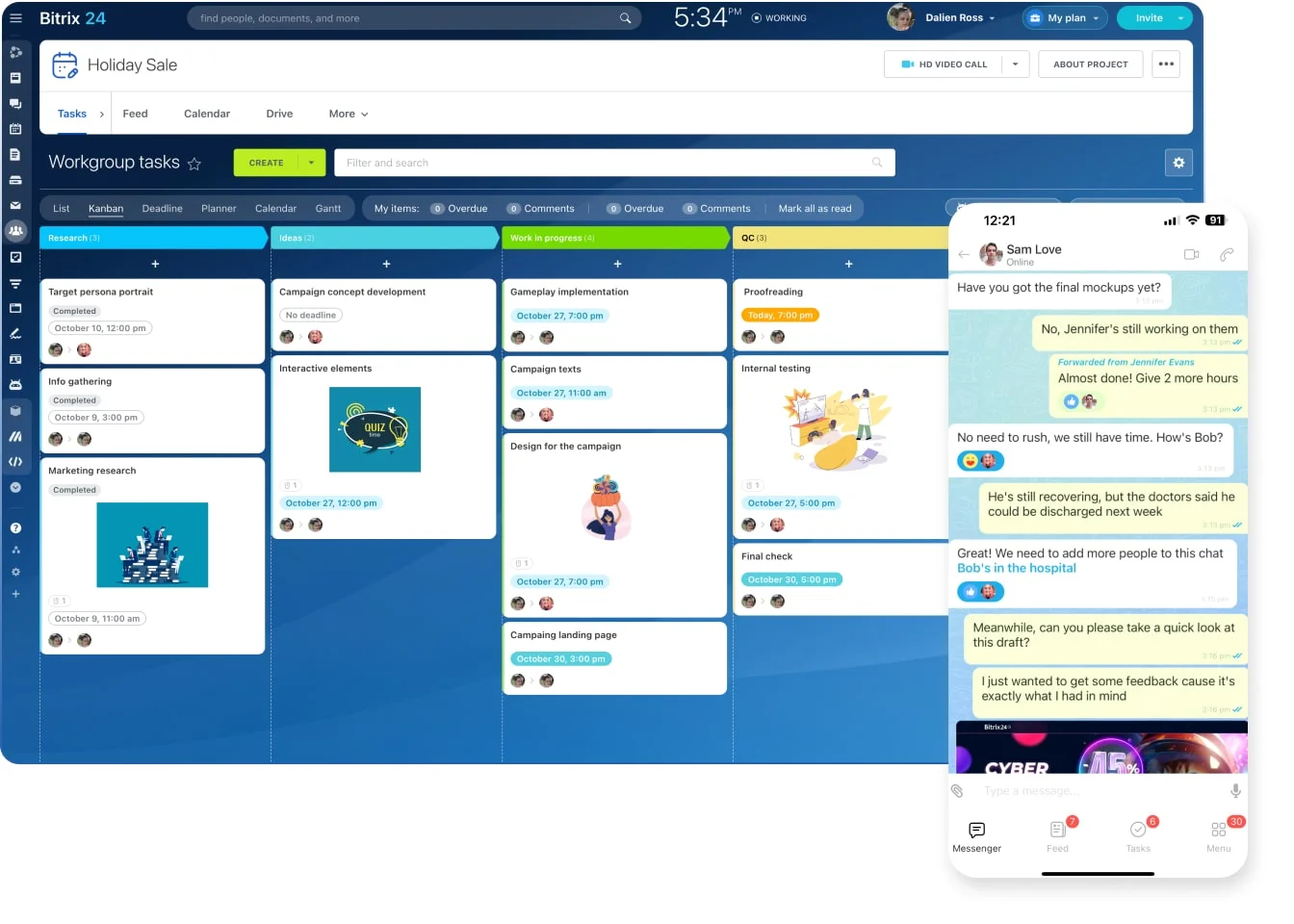
Bitrix24 bundles a CRM with project management, team chat, video calls, and a website builder. Its Contact Center feature pulls WhatsApp conversations into the CRM so leads are created automatically from incoming chats.
Why it stands out
- WhatsApp messages converted into leads and deals
- Generous free plan to start with
- CRM, tasks, and team communication in one workspace
- Automation rules and triggers for chats
Best for: Teams that want a lot of tools for a low price and do not mind a busier interface.
Keep in mind: The sheer number of features can feel overwhelming, and the WhatsApp connection often runs through a connector that adds cost.
How to Choose the Right CRM With WhatsApp Integration
Before you sign up for anything, run through this checklist:
- Native or connector? Native integrations are more reliable and easier to maintain. Connectors work but add another vendor and another bill.
- Official API? Make sure the CRM uses the official WhatsApp Business Platform. Meta reserves the right to limit or remove access for businesses that use anything other than official WhatsApp tools.
- Total cost. Add up CRM seats, connector fees, and Meta's per-message charges.
- Automation depth. Can you trigger workflows from WhatsApp messages, or just read them?
- Team inbox. Multiple reps need to share one WhatsApp number without stepping on each other.
- Templates and the 24-hour rule. Confirm the CRM manages approved templates for outbound messaging.
- Reporting. You should be able to see how WhatsApp conversations turn into revenue.
Final Verdict
If you want one platform for everything, start with HubSpot. If budget matters most, Zoho CRM is hard to beat. Enterprises should look at Salesforce or Microsoft Dynamics 365, depending on their existing stack. For teams that live in chat, Kommo was built for you. And Freshsales or Bitrix24 fit teams that want speed or breadth without the enterprise price.
Whichever you choose, the goal is the same: never let another WhatsApp lead vanish into a rep's phone again.
Post Comment
Share your thoughts about this article.
Be the first to post a comment!