For three years the pitch was the same: type a prompt, get a suggestion, copy it somewhere useful. In 2026 that quietly ended. The defining update across every major productivity tool this year is the shift from assistant to agent software that plans a task, executes it across your apps, and hands back a finished deliverable. Here is what changed, tool by tool, and how the leaders now stack up.
READING TIME ~9 minutes | TOOLS COVERED 8 platforms | FOCUS 2026 feature updates |
Gartner maps five stages of agentic maturity. In 2026 the whole industry crossed into stage two.
| 2025 | AI Assistants | Embedded helpers that simplify tasks but stay dependent on human input. |
| 2026 | Task-Specific Agents | Agents that run end-to-end complex tasks on their own, under your permissions. |
| 2027 | Collaborative Agents | Multi-agent systems working together across data environments. |
| 2028 | Agentic Front Ends | A third of experiences shift away from native apps toward agent interfaces. |
| 2035 | ~30% of Revenue | Agentic AI projected to drive roughly a third of enterprise software spend. |
What actually changed in 2026
Three structural shifts define this year's updates. If you only remember three things about the 2026 productivity landscape, remember these.
Execution replaced suggestion
SHIFT 01 · AGENTIC ACTION
Tools now complete workflows rather than assist with them. Microsoft reported that once Copilot could take multi-step actions directly inside Office files, weekly usage per person jumped 52% in Word, 67% in Excel, and 11% in PowerPoint clear evidence that people value a tool that does the work over one that merely proposes it.
Live data replaced stale snapshots
SHIFT 02 · CONTEXT AWARENESS
The Model Context Protocol (MCP) went mainstream. Instead of querying a pre-indexed copy of your data, tools now reach into connected systems—Slack, Salesforce, HubSpot, Notion, Google Drive live at the moment you ask, under your own permissions. That is the difference between an answer one crawl behind and one that is true right now.
Usage-based billing arrived
SHIFT 03 · THE NEW PRICING MATH
Agents cost money to run, so vendors added credit meters on top of flat seat pricing. Notion moved Custom Agents to credits at $10 per 1,000. Microsoft launched Copilot Cowork on usage-based billing with a Cost Management Dashboard. Budgeting for AI is now a line item you watch, not a fixed subscription you forget.
The tools, and what's new in each
A walk through the platforms doing the most this year. Each entry covers what the tool is for, the specific 2026 updates that matter, who it fits, and what it costs. Pricing reflects public information as of mid-2026 and shifts often verify before you buy.
Microsoft 365 Copilot [ AGENT-FIRST ]
BUSINESS WORKFLOWS · OFFICE-NATIVE
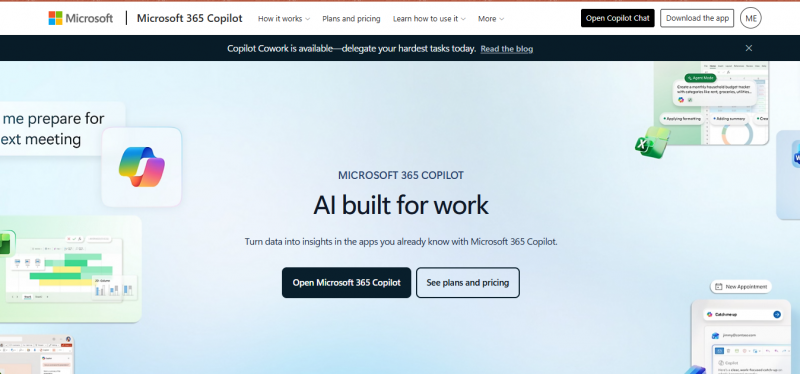
The AI layer woven through Word, Excel, PowerPoint, Outlook and Teams. Its edge is context: it sits on top of the documents, mail and org data your company already runs on, grounded by Microsoft's Work IQ. In 2026 it stopped suggesting and started doing.
◆ WHAT'S NEW IN 2026 Copilot now takes multi-step, app-native actions formatting citations in Word, building pivot tables in Excel, generating animations in PowerPoint. Copilot Cowork reached general availability: define a task and it executes start to finish, returning a completed deliverable. Microsoft Scout, its first always-on "Autopilot" agent, was unveiled at Build 2026. Anthropic's Claude joined the model picker in Copilot Chat, and federated MCP connectors (Canva, HubSpot, Linear, Notion and more) now pull live third-party data at prompt time. | |
BEST FOR Enterprises already living in Microsoft 365 | PRICING $30/user/mo full license; Cowork billed by usage |
ChatGPT (OpenAI) [ FLAGSHIP ]
RESEARCH · WRITING · GENERAL REASONING
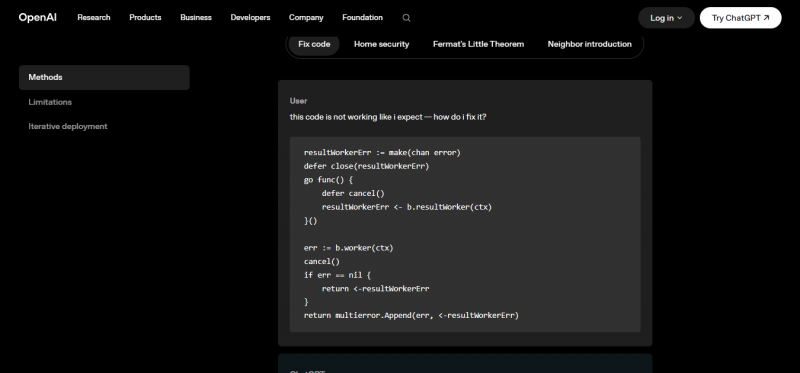
The industry's most flexible general-purpose assistant and, for many people, the default first stop for drafting, research and reasoning. Its strength is breadth: strong reasoning, coding, and creative work in one endlessly adaptable chat surface with wide third-party reach.
◆ WHAT'S NEW IN 2026 The GPT-5.x line pushed both reasoning and creative ceilings. Reports put GPT-5.5 at 82.7% on Terminal-Bench 2.0, leading on complex command-line tasks, while ChatGPT Images 2.0 sharply improved text rendering, aspect-ratio support and non-Latin script accuracy—raising its appeal for professional design work. New "Quick Response" and "Think Deeper" modes let you tune reasoning depth to the task. | |
BEST FOR Cross-platform research, content and general problem-solving | PRICING Free tier; Plus around $20/mo; Enterprise custom |
ReDeepSeek [ CONSUMER ]
ALL-IN-ONE ASSISTANT · BUDGET TIER
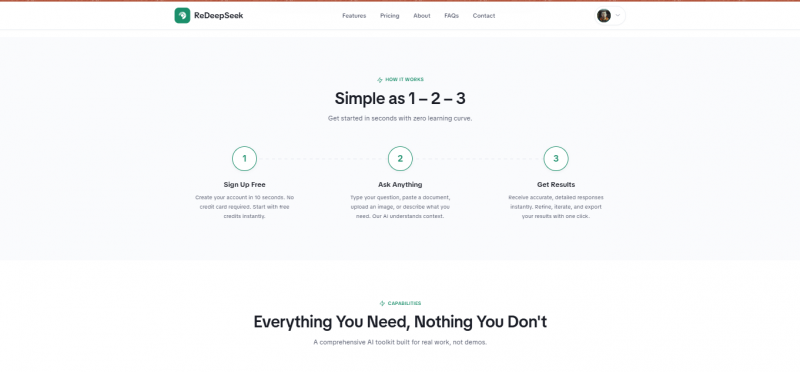
A single, streamlined AI assistant that folds chat, content generation, coding help, web search and image understanding into one interface—positioned for individuals and small teams who want the everyday toolkit without frontier-lab pricing. Where Copilot and Notion chase enterprise agents, ReDeepSeek stays deliberately consumer-facing: sign up in seconds, no credit card, start on free credits.
◆ WHAT IT PACKS IN Six capabilities under one roof: a context-aware chat assistant, brand-voice content generation (emails, blogs, ad and social copy), a code assistant across 30+ languages, web search with cited sources, image understanding for charts and screenshots, and fluent output in 50+ languages. Higher tiers add custom AI personas and templates, a shared team workspace (up to 5), and conversation history up to 50 days. | |
BEST FOR Covering chat, writing and code in one cheap subscription instead of several | PRICING Free ($0); Starter $10/mo; Professional $18/mo; Custom API |
Notion AI [ AGENT-FIRST ]
WORKSPACE · DOCS · KNOWLEDGE BASE
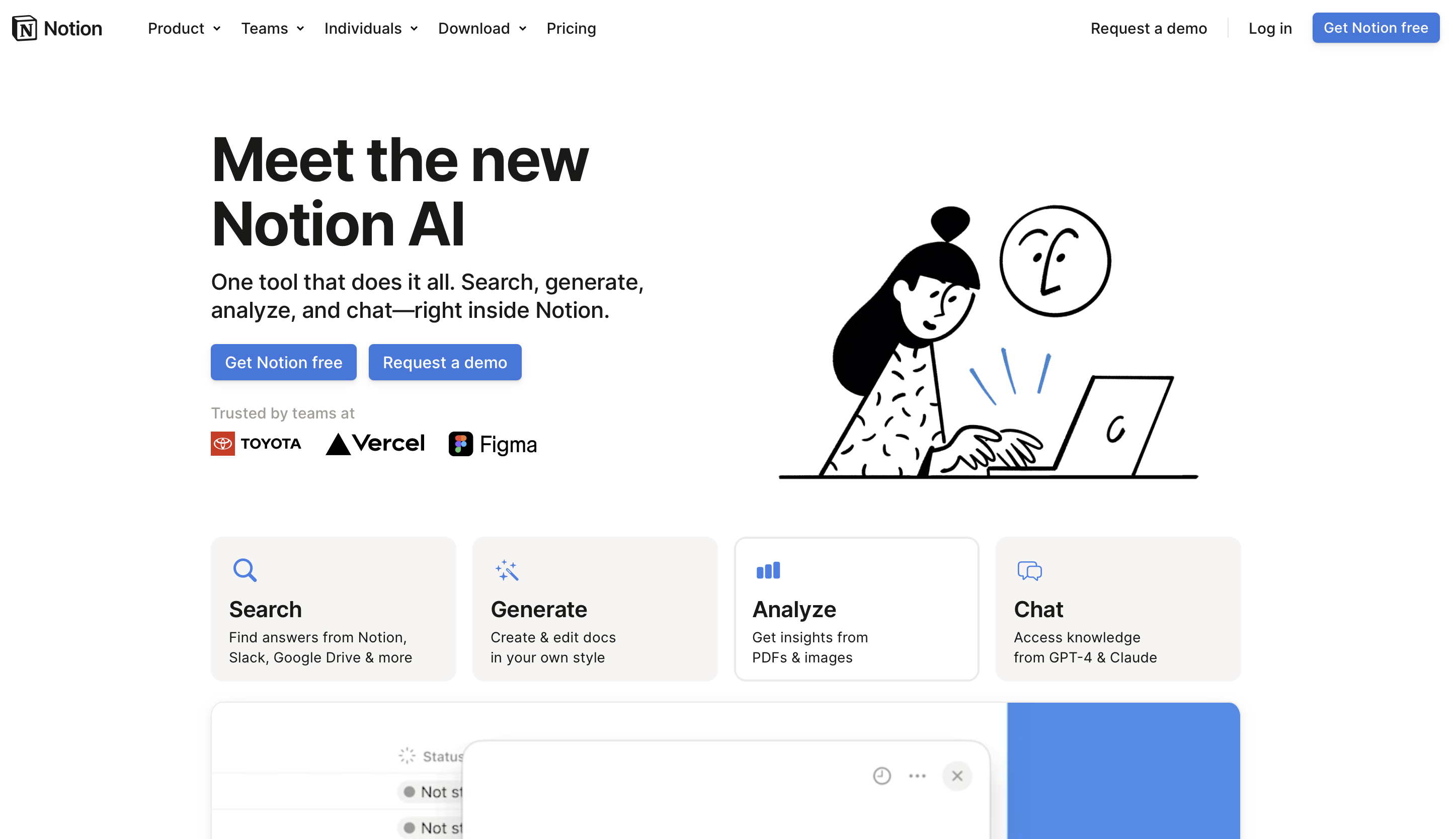
AI built directly into the workspace where your notes, wikis, databases and projects already live. Rather than a separate chat window, it acts inside your content—drafting pages, querying databases in plain English, and searching across connected apps.
◆ WHAT'S NEW IN 2026 Notion completed its arc from writing helper to autonomous teammate. Custom Agents (Feb 2026) run on schedules and triggers Slack messages, emails, database changes doing multi-step work that can last 20+ minutes. The External Agents API (v3.5, May 2026) lets Claude, OpenAI Codex and others plug straight into Notion. The model picker now spans Claude Opus, GPT-5.x and Gemini. The catch: Custom Agents moved to metered credits ($10 / 1,000) on May 4, 2026. | |
BEST FOR Teams consolidating docs, wikis and light automation in one place | PRICING Business $20/user/mo (AI included) + agent credits |
Zapier [ CONNECTOR ]
AUTOMATION · APP ORCHESTRATION
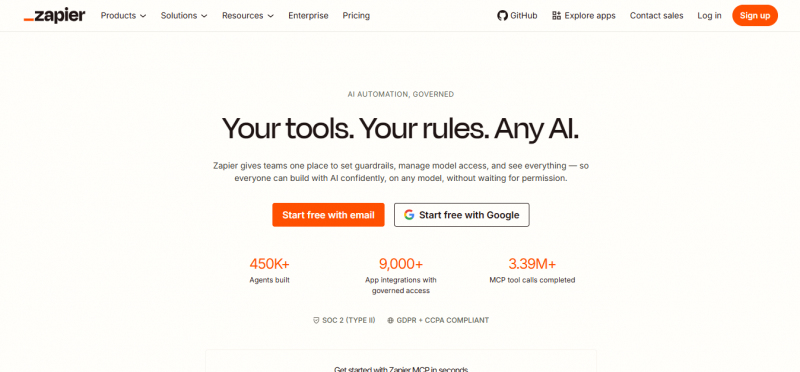
The connective tissue between thousands of apps. When something happens in one tool, Zapier triggers actions in others no code required. In 2026 it repositioned as an AI control center: not just moving data, but orchestrating how AI models act across your entire stack.
◆ WHAT'S NEW IN 2026 Zapier MCP lets AI models actually take action across connected apps—"your AI can talk; MCP makes it act." An AI Copilot builds automations through conversation instead of clicking through config screens, and Tables and Interfaces were bundled into standard plans at no extra cost, turning Zapier into a place to store, structure and act on the data your agents depend on. | |
BEST FOR Anyone stitching many apps together to kill repetitive handoffs | PRICING Free tier (100 tasks/mo); paid scales with task volume |
Perplexity [ RESEARCH ]
RESEARCH · CITED ANSWERS
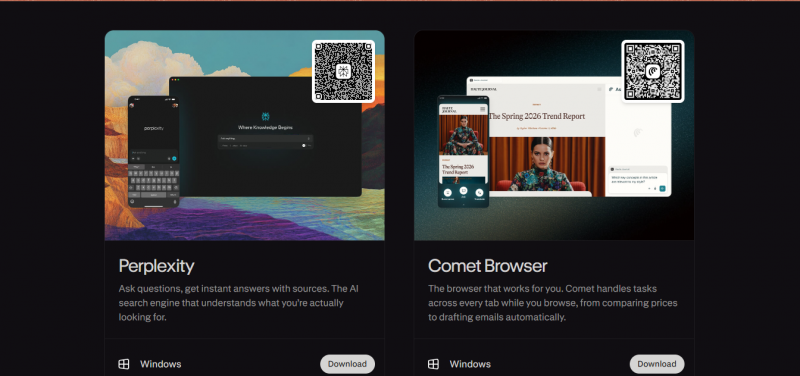
A research engine that returns cited answers synthesized from many live sources—often dozens per query—rather than a page of blue links. For research bottlenecks it collapses hours of tab-juggling into a single, sourced response you can actually verify.
◆ WHAT'S NEW IN 2026 Perplexity leaned harder into agentic, multi-source research, pulling from a wide spread of sources per query and tightening citation transparency so you can trace every claim back to its origin. It remains the go-to when the requirement is "find it, cite it, and let me check the receipts." | |
BEST FOR Fast, source-backed research without the rabbit holes | PRICING Free tier; Pro around $20/mo |
Grammarly [ WRITING ]
WRITING · EDITING · TONE
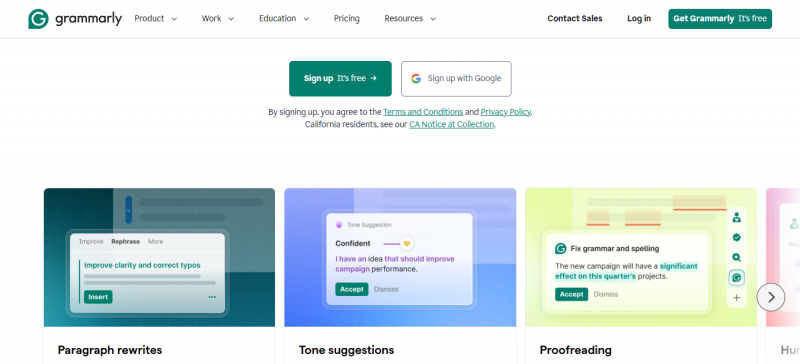
Long past spell-check, Grammarly now works as a writing layer across nearly every platform you type in. It catches errors, adjusts tone, improves clarity and rewrites full sentences and its generative features draft content in place, wherever your cursor is.
◆ WHAT'S NEW IN 2026 The generative layer matured into context-aware drafting: tone and clarity rewrites, full-sentence suggestions and prompt-based drafting that lives directly inside your existing writing tools rather than a separate app. The value proposition is friction removal it disappears into the workflow instead of adding a stop to it. | |
BEST FOR Anyone who writes across many apps and wants consistent polish | PRICING Free tier; paid Pro plans for advanced features |
Superhuman [ EMAIL ]
EMAIL · INBOX TRIAGE
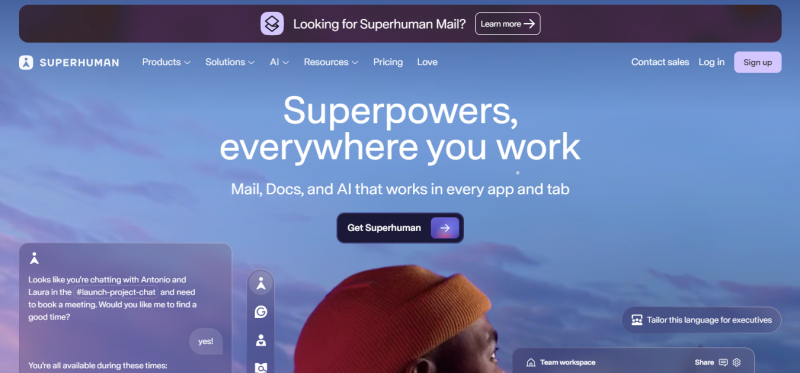
An email client that treats the inbox as a productivity problem to solve, not a stream to wade through. Its keyboard-first design lets heavy email users move through a morning's backlog in a fraction of the usual time.
◆ WHAT'S NEW IN 2026 The AI layer now does three things well: auto-drafts replies in your voice (trained on your sent mail), triages your inbox into "important today" versus "read later" while learning your patterns, and resurfaces threads you forgot to follow up on without being asked. Users report processing dozens of emails in minutes. | |
BEST FOR High-volume email professionals who live in their inbox | PRICING Around $30/mo |
Side by Side
The same eight tools across the dimensions that decide a purchase. YES = full capability · PARTIAL = limited or add-on · NO = not a focus.
| TOOL | PRIMARY JOB | AUTONOMOUS AGENTS | LIVE DATA (MCP) | METERED BILLING | ENTRY PRICE |
|---|---|---|---|---|---|
| Microsoft 365 Copilot | Office & business workflows | YES | YES | YES | $30/user/mo |
| ChatGPT | General reasoning & content | PARTIAL | PARTIAL | NO | Free / ~$20/mo |
| ReDeepSeek | All-in-one assistant | NO | PARTIAL | NO | Free / $10 / $18 |
| Notion AI | Workspace & knowledge | YES | YES | YES | $20/user/mo |
| Zapier | Cross-app automation | YES | YES | PARTIAL | Free / task-based |
| Perplexity | Cited research | PARTIAL | YES | NO | Free / ~$20/mo |
| Grammarly | Writing & editing | NO | NO | NO | Free / Pro |
| Superhuman | Email triage | PARTIAL | NO | NO | ~$30/mo |
Which do you actually pick?
You don't need all eight. The tools that stick are the ones that erase a specific friction you feel every day. Match the pain to the pick.
IF YOU LIVE IN MICROSOFT 365 Copilot The context advantage is decisive when your work already sits in Word, Excel, Outlook and Teams. The $30 leap is worth it only if you'll use the agentic execution, not just summaries. | IF YOU WANT ONE FLEXIBLE BRAIN ChatGPT The broadest general-purpose surface for research, drafting, coding and creative work—especially if you want strong image generation and cross-platform reach in a single tool. |
IF YOUR TEAM RUNS ON DOCS & WIKIS Notion AI Bundling Claude, GPT-5.x and Gemini into a $20 workspace undercuts buying three assistants separately—provided you'll keep an eye on agent credit burn. | IF BUSYWORK SPANS MANY APPS Zapier The orchestration layer that makes every other tool act in concert. Start free, automate one painful handoff, and expand only when the friction is obvious. |
IF BUDGET IS THE DECIDING FACTOR ReDeepSeek An all-in-one assistant—chat, content, code, web search, image analysis—at $10–$18/month. The pragmatic pick when you want broad coverage in one tool and don't need enterprise agents or deep integrations. | IF RESEARCH IS THE DAILY GRIND Perplexity When every answer needs a traceable source, its cited, multi-source responses beat a general chatbot. Pair it with a writing tool and you've covered the research-to-draft pipeline cheaply. |
The bottom line
Agents are the story of 2026. Every serious tool now completes tasks instead of suggesting them. If a tool you're evaluating still only advises, it's a generation behind.
Context beats raw intelligence. The models are largely interchangeable several tools now let you pick between Claude, GPT and Gemini. What differentiates them is how well they reach your live data under your permissions.
Watch the meter. Usage-based credits mean AI is no longer a fixed subscription. Set caps, run a two-week pilot on three real workflows, and confirm the value before rolling out team-wide.
Fewer tools, deeper fit. Pick two or three that erase real friction. Master one, add others when a clear pain point emerges. The longest feature list rarely wins; the one that disappears into your workflow does.
Post Comment
Share your thoughts about this article.
Be the first to post a comment!