K-12 students today have way more online learning options than they used to. That sounds like a good thing, but honestly? Parents and educators can feel pretty overwhelmed by all the promises out there — tailored tutoring, engaging tools, you name it.
Here's the thing. Some platforms are built for one-on-one support. Others work as all-in-one hubs for schools. So we rounded up seven platforms that actually get the job done. We looked at curriculum alignment, how engaging they are, whether they're flexible, and how well they support different ways of learning.
All platforms have proven themselves in public schools, homeschool settings, and tutoring programs.
What to Look for in an Online Learning Platform
So you're looking for a K-12 online learning platform. Where do you start?
First, ask yourself: does it personalize? The best platforms adjust lessons based on how fast your child learns. They also zero in on specific skill gaps instead of just plowing ahead.
Second, what about curriculum alignment? Make sure the material matches official standards — state requirements or NGSS. Otherwise, your child could fall behind.
Third, is it actually engaging? Games, polls, and virtual activities beat traditional lectures every time. Kids tune out less and participate more.
Fourth, how flexible is it? Works on phones, tablets, and computers? Check. Lets you schedule around your family's routine? Double check.
Fifth, can you track progress? You need reports that are easy to read. Show me real progress. Show me where my child is struggling.
Finally, does it support different learning styles? Visual, auditory, reading-focused, or hands-on. A solid platform covers all of them.
Top Online Learning Platforms for K-12 Students
We picked seven of the most effective online learning platforms for K-12 students in 2026.
How did we choose them? We looked at curriculum alignment, engagement features, flexibility, and how well each one supports different learning styles.
Brighterly — Best for Personalized K-12 Tutoring
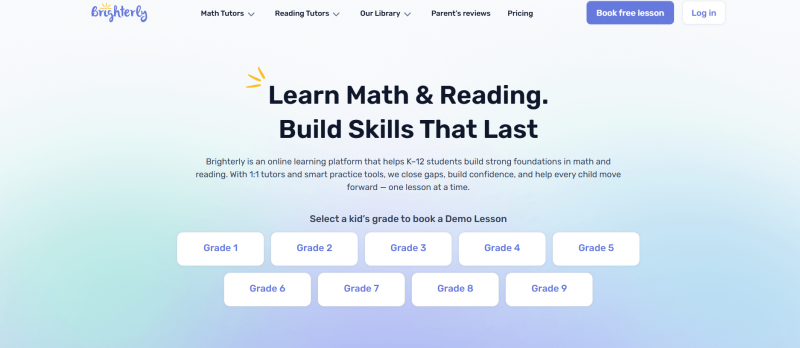
Brighterly is a K-12 learning platform designed for students who need extra help in math and ELA (English Learning Arts). The platform starts with a diagnostic assessment to identify where each student actually stands — then builds the plan from there.
This platform does personalized one-on-one tutoring that matches your child's pace, skill level, and specific learning gaps. Interactive tools keep lessons engaging, so kids develop real understanding and confidence.
No generic learning plans here. Brighterly matches each student with a tutor based on grade, learning style, goals, and weak areas, with a curriculum aligned to U.S. state standards. Works for elementary through high school — advanced students and those who need extra support.
Flexible scheduling is a huge win. Kids get live tutoring from experienced instructors. Monthly reports, homework help, and AI summaries keep learning on track between sessions.
Key features include:
● 1:1 online tutoring for K–12 students
● Personalized math and reading programs
● AI-powered practice assistant and lesson summaries
● Curriculum aligned with U.S. state standards
● Flexible scheduling for busy families
● Support for advanced and struggling learners
● Progress tracking with monthly parent updates
● Free demo lesson and placement assessment
● Worksheets, tests, and other learning materials
● Coverage in math, reading, writing, grammar, and test prep
Brighterly has been getting some attention in the EdTech world. It was recently named a finalist in the 2025 EdTech Digest Awards — in both the Math Solution and Tutoring Solution categories.
Google Classroom — Best for School-Wide Class Management
Google Classroom offers a simple, effective way for teachers to run their classes online. It brings together class management, material sharing, assignment distribution, and progress tracking into one convenient platform.
Through its integration with Google Workspace for Education, the platform connects Docs, Drive, and Meet in a system millions of schools already use. It works for K-12, college, and remote learning.
Teachers can set up lessons fast, provide prompt feedback, and maintain contact. The Gemini AI technologies assist with lesson preparation and material adaptation for diverse learners.
The platform is simple to set up and utilize. Students have a centralized location to obtain resources and submit work without misunderstanding.
Key features:
● Virtual classroom and assignment organization
● Seamless integration with Google Docs, Drive, Meet, and Gmail
● AI tools via Gemini for lesson support
● Real-time grading and feedback
● Progress tracking and classroom analytics
● Support for both interactive and self-paced activities
● Plagiarism detection with originality reports
● Options for differentiated instruction
● Secure cloud access for everyone
● Connections to other education apps
Schools prefer this platform because it works for both in-person and remote learning. It also cuts down on admin tasks. Teachers gain more time to teach.
Quizlet — Best for Flashcards and Quick Study Sessions
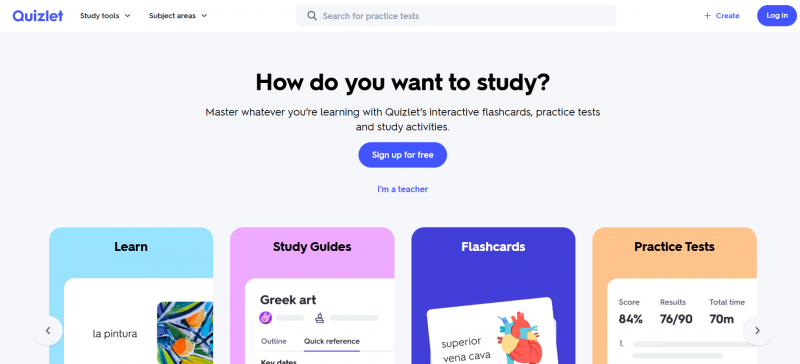
Quizlet is basically a study tool built around flashcards, tests, and other interactive features. It works for students and teachers alike. You'll find content in languages, sciences, history, and even professional certifications.
You have two options here. Make your own flashcards and quizzes. Or just grab study sets that other people have already made. The platform relies on repetition and active recall — those old-school methods that actually help things stick.
Where Quizlet really stands out is flexibility. Use it on your own for independent studying. Or try Quizlet Live for group activities. Either way, it's pretty straightforward.
Key features:
● Digital flashcards and study sets
● Practice tests with AI recommendations
● Interactive activities and guides
● Quizlet Live collaboration game
● Large library of user and expert content
● Mobile and desktop access
● Teacher-specific classroom tools
● Broad subject and certification coverage
● Free version plus premium features
Students like Quizlet for its simplicity and effectiveness. It combines community resources, accessibility, and light gamification to support both classroom learning and self-paced study.
Duolingo — Best for Gamified Language Learning
If you’ve ever wanted to learn a language without it feeling overwhelming, Duolingo is probably on your radar. The app breaks everything down into short, engaging lessons that mix reading, listening, speaking, and writing practice.
Over time, it has expanded beyond languages into areas like math, literacy, and chess. Thanks to smart AI and adaptive learning, it adjusts to your pace and keeps things relevant as you improve.
What many users like most is the game-like feel. You collect points, try to keep your streak alive, and move through levels, which makes daily practice more enjoyable than traditional study methods.
Main features include:
● 40+ language courses to choose from
● Quick gamified lessons with rewards
● Personalized paths using AI
● Full skill practice (speak, listen, read, write)
● Access on phones, tablets, or computers
● Free core experience with premium options
● Tools for schools and classroom integration
● Duolingo ABC for early readers
● English proficiency test
● Additional topics like math and chess
It stays popular for good reason — it’s free to begin with, easy to use, and keeps learners motivated. Whether you’re a student supplementing classwork or just learning for fun, it fits into real life pretty well.
Edsby — Best for Parent-Teacher Communication
Edsby is a K–12 learning management platform that connects teachers, students, parents, and administrators in one system. It is built for schools to improve daily operations and family communication.
Instead of using multiple apps, Edsby combines classroom management, grading, assignments, and communication into a single platform. Teachers manage attendance and assessments, while parents and students receive real-time updates on progress and due dates.
The platform fits actual K–12 needs by supporting competency-based learning, district-level analytics, and secure messaging. It also integrates with existing school systems.
Key features:
● Central gradebook, assignments, attendance
● Direct teacher-parent-student communication
● Competency-based assessment
● Real-time progress reporting
● Digital forms and approval workflows (SignWave)
● District-wide reporting (Destinations)
● Integrates with other school systems
● Mobile access
● ISO 27001 privacy certification
Schools choose Edsby to reduce app overload and improve transparency between home and school. The platform has won multiple EdTech awards for its practical learning management approach.
Nearpod — Best for Interactive Classroom Lessons
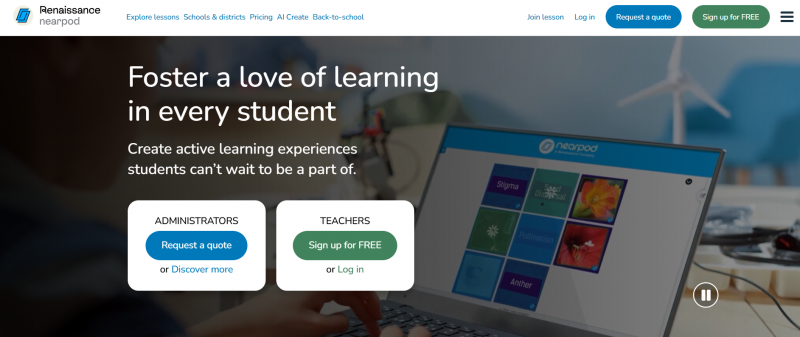
If you’re a teacher trying to make your lessons more engaging, Nearpod is definitely worth a look.
The platform works effectively with both in-person and virtual classes. It allows you to combine presentations, movies, quizzes, and interactive features all in one place. Rather of merely giving knowledge, you may engage students through surveys, games, and group activities.
You also have the choice to run live sessions or let kids move at their own pace. Either way, you get to see real-time responses.
Recent AI tools now help speed up lesson creation, and Nearpod’s library of thousands of ready-made lessons already matches common educational standards.
Main features include:
● Quizzes, polls, and gamified activities
● Live formative assessment
● AI lesson and question generator
● Self-paced and real-time modes
● Over 22,000 ready-to-use resources
● Easy integration with other classroom tools
● Strong support for differentiated instruction
Many schools use it because it genuinely increases student engagement and gives teachers useful data to guide their instruction. Being part of the Renaissance ecosystem is another big plus.
ClassDojo — Best for Elementary School Engagement
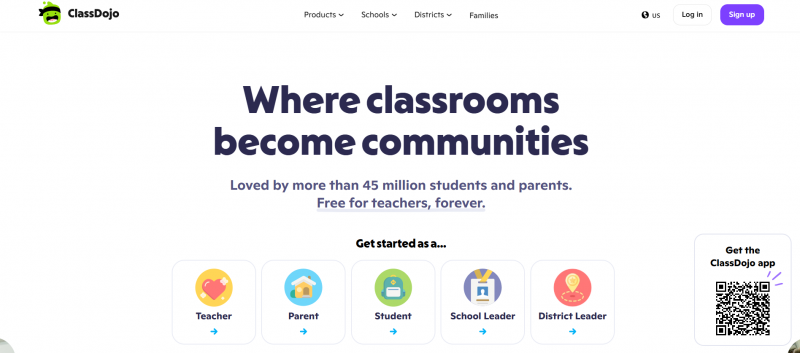
Many K-12 schools turn to ClassDojo for better connections between teachers, students, and families. The platform keeps everything in one simple space, from daily updates to behavior tracking and parent involvement.
It supports quick communication through messages and classroom stories. Automatic translation removes language barriers for families. Teachers also manage participation and share moments from the day without much hassle.
Students benefit from a more active role, too. They build portfolios and earn recognition for positive actions. The tools remain light and easy for everyone to use.
Key features:
● Real-time messaging and translation
● Classroom stories and media updates
● Behavior rewards and tracking
● Digital portfolios
● Calendar and reminders
● Social-emotional activities
● Classroom management toolkit
● Free for teachers with mobile support
Overall, ClassDojo shines in elementary and middle school years by making school life more open and community-oriented.
Conclusion
So here's the bottom line. There's no one-size-fits-all answer. The right platform comes down to your students' specific needs, how they learn best, and what you're hoping to get out of it.
We've walked through seven platforms. They give you solid choices across different subjects, grade levels, and teaching styles. And if you pay attention to personalization, curriculum alignment, engagement, and scheduling flexibility? Finding something that actually works gets way easier.
When parents and teachers focus on those areas, they're way more likely to pick tools that help students succeed — both inside and outside the classroom.
Post Comment
Share your thoughts about this article.
Be the first to post a comment!