Myimg AI is a handy starting point for AI images if you are not a designer. It gives you a simple interface, quick generations, and basic editing in the browser. That works well at the beginning, but once you start handling real campaigns, clients, or higher visual standards, its limits show up fast.
Creators usually move away from Myimg AI when they need stronger design features, richer AI options, or new media types like video and faceswap. The tools below cover those gaps from different angles, so you can pick what actually fits how you work.
Quick Snapshot: Myimg AI vs 7 Key Alternatives
| Tool | Main Role | Why People Pick It Over Myimg AI |
| Myimg AI | Simple AI image generator and editor | Easy start for non designers |
| Canva | Full design suite with AI image tools | Templates, brand kits, social output at scale |
| Simplified | Design plus AI copywriting plus video | All marketing assets in one place |
| Fotor | Photo editor with AI image generation | Strong editing plus AI in one app |
| Recraft | Pro‑grade AI imagery for designers | Better quality, vectors, and consistency |
| Adobe Firefly | AI engine inside Creative Cloud | Deep integration and commercially safe models |
| Deepfakemaker | Face swap and deepfake style images | Identity swaps and meme style content |
| Dessi / Vidqu | AI video and ad creatives | Short video ads and talking head content |
Where Myimg AI Works Well (And Where It Does Not)
Myimg AI does its best work for people who want fast, simple AI images without touching heavy software. It is good at basic prompt‑based generation, light editing, and quick social visuals.
It starts to feel limited when you need:
- Real layout tools for carousels, ads, and presentations
- Brand kits, reusable styles, and collaboration features
- High end upscaling, vector output, or consistent brand characters
- Faceswap, scripted video, or ad specific creative formats
What Should You Look for in a Myimg AI Alternative in 2026?
Not every AI image generator is an upgrade in the same way.
One platform may create better-looking images but provide fewer design tools. Another may be better for branding, while another makes more sense for marketers who need to turn an image into an ad, video, presentation, or social post.
Before switching from Myimg AI, compare alternatives across these areas:
1. Image Quality
Look beyond whether the first generated image looks impressive.
A stronger image generator should also perform reliably across:
- People and facial details
- Product photography
- Lighting and shadows
- Complex scenes
- Different illustration styles
- Repeated generations from similar prompts
Consistency matters more than getting one unusually good result.
2. Prompt Understanding
Good prompt following becomes important when you start asking for several specific elements in the same scene.
For example:
“Create a product photo of a green running shoe on a white pedestal, photographed from the left, with soft studio lighting and a yellow background.”
A stronger model should follow the requested object, color, composition, viewpoint, and background instead of capturing only the general idea.
3. Text Inside Images
Generating attractive artwork and generating accurate typography are different challenges.
If you create posters, thumbnails, packaging concepts, advertisements, menus, or social graphics, look closely at how well a tool renders:
- Headlines
- Product names
- Signs
- Labels
- Short slogans
- Multiple lines of text
Ideogram has made typography and layout control a major focus of its image models, which makes this category particularly important when comparing image-first generators.
4. Editing After Generation
The best result rarely appears on the first attempt.
Useful editing capabilities can include:
- Inpainting
- Object removal
- Background replacement
- Image expansion
- Layer-based editing
- Generative fill
- Retexturing
- Upscaling
- Reference-image controls
For example, Midjourney's current web editor supports tools including inpainting, Pan, Zoom Out, layers, Smart Select, Retexture, and editing of uploaded images.
5. Style and Brand Consistency
Generating one attractive Instagram post is easy compared with creating 20 visuals that look as though they belong to the same brand.
Businesses should look for:
- Reusable styles
- Brand colors
- Reference images
- Character consistency
- Brand kits
- Shared asset libraries
- Team controls
Recraft, for example, supports custom styles, brand colors, raster and vector generation, and reusable visual workflows.
6. Output Format
Ask what happens after the image is generated.
If all you need is a social post, a raster image may be enough.
Designers may also need:
- PNG
- JPG
- Transparent backgrounds
- SVG
- Vector graphics
- Editable layouts
- High-resolution files
Recraft supports both raster and vector workflows and can export formats including JPG, PNG, and SVG.
7. Workflow Integration
A standalone image generator can be sufficient for casual use.
Professional users often need the image to move immediately into another workflow such as:
Generate → edit → resize → add copy → approve → publish
That is where platforms such as Canva, Adobe Firefly, and Simplified can have an advantage over a generator that mainly focuses on producing individual images.
Canva - The “Everything In One Tab” Upgrade
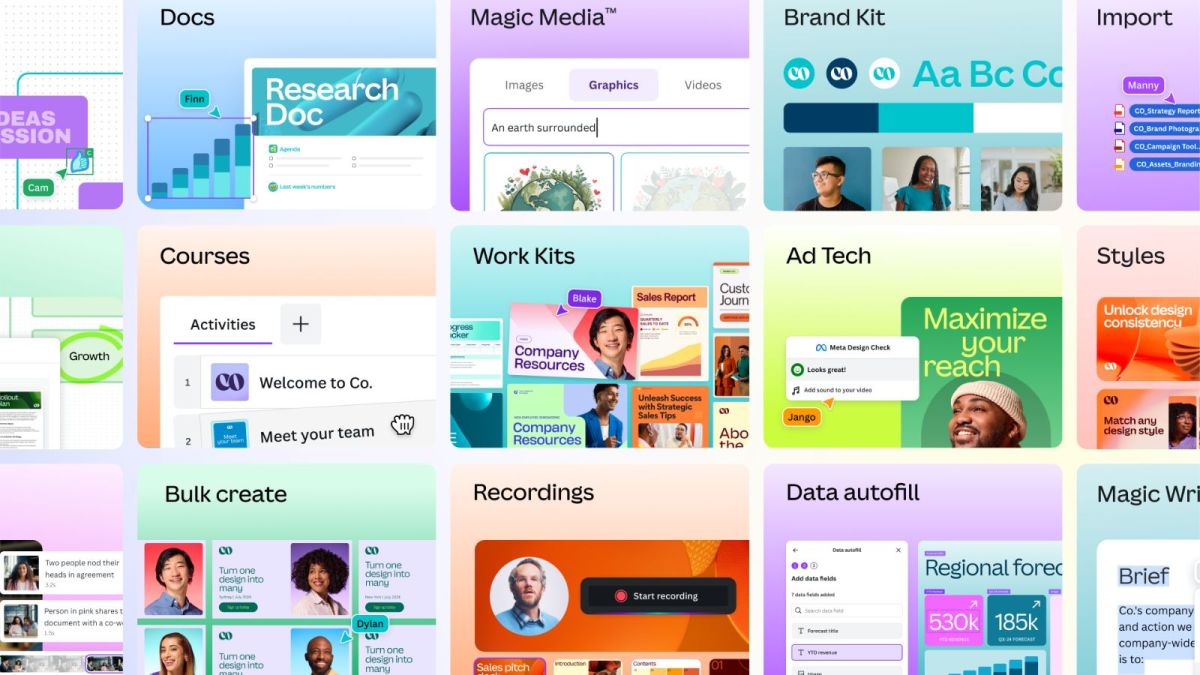
Canva covers design, AI images, basic video editing, and publishing in one browser tab. It adds thousands of templates, brand kits, and automatic resizing, so the AI becomes part of a full design system instead of sitting alone.
Canva vs Myimg AI
| Aspect | Canva | Myimg AI |
| Scope | Design, layouts, AI images, video, docs | Mainly AI image generation and edits |
| Templates | Very large template library | Limited compared with Canva |
| Brand features | Brand kits, fonts, shared assets | Basic, if present |
| Best for | Teams and creators running full campaigns | Individuals needing quick images |
What Has Changed With Canva in 2026?
Canva has moved further beyond being a template editor with a few AI tools attached.
In April 2026, Canva announced Canva AI 2.0, powered by its Canva Design Model. One of the major ideas behind the update is generating structured, layered designs that users can continue editing rather than receiving only a flat finished image.
That matters when comparing it with Myimg AI.
The advantage is not necessarily that Canva should replace every specialist image generator. Its advantage is that an AI-generated visual can immediately become part of:
- An Instagram carousel
- Advertisement
- Presentation
- Poster
- Document
- Website
- Video
- Branded campaign
Canva's Magic Media also supports prompt-based image generation within the broader design environment.
Choose Canva over Myimg AI when: the final deliverable matters as much as the generated image itself.
Simplified - Design, Copy, And Video Together
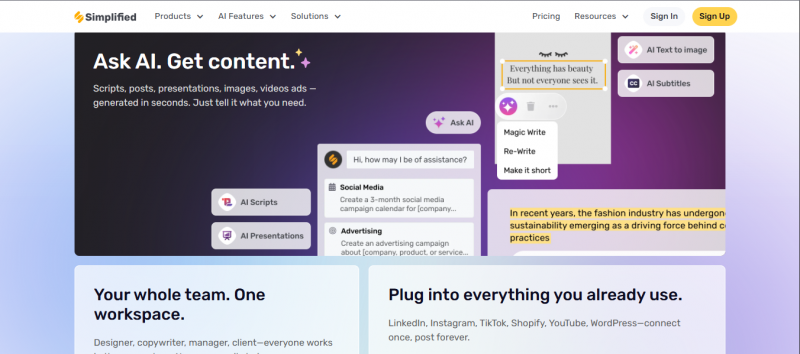
Simplified combines AI images, AI copywriting, design, and social posting in a single dashboard. It suits people who write posts, design them, and publish them, often alone or in a very small team.
Simplified vs Myimg AI
| Aspect | Simplified | Myimg AI |
| Features | Design, AI images, AI copy, scheduling | AI image generation and basics |
| Collaboration | Workspaces, comments, shared libraries | More limited |
| Social posting | Built in scheduling and publishing | Not a central feature |
| Best for | Small marketing teams and solopreneurs | Casual image creation |
Simplified Has Expanded Beyond Basic AI Content Creation
Simplified is increasingly positioned around complete marketing workflows rather than isolated AI generation.
Its current platform combines image generation, photo editing, graphic design, presentations, copywriting, advertisements, video creation, social scheduling, analytics, approvals, and automation. It also promotes AI agents designed to help execute recurring marketing workflows.
That makes the Myimg AI comparison clearer.
Myimg AI can make sense when the task ends at:
“I need an image.”
Simplified becomes more interesting when the task is:
“I need a campaign containing an image, caption, video, approvals, scheduling, and publishing.”
Choose Simplified over Myimg AI when: reducing the number of marketing tools your team uses is more valuable than having a lightweight standalone image generator.
Fotor - Photo Editing First, AI Second
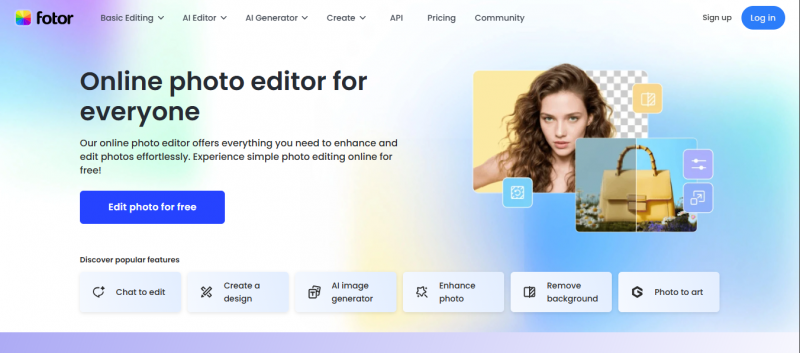
Fotor started as a classic photo editor and added AI on top. It can handle retouching, color adjustments, HDR style effects, and then layer in AI generation and enhancement.
Fotor vs Myimg AI
| Aspect | Fotor | Myimg AI |
| Origin | Photo editor with AI added | AI image tool from the start |
| Editing depth | Strong traditional editing tools | Lighter, AI centric |
| Platforms | Web, desktop, and mobile | Primarily web |
| Best for | Users mixing real photos and AI art | Users mostly generating from text |
Fotor Is Becoming More Model-Agnostic
One increasingly important trend in AI creation tools is the move from offering one proprietary image model to giving users access to several generation models from one interface.
Fotor currently promotes access to multiple AI models alongside its photo-editing environment and combines generation with tools such as inpainting, image expansion, background removal, enhancement, and other editing functions.
This can be useful because different models may perform better for different jobs.
A marketer may want one model for photorealistic product visuals and another for an image containing typography. Working inside a multi-model interface reduces the need to maintain separate workflows for each one.
Choose Fotor over Myimg AI when: you frequently switch between editing real photographs and creating new AI-generated material.
Recraft - For Designers Who Care About Vectors And Consistency
Recraft is tuned for professional visual work. It generates vector and raster graphics with a focus on brand consistency and clean lines, which matters for logos, icons, and product visuals.
Recraft vs Myimg AI
| Aspect | Recraft | Myimg AI |
| Output types | Vector and raster, brand ready assets | Mostly raster images |
| Target user | Designers and brand teams | General users and creators |
| Consistency | Emphasis on uniform visual style | More single‑image oriented |
| Best for | Producing assets that must match a brand | Quick non critical visuals |
Recraft Has Become an Even Stronger Design-Focused Alternative
Recraft deserves additional attention in a 2026 comparison because its product has continued evolving specifically around professional visual production.
Its documentation lists Recraft V4.1 models released in mid-May 2026, including dedicated raster, vector, Pro, and utility variants. The platform also supports style creation, brand colors, vectorization, background removal, and image generation through its API.
That creates an important distinction:
Myimg AI is primarily about generating an image.
Recraft is increasingly about generating an editable visual asset that fits into a design system.
This distinction matters for:
- Logo concepts
- Icons
- Illustrations
- Packaging
- Brand assets
- Advertisements
- Merchandise graphics
- Product mockups
- Social media design systems
Recraft also supports custom visual styles intended to help users maintain consistent branding across multiple generations.
Choose Recraft over Myimg AI when: vector output, repeatable styles, brand consistency, or designer-oriented controls are priorities.
Adobe Firefly - AI Inside The Tools Pros Already Use
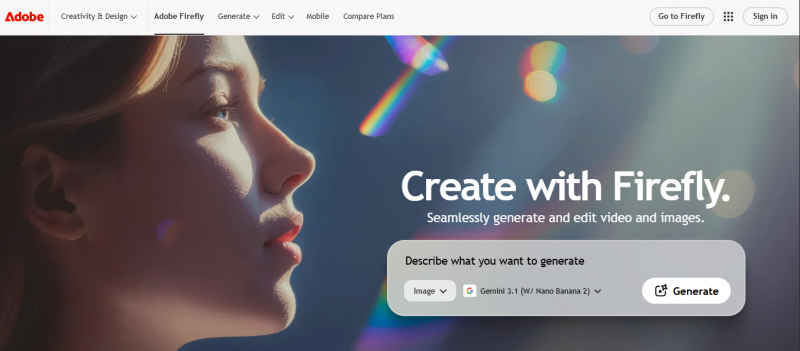
Adobe Firefly lives inside Photoshop, Illustrator, and other Creative Cloud apps. It brings text to image, generative fill, text effects, and vector generation to the tools agencies already rely on.
Adobe Firefly vs Myimg AI
| Aspect | Adobe Firefly | Myimg AI |
| Integration | Embedded in Creative Cloud | Standalone web platform |
| Safety stance | Positioned as commercially safe | Less formally framed |
| Media types | Images, vectors, some video and audio use | Primarily images |
| Best for | Teams already working in Adobe | Individuals outside pro design tools |
Adobe Firefly Is Now a Multi-Model Creative Environment
Adobe Firefly has expanded significantly beyond its original text-to-image positioning.
Adobe currently describes Firefly as a creative studio for generating and editing images, video, audio, and designs while providing access to models from Adobe and third-party providers including Google and OpenAI.
Adobe also introduced Firefly Image Model 5, which supports native 4MP image generation and natural-language image editing.
For professional users, this means Firefly should increasingly be evaluated as a gateway into a wider creative workflow rather than simply another prompt box.
A typical Adobe workflow can move from:
AI generation → Photoshop editing → layout → production asset
without requiring the user to rebuild everything in another environment.
Choose Adobe Firefly over Myimg AI when: the output will eventually be edited or produced using Adobe's professional creative applications.
Deepfakemaker and Dessi - When Faceswap and Motion Matter
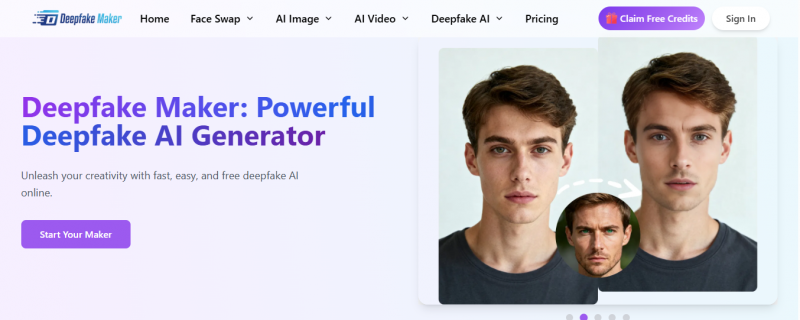
Deepfakemaker focuses on swapping faces into photos and videos. Dessi focuses more on AI video for content and ads, including talking heads and scripted clips. Users who use Myimg AI mostly for identity play or meme content often find these more powerful.
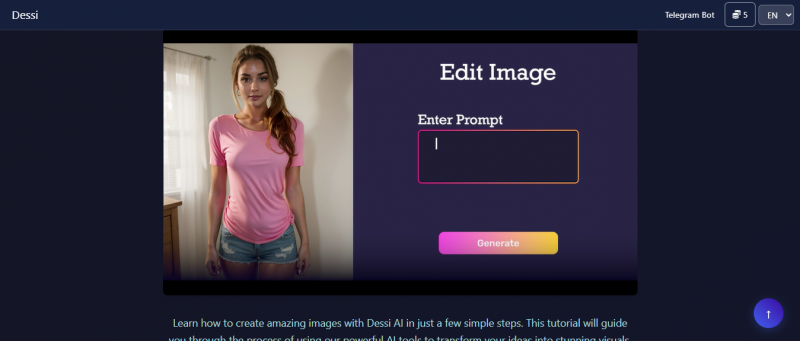
Deepfakemaker and Dessi vs Myimg AI
| Aspect | Deepfakemaker / Dessi | Myimg AI |
| Media focus | Faceswap and generative video | Static AI images |
| Motion support | Yes, with video and lip sync | Limited or none |
| Use cases | Parodies, short content, explainer clips | Thumbnails and static posts |
| Best for | People who want moving content | People fine with stills only |
pxbee, softorbits, and vidqu - Niche Utilities Around Images And Video
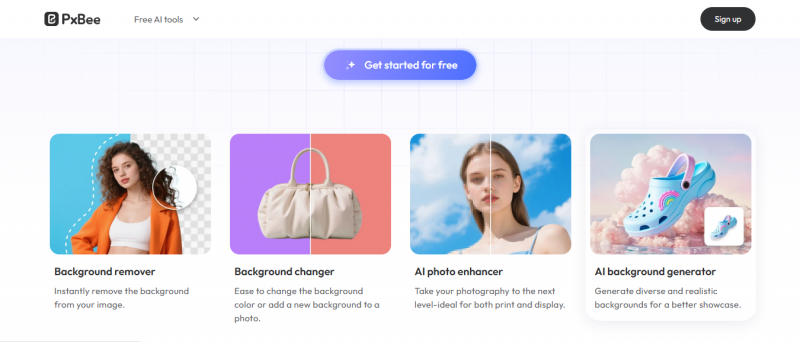
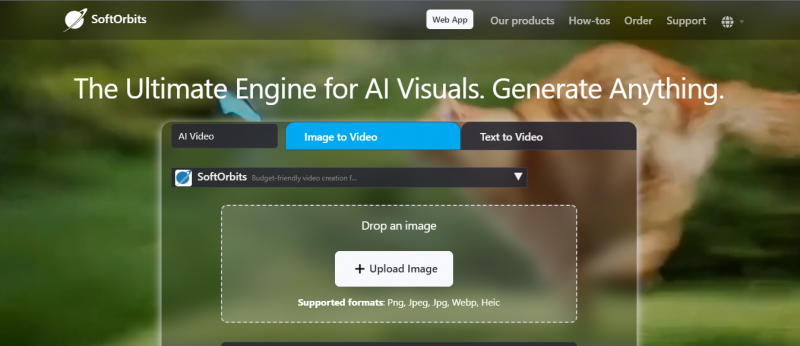
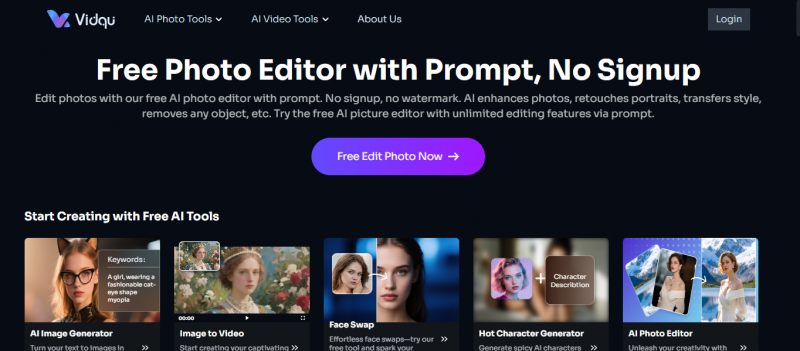
pxbee leans into stock imagery and e‑commerce visuals. softorbits offers photo utilities such as batch processing, enhancement, and recovery. vidqu focuses on AI powered video editing and generation.
pxbee, softorbits, vidqu vs Myimg AI
| Aspect | pxbee / softorbits / vidqu | Myimg AI |
| Specialization | Stock, utilities, or video workflows | General AI image generation |
| Audience | Shops, photographers, video editors | Broad creator base |
| Depth | Strong in one specific area | Wider but shallower feature set |
| Best for | Filling a particular gap in a pipeline | Getting started with AI imagery |
Two More Myimg AI Alternatives Worth Considering in 2026
The original comparison focuses heavily on design suites, photo editors, and specialized utilities. Two additional image-first platforms deserve consideration if generation quality and creative control are the main reasons for leaving Myimg AI.
Midjourney - For Strong Visual Style And Creative Control
Midjourney remains relevant for creators whose biggest priority is producing visually distinctive AI imagery rather than building complete marketing layouts.
Its current toolset goes well beyond basic text-to-image prompting.
Creators can work with:
- Image prompts
- Personalization profiles
- Moodboards
- Reference images
- Inpainting
- Image expansion
- Retexturing
- Layers
- Style controls
Midjourney's personalization system can learn aesthetic preferences from images selected by the user, while Moodboards allow creators to construct reusable visual directions around collections of reference images.
Its Image Prompts can also use one or multiple reference images to influence content, composition, and colors.
Midjourney vs Myimg AI
| Aspect | Midjourney | Myimg AI |
|---|---|---|
| Main strength | Creative image generation and style control | Fast and simple image creation |
| References | Image prompts, personalization, moodboards | More basic workflow |
| Editing | Inpainting, layers, Retexture, resize and expansion tools | Lighter editing |
| Learning curve | Higher | Lower |
| Best for | Artists, concept creators and visually demanding campaigns | Casual and quick generations |
Choose Midjourney over Myimg AI when: image aesthetics and creative experimentation matter more than simplicity.
Ideogram - For Typography, Posters And Text-Heavy Images
Ideogram is particularly useful when generated text is part of the actual image rather than something that will be added later in Canva or Photoshop.
Ideogram 4.0, released in June 2026, emphasizes typography, multilingual text rendering, prompt alignment, editing, layout control, and realistic 2K image generation. It is also available as an open-weight model.
That makes it especially relevant for:
- Posters
- Event graphics
- Advertisements
- Book-cover concepts
- Packaging concepts
- Signs
- Social media graphics
- Thumbnails containing words
Ideogram vs Myimg AI
| Aspect | Ideogram | Myimg AI |
| Main strength | Text rendering and controlled image generation | Simplicity |
| Typography | Major product focus | More general |
| Layout control | Stronger design-oriented controls | Basic |
| Open model option | Ideogram 4.0 has open weights | Not a central feature |
| Best for | Posters, ads and text-heavy visuals | Quick general imagery |
Choose Ideogram over Myimg AI when: accurate-looking words, signage, poster layouts, or typography are important parts of the image.
Final Verdict: Where To Send Myimg AI Users Next
Different users outgrow Myimg AI for different reasons, so strong recommendations depend on what they are actually trying to do.
- If someone is basically running a one person marketing team, platforms like Canva and Simplified make more sense than staying with Myimg AI. They cover design, copy, and publishing, so visuals stop being a separate headache.
- Reader who is editing a lot of real photos or cares about fine control over retouching, Fotor feels more natural than a pure generator. Designers who live in brand guidelines will usually be happier moving into Recraft or Adobe Firefly, because those tools respect structure and consistency instead of generating every asset from scratch.
- For users who are clearly chasing faceswap and motion, it is worth sending them toward Deepfakemaker, Dessi, or vidqu. Myimg AI was never built as a deepfake or video suite, and forcing it into that role just creates frustration.
Post Comment
Share your thoughts about this article.
Be the first to post a comment!