
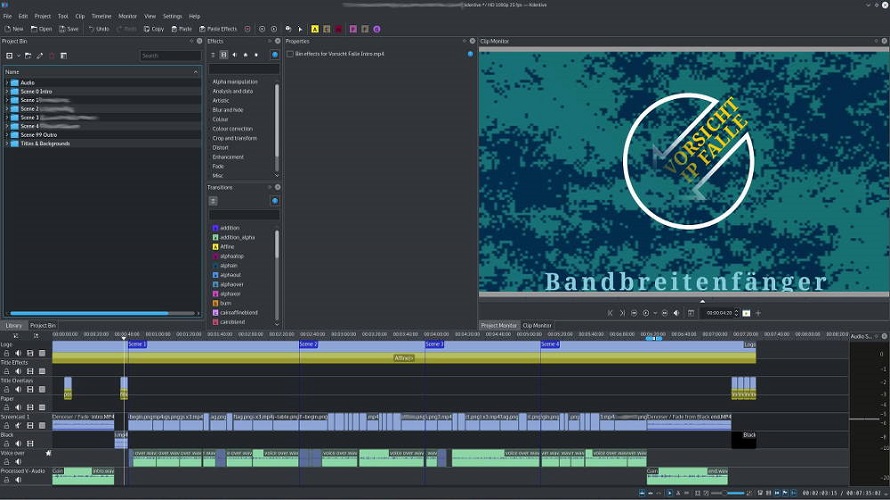
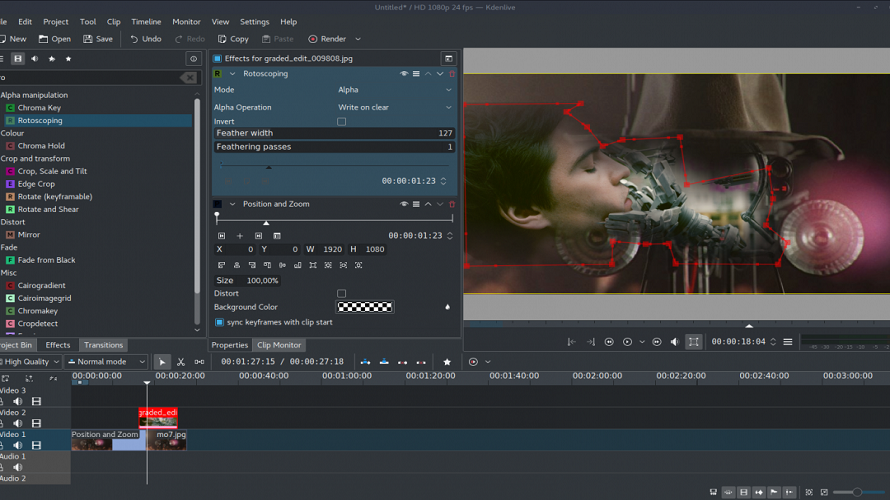
Kdenlive provides non-linear video editing on Linux, Windows, macOS, and BSD. It uses the MLT framework for multitrack editing with a timeline supporting unlimited video and audio tracks. Key elements include a built-in title editor, subtitling with AI-supported speech to text, nested timelines, and proxy editing for high-resolution footage. Effects and transitions integrate via Frei0r, SoX, and LADSPA libraries. Rendering runs in a non-blocking process.
Free: Kdenlive is fully open source and available at no cost.
Free and open source with no licensing costs
Cross-platform support on Linux, Windows, macOS, and BSD
Unlimited tracks enable complex projects
Non-blocking rendering allows continued editing during export
Proxy editing handles high-resolution footage efficiently
Title editor lacks advanced options like soft shadows
Relies on external libraries which may require setup
Performance drops with huge timelines, 4K loads.
Pricing yet to be updated!
Clients yet to be updated!
| Logo | Software Name | Rating | Reviews | Starting Price | Trial |
|---|---|---|---|---|---|
 |
Blender | 3.9 | 94 | 0 USD ($) | 1-7 Days |
 |
GoPlay | 3.9 | 47 | 1 USD ($) | 1-7 Days |
 |
Clideo | 3.9 | 36 | 9 USD ($) | No |
 |
VideoProc Converter | 3.8 | 37 | 0 USD ($) | 30 Days |
 |
Filmora | 3.8 | 86 | 0 USD ($) | 0 Days |

Free, open source, cross-platform video editor.
Video Enhancer, Converter, Downloader

Video Download | Record | Convert - VideoPower RED
The Free and Open Source 3D Creation Software
Edit Video as a Pro

Pitivi, a free and open source video editor for Linux