Popular: CRM, Project Management, Analytics

Home > Software Directory > Intuiface
Intuiface

Intuiface

Create Amazing ‍Interactive Applications For Any Screen. In Record Time. Without Coding.

Intuiface Overview

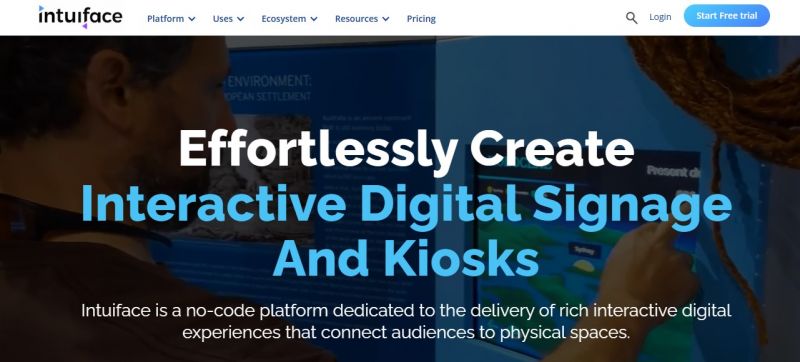
Intuiface is a no-code digital experience platform that enables businesses to create and deploy interactive signage and kiosk applications without writing a single line of code. It supports multi-touch, sensor-based, and voice interactions across a wide range of operating systems, making it suitable for public spaces, retail environments, museums, and enterprise use cases.

More About Intuiface

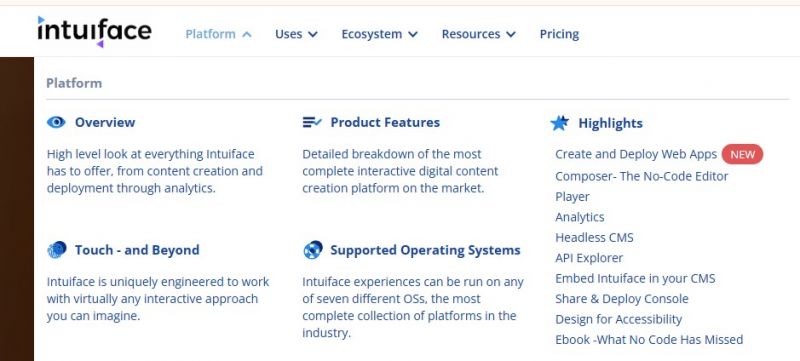
How Intuiface Works

  • Composer: a no-code editor where designers build interactive experiences.
  • Player: runs experiences on target devices (kiosks, signage, tablets, etc.).
  • Share & Deploy: a console to publish experiences remotely and manage deployments.
  • Analytics: captures user interactions, which can be visualized in reports and dashboards.
  • Integrations: link real-time data, APIs, IoT sensors, and headless CMS content.

Key Features

  • No-code Composer editor for interactive content design on Windows.
  • Player to deploy experiences on touchscreens, mobile, web, video walls, and signage devices.
  • Analytics to record and visualize audience interaction data.
  • Share & Deploy Console for remote distribution and management.
  • Support for touch, gesture, sensors, voice, and computer vision inputs.
  • Connectivity to web APIs, data sources, and headless CMS systems.
  • Accessibility features (text-to-speech, keyboard navigation).
  • Hardware agnostic deployment (Chrome OS, Android, iOS, Raspberry Pi, signage players, kiosks). syncing).

Pros & Cons

Pros:

PSD Import Is a Game Changer

Interactive Gestures Without Coding

Powerful Asset Organization with Collections

Multi-Scene Layer Control Saves Time

Supports Advanced Visual Narratives

Good Customer Support & Learning Curve Materials

Cons:

High cost for small teams

Initial learning curve for advanced functions

Limited offline capabilities

Resource-heavy on lower-end devices
Software Trial

1-7 Days

Free Version

Yes

Licensing Type

Proprietary

Intuiface Starting Price

Free

Vendor Pricing Page

See Pricing

Intuiface Software Features

Customizable UI Digital Signage Order Fulfilment Payment Devices Remote Access & Monitoring Secure Browsing Collaboration Digital Canvas Presentation Tools Sketching & Annotation Tools Templates Visual Workflow Management Automatic Player Updates Display Management Layout Management Media Library Multi-Screen Support Visual Editor

Intuiface Specification

Starting Price

Free

Price Type

Free

Currency

USD ($)

Subscription

Monthly , Annually

Deployment Type

  • On Premises

Supported Platforms

  • Web-Based
  • iPhone/iPad
  • Android
  • Windows
  • Mac

Technical Support

  • Email
  • Phone

Training Resources

  • Documentation
  • Help Guides
  • In-Person Training
  • Videos
  • Webinars

Software Demo & Screenshots

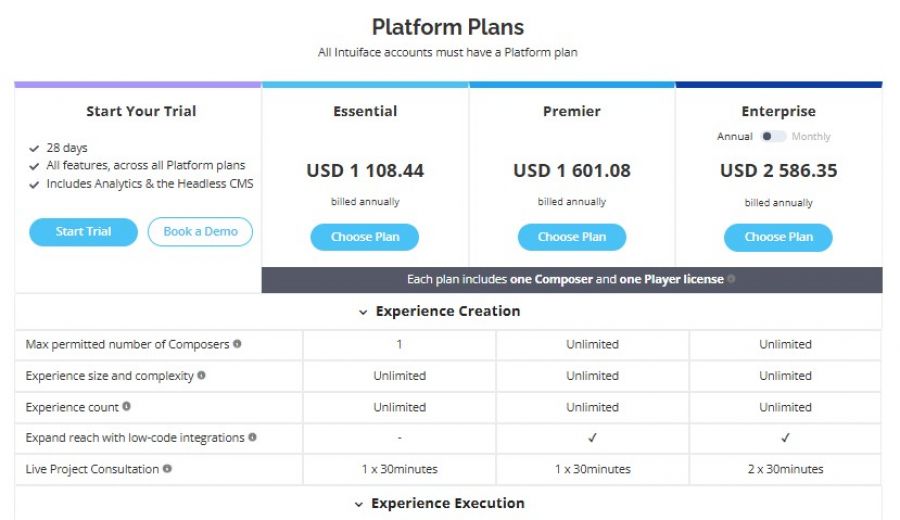
Intuiface Pricing

Intuiface Pricing Screenshot

*The price might have been changed, check the current pricing on the vendor's website.

Intuiface Customers

Clients yet to be updated!

Top Competitors of Intuiface

Logo Software Name Rating Reviews Starting Price Trial
Yodeck Logo Yodeck 4 49 8 USD ($) 0 Days
EasySignage Logo EasySignage 3.9 95 0 USD ($) More than 30 days
Xhibit Signage Logo Xhibit Signage 3.9 35 0 USD ($) 1-7 Days
Concerto Logo Concerto 3.9 39 0 USD ($) 1-7 Days
Pickcel Logo Pickcel 3.9 36 11 USD ($) Always

Intuiface Reviews

Login to see more reviews of Intuiface.

Software Category

Explore Other Top Digital Signage Software