Popular: CRM, Project Management, Analytics

Home > Software Directory > GIMP
GIMP

GIMP

GIMP - GNU Image Manipulation Program

GIMP Overview

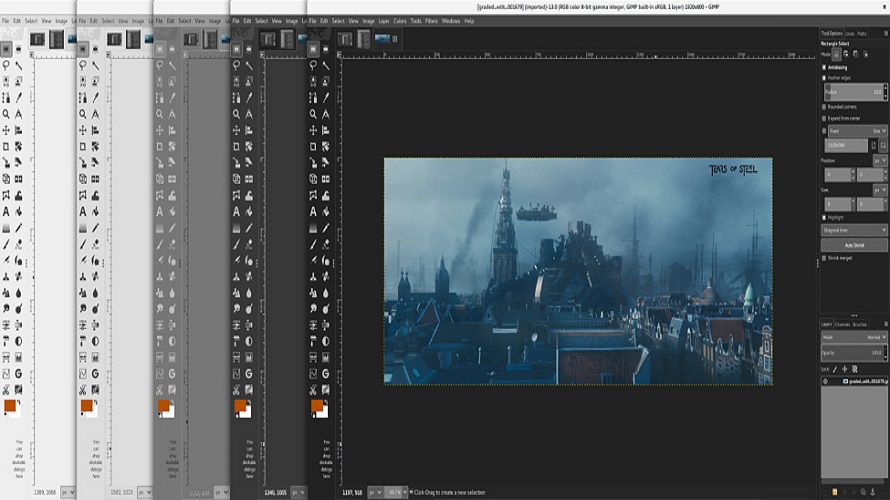
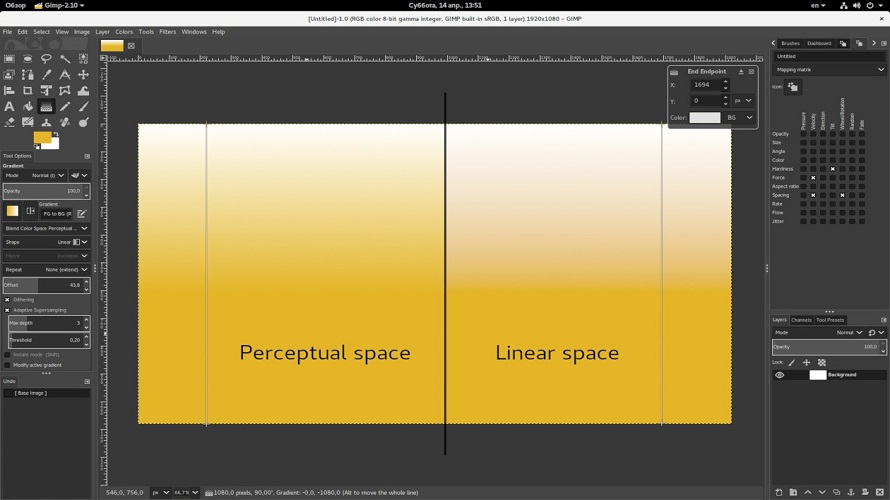
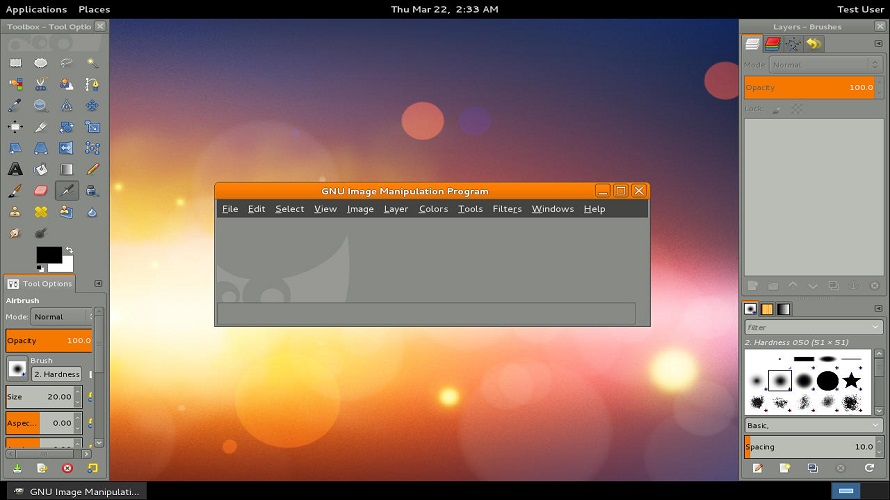
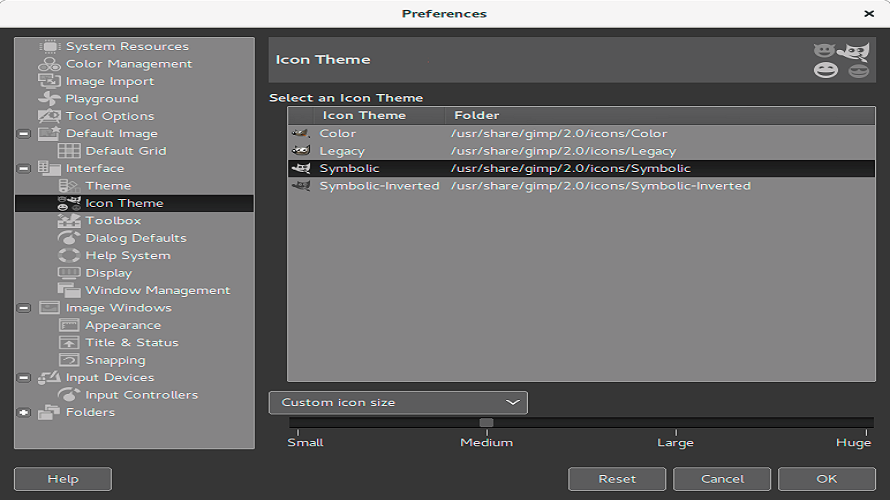
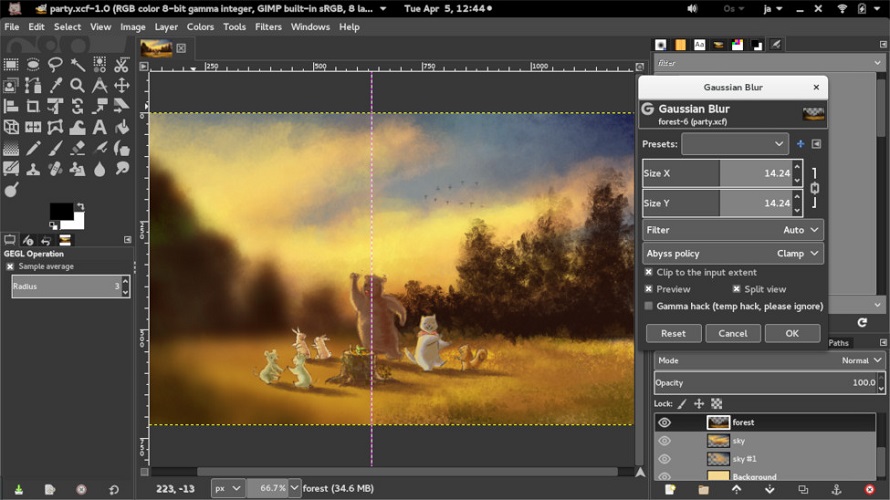
GIMP is a cross-platform image editor for GNU/Linux, macOS, Windows, and more operating systems. It serves as a simple paint program, expert quality photo retouching program, tool to create digital art, online batch processing system, mass production image renderer, and image format converter. The program provides a full suite of painting tools including brushes, pencil, airbrush, and cloning. It supports layers, channels, full alpha channel for transparency, tile-based memory management limited only by disk space, sub-pixel sampling for anti-aliasing, multiple undo/redo, transformation tools, and a wide range of file formats. Extensibility comes through scripting in languages such as Script-Fu, Python, Perl, and integration with third-party plugins.

More About GIMP

Unique Traits:

  • Free and open-source: No cost, with transparent development.
  • Extensible with plugins: Users can tailor the tool to their needs.
  • Active community support: Regular updates and shared resources.
  • Cross-platform: Works on Windows, macOS, Linux.
  • Wide format support: Handles many image file types.

Industry-Specific Benefits:

  • Photography & Retouch Studios: Free alternative to commercial editors for editing and color correction.
  • Graphic & Web Designers: Toolset for creating web graphics, icons, and layouts.
  • Educational Projects: Accessible tool for teaching image editing.
  • Open-Source Development: Integration with community projects.

Pros & Cons

Pros:

Free and open-source with modifiable source code

Cross-platform availability on multiple operating systems

High customization through community scripts and plugins

Handles large images limited only by disk space

Cons:

Steep learning curve due to non-standard interface

Lacks some advanced features found in commercial alternatives

Performance issues with very large files

Plugin ecosystem less polished than proprietary software
Software Trial

1-7 Days

Free Version

Yes

Licensing Type

Proprietary

GIMP Starting Price

Free

Vendor Pricing Page

See Pricing

GIMP Software Features

Animate Characters Bone Tool Custom Characters Digital Effects Key-frames Layers and Filters Production Pipeline Save and Export Vector Drawings Vertical Videos Collaboration Auto Shapes Blending Clip Arts & Symbols Color Management Custom Brushes Dimensioning Export Freehand Tools Layer Management Paint Tools Artboards Drag and Drop Filtering Image Database Image Editor Symbols/Styles Multiple Pages Batch Editor Blur Image Collage Maker Contrast Change & Brightening Crop Photo Image Merging Image Slicing Lens Correction Noise Reduction Photo Frames Resize Image Sharpness Adjustments Animations Auto Update Content Management Customization Drag & Drop Design Templates Image Editing Responsive Designs UI/UX Designing

GIMP Specification

Starting Price

Free

Price Type

Free

Currency

USD ($)

Subscription

N/A

Deployment Type

  • On Premises

Supported Platforms

  • Web-Based
  • Windows
  • Mac
  • Linux

Technical Support

  • Email

Training Resources

  • Documentation
  • Help Guides
  • In-Person Training

Software Demo & Screenshots

GIMP Pricing

Pricing yet to be updated!

GIMP Customers

Clients yet to be updated!

GIMP Reviews

Login to see more reviews of GIMP.

Software Category

Explore Other Top Animation Software