Table of Content
- What WeVideo Is Good At (And Where It Falls Short)
- Quick Overview: WeVideo vs Popular Alternatives
- DaVinci Resolve: When You Want Maximum Power For Free
- Adobe Premiere Pro: The Default For Creative Cloud Shops
- Clipchamp: Browser Editing Included With Microsoft 365
- VEED.io: Social‑First Editing In The Browser
- CapCut (Web + App): Short‑Form Video On Easy Mode
- Filmora: The “More Than WeVideo, Less Than Premiere” Option
- A Cloud Review Layer: When Collaboration Was The Real Reason You Chose WeVideo
- How To Choose Your WeVideo Alternative
WeVideo did something important when it launched. It proved you could get a real timeline editor, stock media, and exports out of a browser tab instead of a heavy desktop install. That made it a natural fit for classrooms, solo creators, and small teams who did not want to fight with traditional NLEs.
Fast forward to 2026 and the landscape looks very different. Free desktop editors now offer Hollywood‑grade features, cloud tools are faster, and many business stacks already include capable video editors you are paying for indirectly. Staying on WeVideo today is usually more about habit than advantage.
This guide looks at where people actually go when they outgrow WeVideo and how to choose the right alternative based on what you are trying to do.
What WeVideo Is Good At (And Where It Falls Short)

Before replacing anything, it helps to be honest about what it did well.
Where WeVideo works
- Browser‑based editing with no installs
- Simple timeline with drag‑and‑drop clips, text, and music
- Aimed at education, marketing, and basic content creation
- Reasonable collaboration for simple projects
Where users run into limits
- Export quality and options, especially when you start caring about 4K and high bitrate
- Limited effects, color correction, and audio tools compared to serious editors
- Subscription cost that becomes hard to justify once your needs grow
- Cloud performance that can feel sluggish under heavy projects
Once you hit those ceilings, alternatives fall into three main buckets: more powerful desktop editors, better browser tools, and workflow‑focused platforms for teams.
Quick Overview: WeVideo vs Popular Alternatives
| Tool | Type | Best For |
| DaVinci Resolve | Desktop editor | High‑quality editing and color on a budget |
| Adobe Premiere Pro | Desktop editor | Agencies and teams in Adobe ecosystems |
| Clipchamp | Browser editor | Microsoft 365 users |
| VEED.io | Browser editor | Social and marketing content |
| CapCut | Web + mobile editor | Shorts, Reels, TikTok‑style videos |
| Filmora | Desktop editor | Beginners who want more features than WeVideo |
| A review‑layer tool (e.g., a Fast.io‑style platform) | Cloud review & delivery | Teams with heavy client feedback needs |
DaVinci Resolve: When You Want Maximum Power For Free
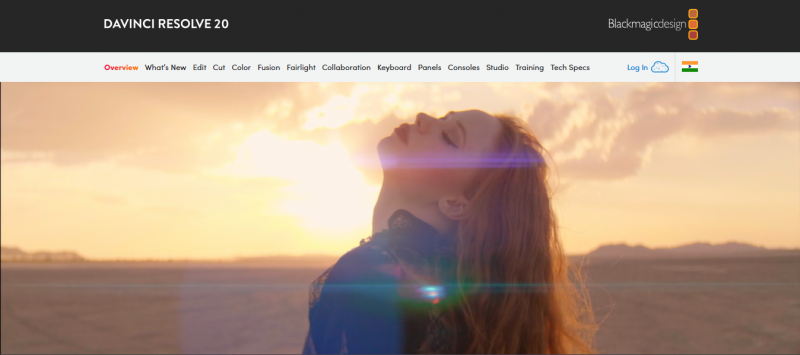
This is the name that appears most often when creators ask for a serious WeVideo alternative without a massive price tag. DaVinci Resolve is a full non‑linear editor with dedicated pages for editing, color grading, audio, and visual effects.
The free version already gives you 4K editing and export, professional‑grade color, Fairlight audio tools, and Fusion compositing. For many teams, that alone makes it hard to justify paying for WeVideo.
Pros
- Free version is more capable than most paid browser editors
- Excellent color correction and grading tools
- No watermarks or export limits in the free version
- Scales from YouTube content to full productions
Cons
- Runs locally, so you need a reasonably powerful machine
- Steeper learning curve than WeVideo’s basic timeline
- Collaboration requires a bit more setup or the paid Studio ecosystem
Adobe Premiere Pro: The Default For Creative Cloud Shops
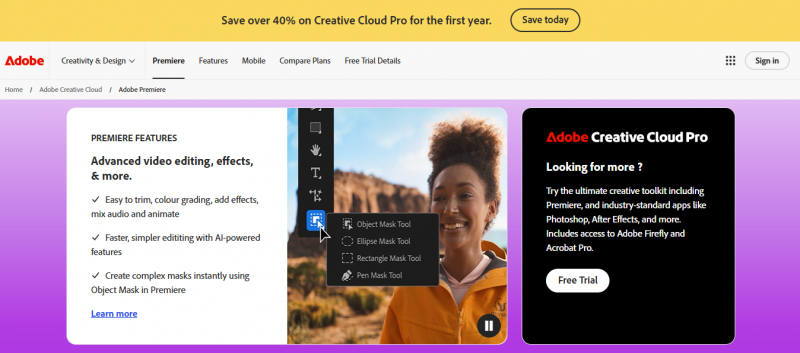
On software comparison sites, Premiere Pro is usually listed as the “overall” WeVideo alternative because so many teams are already paying for Creative Cloud. Premiere integrates with Photoshop, After Effects, Audition, stock libraries, and cloud storage.
If your designers and marketers already live in the Adobe world, moving your video editing into Premiere means everything from lower thirds to brand assets stay in one ecosystem.
Pros
- Deep feature set for editing, audio, and effects
- Tight integration with After Effects for motion graphics
- Widely used in professional environments, so talent is easier to hire
- Good fit if your team is already paying for Adobe anyway
Cons
- Subscription adds recurring cost for each editor
- Overkill for schools, classrooms, or extremely simple social clips
- Needs some training for people moving up from WeVideo
Clipchamp: Browser Editing Included With Microsoft 365
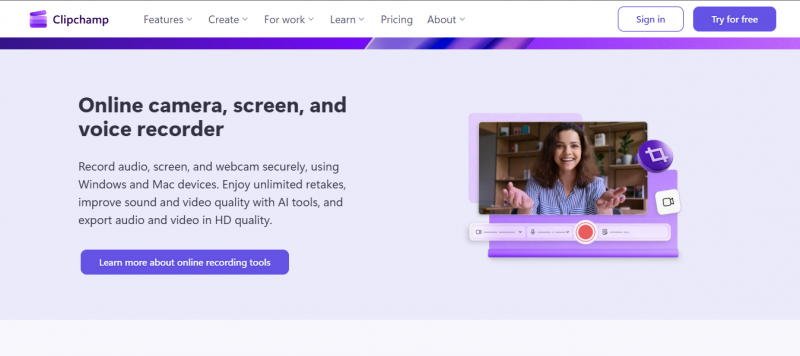
Clipchamp is the most straightforward WeVideo substitute if your organization is on Microsoft 365. It runs in the browser, provides a simple timeline, stock media, and templates, and stores projects in OneDrive.
For a lot of corporate and education users, this means you can get WeVideo‑style convenience without maintaining a separate subscription.
Pros
- Often included in Microsoft 365, so no extra tool to pay for
- Browser‑based workflow that feels familiar to WeVideo users
- Direct integration with OneDrive for imports and saves
- Enough features for internal videos, explainers, and training content
Cons
- Less powerful than full desktop NLEs for advanced effects or color work
- Feature set is tuned for business and education, not high‑end creative
VEED.io: Social‑First Editing In The Browser

VEED is designed for creators and marketers who live on social platforms. It keeps editing cloud‑based like WeVideo, but pushes hard on things like auto‑captions, progress bars, templates for different platforms, and easy resizing for vertical or horizontal formats.
If you used WeVideo mainly for YouTube intros, LinkedIn clips, or Instagram videos, this will feel like a direct upgrade.
Pros
- Excellent auto‑subtitles and caption styling
- Templates tailored to YouTube, TikTok, Reels, and more
- Simple screen and webcam recording options
- All in a browser, no heavy software to install
Cons
- Less suited to long, complex edits with many tracks
- Free tier can be restrictive; serious use will need a paid plan
CapCut (Web + App): Short‑Form Video On Easy Mode
CapCut started as the natural companion to TikTok and grew into a very capable editor in its own right. There is a web version, but the real advantage is how well it dovetails with the mobile app and short‑form content workflow.
Creators who were using WeVideo to cut vertical content often find CapCut’s transitions, text styles, and templates much more aligned with what actually works on modern platforms.
Pros
- Built around Shorts, Reels, and TikTok needs
- Strong library of trendy effects, sounds, and transitions
- Easy to move projects between phone and desktop
- Fast learning curve for social‑focused teams
Cons
- Not ideal for hour‑long content, courses, or complex deliverables
- Some teams are wary of tying video workflows to a ByteDance product
Filmora: The “More Than WeVideo, Less Than Premiere” Option
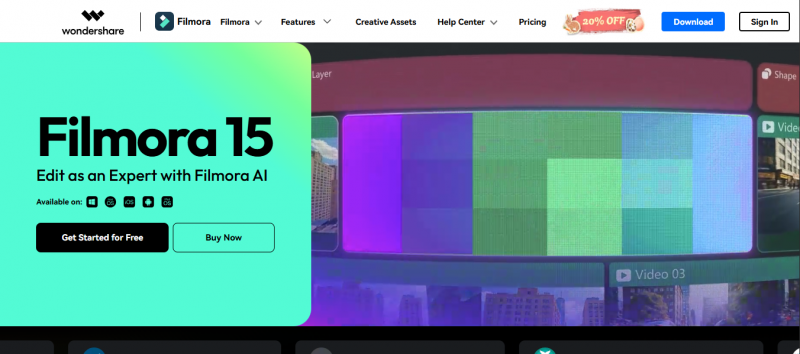
Filmora shows up frequently in WeVideo competitor lists because it hits a sweet spot for enthusiasts. It is a desktop editor with a gentler learning curve than Resolve or Premiere, but with more effects, transitions, and control than most browser tools.
For small businesses, educators, and semi‑serious creators who have outgrown WeVideo but are not ready for full pro suites, it is a pragmatic middle ground.
Pros
- User‑friendly interface, but with keyframing, motion tracking, and plenty of effects
- Runs on modest hardware compared to heavy pro software
- One of the more approachable upgrades from a pure cloud editor
Cons
- License cost applies per device or per user
- Not as flexible as pro NLEs for custom workflows and integrations
A Cloud Review Layer: When Collaboration Was The Real Reason You Chose WeVideo
Some teams never really cared how powerful WeVideo’s editor was. They chose it because it lived in the browser and made it easy to share projects, get comments, and avoid sending giant files around.
Newer platforms focus entirely on that problem. They let you upload exports from any editor, share a private link, and collect frame‑accurate comments and approvals in a browser. Editors stay in Resolve, Premiere, or whatever they prefer, while clients and managers stay in a simple web interface.
Pros
- Editors keep using the tools they are fastest in
- Stakeholders can review and comment without installing anything
- Reduces version confusion and long email chains
- Makes more sense than forcing everyone to accept a weaker web editor
Cons
- Adds another tool to your stack
- Requires some process changes to work smoothly
How To Choose Your WeVideo Alternative
You can give your readers a very simple decision rule:
- Stay browser‑based if you prioritize convenience and lightweight hardware. In that case, compare Clipchamp, VEED, and CapCut based on whether you are more of a Microsoft shop, a social marketer, or a short‑form creator.
- Move to a desktop editor if you are hitting quality limits. DaVinci Resolve is the obvious pick when budget is tight but quality matters. Premiere Pro makes sense if your team is already deep in Adobe.
- Add a cloud review tool if collaboration was the main draw. That way editors can use strong tools, and non‑technical teammates still get the browser‑based review experience they liked in WeVideo.
WeVideo helped normalize cloud editing. At this point, though, it is no longer the only or even the best option in most scenarios. Once you are clear on whether the priority is convenience, power, or collaboration, a better replacement is only one decision away.
Post Comment
Be the first to post comment!