Myimg AI is a handy starting point for AI images if you are not a designer. It gives you a simple interface, quick generations, and basic editing in the browser. That works well at the beginning, but once you start handling real campaigns, clients, or higher visual standards, its limits show up fast.
Creators usually move away from Myimg AI when they need stronger design features, richer AI options, or new media types like video and faceswap. The tools below cover those gaps from different angles, so you can pick what actually fits how you work.
Quick Snapshot: Myimg AI vs 7 Key Alternatives
| Tool | Main Role | Why People Pick It Over Myimg AI |
| Myimg AI | Simple AI image generator and editor | Easy start for non designers |
| Canva | Full design suite with AI image tools | Templates, brand kits, social output at scale |
| Simplified | Design plus AI copywriting plus video | All marketing assets in one place |
| Fotor | Photo editor with AI image generation | Strong editing plus AI in one app |
| Recraft | Pro‑grade AI imagery for designers | Better quality, vectors, and consistency |
| Adobe Firefly | AI engine inside Creative Cloud | Deep integration and commercially safe models |
| Deepfakemaker | Face swap and deepfake style images | Identity swaps and meme style content |
| Dessi / Vidqu | AI video and ad creatives | Short video ads and talking head content |
Where Myimg AI Works Well (And Where It Does Not)
Myimg AI does its best work for people who want fast, simple AI images without touching heavy software. It is good at basic prompt‑based generation, light editing, and quick social visuals.
It starts to feel limited when you need:
- Real layout tools for carousels, ads, and presentations
- Brand kits, reusable styles, and collaboration features
- High end upscaling, vector output, or consistent brand characters
- Faceswap, scripted video, or ad specific creative formats
Canva - The “Everything In One Tab” Upgrade
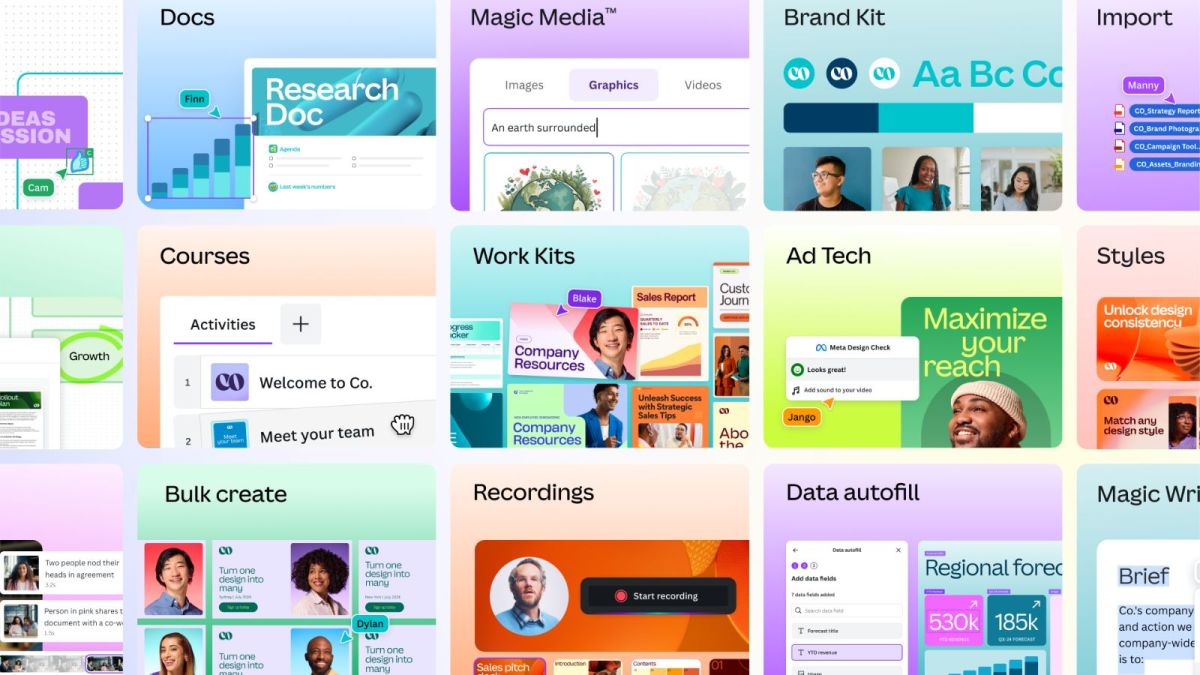
Canva covers design, AI images, basic video editing, and publishing in one browser tab. It adds thousands of templates, brand kits, and automatic resizing, so the AI becomes part of a full design system instead of sitting alone.
Canva vs Myimg AI
| Aspect | Canva | Myimg AI |
| Scope | Design, layouts, AI images, video, docs | Mainly AI image generation and edits |
| Templates | Very large template library | Limited compared with Canva |
| Brand features | Brand kits, fonts, shared assets | Basic, if present |
| Best for | Teams and creators running full campaigns | Individuals needing quick images |
Simplified - Design, Copy, And Video Together
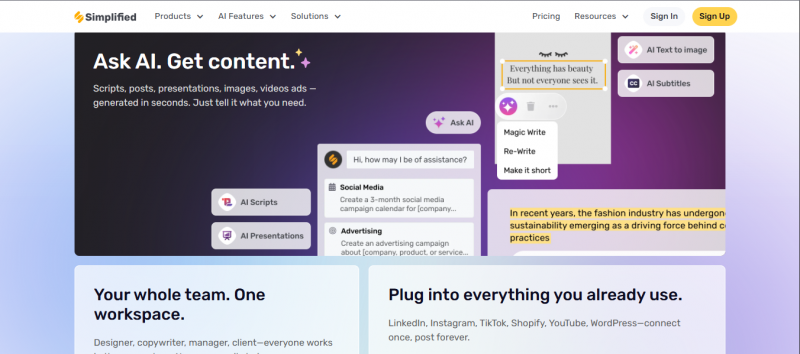
Simplified combines AI images, AI copywriting, design, and social posting in a single dashboard. It suits people who write posts, design them, and publish them, often alone or in a very small team.
Simplified vs Myimg AI
| Aspect | Simplified | Myimg AI |
| Features | Design, AI images, AI copy, scheduling | AI image generation and basics |
| Collaboration | Workspaces, comments, shared libraries | More limited |
| Social posting | Built in scheduling and publishing | Not a central feature |
| Best for | Small marketing teams and solopreneurs | Casual image creation |
Fotor - Photo Editing First, AI Second
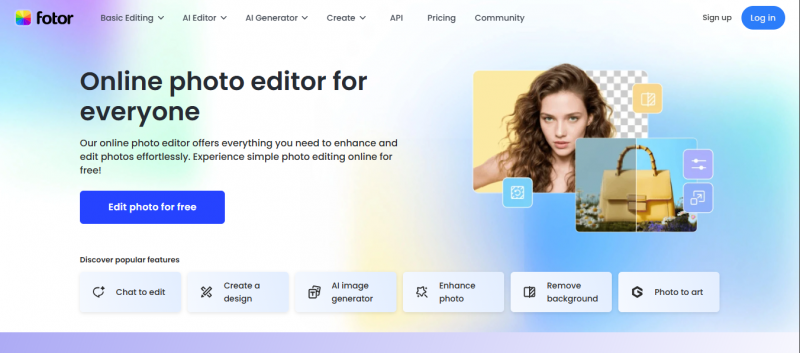
Fotor started as a classic photo editor and added AI on top. It can handle retouching, color adjustments, HDR style effects, and then layer in AI generation and enhancement.
Fotor vs Myimg AI
| Aspect | Fotor | Myimg AI |
| Origin | Photo editor with AI added | AI image tool from the start |
| Editing depth | Strong traditional editing tools | Lighter, AI centric |
| Platforms | Web, desktop, and mobile | Primarily web |
| Best for | Users mixing real photos and AI art | Users mostly generating from text |
Recraft - For Designers Who Care About Vectors And Consistency
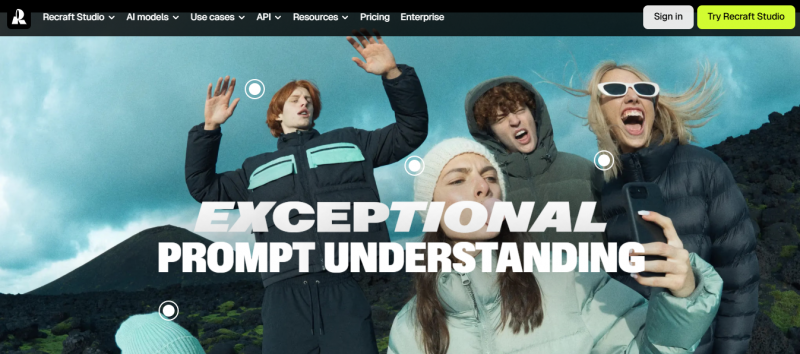
Recraft is tuned for professional visual work. It generates vector and raster graphics with a focus on brand consistency and clean lines, which matters for logos, icons, and product visuals.
Recraft vs Myimg AI
| Aspect | Recraft | Myimg AI |
| Output types | Vector and raster, brand ready assets | Mostly raster images |
| Target user | Designers and brand teams | General users and creators |
| Consistency | Emphasis on uniform visual style | More single‑image oriented |
| Best for | Producing assets that must match a brand | Quick non critical visuals |
Adobe Firefly - AI Inside The Tools Pros Already Use
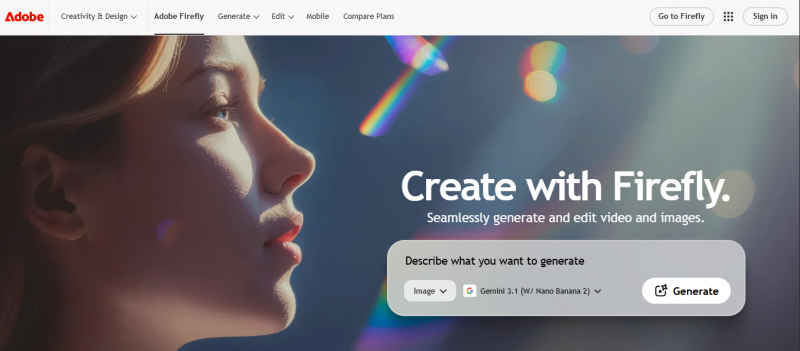
Adobe Firefly lives inside Photoshop, Illustrator, and other Creative Cloud apps. It brings text to image, generative fill, text effects, and vector generation to the tools agencies already rely on.
Adobe Firefly vs Myimg AI
| Aspect | Adobe Firefly | Myimg AI |
| Integration | Embedded in Creative Cloud | Standalone web platform |
| Safety stance | Positioned as commercially safe | Less formally framed |
| Media types | Images, vectors, some video and audio use | Primarily images |
| Best for | Teams already working in Adobe | Individuals outside pro design tools |
Deepfakemaker and Dessi - When Faceswap and Motion Matter
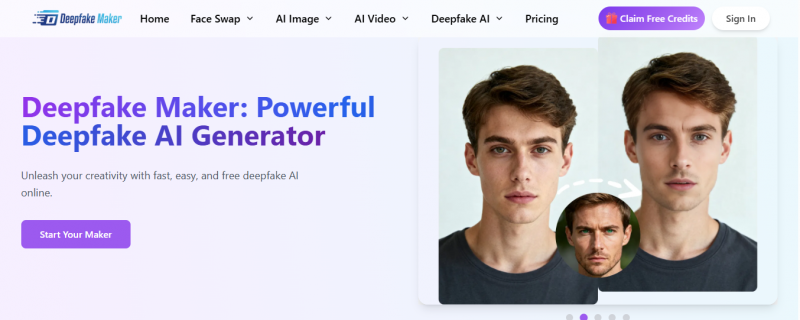
Deepfakemaker focuses on swapping faces into photos and videos. Dessi focuses more on AI video for content and ads, including talking heads and scripted clips. Users who use Myimg AI mostly for identity play or meme content often find these more powerful.
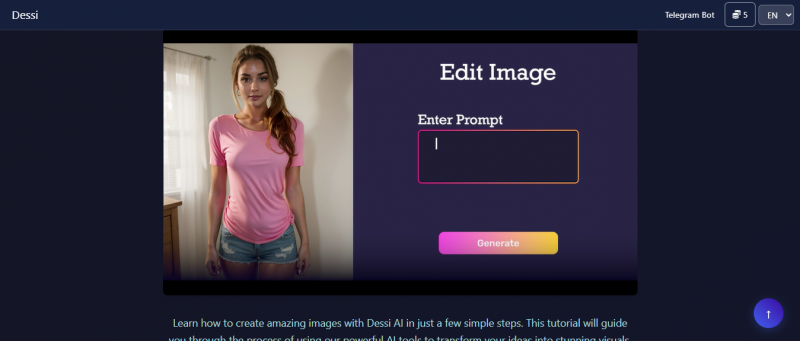
Deepfakemaker and Dessi vs Myimg AI
| Aspect | Deepfakemaker / Dessi | Myimg AI |
| Media focus | Faceswap and generative video | Static AI images |
| Motion support | Yes, with video and lip sync | Limited or none |
| Use cases | Parodies, short content, explainer clips | Thumbnails and static posts |
| Best for | People who want moving content | People fine with stills only |
pxbee, softorbits, and vidqu - Niche Utilities Around Images And Video
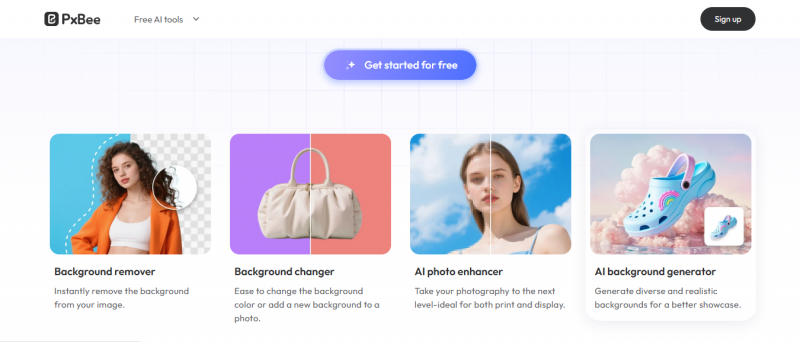
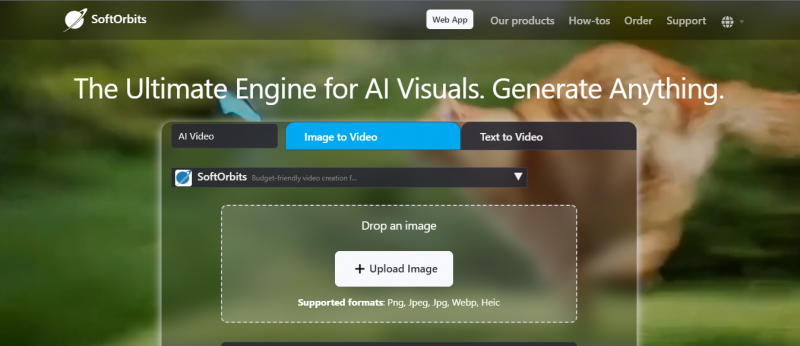
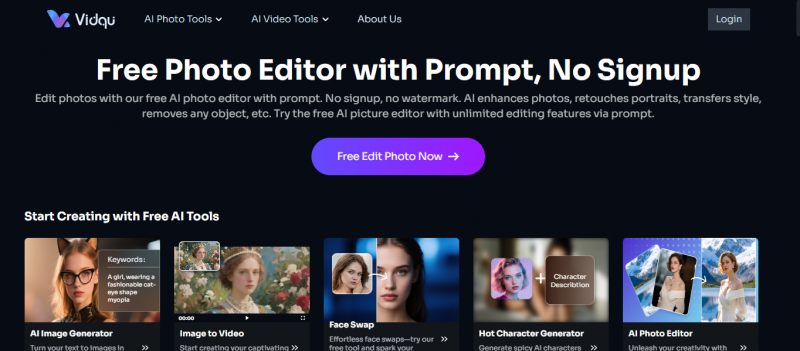
pxbee leans into stock imagery and e‑commerce visuals. softorbits offers photo utilities such as batch processing, enhancement, and recovery. vidqu focuses on AI powered video editing and generation.
pxbee, softorbits, vidqu vs Myimg AI
| Aspect | pxbee / softorbits / vidqu | Myimg AI |
| Specialization | Stock, utilities, or video workflows | General AI image generation |
| Audience | Shops, photographers, video editors | Broad creator base |
| Depth | Strong in one specific area | Wider but shallower feature set |
| Best for | Filling a particular gap in a pipeline | Getting started with AI imagery |
Final Verdict: Where To Send Myimg AI Users Next
Different users outgrow Myimg AI for different reasons, so strong recommendations depend on what they are actually trying to do.
- If someone is basically running a one person marketing team, platforms like Canva and Simplified make more sense than staying with Myimg AI. They cover design, copy, and publishing, so visuals stop being a separate headache.
- Reader who is editing a lot of real photos or cares about fine control over retouching, Fotor feels more natural than a pure generator. Designers who live in brand guidelines will usually be happier moving into Recraft or Adobe Firefly, because those tools respect structure and consistency instead of generating every asset from scratch.
- For users who are clearly chasing faceswap and motion, it is worth sending them toward Deepfakemaker, Dessi, or vidqu. Myimg AI was never built as a deepfake or video suite, and forcing it into that role just creates frustration.
Post Comment
Be the first to post comment!