Popular: CRM, Project Management, Analytics

Home > Software Directory > VideoPower RED
VideoPower RED

VideoPower RED

Video Download | Record | Convert - VideoPower RED

VideoPower RED Overview

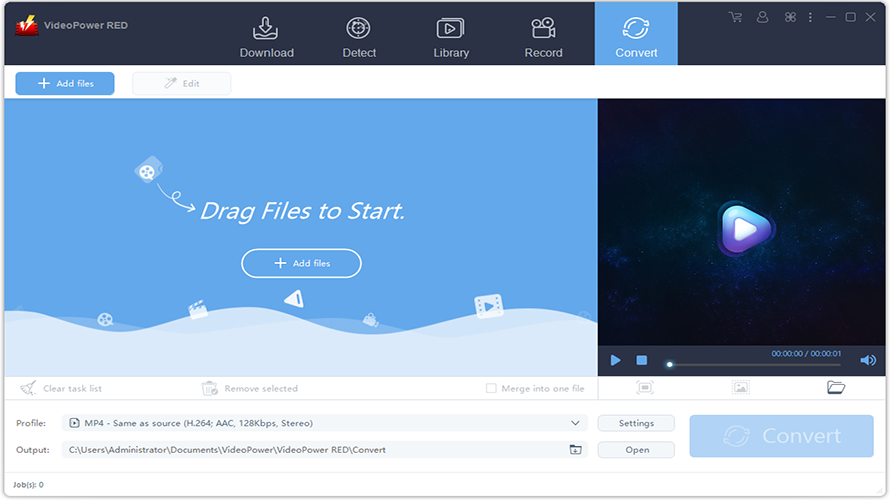
VideoPower RED provides four methods for audio and video downloading: detecting and recording, converting, and a library feature. It records screen and audio activities from desktop regions, full-screen, application windows, or webcam, including system sounds and microphone. Real-time annotation supports HD videos with sound during recording. Editing tools trim and cut unwanted parts, crop selected screen areas, rotate or flip videos, synchronize audio and video, adjust speed, volume, contrast, brightness, and saturation, add watermarks and subtitles. It downloads from over 1000 sites, supports batch downloads like YouTube playlists, and handles various input/output formats on Windows 7 to 11.

More About VideoPower RED

Competitive Advantages:

  • Record screen and audio activities from desktop region, full-screen, application window, or webcam with system sounds and microphone
  • Real-time annotation in high quality for HD videos with sound
  • Trim & Cut to remove unwanted video parts
  • Crop to keep selected part of the screen
  • Rotate to rotate or flip videos
  • Synchronization to match video and audio
  • Effect to adjust speed, volume, contrast, brightness, and saturation
  • Watermark to add customized logos and image/text
  • Subtitle to apply subtitle file and edit font, transparency, and position
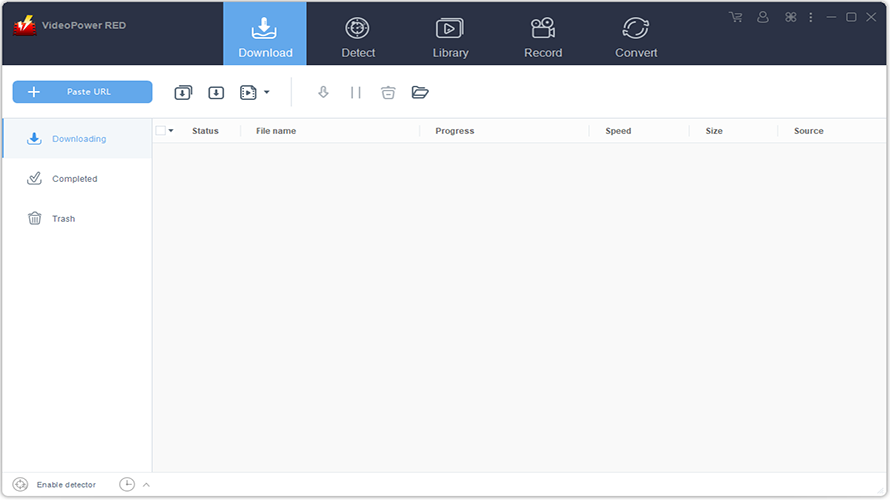
  • Paste URL to download, batch download
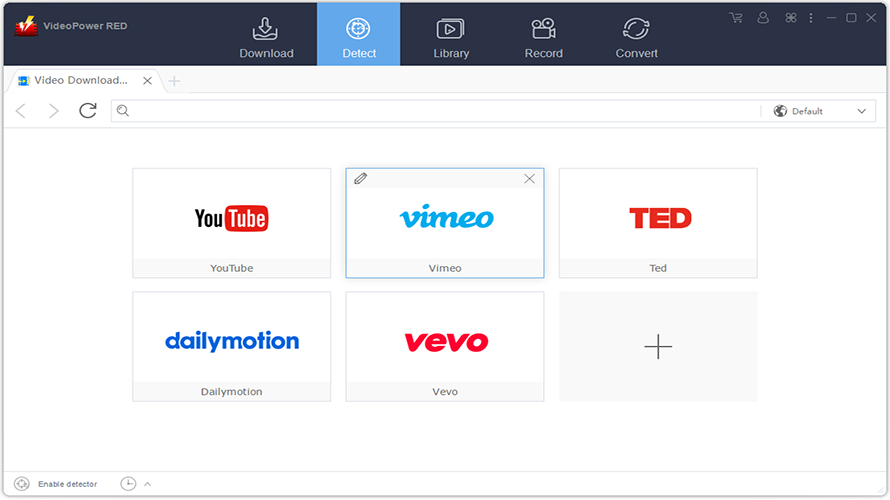
  • Search/download video, browser detector

Industry‑Specific Benefits:

  • Educators & Trainers: Create lecture captures and annotated tutorials.
  • Content Creators: Download and edit media for montage or documentation.
  • Social Media Managers: Reformat and convert videos for multiple channels.
  • Researchers: Archive streaming content for offline review (observing legal/use rights).

Pros & Cons

Pros:

Downloads from 1000+ video/audio sites

Batch playlist downloads in one click 

Built‑in browser URL detection feature

Screen + audio recording with annotations 

Trim/crop/rotate with subtitle support

Cons:

Auto‑detect may miss some streams

Free demo limited versus full features

Interface feels dated compared to modern UIs
Software Trial

30 Days

Free Version

No

Licensing Type

Proprietary

VideoPower RED Starting Price

Free

Vendor Pricing Page

See Pricing

VideoPower RED Software Features

Audio Tools Digital Effects Image/Text Overlay Media Library Speed Adjustment Split/Merge Video Capture Video Titling

VideoPower RED Specification

Starting Price

Free

Price Type

Flat Rate

Currency

USD ($)

Subscription

One-Time

Deployment Type

  • On Premises

Supported Platforms

  • Web-Based
  • Windows

Technical Support

  • Email

Training Resources

  • Documentation
  • Help Guides

Software Demo & Screenshots

VideoPower RED Pricing

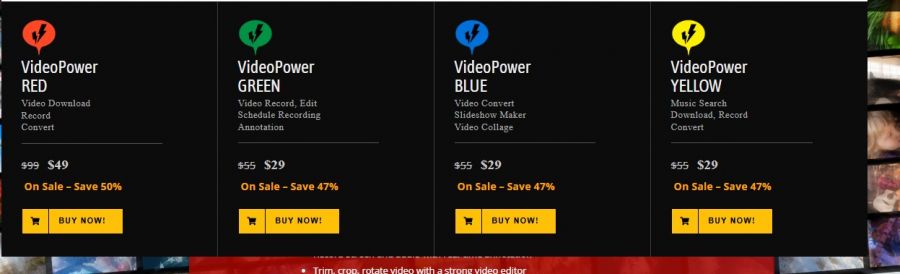
VideoPower RED Pricing Screenshot

*The price might have been changed, check the current pricing on the vendor's website.

VideoPower RED Customers

Clients yet to be updated!

Top Competitors of VideoPower RED

Logo Software Name Rating Reviews Starting Price Trial
Blender Logo Blender 3.9 94 0 USD ($) 1-7 Days
GoPlay Logo GoPlay 3.9 47 1 USD ($) 1-7 Days
Clideo Logo Clideo 3.9 36 9 USD ($) No
VideoProc Converter Logo VideoProc Converter 3.8 37 0 USD ($) 30 Days
Filmora Logo Filmora 3.8 86 0 USD ($) 0 Days

VideoPower RED Reviews

Login to see more reviews of VideoPower RED.

Software Category

Explore Other Top Video Editing Software