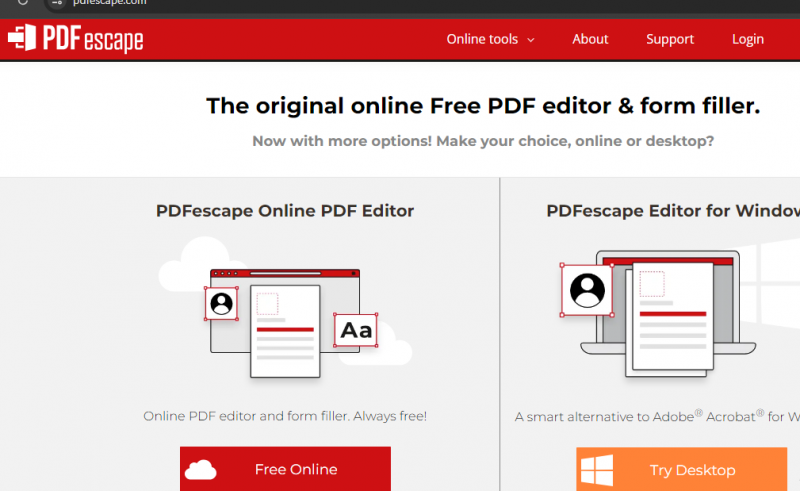
PDFescape for Windows is a desktop PDF editing application designed to help users view, edit, annotate, and manage PDF documents offline. The software allows users to modify text and images, create and fill PDF forms, add annotations, and organize pages within PDF files. Unlike browser-based PDF tools, PDFescape for Windows runs locally, making it suitable for users who prefer offline document handling or need to work with sensitive files. The tool is positioned as a mid-range PDF editor
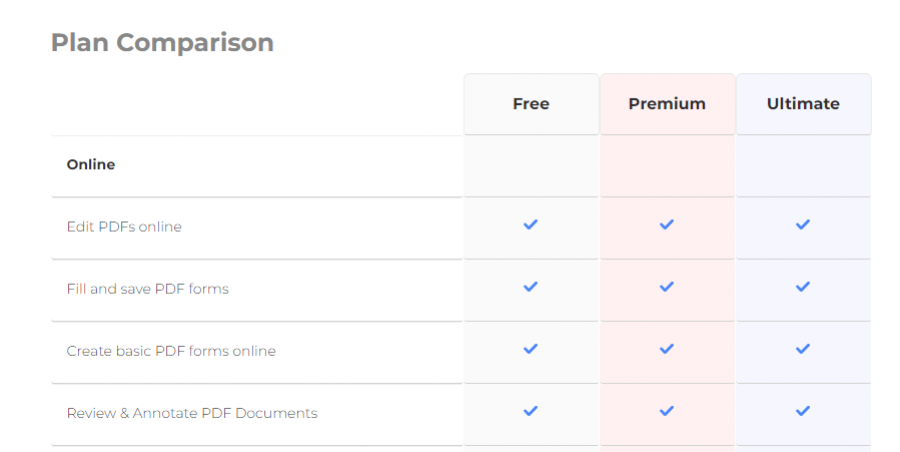
| Plan | Price | Storage | Upload Limit | Features |
|---|---|---|---|---|
| Free | Always free | 10 files (7 days) | 10 MB | Basic editing, annotate, fill forms, create basic forms |
| Premium | $5.99/month billed yearly / $8.99/month billed monthly | 100 files (30 days) | 40 MB | All free features plus printing, advanced editing, watermark, convert, compress, share |
| Ultimate | Custom pricing | No expiration | Not listed | All premium features plus advanced form creation, digital signing, redaction, priority support |
Free tier for basic PDF editing and form filling
No software install; works in-browser
Supports all major browsers, Windows desktop app
Easy digital signing, annotating, PDF conversion
Limited advanced features in free tier
Larger files/features require paid plan
PDFescape tutorial
PDFescape features
*The price might have been changed, check the current pricing on the vendor's website.
Clients yet to be updated!

The free and open productivity suite from the Apache Software Foundation.