Email did not slow down in 2026. It fragmented.
More conversations moved into inboxes that already felt unmanageable. Sales threads, internal approvals, customer replies, calendar coordination, and automated notifications all compete for attention in the same place. What changed is not volume alone, but cognitive load. People are expected to read faster, respond cleaner, and miss less context.
AI email assistants exist because the old coping strategies broke. Filters were not enough. Templates felt rigid. Search became unreliable once threads crossed a certain length. The tools below attempt to solve different parts of that problem, not by replacing email, but by reducing how much thinking it demands.
This article uses a numbered review format. Each tool is evaluated on how it behaves in daily use, not on feature lists alone. Advantages and disadvantages are included deliberately, because none of these tools fit everyone.
1. Superhuman
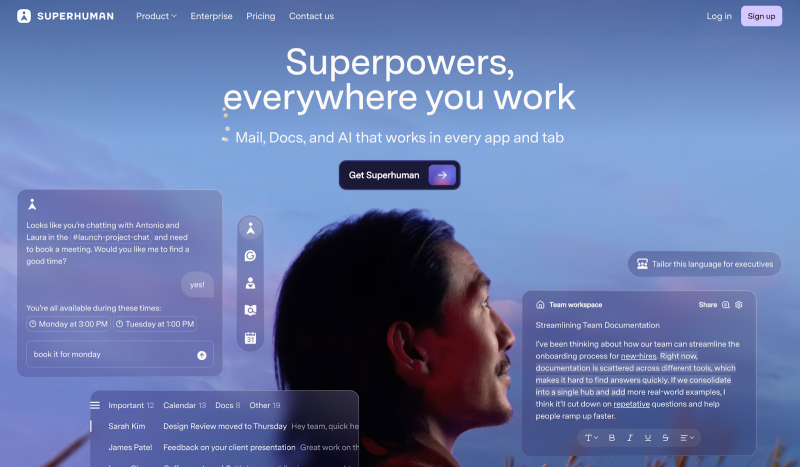
Superhuman is built for people who treat email as a primary work surface. Speed is the organizing principle. Keyboard shortcuts, split inboxes, and instant actions define the experience long before the AI features come into play.
Its AI is most useful in drafting replies and summarizing threads. “Write with AI” works best when the user already knows what they want to say but does not want to type it out. In testing, reply generation felt context-aware, especially in long threads where earlier decisions mattered.
Advantages
● Extremely fast workflows once learned
● Strong thread summaries and follow-up drafting
● Clear structure for high-volume inboxes
Disadvantages
● Steep learning curve for shortcuts
● Limited to Gmail and Outlook
Superhuman works best for executives and operators who live in email and are willing to adapt their habits.
2. Shortwave
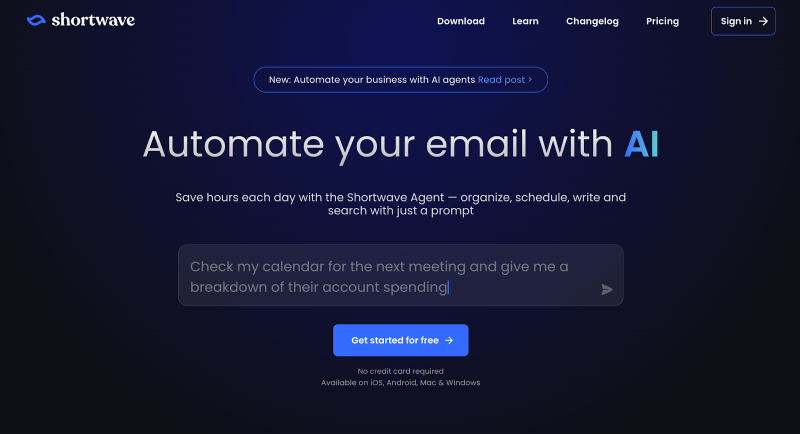
Shortwave approaches email as a search and prioritization problem. It layers AI on top of Gmail to group conversations, surface intent, and answer questions like “what needs a reply today” without scrolling.
Its summaries are effective for long-running threads, and natural language commands reduce friction around scheduling and follow-ups. During testing, inbox triage felt noticeably faster once the system learned preferences.
Advantages
● Strong AI-powered search and bundling
● Useful summaries for complex conversations
● Free plan available for individuals
Disadvantages
● Gmail only
● Occasional lag on simple actions
● Less control over writing tone than competitors
Shortwave suits users drowning in threads rather than drafting-heavy workflows.
3. Microsoft Copilot
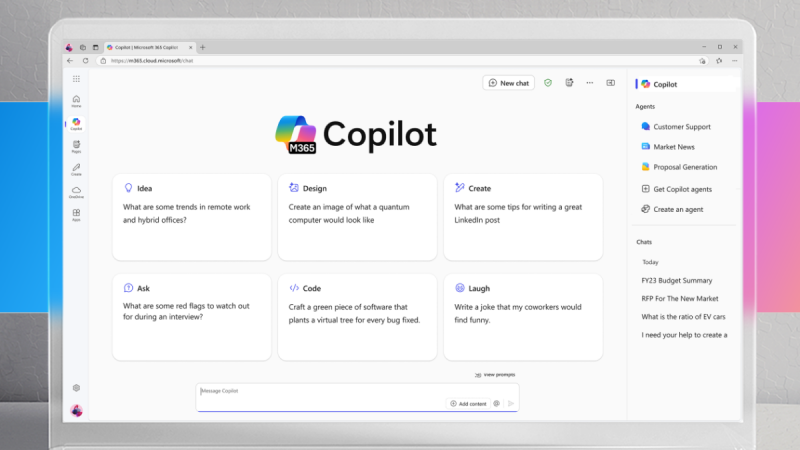
Copilot is deeply embedded inside Outlook and the broader Microsoft 365 ecosystem. Its strength is contextual awareness across documents, meetings, and email.
Thread summaries include jump links, drafts adapt to tone prompts, and suggested replies pull from internal data when available. In enterprise testing, Copilot handled high-volume inboxes reliably, though tone coaching sometimes oversimplified nuanced situations.
Advantages
● Native Outlook integration
● Strong summaries and tone guidance
● Useful for large teams
Disadvantages
● Requires Microsoft 365 subscription
● Limited outside Microsoft ecosystem
● Occasional inaccuracies in complex drafts
Copilot works best when email is tightly connected to documents, calendars, and meetings.
4. Gemini for Gmail
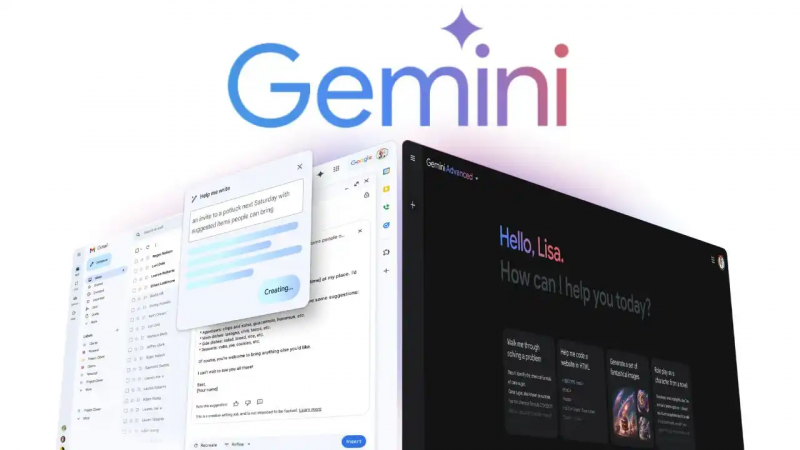
Gemini lives inside Gmail as a sidebar assistant. It focuses on quick wins, such as summarizing threads, drafting short replies, and extracting action items.
It performs well for lightweight use, especially on mobile. However, deeper analysis and long-form drafting feel less refined compared to specialized tools.
Advantages
● Seamless Gmail integration
● Fast summaries and reply suggestions
● Helpful for mobile workflows
Disadvantages
● Limited depth for complex emails
● No persistent conversation memory
● Advanced features locked behind paid plan
Gemini is useful when speed matters more than control.
5. SaneBox
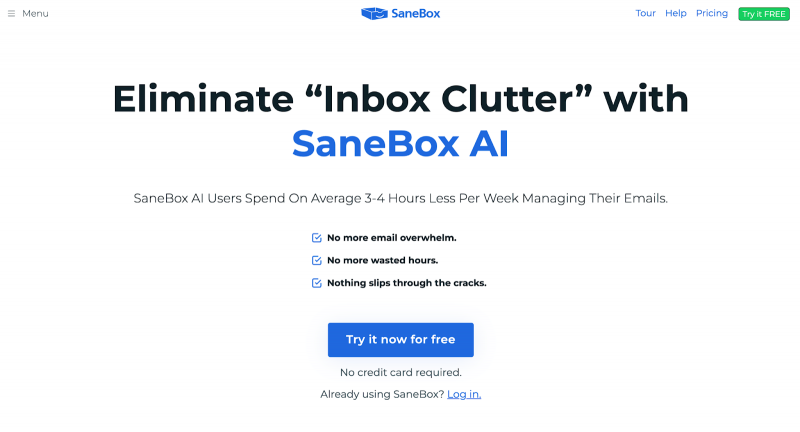
SaneBox does not write emails at all. Its value lies in inbox reduction. It learns which messages matter and pushes the rest into folders that can be reviewed later or never.
Over time, the system becomes surprisingly accurate, though the first few days require patience while it trains.
Advantages
● Works with almost any email client
● Dramatically reduces inbox noise
● Affordable compared to full assistants
Disadvantages
● No drafting or summarization
● Training period required
● Interface feels dated
SaneBox is ideal for people who want less email, not smarter replies.
6. Proton Scribe
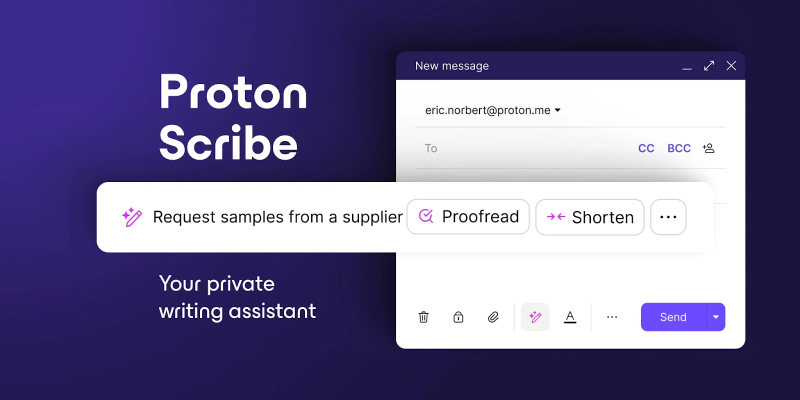
Proton Scribe is built around privacy-first AI. Drafting, condensing, and proofreading happen without using data for training, which matters in regulated or sensitive environments.
The tradeoff is context depth. Because the system cannot analyze large historical datasets, suggestions are more conservative.
Advantages
● Strong privacy guarantees
● Clean tone refinement tools
● Low-cost add-on for Proton users
Disadvantages
● Limited contextual awareness
● Fewer advanced features
● Best suited to Proton ecosystem
Proton Scribe fits professionals who value discretion over sophistication.
7. Missive
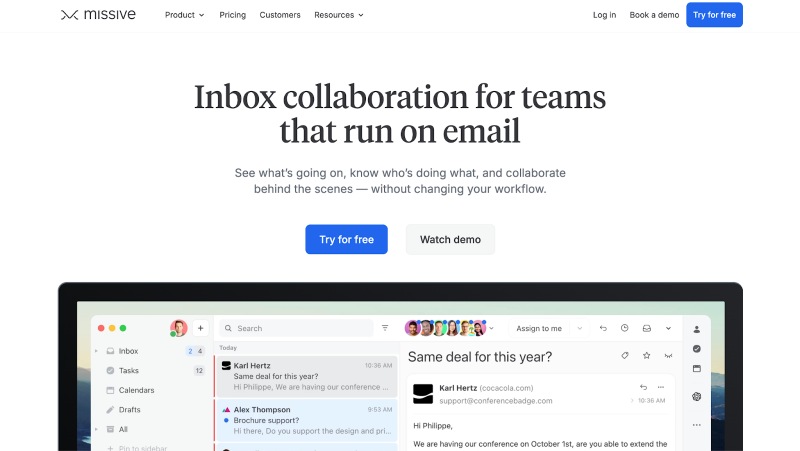
Missive blends email with team collaboration. Its AI assists with drafting and summarization, but the real strength is shared inbox decision-making.
AI helps speed up responses, but human context still drives outcomes, which reduces over-automation risk.
Advantages
● Strong for shared inboxes
● AI assists without dominating workflows
● Clear internal collaboration
Disadvantages
● AI features are secondary
● Setup requires team buy-in
Missive works best where multiple people touch the same conversations.
8. Spike
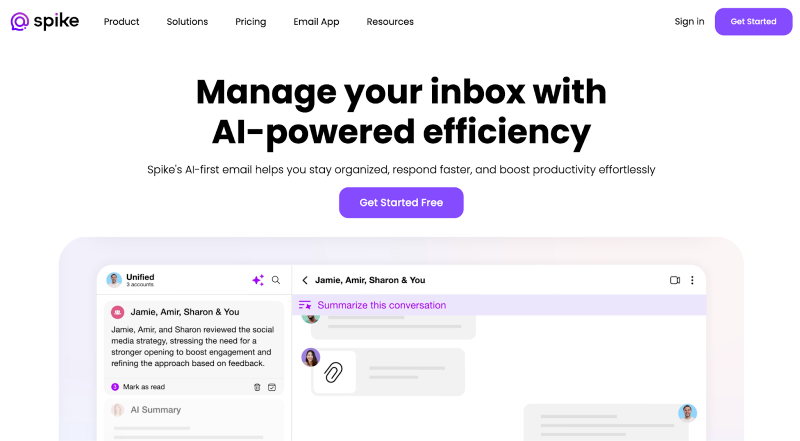
Spike reimagines email as chat-style conversations with AI assistance layered in. This reduces perceived complexity but changes how email feels fundamentally.
Some users adapt quickly. Others find the abstraction distracting.
Advantages
● Conversation-based interface
● AI summaries reduce thread fatigue
● Useful for cross-team communication
Disadvantages
● Nontraditional layout
● Less control over formatting
● Adjustment period required
Spike is best for teams open to rethinking email itself.
Closing thoughts
AI email assistants in 2026 are no longer about novelty. They are about attention management. The best tools do not write more emails. They help you decide which ones deserve thought at all.
What matters most is not which assistant sounds smartest, but which one aligns with how you already work. Some reduce noise. Some speed up replies. Some protect privacy. Choosing well means being honest about where email actually slows you down.
Used carefully, these tools make email quieter, clearer, and less intrusive. Used carelessly, they add another layer of automation to an already crowded space. The difference lies in intent, not technology.
Post Comment
Be the first to post comment!