What Users Reveal About SeaArt AI
SeaArt AI has become one of the most active AI art communities on the internet, drawing thousands of creators who experiment with images, videos, LoRA models, animated characters, and custom workflows. The platform markets itself as a comprehensive creativity hub, complete with text-to-image, text-to-video, face tools, audio features, and training pipelines that run entirely in the cloud. On paper, this positions SeaArt as a convenient alternative for users who want high-quality results without investing in local hardware.
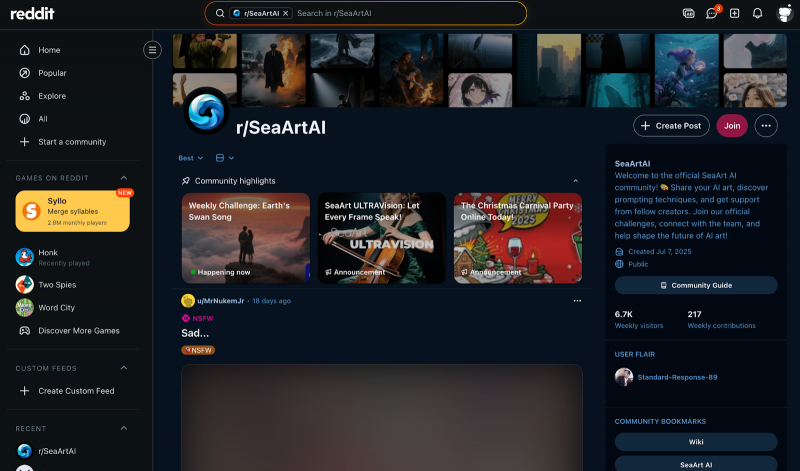
Yet the most revealing insights do not come from the feature list. They come from the people who use the platform daily. As SeaArt continues to grow, real user reviews present a picture that is both enthusiastic and conflicted, filled with praise for its capabilities but also concern for how the platform operates behind the scenes. Understanding these contrasting experiences is essential for anyone who intends to use SeaArt in a serious or long term capacity.
What Attracts So Many Users to SeaArt
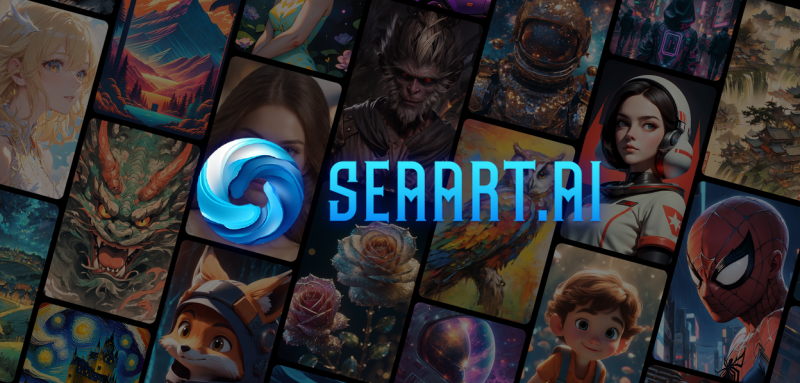
A recurring theme in positive reviews is the sense that SeaArt offers more creative freedom than many competing generators. Users describe the interface as friendly, the daily credit allowance as generous, and the overall ecosystem as expansive enough for both beginners and advanced creators. Many highlight how easy it is to hop between models, remix assets, or browse through community work for inspiration. For some users, SeaArt acts as a kind of digital playground where they can create artwork, try new prompts, experiment with videos, or explore AI characters without feeling limited.
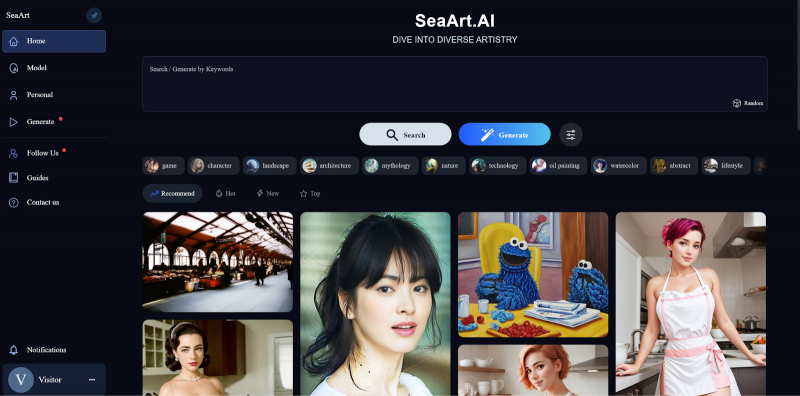
Another point that appears often is the platform’s variety of internal tools. Reviewers appreciate that they can generate images, upscale to higher resolutions, attempt video creation, customize LoRA models, and fine-tune character behavior all in one place. The convenience of having these features bundled together is repeatedly mentioned as a key advantage. SeaArt is especially praised for enabling people with older devices or no GPU to experiment with training and high-resolution rendering, something that would normally require significant hardware.
Long-term users also highlight that SeaArt provides a sense of community recognition. Features like events, challenges, profiles, and follower systems encourage creators to share work, learn techniques, and explore different styles. This social layer makes SeaArt feel more like a living environment rather than just a utility.
The Complaints That Appear Most Consistently
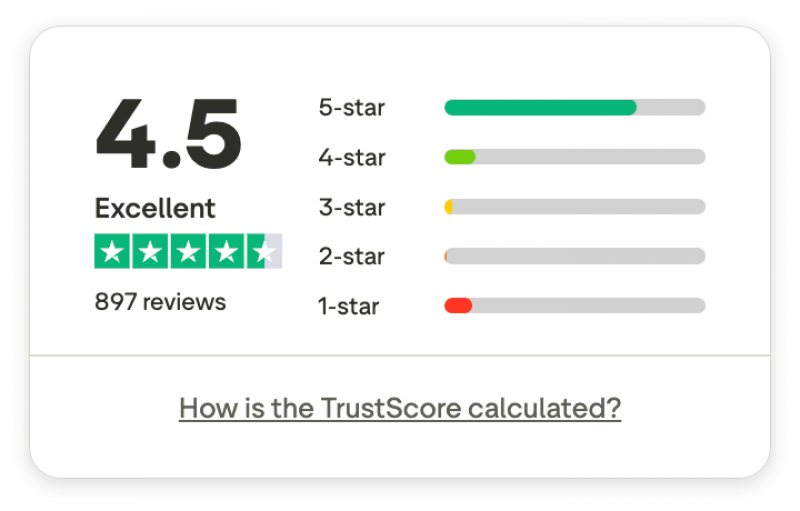
Although there are many positive reviews, negative experiences follow their own clear patterns. These reviews rarely focus on output quality alone. Instead, the frustration often centers on issues around billing, moderation, account stability, and support response times.

Many of the lowest-rated reviews describe situations where users attempted to cancel subscriptions but claim they were charged afterward, or where discounted plans renewed automatically at full price. Several users report difficulty navigating the subscription settings, which they say are hard to locate or are confusingly labeled. There are also recurring reports of no refunds being offered, even when the dispute involved accidental purchases or unwanted renewals.
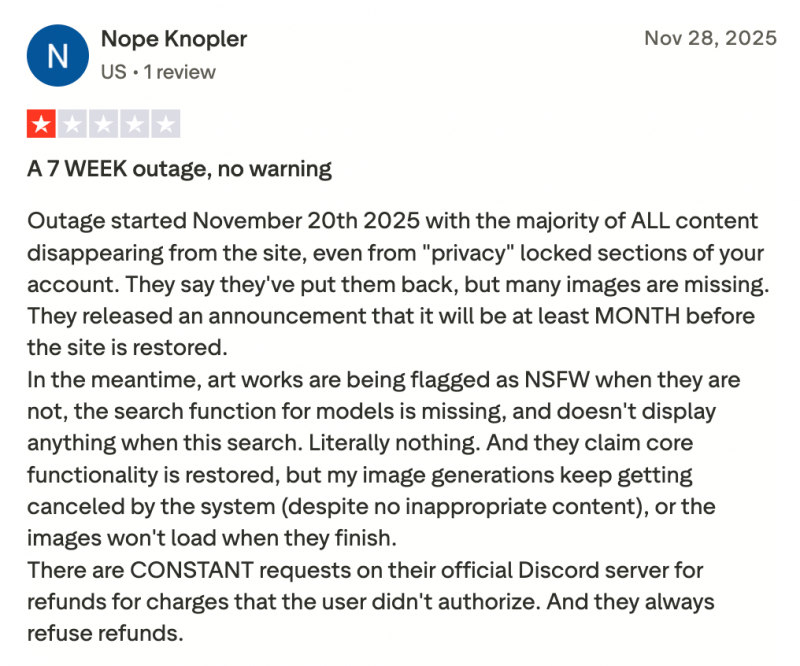
Moderation is another major point of tension. A significant number of users state that previously harmless content is suddenly flagged as restricted, or that the moderation system behaves unpredictably depending on region or account age. Some mention that entire batches of generations were blurred or removed without explanation. Others say that tool behavior changed after certain updates, resulting in loss of freedom or inconsistent access to mature filters.
Performance-related issues appear as well. Reviewers mention slowdowns during heavy traffic, unstable generation tasks that cancel themselves, and a general sense that SeaArt struggles under the weight of its user base. These problems do not seem to affect every user, but they appear often enough to indicate genuine structural limitations.
Review Patterns in Summary
A table helps show the divide between positive and negative experiences without reducing the nuance of individual reviews.
| Theme from Users | What It Suggests |
| Strong appreciation for variety and tool depth | SeaArt excels at offering many creative pathways in one platform. |
| Praise for generous free credits | The platform lowers the entry barrier, especially for beginners. |
| Consistent complaints about billing and refunds | Subscription management remains a weak point that affects trust. |
| Unpredictable moderation behavior | The system still lacks clarity and consistency for many users. |
| High satisfaction with output quality overall | The creative engine is well regarded even when operations lag behind. |
This mix of enthusiasm and frustration results in a user base that enjoys the product but frequently warns newcomers to be cautious with payments and private content.
How SeaArt Fits Into the Broader AI Art Landscape
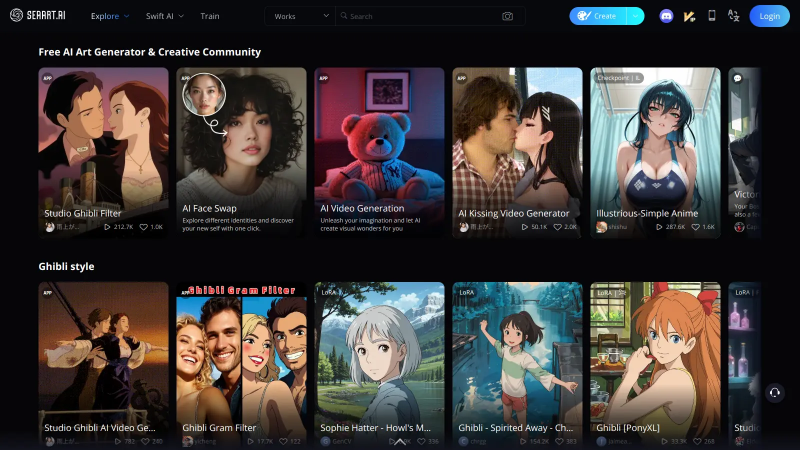
Despite its problems, SeaArt occupies a unique position. Its focus on community driven creativity, cloud based training, and multi format generation makes it more flexible than many single purpose tools. At the same time, its operational issues mean that it cannot be recommended as the sole platform for professional work that must remain stable and predictable.
Users who rely on it for inspiration, exploration, and entertainment will likely find it enjoyable. Those who need consistent rules, clear policies, and guaranteed stability may find the experience uneven. SeaArt’s strength is in creativity, not reliability, and that distinction shows up repeatedly across reviews.
When SeaArt Works Best
SeaArt tends to perform well when users approach it as a space for experimentation rather than a production pipeline. Reviewers frequently mention how enjoyable it is to browse artwork, remix prompts, try new LoRA models, or generate videos for fun. Many casual creators say that SeaArt helped them build confidence, learn prompting, or discover artistic interests they did not know they had. The platform is also helpful for people who lack strong technical backgrounds since most advanced features are wrapped in simple interfaces.
The platform also works well for users who value community engagement. The events, challenges, and shared models drive creativity forward, and this social dimension is part of what sets SeaArt apart from more isolated tools.
Where Users Remain Cautious
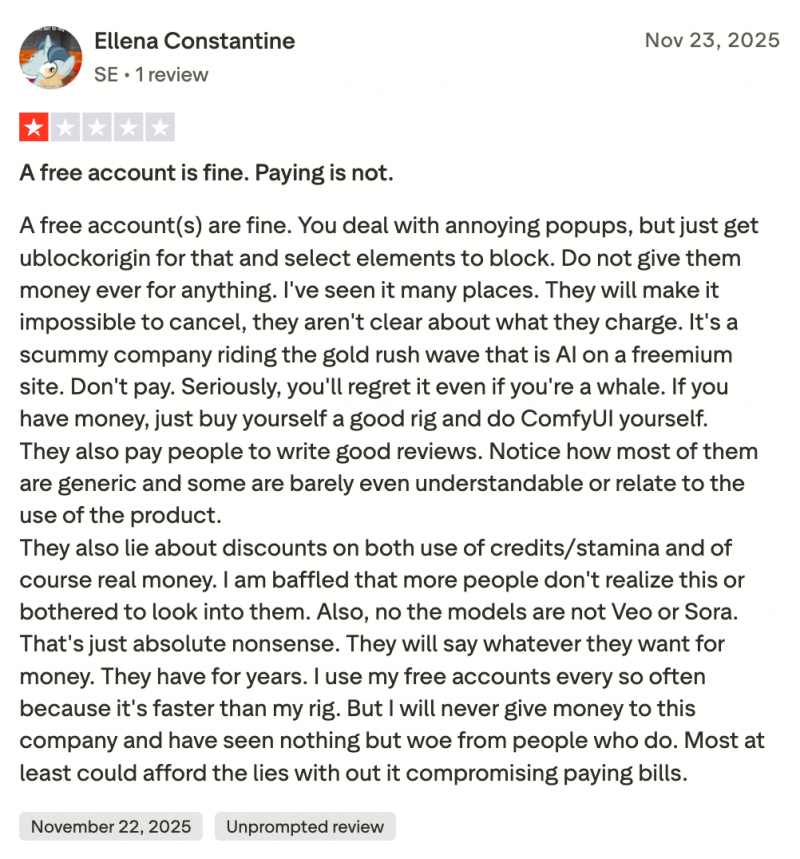
The largest concerns involve anything that touches real money, stored content, or account control. Because many reviewers describe unexpected charges, censored generations, or disappearing content, some users recommend sticking to the free tier or using secondary accounts for experimentation. This advice does not reflect the quality of the creative tools but rather the uncertainty around how the platform handles operational issues.
Several long time users also point out that SeaArt’s policy communication lacks clarity, which affects trust. These users describe situations where terms were difficult to interpret or features behaved differently than expected. As a result, SeaArt is often seen as powerful but unpredictable.
Three Alternatives Worth Considering
A small comparison section helps readers identify options without overshadowing the main focus of the article. Below are three frequently mentioned alternatives that appeal to users who want stability or more transparency.
Leonardo AI

Leonardo offers a polished interface, strong asset generation tools, and well maintained model libraries. Users often choose it when consistency and project organization matter more than experimentation. It provides better documentation and clearer support channels, although at a higher cost for heavy workflows.
Runware

Runware focuses on simplified image generation with efficient cloud performance. It is not as feature rich as SeaArt but is valued for predictable behavior and straightforward subscription handling. Many reviewers highlight it as a safer choice for users frustrated with moderation or billing issues elsewhere.
Recraft

Recraft specializes in clean vector style outputs and design friendly tools. It is particularly useful for creators who work on branding, icons, and stylistic illustrations. While not a direct replacement for SeaArt’s broader toolkit, it offers a more focused environment with fewer operational complaints.
Final Thoughts
SeaArt AI is neither a perfect platform nor a platform to avoid outright. It functions best as an open creative playground, filled with tools, inspirations, and experimental features that encourage exploration. The enthusiastic reviews are real, and they reflect a community that genuinely enjoys the imaginative possibilities SeaArt provides.
However, the platform also carries operational risks that appear too consistently to ignore. Anyone considering SeaArt should enter with a clear understanding of both sides. Use the free tier for experimentation, save important work externally, and approach paid plans cautiously until the platform demonstrates greater stability over time.
Post Comment
Be the first to post comment!