AI creative tools are evolving quickly. Today, creators can generate images, animations, and even full videos simply by typing a prompt. One platform gaining attention in this space is Dreamina AI, an AI-powered creative tool designed to generate images, videos, and visual content automatically.
Dreamina AI is integrated into the CapCut ecosystem, which means it combines image generation, video creation, and editing tools within a single workflow. Instead of switching between multiple design tools, users can generate visuals, animate them, and export ready-to-use content from the same platform.
For creators who regularly produce content for social media, marketing, or storytelling, the promise is appealing: faster production, AI-assisted creativity, and fewer manual editing steps.
In this article, we explore Dreamina AI’s features, capabilities, and real-world usefulness, along with its advantages and limitations.
Dreamina AI at a Glance
| Category | Details |
| Tool Name | Dreamina AI |
| Category | AI image and video generator |
| Developed By | ByteDance / CapCut ecosystem |
| Core Function | Generate images and videos from prompts |
| Best For | Creators, marketers, designers |
| Key Outputs | AI images, animated visuals, videos |
| Free Plan | Available with daily credits |
Dreamina is essentially an AI creative studio where users can generate visuals, convert images into videos, and build animated scenes from simple prompts.
What Dreamina AI Actually Does
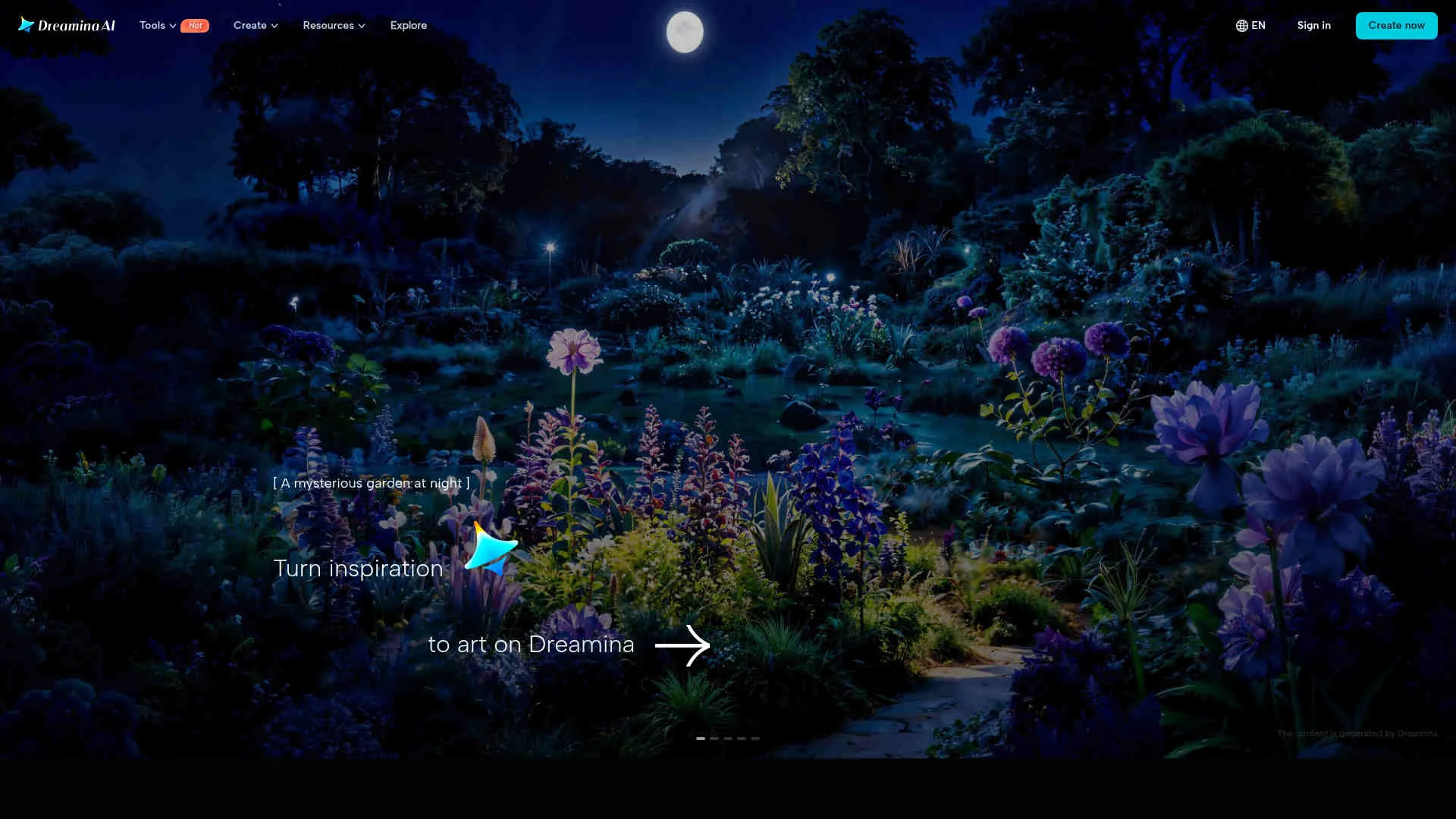
At its core, Dreamina AI is designed to simplify digital content creation. Instead of manually designing graphics or editing videos, users can describe what they want and let the AI generate the content.
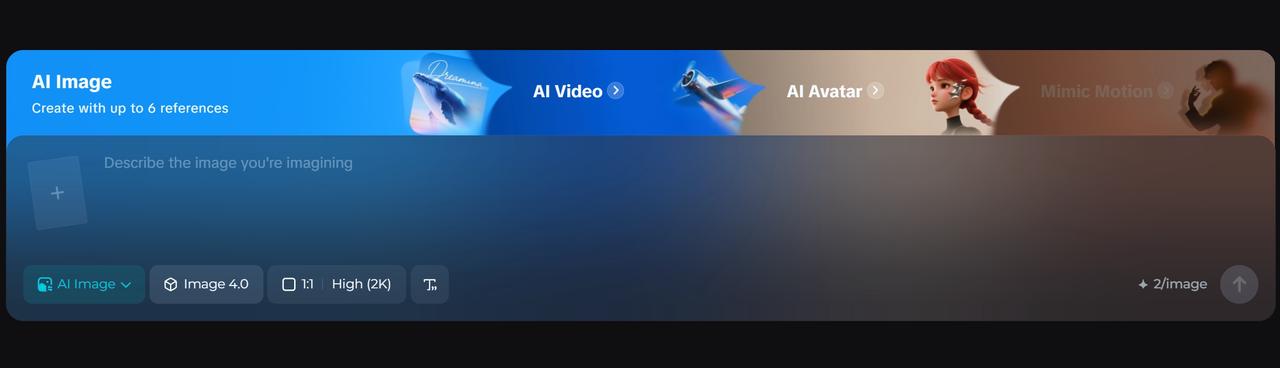
The platform supports multiple creative workflows including:
- text-to-image generation
- image-to-video animation
- text-to-video creation
- AI avatar generation
Dreamina can also transform still images into animated clips with motion effects, helping creators produce dynamic visuals from simple photos.
Because of this versatility, the tool is often used by:
- social media creators
- marketers creating promotional visuals
- designers generating concept art
- educators building visual learning content
Key Features of Dreamina AI
1. AI Image Generation
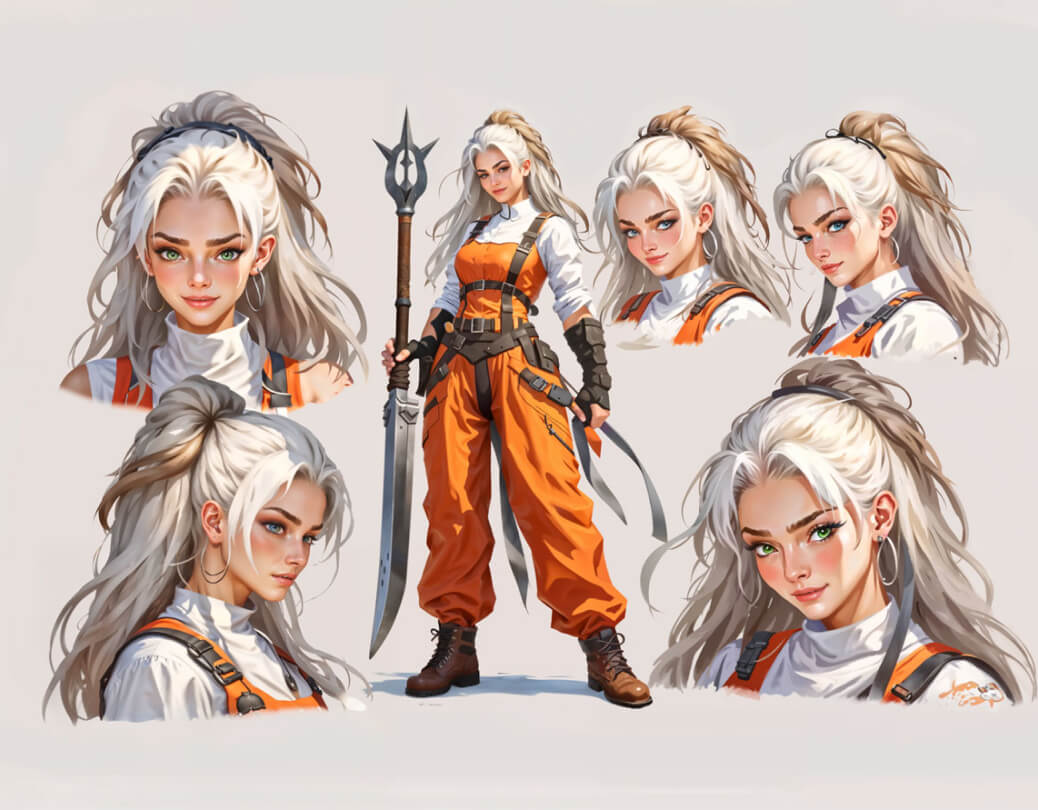
One of Dreamina’s main capabilities is generating images from text prompts. Users simply describe the scene they want, and the AI generates a visual based on that description.
This makes it easy to create:
- marketing visuals
- concept artwork
- social media graphics
- posters and illustrations
The AI interprets text prompts and converts them into detailed images with various styles and artistic effects.
2. Image-to-Video Animation
A standout feature of Dreamina is the ability to convert static images into animated videos.
Users can upload an image and instruct the AI to animate elements such as camera motion, character movement, or environmental effects. The system then generates a short animated video clip.
This capability allows creators to transform simple visuals into engaging animated content without traditional animation tools.
3. AI Text-to-Video Generation
Dreamina also includes a text-to-video generator that converts scripts or prompts into video content.
Users can describe a scene or story, and the AI will generate animated visuals along with synchronized audio and motion effects.
This feature is especially useful for:
- explainer videos
- social media storytelling
- marketing videos
- short visual content
Dreamina’s video generation system can also add music and synchronized audio automatically to match the mood of the video.
4. AI Photo Editing Tools
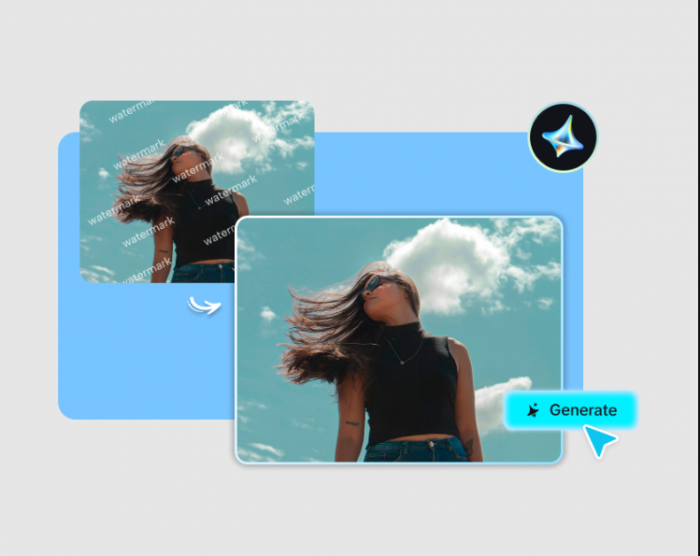
Dreamina includes AI photo editing tools designed to improve or modify images quickly.
Some available editing features include:
- AI inpainting for editing objects
- background removal
- image upscaling to higher resolutions
- visual enhancement tools
These capabilities allow creators to refine images generated by AI or uploaded from other sources.
Feature Overview
| Feature | What It Does | Why It Matters |
| Text-to-Image | Generates images from prompts | Fast visual creation |
| Image-to-Video | Animates static photos | Creates engaging visuals |
| Text-to-Video | Converts prompts into videos | Useful for storytelling |
| AI Photo Editing | Edits images automatically | Improves visual quality |
| Creative Templates | Supports marketing visuals | Simplifies content creation |
Together, these features make Dreamina a multi-purpose AI content generation platform rather than just an image generator.
My Experience Testing Dreamina AI
When I tested Dreamina AI, the first thing that stood out was how simple the interface felt.
Unlike many AI creative tools that require complex prompts or multiple settings, Dreamina focuses on a straightforward workflow. You type a prompt, select a generation mode, and the system produces results within seconds.
The image generation quality was impressive, especially when using descriptive prompts. The platform also allows users to regenerate images or adjust styles until the output matches their expectations.
The image-to-video feature was particularly interesting. Uploading a static image and watching it transform into an animated clip felt surprisingly seamless.
However, the tool is not perfect. Some generations require multiple attempts to get the desired result, and the free plan has generation limits.
Overall, Dreamina feels like a powerful creative tool for generating quick visual content rather than a full replacement for professional design software.
Pros and Cons
Advantages
- Easy prompt-based content creation
- Combines image and video generation
- Beginner-friendly interface
- Integrated with CapCut ecosystem
- Free daily credits available
Limitations
- Generation quality may vary
- Free plan has limited credits
- Advanced editing features are still evolving
Who Should Use Dreamina AI?
Dreamina AI is particularly useful for creators who regularly produce visual content.
Typical users include:
- social media creators
- digital marketers
- designers creating concept art
- educators producing visual learning materials
Because the platform combines image and video generation, it is especially useful for creators who want to produce visual content quickly without complex editing tools.
Dreamina AI Performance Rating
| Category | Rating | Notes |
| Ease of Use | 9 / 10 | Beginner-friendly interface |
| Image Quality | 8.5 / 10 | Strong prompt interpretation |
| Video Generation | 8 / 10 | Impressive animation features |
| Editing Tools | 7.5 / 10 | Still developing |
| Overall Score | 8.5 / 10 | Powerful AI creative tool |
Final Verdict
Dreamina AI represents the growing trend of all-in-one AI creative platforms. Instead of using separate tools for design, animation, and editing, users can generate visual content from a single environment. The platform’s ability to generate images, animate visuals, and produce videos from simple prompts makes it particularly appealing for creators working on social media and marketing content. While it may not replace professional animation or design software entirely, Dreamina AI significantly reduces the time and effort required to create visual content.
For creators who want to experiment with AI-generated visuals or build content quickly, Dreamina AI is definitely worth exploring.
Post Comment
Be the first to post comment!