1. Overview:
➔ Paylocity’s official positioning :
Paylocity is a cloud-based unified HR, payroll, finance, and IT platform designed to centralize workforce management and administrative tasks. It emphasizes automation, integrations, mobile accessibility, and data visibility to help HR, Finance, and IT work together.
➔ Core modules / claimed capabilities:
| Module | Official Description |
| Payroll | Automate payroll workflows, tax filing, garnishment services, global payroll support, and on-demand payment options. |
| HR & Workforce | Centralized HR records, compliance dashboard, templates, document management, onboarding/offboarding. |
| Time & Labor | Time collection via web, mobile, kiosk, automated attendance, scheduling, geofencing. |
| Benefits & Talent | Benefit enrollment, compensation planning, job boards, surveys, learning management systems. |
| Mobile & Self-Service | Employee self-service for pay, time, PTO, expenses, and peer recognition — 24/7 mobile access. |
| Integration & Analytics | Prebuilt integrations with third-party tools and workforce analytics dashboards. |
➔ Pricing model:
Paylocity uses a per-employee-per-month (PEPM) pricing model, typically in the $22–$32 range depending on company size and modules selected, with additional implementation fees based on total cost of ownership.
*What Paylocity doesn’t publicly provide:
● Transparent pricing tiers or standard contract terms (they require you to request a quote) — official pricing is not fully listed on their website.
2. How It Actually Works :
Implementation workflow:
● Prospective clients undergo demo + quoting → data migration → setup of modules → testing → go-live.
● Onboarding tends to take multiple weeks to months, depending on company size and complexity — consistent with user reports of extended implementation.
Payroll processing:
● Automated payroll entry, with time and labor data flowing into payroll.
● Built-in checks (dashboards/audits) to catch pay irregularities before processing.
● Supports tax services, garnishment processing, global payroll in 100+ countries.
HR functions:
● Central employee records, document storage, compliance tracking, onboarding/offboarding, benefits administration.
● Talent modules include applicant tracking, performance reviews, learning management features.
Integrations:
● Prebuilt integrations and APIs work with other HR and finance tools (ERP systems, time apps, benefit carriers). Users report varying experiences with integration depth and support.
Mobile experience:
● Mobile app allows employees and managers to clock in/out, request PTO, view pay stubs, approve tasks, and access timesheets and schedules.
3. User Feedback:
Aggregated platform ratings-
| Platform | Rating / Feedback Trend |
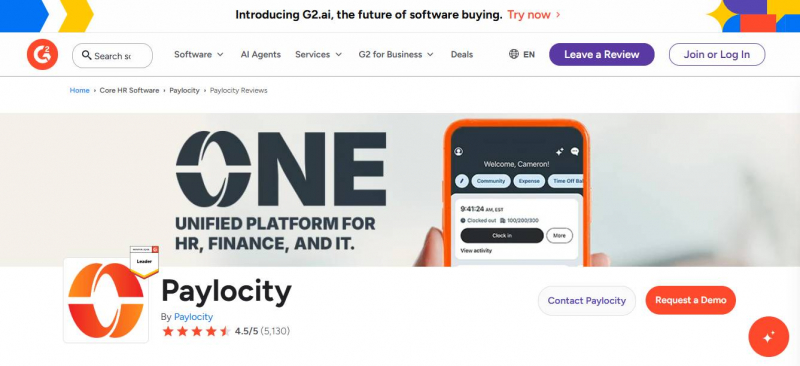
| G2 | ~4.4/5 (5,000+ reviews) — many positives around ease of use, modules, payroll reliability, customer service split. |
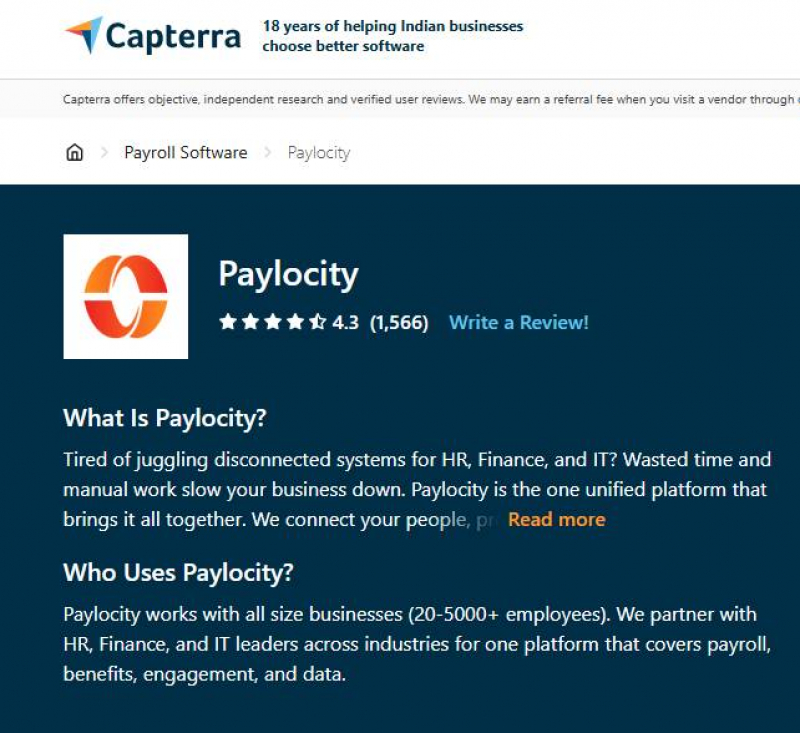
| Capterra | ~4.3/5 — easy navigation, centralized system praised; customer service and glitches noted. |
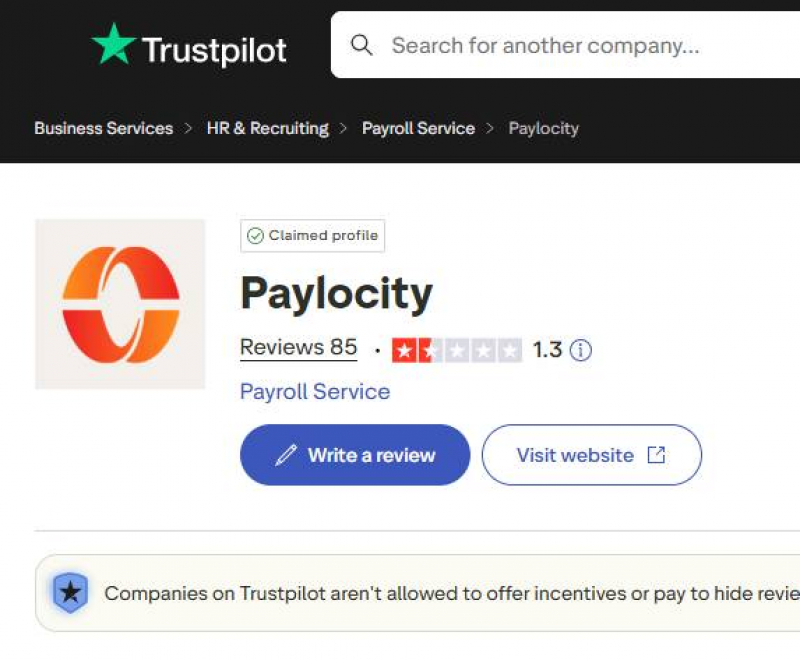
| Trustpilot | ~1.3/5 (small review base) — strong negative sentiments about reliability and support. |
| Highly mixed — some strong complaints about implementation and support, others finding it “best among bad options.” |
Recurring Praise Themes-
● Comprehensive feature set and centralized platform simplifies HR + payroll.
● Payroll and direct deposit automation are generally functional.
● Mobile app helpful for employees to manage time, pay, and PTO.
Recurring Complaint Themes-
● Implementation chaos: Reports of data migration errors, extended manual cleanup, unmet expectations.
● Customer support inconsistency: Slow responses, turnover in reps, knowledge gaps.
● Technical glitches: UI complexity, time clock reliability issues, occasional outages or login failures.
● Payroll nuances: Reports (including Reddit) of configuration uncertainties and questions around pay rule setup.
Direct quotes-
● “Our migration to Paylocity… one of the most error-ridden implementations I’ve dealt with.” — Verified reviewer. (Trustpilot)
● “Login issues — credentials frequently marked as invalid… far more reliable platforms exist.” — Trustpilot reviewer.(Trustpilot)
● On Reddit: “Implementation was convoluted… hands tied by a terrible system.” (Reddit)
4. Performance Metrics :
Reliability & Accuracy-
● Payroll accuracy generally reported positively on core runs, but edge cases (complex payroll rules, multi-subsidiary setups) often require manual intervention.
● No quantified reliability percentages found from independent sources.
Customer Support Speed & Quality-
● Mixed reports: some users praise knowledgeable reps; others report long wait times and inconsistent answers.
Onboarding Experience-
● A common pain point: many users report lengthy and complex onboarding, sometimes with minimal proactive support.
5. Pros & Cons :
➔ Pros:
1. Ease of Use & Accessibility-
Many users find Paylocity’s interface intuitive and straightforward, especially for everyday HR and payroll tasks. This helps both admins and employees quickly find what they need and reduces training time. On Capterra, reviewers emphasize that even non-tech-savvy employees can navigate the system comfortably.
Common examples of this usability include:
● Self-service features (pay data, time off, hours tracking).
● Employee mobile access to paystubs, PTO, and time clocks.
This ease is especially appreciated by mid-size HR teams whose workload was previously fragmented.
2. Comprehensive Feature Set-
Paylocity offers a wide range of HR and payroll capabilities in one platform — including time tracking, benefits, reporting, onboarding, and expense workflows. Users report that having these features under one roof makes HR operations more efficient and consolidated.
This “all-in-one” value proposition often replaces multiple disjointed tools.
3. Payroll Reliability & Automation-
Many businesses praise Paylocity for:
● Streamlining payroll processing
● Reducing manual work
● Automating standard payroll tasks
Reviews highlight that payroll runs are usually smooth, and payroll errors are minimized.
Some users also appreciate integrations with tax and benefits systems for more fluid payroll administration.
4. Reporting Tools-
While not perfect, users frequently note that Paylocity’s reporting—once learned—adds transparency around payroll, time tracking, and compliance.
This is valuable for companies needing audit trails and internal dashboards, especially for compliance agencies.
➔ Cons:
1. Customer Support Inconsistency-
This is the most frequently cited drawback across review platforms. Users describe support as:
● Slow to respond
● Variable in quality depending on the representative
● Requiring multiple follow-ups to resolve issues
This is not a one-off comment — 233+ mentions on G2 alone point to support challenges.
Trustpilot reviews reinforce this with strong negative sentiment about delays and unresolved problems.
“Their customer service is always a negative experience… take days or weeks…” — Trustpilot user.
2. Missing or Limited Features-
Several reviewers mention features that are either missing or not robust:
● Lack of recurring payments or automation for some HR processes.
● Limited custom reporting or depth in reports without support
● Performance review and LMS modules lacking automation.
● Some critical features (e.g., benefits enrollment or direct deposit changes) restricted or awkward in the mobile app.
This means for specific, advanced use cases, Paylocity might feel constrained.
3. Learning Curve-
Although many users call the interface intuitive, others describe a steep learning curve, particularly when setting up or customizing workflows.
Some cite that the dashboard can feel overwhelming and modules aren’t always logically grouped — which slows down initial setup.
Worded differently in reviews:
“It’s easy once learned, but initially feels clunky and inconsistent.” — common sentiment from multiple reviewers.
4. Mobile App Limitations-
Users on platforms like Software Advice and Capterra note that the mobile app doesn’t support every function people want — for example:
● Updating direct deposit info
● Completing benefits enrollment
● Signing performance documents
This forces employees back to desktop access.
6. Security & Compliance :
Security posture-
Paylocity does not publicly share third-party penetration test results or specific compliance certifications on its marketing pages (no reliable evidence found).
Data protection & privacy-
The platform includes secure login and role-based access but detailed compliance certifications (e.g., ISO, SOC 2) aren’t clearly listed publicly — no reliable evidence found from official sources.
Compliance support-
Payroll and tax compliance features are highlighted (tax filing support, Garnishment services), but there are mixed user reports about support responsiveness for payroll tax issues.
7. Pricing :
| Vendor | Pricing Structure | Public Pricing | Notes |
| Paylocity | PEPM (per employee per month) | Custom / Quote Only (no published standard) | Most businesses pay ~$20–$40/employee/month (estimate) but must contact sales for official pricing. |
| Gusto | Fixed + PEPM | $49/mo + $6/employee to $180/mo + $22/employee | Transparent, published pricing covering payroll + HR features (no hidden fees). |
| ADP (small business) | Base + PEPM | $79/mo + ~$4–$6/employee (typical public small-biz estimate) | Pricing is widely reported and indicative — actual quotes vary by plan/modules. |
| Paychex Flex | Base + PEPM | ~$39/mo + ~$5/employee (typical public estimate) | Pricing varies significantly with add-ons; vendors do not publish fixed tiers publicly. |
| BambooHR | Flat or PEPM | ~$250/mo flat (≤25 employees) ~$10+/employee/month (≥25 employees) | Base HR pricing only; payroll is often a paid add-on (vendor pricing signals) |
| QuickBooks Payroll | Tiered (public) | ~$50–$134/mo + ~$6.50/employee (standard tiers) | Core, Premium, Elite options with payroll and optional HR add-ons. |
| Patriot Payroll | Tiered (public) | $17/mo + $4/employee (Basic Payroll) $37/mo + $5/employee (Full Service) | Add-ons available; simple pricing suits small biz. |
8. Competitor Comparison :
| Product | Best-fit pattern | Where Paylocity tends to sit |
| ADP / Paychex | Strong legacy payroll ecosystems, lots of add-on services, often quote-based | Paylocity competes as a modern HR+payroll suite but gets more mixed support feedback |
| Workday | Enterprise HCM suite, typically large orgs, quote-based | Paylocity is often framed as strong for mid-market and some enterprise use, with different implementation/service expectations |
| Gusto | SMB-friendly pricing transparency; simpler HR/payroll | Paylocity is broader/more modular than many SMB tools but usually less price-transparent |
| BambooHR | HR-centric (strong core HR), payroll as add-on in some setups | Paylocity is more payroll-forward in positioning and tax services messaging |
Final Verdict :
Who Should Use Paylocity:
● Mid-sized companies seeking an integrated HR + payroll solution with robust modules and mobile self-service.
● Organizations that value feature depth and automation over simple payroll alone.
Who Should Avoid Paylocity:
● Small businesses with straightforward payroll needs looking for simple setup and transparent pricing.
● Companies with limited internal IT/HR bandwidth that expect hands-off implementation support.
Post Comment
Be the first to post comment!