You have dozens of tools promising “AI workflows” and “agents”, but very few explain what actually feels different in day‑to‑day use. In this hands‑on style comparison of Lindy vs n8n vs Relevance AI, the focus is on how each one behaves when you try to build real automations, not just on marketing claims. By the end, you’ll know which platform fits you best for no‑code, low‑code, or more developer‑centric setups.
Platform at a glance
| Aspect | Lindy | n8n | Relevance AI |
|---|---|---|---|
| Core idea | No‑code AI agents to automate complex business workflows. | Source‑available workflow automation with AI nodes and custom code. | AI “workforce” of agents for enterprise‑grade workflows. |
| Ideal user | Ops, sales, support, founders who want natural‑language automation. | Technical teams, data folks, devs comfortable with logic and integrations. | Product, ops, and enterprise teams needing governed agent workflows. |
| No‑code feel | Strong: prompts + visual flows. | Moderate: visual, but nodes and expressions feel technical. | Strong: no‑code builder for agents and flows. |
| Custom code | Sandbox for Python/JS in workflows. | First‑class JS/Python, custom nodes, HTTP calls. | Python functions and custom actions in workflows. |
| Voice / realtime | Real‑time voice agents with post‑call actions. | Possible via APIs/integrations, not native focus. | Focus on task/ops agents, not voice‑first. |
| Hosting | Cloud SaaS (API‑centric, integrations). | Cloud + full self‑hosting option. | Cloud SaaS, tightly coupled to AWS infra. |
| Integrations | “Hundreds” of SaaS, APIs, comms tools. | 1,100+ app integrations and 1,250+ workflow templates. | Integrates with CRMs, docs, AWS, and major tools. |
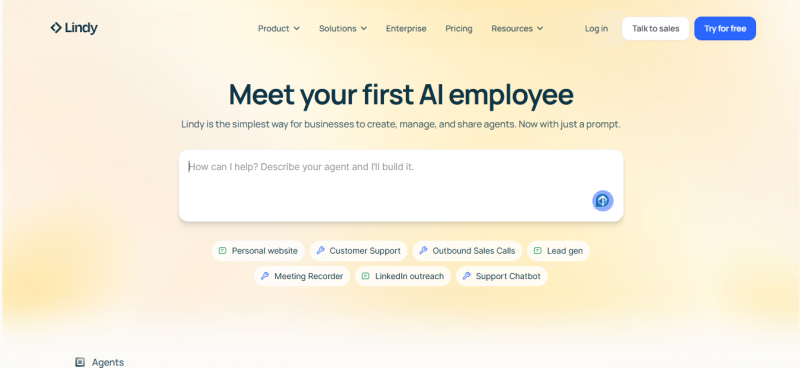
- Lindy positions itself as a no‑code automation platform where you describe your agent in natural language, connect your apps, and let AI handle steps across email, CRMs, support desks, calendars, and more.
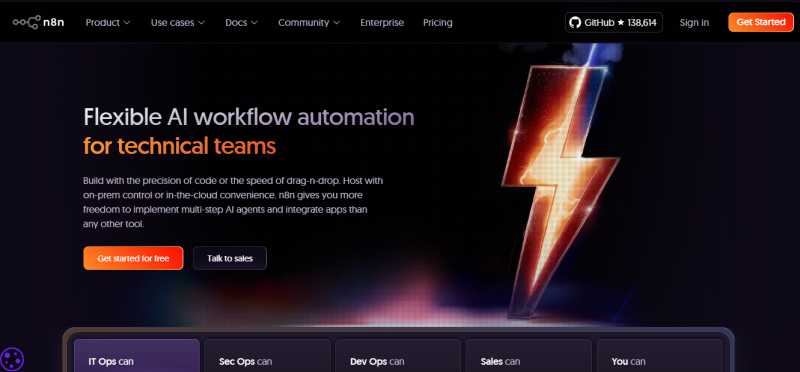
- n8n is a source‑available automation engine with a visual editor, heavy integration catalog, AI nodes, and deep support for custom code and on‑prem deployments.
- Relevance AI focuses on building an AI “workforce” of agents to automate complex, often enterprise‑grade workflows like lead research, campaigns, and analytics over unstructured data.

Pricing for all three is tiered: free or trial entry, then paid tiers based on usage, users, or advanced governance. Relevance AI and Lindy skew more toward business teams, while n8n offers a generous entry path for individuals and self‑hosters.
What To Expect
When you’re choosing between these tools, you’re really choosing how you prefer to think:
- Natural language & AI‑first: Lindy lets you describe workflows in plain language and then refine visually, making it friendly if you don’t want to manage low‑level logic.
- Node‑based logic & code: n8n gives you a canvas of nodes and conditions with optional AI, perfect if you think in APIs, data flows, and scripts.
- Multi‑agent, enterprise workflows: Relevance AI is built for orchestrating multiple specialized agents, vector search, and approvals around business data and processes.
In this comparison, it helps to “test” them on:
- Ease of building your first automation
- How they handle AI reasoning and data
- Governance needs like approvals, logs, and access control
- Breadth of integrations and extensibility
Performance & Hands‑On Experience
Ease of use and setup
- Lindy: You start by describing an agent (for example, “qualify leads from emails and update the CRM”) and Lindy scaffolds a workflow with steps, tools, and prompts. The interface leans heavily into natural language plus a visual canvas, so non‑technical users can get meaningful automations running quickly.
- n8n: Setup feels more like building a data pipeline: you drag nodes, configure credentials, wire webhooks, and test each step. It’s approachable compared to raw scripting but still assumes you understand APIs, data structures, and triggers.
- Relevance AI: The workspace guides you toward building “AI workforces” with agents, tasks, and workflows, so it feels natural for teams used to CRMs, dashboards, and analytics tools rather than pure dev tools.
AI capabilities & workflow power
- Lindy: AI reasoning is central: workflows combine triggers, tools, and LLM calls, with optional human‑in‑the‑loop approvals for compliance‑heavy steps. It supports real‑time voice agents, knowledge‑base lookups, and scripted actions through a secure code sandbox, making it strong for operational agents in sales, support, and scheduling.
- n8n: AI appears as nodes (chat, embeddings, LangChain integration) that you plug into a broader automation; you can call models, manage vector databases, and build chatbots or document QA flows. Its real strength is mixing AI with arbitrary code and over a thousand integrations, so you can control every detail of the data path.
- Relevance AI: Built‑in vector search, prompt orchestration, and multi‑agent workflows make it powerful for use cases like research, summarization, classification, and campaign orchestration over large datasets. Agents can call custom actions, APIs, and Python functions, giving you advanced pipelines without leaving the platform.
Reliability and Scalability
- Lindy: Designed for business teams with auditability and approvals, making it suitable when you need AI agents to operate with oversight rather than “fire and forget”.
- n8n: Stands out with on‑prem support, version control, audit logs, role‑based access, and encrypted secret storage, which is valuable for privacy‑sensitive or regulated environments.
- Relevance AI: Runs on AWS infrastructure with enterprise‑grade scheduling, approval workflows, workload controls, and activity visibility, aligning well with larger teams that need strong governance and performance guarantees.
Reviews: Positive And Negative Experiences
Lindy Feedback
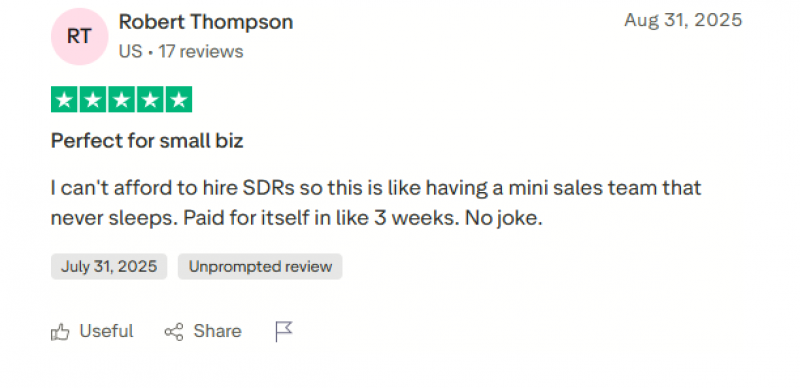
- Positives: Good for daily marketing/admin tasks (email, calendar, docs) with minimal setup; templates and agent “swarms” help non‑technical users get real value quickly.
- Negatives: Onboarding feels a bit rough; pricing/credits worry heavier users, and complex workflows sometimes push people back to tools like Make.
n8n Reviews
- Positives: Highly flexible automation tool; visual logic helps beginners, self‑hosting is powerful and cost‑effective, and many users run business‑critical workflows on it.
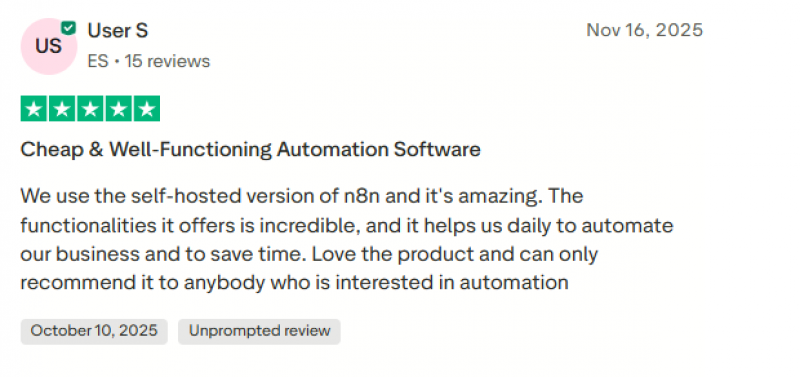
- Negatives: Frequent complaints about the AI builder wasting credits, slow or unhelpful support, serious frustration with the affiliate program, and occasional bugs.
Relevance AI Reviews
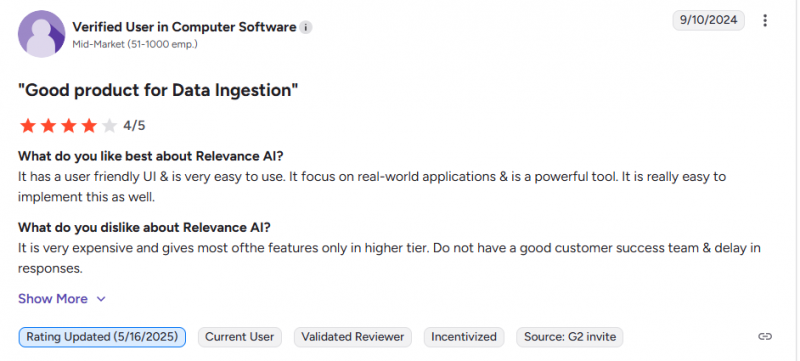
- Positives: Easy to start on the free tier, clear upgrade path, strong agent marketplace, and broad integrations that support end‑to‑end business workflows.
- Negatives: Some users want better AI‑generated visuals and richer onboarding; smaller teams sometimes find pricing on the higher side.
Are these worth the price?
- Lindy: Best value if you want ready‑to‑run agents that replace manual ops tasks like support triage, lead qualification, and meeting management; you pay primarily for agent usage and business‑grade features rather than raw infrastructure.
- n8n: Offers strong value for technical teams because a single deployment can power many different workflows, and the open/self‑hosted model can be cost‑efficient at scale.
- Relevance AI: Delivers the most value when you treat it as a central “AI workforce” layer for multiple departments, especially if you already rely on AWS and need governance, observability, and multi‑agent coordination.
If you think in terms of “cost per automated process,” n8n can be the most economical for developer‑heavy teams, while Lindy and Relevance AI justify their cost when their AI agents replace sizeable chunks of human operational work.
Final Verdict
- Choose Lindy if you want an AI‑first, no‑code experience where you describe your agent in natural language and quickly ship voice or text automations for sales, support, and ops.
- Choose n8n if you or your team are comfortable with APIs and code, want maximum control, love open tooling, and plan to wire a lot of different systems together with both AI and non‑AI logic.
- Choose Relevance AI if your goal is to build a governed AI workforce across departments, integrating deeply with CRMs, analytics, and AWS‑based infrastructure for complex, multi‑agent workflows.
Post Comment
Be the first to post comment!