Managing a modern calendar feels like playing endless tasks with meetings, deep work, and life admin. AI scheduling assistants promise to fix that, but not all of them deliver the same way. For 2026, the strongest tools don’t just send booking links, they learn your habits, protect focus time, and quietly coordinate everything in the background.
Below are 10 standout AI scheduling assistants for 2026, with a simple, clean breakdown for each:
1. Lindy
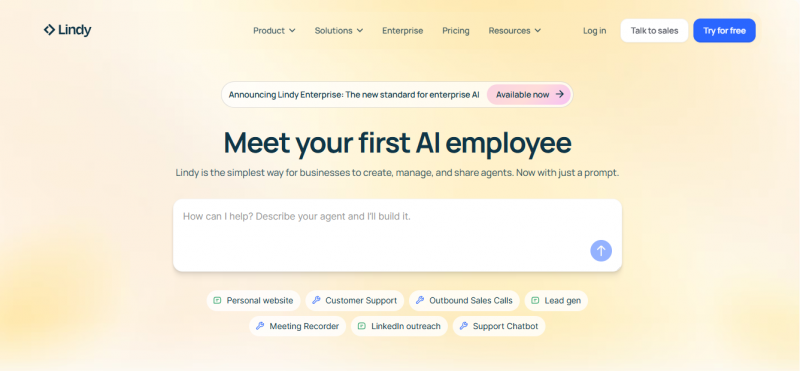
Lindy behaves less like a calendar plug‑in and more like a flexible digital assistant that connects meetings, research, and follow‑ups into one workflow. It suits founders, operators, and busy professionals who want scheduling tied directly to tasks, CRM, and communication tools rather than a separate scheduling silo.
- Description: AI assistant that handles scheduling plus multi‑step workflows around meetings, research, and follow‑ups.
- What it does: Books meetings, manages reschedules, prepares meeting context, and can even join calls to transcribe and summarize.
- Features: Agent “swarms” for prep, deep integrations (Slack, Zoom, email, CRMs), custom AI models, and workflow templates for recurring processes.
- Pricing: Free tier with limited credits; paid plans typically start around mid‑range SaaS pricing for individuals and scale up for teams.
2. Reclaim AI
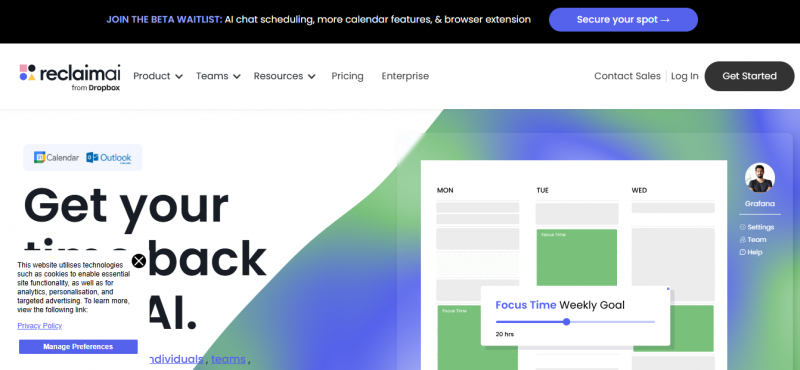
Reclaim is built for people who treat their calendar as a command center, using AI to auto‑block habits, meetings, and deep‑work sessions. It’s especially helpful if you’re constantly overbooking yourself or forgetting to protect time for personal priorities like workouts or learning.
- Description: Smart time‑blocking assistant that protects habits, meetings, and focus time automatically.
- What it does: Analyzes your calendar and inserts flexible blocks for tasks, breaks, and personal routines while avoiding conflicts.
- Features: Habit builder, automatic buffer time, weekly usage reports, and integrations with tools like Asana, ClickUp, and Todoist.
- Pricing: Free “Lite” plan; paid plans typically start around 8–10 USD per user per month, with more habits and integrations unlocked.
3. Motion
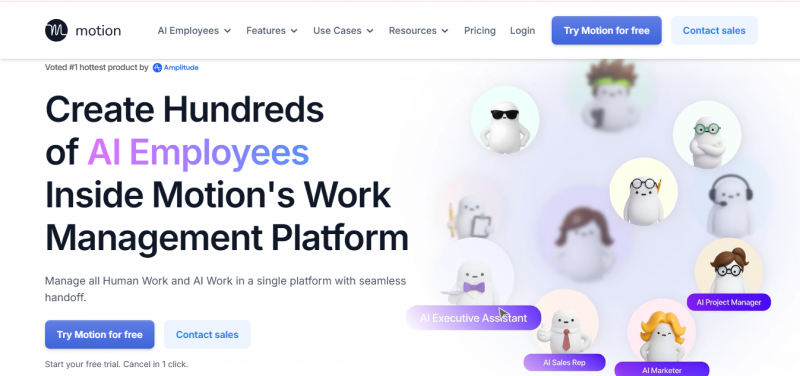
Motion takes your entire backlog of tasks, meetings, and deadlines and generates a live schedule that shifts as your day changes. It works well if you want an AI that actually decides when to do what instead of manually dragging tasks around your calendar.
- Description: AI calendar and task manager that auto‑builds a daily schedule around deadlines and priorities.
- What it does: Turns tasks and meetings into a real‑time plan, reshuffling automatically when events move or overrun.
- Features: Priority‑based scheduling, dynamic rescheduling, shared calendars for teams, and built‑in AI tools for notes and basic content work.
- Pricing: No permanent free plan; paid tiers usually start around the high‑teens per month for individuals, with higher pricing for team plans.
4. Clockwise
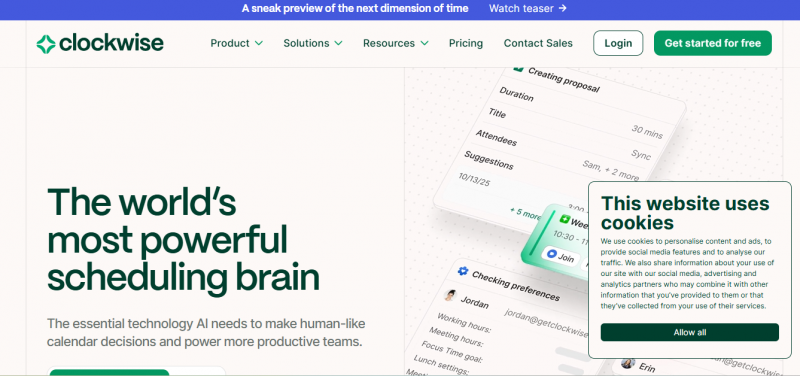
Clockwise is all about reducing “calendar chaos” for teams by clustering meetings and unlocking long focus blocks. If your company lives in Google Calendar and everyone complains about fragmented time, Clockwise is one of the most effective fixes.
- Description: Team‑first AI calendar that rearranges events to create longer, uninterrupted focus time.
- What it does: Syncs team calendars, shifts flexible meetings, and auto‑blocks focus, lunch, and travel time without manual edits.
- Features: Focus time optimization, smart meeting moves, team analytics, and robust Google Calendar integration.
- Pricing: Free plan for individuals; paid plans generally start around 6–7 USD per user per month for teams, with higher tiers for org‑wide analytics.
5. Calendly
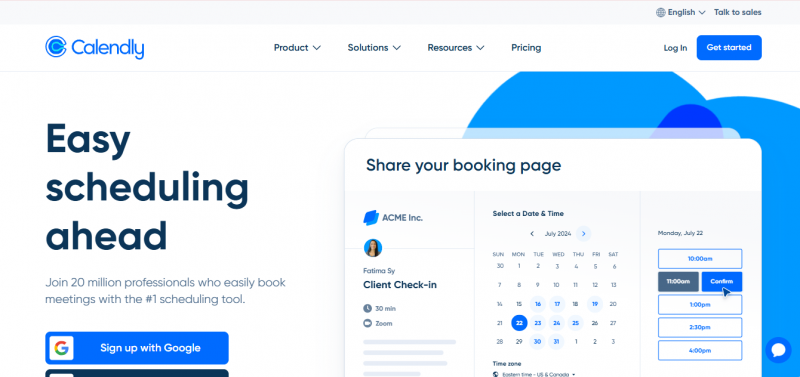
Calendly is still the default choice for clean, client‑facing booking links, now with smarter automation and growing AI features. It’s ideal if you host a lot of external meetings, discovery calls, or interviews and want to reduce back‑and‑forth emails.
- Description: Popular scheduling platform that streamlines external bookings with polished links and reminders.
- What it does: Lets others book time based on your rules, sends automatic reminders, and connects with payment and CRM tools.
- Features: Multiple event types, buffers, routing forms, workflows for reminders and follow‑ups, and integrations with Zoom, Stripe, HubSpot, and Salesforce.
- Pricing: Free basic plan; paid tiers usually start around 10–12 USD per seat per month with advanced routing and automation on higher plans.
6. Trevor AI
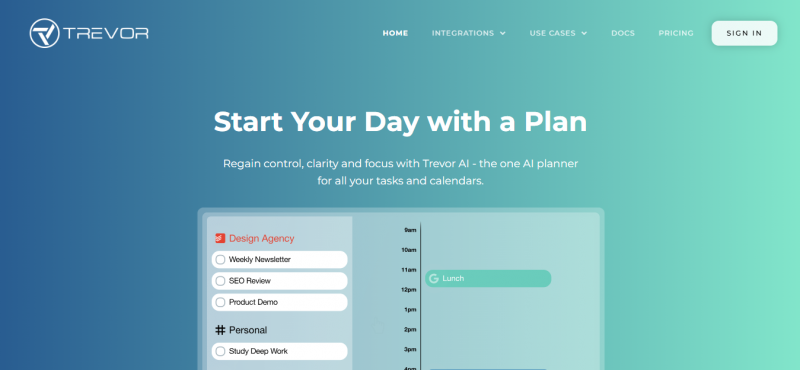
Trevor AI focuses on calm, visual daily planning rather than heavy automation, making it ideal for solo users who want structure without overwhelm. You drag tasks onto your calendar while the AI nudges you toward realistic time blocks and reschedules when needed.
- Description: Minimalist AI daily planner that sits on top of your calendar for simple, visual time‑blocking.
- What it does: Helps you turn a task list into scheduled blocks, then suggests adjustments as your day shifts.
- Features: Task Hub, Smart Scheduling Queue, focus‑oriented views, and lightweight integrations with tools like Todoist and Google Calendar.
- Pricing: Generous free plan for basic scheduling; paid plans usually start around the low‑single‑digit USD per month with extra AI and analytics.
7. BeforeSunset AI
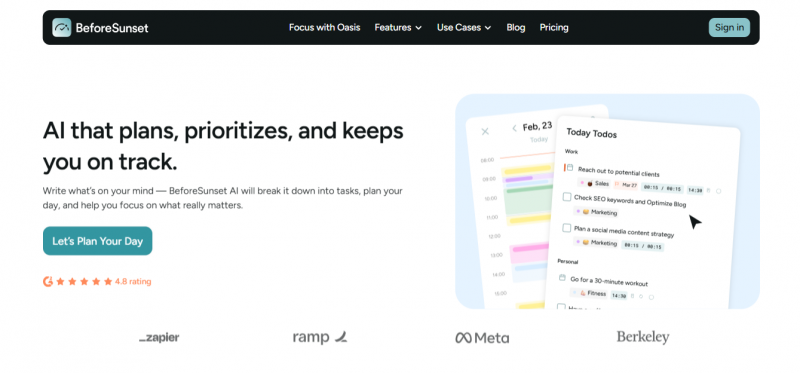
BeforeSunset AI combines a daily planner with a focus “oasis” that keeps you in a distraction‑free environment while you work. It’s a good fit if you care as much about staying in flow as you do about fitting everything into your schedule.
- Description: AI‑guided daily planner with built‑in focus modes and task planning frameworks.
- What it does: Plans your day based on your chosen style, then guides you through tasks with timers, ambient sound, and gentle nudges.
- Features: Multiple planning styles (like “Eat the Frog”), Oasis Mode with ambient audio, weekly insights, and basic integrations with tools such as Slack and Outlook.
- Pricing: Paid plans typically start in the mid‑teens per month for individuals, with separate pricing for team workspaces.
8. Sidekick AI
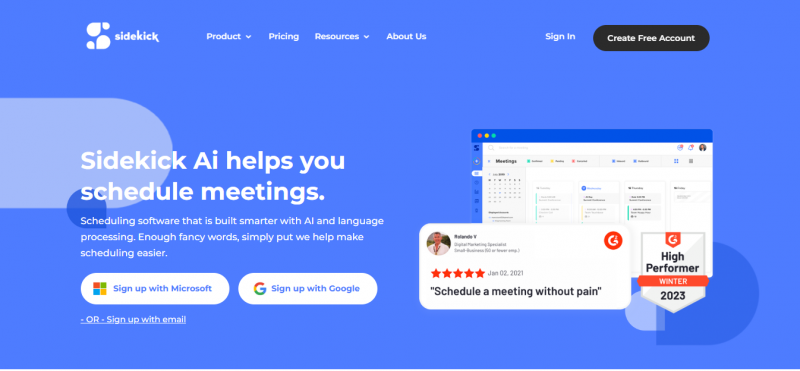
Sidekick AI leans into email‑driven scheduling, which is perfect if your life is run from your inbox and Microsoft ecosystem. You forward a request and let the assistant propose times, confirm, and send invites without exposing your entire calendar.
- Description: Email‑centric AI scheduler tailored for Outlook and Microsoft Teams users.
- What it does: Reads forwarded scheduling emails, checks your availability, and handles the back‑and‑forth to finalize a meeting.
- Features: “Forward to schedule” workflow, Microsoft‑first integrations, simple booking pages, and lightweight team scheduling options.
- Pricing: Solid free tier with limits on pages; paid plans generally start around 5 USD per month with more pages, branding control, and advanced options.
9. Akiflow
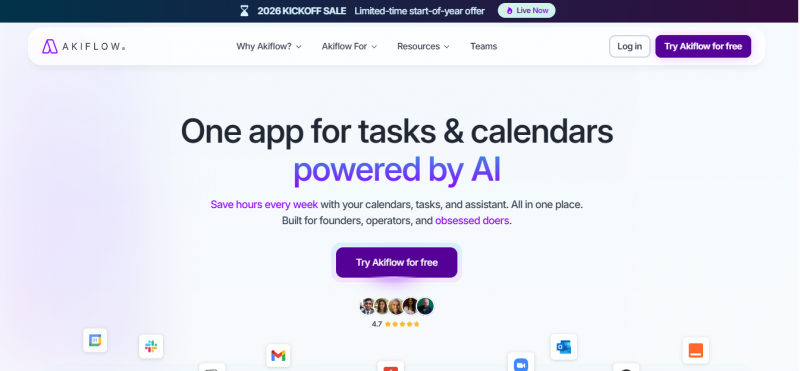
Akiflow is designed for people drowning in notifications and scattered tasks across multiple apps, pulling everything into one structured view. It emphasizes clarity and control over pure automation, making it a favorite among time‑blocking power users.
- Description: Centralized task and time‑blocking tool that unifies tasks from many apps into one calendar‑first workspace.
- What it does: Imports tasks from tools like Slack, email, and Notion, then helps you schedule them into realistic blocks on your calendar.
- Features: Real‑time cross‑app syncing, daily shutdown ritual, conflict detection, keyboard shortcuts, and flexible integrations via automation platforms.
- Pricing: Generally offered as a single Pro tier with discounts for yearly billing, landing around mid‑single‑digit to low‑double‑digit USD per month.
10. Otter Assistant
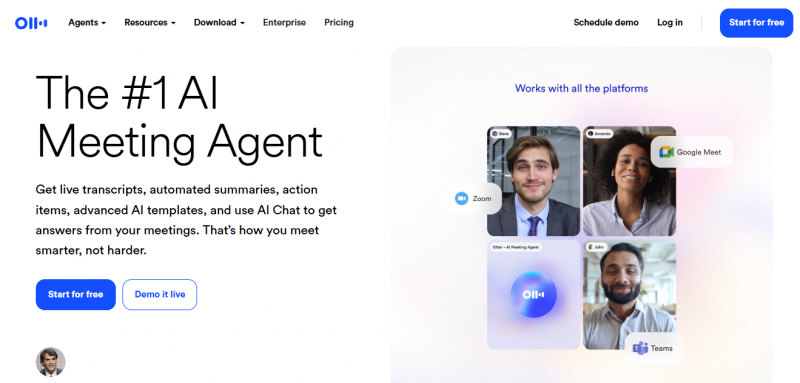
Otter Assistant is not a traditional scheduler, but it pairs perfectly with any of the tools above by capturing what happens in your meetings. If you live in Zoom, Google Meet, or Teams, it becomes the memory layer that makes each scheduled meeting more valuable.
- Description: AI meeting companion that joins calls, transcribes, and summarizes discussions in real time.
- What it does: Records meetings, creates searchable transcripts, generates summaries and action items, and lets you review or share key moments quickly.
- Features: Live transcription, speaker detection, AI summaries, searchable archives, and integrations with major video‑conferencing platforms.
- Pricing: Free tier with limited minutes and upload caps; paid plans usually start in the mid‑teens per user per month, with higher tiers for heavier usage and teams.
The Right AI Scheduling Assistant
You don’t need all ten tools; you need the one (or two) that match how you actually work. A simple way to decide:
- Choose Lindy or Motion if you want end‑to‑end automation of tasks and meetings.
- Pick Clockwise or Reclaim if protecting focus time is your main priority.
- Go for Calendly or Sidekick AI if client‑facing booking is where you lose the most time.
- Try Trevor AI, BeforeSunset AI, or Akiflow if you’re a solo planner who loves structured, realistic days.
- Pair any of them with Otter Assistant if your meetings are intense and note‑heavy.
Whichever you choose, the real win comes from letting the AI handle the “calendar choreography” so you can focus on the actual work that matters.
Post Comment
Be the first to post comment!