Short-form video didn’t just change platforms like TikTok, Instagram Reels, and YouTube Shorts. It quietly changed who could participate in content creation at scale.
Not everyone wants to be on camera.
Not everyone has time to edit videos for hours.
And not everyone wants to learn complex timelines just to post consistently.
Wava AI exists at the intersection of those realities. It’s not trying to replace video editors or filmmakers. It’s designed for a very specific audience: people who want to publish short-form videos quickly without showing their face or touching traditional editing tools.
What Wava AI Is Actually Built For
Wava AI is best understood not as a general video editor, but as an automation layer for short-form video formats that already perform well.
It is built around:
- Vertical video (9:16)
- Caption-first storytelling
- Algorithm-friendly pacing
- Repeatable templates
It is not built for:
- Long-form YouTube videos
- Cinematic storytelling
- Deep creative experimentation
- Frame-by-frame editing control
Understanding this distinction upfront prevents disappointment later.
The Rise of Faceless Content, and Why Tools Like Wava AI Exist
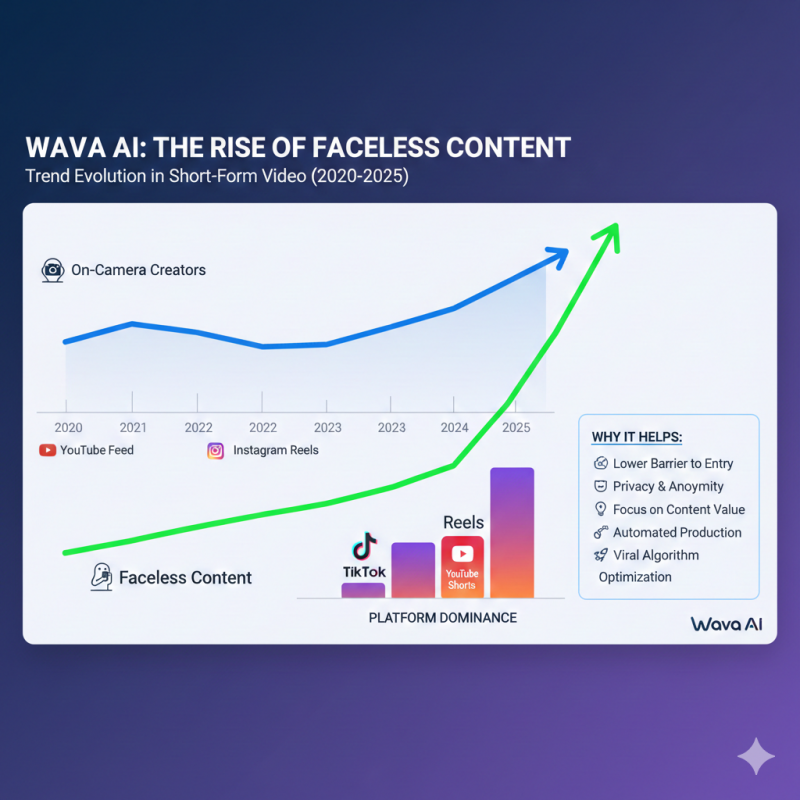
A large portion of viral short-form content today has no visible creator. Instead, it relies on:
- Narration
- On-screen text
- Stock or looping visuals
- Background audio
This trend didn’t happen by accident. Faceless content allows creators to:
- Post more frequently
- Avoid personal branding pressure
- Scale across multiple niches
- Outsource or automate production
Wava AI is designed specifically to support this style, rather than fighting against it.
From Script to Video: What the Workflow Looks Like in Real Use
Using Wava AI typically starts with text. That text can be:
- A short story
- A Reddit-style post
- A motivational script
- An informational explainer
- A hook-driven narrative
Once the script is added, the platform handles:
- Visual selection
- Caption formatting
- Scene pacing
- Voice narration
- Background music
The result is a finished vertical video that’s immediately usable on social platforms.
There’s very little decision-making required after the script stage, which is intentional.
Why Speed Is the Feature Most Users Don’t Talk About Directly
When users talk about Wava AI, they often mention quality or ease of use. But the real value tends to show up in how quickly content gets published.
For many creators, Wava AI turns:
An idea → a post in under 10 minutes
A backlog of scripts → multiple videos in one sitting
Inconsistent posting → daily output
This matters because short-form platforms reward consistency more than perfection.
Wava AI isn’t optimized for “the best video.”
It’s optimized for the next video.
Caption Styling and Pacing: Subtle but Important
Captions are not an accessory in short-form video. They are the content.
Wava AI automatically:
- Breaks scripts into readable segments
- Times captions with narration
- Uses high-contrast styles for mobile viewing
- Maintains pacing that fits scrolling behavior
This removes one of the most time-consuming parts of short-form editing, especially for beginners.
Voiceovers: Where Many Tools Fail, and Wava AI Holds Up Better
Synthetic narration is often where AI video tools feel cheap. Flat voices, awkward pacing, or unnatural emphasis can ruin engagement.
Wava AI integrates with high-quality AI voice engines, allowing:
- Natural-sounding narration
- Multiple accents and tones
- Voices that feel familiar to social platforms
This doesn’t mean every output sounds human — but it avoids the most obvious “robot voice” pitfalls that cause viewers to scroll away.
Split-Screen Videos and Why They Perform So Well
One of Wava AI’s more noticeable formats is split-screen video, where:
- The top half contains the story or narration
- The bottom half contains looping visuals (gameplay, ASMR, or satisfying footage)
This format works because it:
- Holds attention visually
- Keeps viewers engaged during narration
- Matches patterns already rewarded by TikTok and Shorts algorithms
Wava AI doesn’t invent this format — it standardizes it.
Where Customization Starts to Feel Limited
The same automation that makes Wava AI fast also makes it restrictive.
Once a video is generated, options for adjustment are limited. You can’t:
- Manually tweak every transition
- Change pacing at a granular level
- Redesign layouts freely
- Apply a unique brand style easily
This is why advanced editors often feel constrained. Wava AI prioritizes output speed over creative flexibility.
Repetition and Template Fatigue Over Time
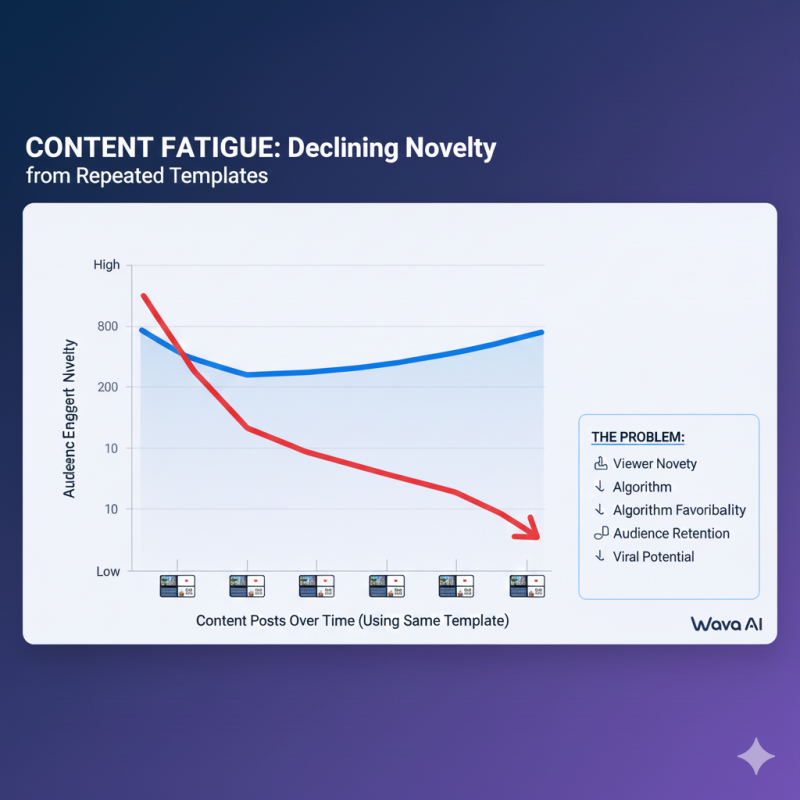
Another common user observation is that videos can start to feel similar if you rely too heavily on one format.
Because Wava AI is template-driven:
- Long-term users may notice pattern repetition
- Audiences may recognize the style
- Creative refresh requires new scripts or formats
This doesn’t make the tool ineffective — it means it works best when combined with thoughtful scripting and rotation.
Subscription Model and User Friction
Wava AI operates on a subscription basis, with paid plans unlocking higher usage limits and advanced features.
Some users have reported:
- Confusion around billing cycles
- Friction during cancellation
- Lack of immediate support responses
These complaints don’t dominate reviews, but they appear often enough to be worth noting.
How Wava AI Compares to Manual Editors
Wava AI is often compared to tools like CapCut, but they solve different problems.
CapCut:
- Offers deep control
- Requires hands-on editing
- Takes more time per video
Wava AI:
- Removes manual editing
- Limits creative control
- Prioritizes speed and volume
The choice depends less on quality and more on workflow preference.
Technical Setup and Accessibility
Wava AI runs entirely in the browser and handles video rendering in the cloud. This allows:
- Use on low-power devices
- No local software installation
- Direct export of 1080p vertical videos
This makes it accessible to creators who don’t want to invest in hardware or editing setups.
Common Confusion Around the Name “Wava AI”
It’s important to clarify that Wava AI (video creation) is not related to:
Wave AI (note-taking or transcription)
WaveAI (music or audio software)
They are separate companies operating in different categories.
Who Wava AI Is Most Useful For
Wava AI tends to work best for:
- Faceless content creators
- Social media marketers
- Affiliate and niche page operators
- Beginners focused on consistency
It’s less suitable for:
- Brand-heavy visual storytelling
- Long-form YouTube creators
- Editors who want full control
- Highly differentiated creative work
Final Perspective
Wava AI doesn’t replace creativity.
It compresses execution.
For creators who already understand what works on short-form platforms, it removes friction between idea and publication. For others, it may feel limiting or repetitive.
The key is using it as a production assistant, not a creative brain.
When expectations match its purpose, Wava AI can be a practical tool. When expectations exceed that purpose, frustration usually follows.
Rating Scorecard
| Aspect | Rating (Out of 10) | Comments |
|---|---|---|
| Ease of Use | 9/10 | Very simple and fast to use with minimal setup required. |
| Speed of Output | 10/10 | Ideal for creators looking to generate content quickly. |
| Customization | 6/10 | Limited creative control, but great for quick, standard videos. |
| Voiceover Quality | 8/10 | Natural-sounding voices that work well for social platforms. |
| Template Variety | 7/10 | Template-driven but may lead to repetitive content. |
| Mobile Experience | 9/10 | Fully browser-based, works well on mobile devices. |
| Overall | 8/10 | Great tool for fast-paced content creators, but lacks customization for advanced editors. |
Wava AI is great for quick, faceless video creation and consistent posting on social media. However, it’s best suited for speed rather than creative control. If you're looking for highly customized videos or more advanced editing, CapCut or Adobe Premiere might be better.
Post Comment
Share your thoughts about this article.
Be the first to post a comment!