Dezgo AI: What It Is?
Dezgo (dezgo.com) is a browser-based AI media generator that started as a Stable Diffusion-style image toolset, but has grown into a hub that includes text-to-image, image-to-image, inpainting/editing, upscaling, background removal, and now also text-to-video / image-to-video options inside the same interface.
What services Dezgo provides
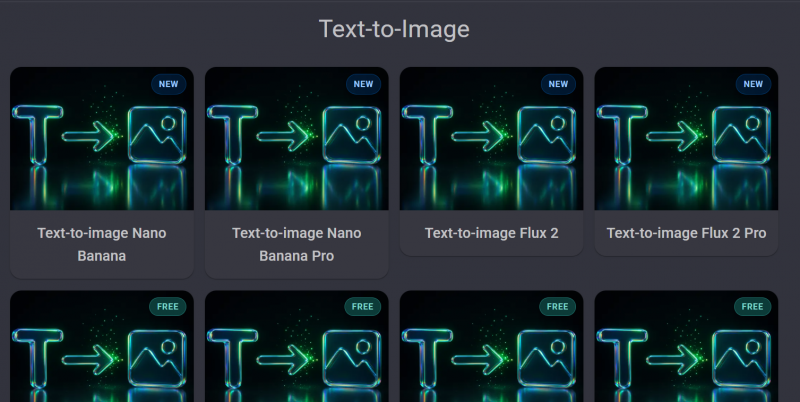
1) Text-to-image (multiple models / styles: You type a prompt and Dezgo generates an image using one of its available models (including options labeled Flux and SD variants inside the product UI).
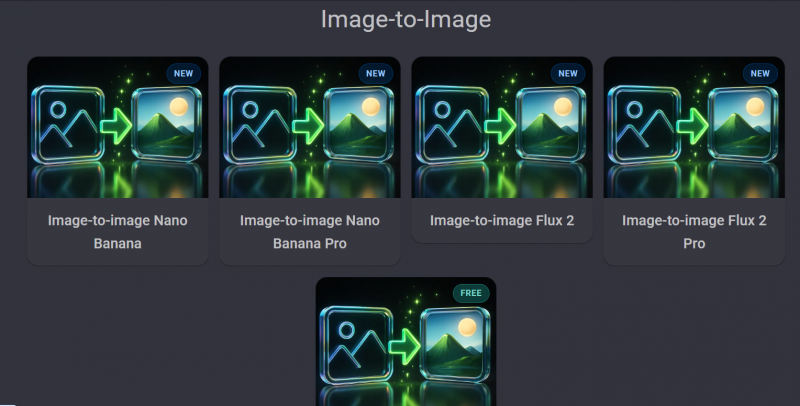
2) Image-to-image and “structure-preserving” generation: This is the workflow for: “keep the composition, change the style,” or “use this reference image and produce a similar layout.” Dezgo’s API docs describe ControlNet-style structure matching and classic image-to-image flows.
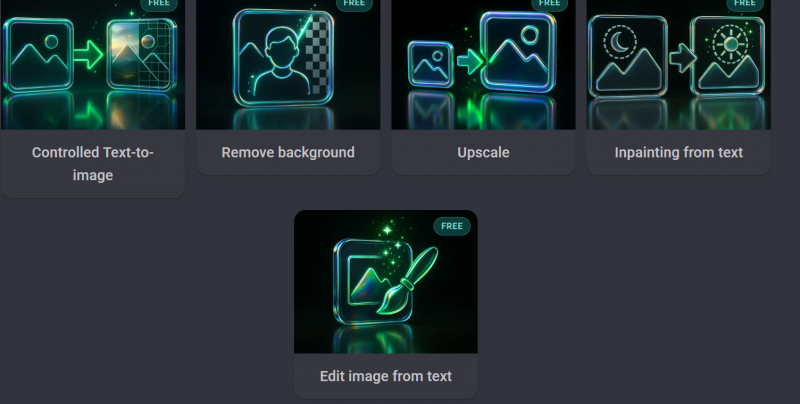
3) Inpainting + edit-from-text : If you want to change one part of an image—remove an object, replace a background element, fix a face detail—Dezgo supports inpainting and text-guided editing in both the web tools and API.
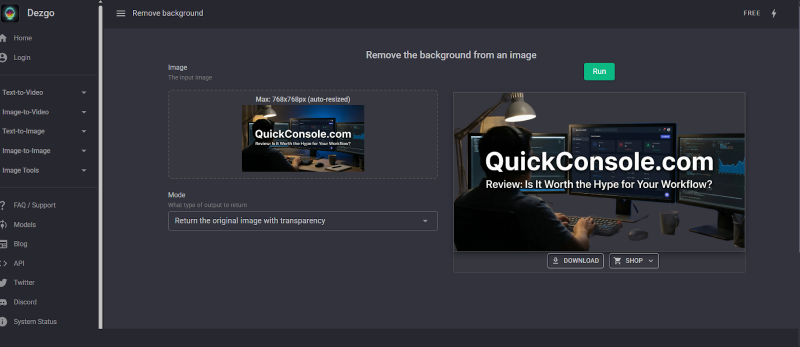
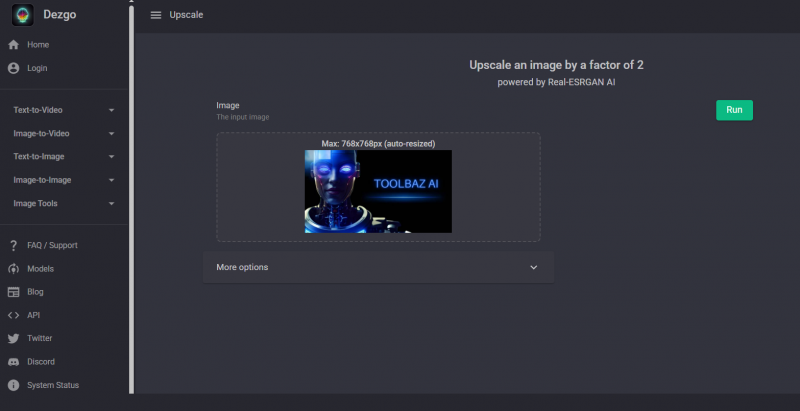
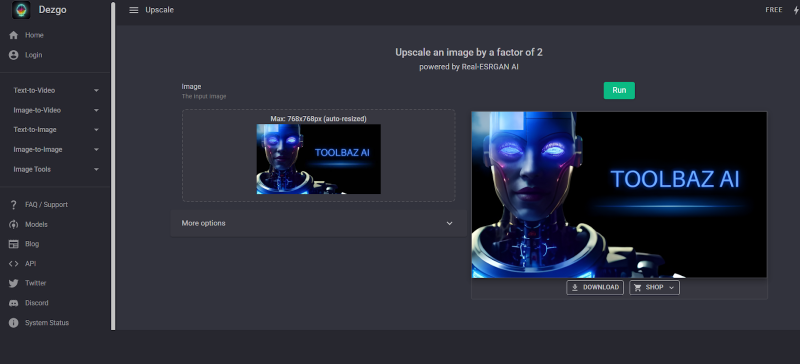
4) Utility tools: Upscale + background removal : These are practical “finish the asset” steps: upscale for higher resolution output and remove background for product shots / thumbnails / creatives.
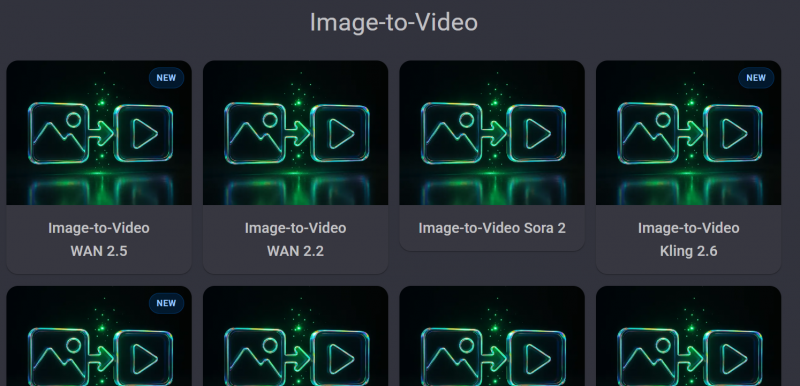
5) Video generation options (fast-moving catalog) : On the main site, Dezgo lists multiple text-to-video and image-to-video options (with model names shown in the UI). This looks like Dezgo is acting as an aggregator interface for several gen-video backends, not just one.
Key features that matter in real use
A) “Free mode” vs “Power Mode”
Dezgo makes a clear distinction between a free experience and a paid/priority mode (“Power Mode”). In practice, that usually means: free = limited throughput or slower queues, paid = consistent speed and more predictable generation cost.
B) Pay-as-you-go API + no monthly lock-in
Dezgo’s developer API is explicitly framed as prepaid usage tied to your account balance—no monthly subscription requirement and pricing depends on parameters like resolution and steps.
C) Cost predictability (parameter-based pricing)
This is underrated. On many platforms, you pay a flat monthly fee and still don’t know your real “cost per asset.” Dezgo’s docs highlight that cost is based on request parameters and can be estimated ahead of time.
D) Content moderation endpoint (developer-side safety)
For teams shipping UGC (user generated prompts), Dezgo’s API includes a text moderation endpoint that returns classes + severity so you can apply your own policy. This is a practical safety feature if you’re integrating Dezgo into a product.
E) Customization for advanced users (LoRA import)
Dezgo’s API site explicitly mentions importing LoRA models to guide style/characters/concepts. For creators doing consistent characters, brand style, or product aesthetics, this matters.
Tools in Practice:
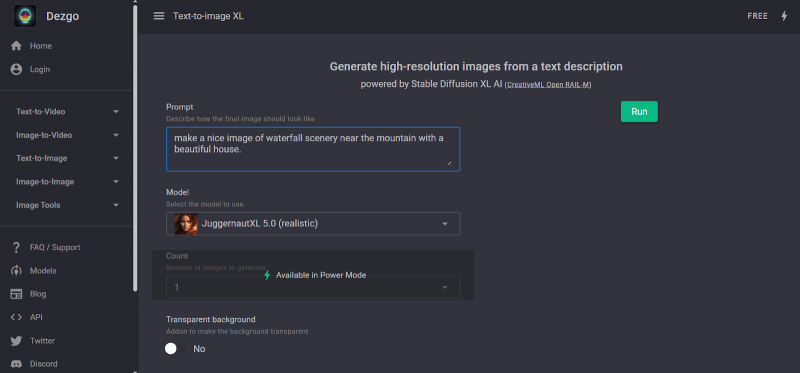
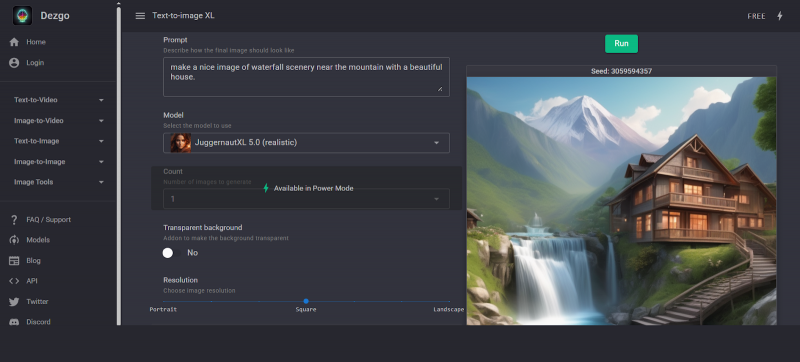
1. Text to Image:
The prompt
FInal Result
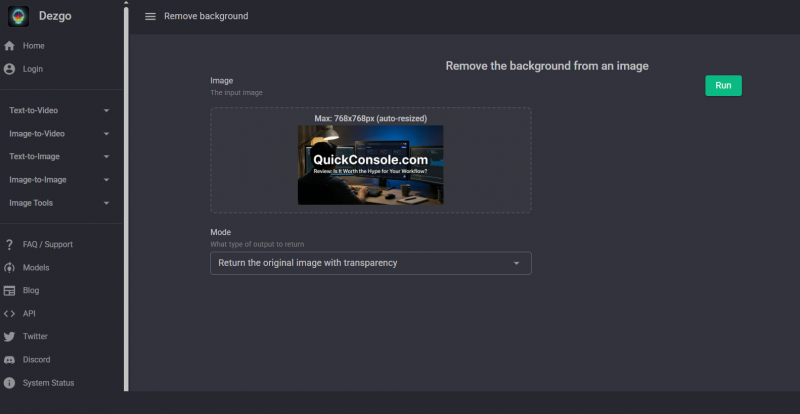
2. Background Remover
The Prompt
The FInal Result
3. Upscale
The Prompt
Final Result:
Pros: What Dezgo AI Does Well
1. Very Easy to Use (No Sign-Up Needed) : You can start generating images right from your browser without creating an account. That lowers the barrier for beginners and casual creators.
2. Free Tier with Real Value: A generous free tier lets casual users generate images, try model options, and experiment with editing tools without paying.
3. Fast Image Generation : Dezgo is known for quick generation times — many outputs appear in under 5 seconds.
4. Useful Feature Set : It’s not just text-to-image: Dezgo includes image-to-image, inpainting (edit by text), upscaling, and background removal.
5. Customization & Control : You can tweak prompts, use negative prompts, and change settings to refine output — useful for more precise results.
6. Multiple Models Available : Offers different Stable Diffusion variants for creative flexibility (e.g., stylized vs realistic).
7. Affordable Paid Options : The paid model (Power Mode/credits) gives access to higher quality outputs and faster processing at competitive prices compared to some premium tools.
Cons : Where Dezgo AI Falls Short
● Free Quality vs Paid Quality Gap : Free outputs can lag behind the paid versions, especially for high-resolution or highly detailed images.
● Limited Community / Presets : Unlike some competitors (Midjourney, NightCafe), Dezgo doesn’t have a large community or rich preset library yet.
● Output Can Be Hit-or-Miss : While general scenes work well, things like faces, hands, intricate objects or complex compositions can sometimes look less polished.
● Some Features Still in Beta : Tools like text-to-video are early access or beta and may not be fully reliable yet.
● Mixed User Reputation : Trustpilot shows a wide range of feedback, some users love it, others express caution or frustration.
● Dependency on Internet & Server Load : because the generation happens online, results and speed can vary with server traffic.
● Output Not Always Predictable : AI image tools in general — including Dezgo can produce random results depending on prompt wording, requiring some trial and error.
Pricing and Plan:
Dezgo pricing varies by tool + resolution, but the platform provides concrete examples.
Web “Power Mode” examples (from Dezgo FAQ)
● Default Text-to-Image: $0.0019 per request (example given: $10 ≈ 5,263 images)
● Default Text-to-Image XL: $0.0075 per request (example given: $10 ≈ 1,333 XL images)
● Minimum deposit mentioned: $10 and payments run through Stripe-hosted checkout.

User reviews:
Dezgo has a small footprint on big review platforms compared to giants, so we should interpret ratings carefully.
Trustpilot snapshot (small sample size)
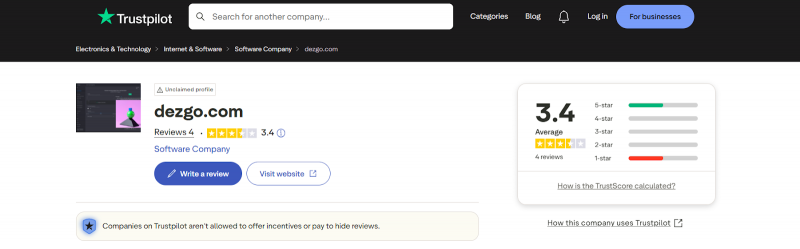
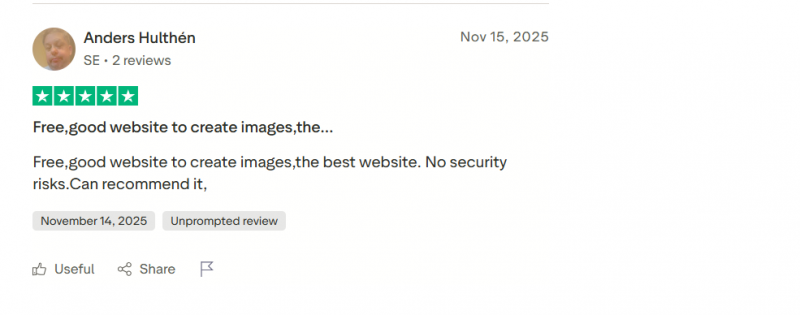
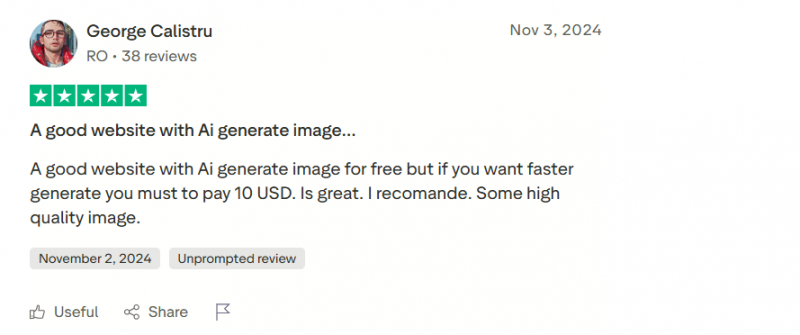
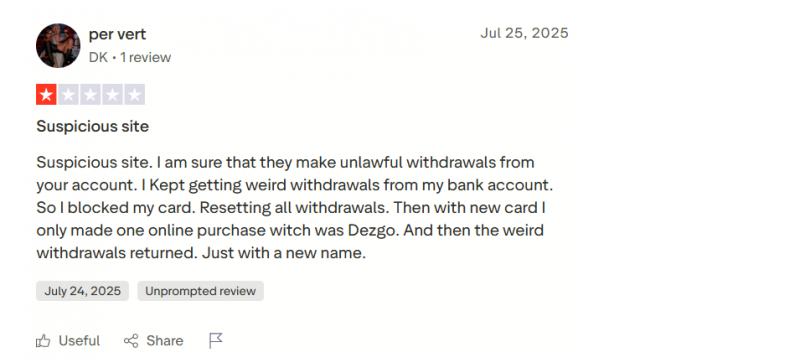
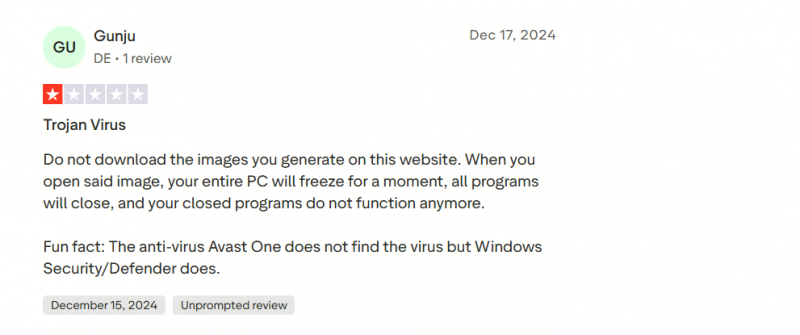
Trustpilot shows 3.4/5 with 4 reviews (as of the page captured). The reviews are polarized: some praise it as a “free, good website” and others raise suspicion/concerns.
Positive Reviews:
Negative Reviews:
Who Should / Shouldn’t Use Dezgo AI
Best suited for:
● Creators needing fast, no-friction image generation: Marketers, bloggers, and designers who want quick visuals without account creation or heavy setup will benefit most from Dezgo’s browser-based, free/low-cost workflow.
● Beginners exploring AI art: New users who value simple UX and sensible defaults more than deep fine-tuning will find Dezgo approachable.
● Light-to-moderate volume users: People generating occasional batches (e.g., campaign concepts, logo variations, thumbnails) who can live within free quotas or modest paid credits.
Probably not ideal for:
● Security-sensitive or regulated environments: Until the Trojan allegation is either disproven or resolved, organizations with strict security/compliance requirements should be cautious and at minimum enforce robust malware scanning on all outputs.
● Power users needing maximum control or best-in-class quality: Advanced artists who demand cutting-edge anime styles, perfect element adherence, and deep community features may prefer tools like Midjourney, Leonardo, or local SD setups.
● High-volume production teams: Heavy daily generation could find credit caps, queue delays, and web-only access limiting versus API-focused or self-hosted solutions.
Top Alternatives
1. Tensor.art - Free-friendly generator that supports multiple models and detailed prompts, similar to Dezgo’s flexibility.
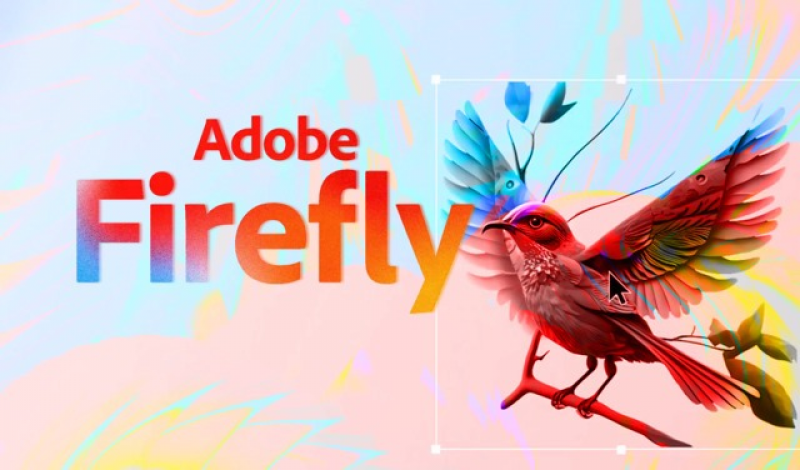
2. Adobe Firefly - Professional-grade outputs, good for commercial use and editing integration.
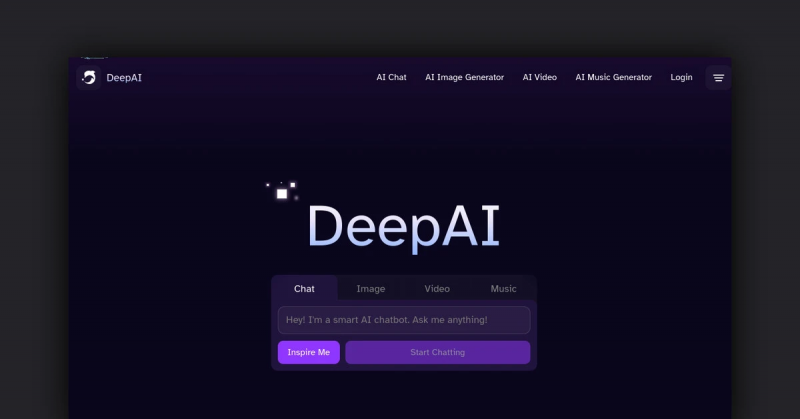
3. DeepAI / Pixray - Lightweight free generators you can start with quickly.
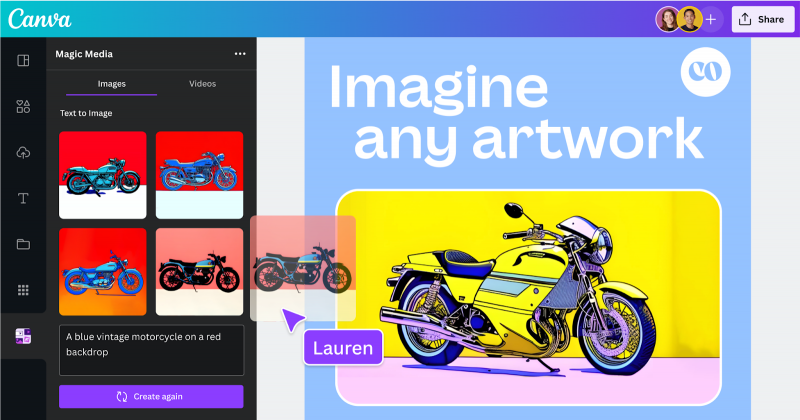
4. Canva AI Image Generator - Very easy for beginners, integrates design templates and text-to-image features.
Final Conclusion
Dezgo AI positions itself as a practical, low-friction AI image generation platform rather than a polished, hype-driven creative suite. Its biggest strength is accessibility: users can experiment with text-to-image, image editing, and utility tools like upscaling or background removal without sign-ups or upfront commitments.
At the same time, Dezgo is not a “set-and-forget” professional studio tool. Output quality can vary depending on prompts and models, the interface feels more functional than refined, and advanced capabilities (higher resolution, speed, batch jobs, video tools) sit clearly behind paid access. User feedback reflects this split—strong appreciation for affordability and speed, alongside caution around consistency and polish.
Post Comment
Be the first to post comment!