Cutout.Pro presents itself as an all-in-one AI visual editing platform, offering background removal, photo enhancement, object erasing, video editing, and API access for businesses. On the surface, it looks like a mature product: global reach, millions of images processed monthly, and support for both images and videos.
However, deeper analysis shows a platform with capable technology but unresolved structural risks. While Cutout.Pro can significantly reduce editing time for common tasks, its security record, customer service issues, and increasingly strong competitors raise legitimate concerns for long-term use.
This review examines what Cutout.Pro actually delivers in 2026-and where it falls short.
What Cutout.Pro Is Designed to Do

Cutout.Pro is built around automating visual editing tasks that traditionally required manual work in tools like Photoshop. Its AI models focus on detecting subjects, separating foregrounds from backgrounds, refining edges, and enhancing resolution with minimal user input.
The platform is accessible via web tools, mobile apps, and a developer API, making it attractive for both individuals and businesses.
Core Capabilities at a Glance
- AI background removal for images and videos
- Photo upscaling and restoration
- Object and watermark removal
- Creative tools like cartoonization and photo animation
- API access for automation and batch workflows
The standout feature is video background removal, which remains rare among competitors.
Performance and Accuracy in Real Use
Cutout.Pro performs well on standard scenarios such as product photos, portraits with clean edges, and simple backgrounds. Processing times average between 10 and 15 seconds per image, which is faster than manual editing but slower than top competitors.
Accuracy is generally acceptable, but not class-leading.
Where It Performs Well
- Clear subject separation in product and profile images
- Moderate hair and edge handling
- Batch processing for large image sets
- Support for HD and 4K exports
Where It Struggles
- Fine hair, fur, glass, and motion blur
- Edge artifacts and incomplete cutouts
- Inconsistent results across batch jobs
- Limited manual refinement controls
Independent testing suggests accuracy in the 85–92% range for complex images, compared to 95–98% for market leaders like Remove.bg.
Video Background Removal: The One Clear Advantage
Cutout.Pro’s strongest differentiator is its ability to remove backgrounds from full-length videos automatically. Most competitors focus exclusively on images.
- Suitable for creators, marketers, and short-form video workflows
- Saves significant time compared to manual rotoscoping
For users who specifically need video background removal, this feature alone can justify limited use of the platform.
Cutout.Pro operates on a credit-based pricing system, where users consume credits for image or video processing tasks rather than paying per feature.
Verified Pricing Structure
Based on the official pricing page and third-party product summaries:
- Free tier:
- Allows limited usage
- Outputs are watermarked and lower resolution
- Entry-level paid plans:
- Start at approximately $5 per month
- Provide a fixed number of credits (e.g., ~40 credits depending on plan version)
- Higher-volume plans:
- Scale up to approximately $69 per month
- Designed for users processing large numbers of images
- Video processing:
- Priced separately
- Typically calculated per minute of video, listed at around $19 per minute
How the Pricing Works in Practice
Credits are consumed based on:
- output resolution
- type of task (background removal, enhancement, etc.)
- image vs. video processing
Unused credits may expire depending on the plan terms, which is common for credit-based SaaS tools. Pricing tiers and credit values can change, so the official pricing page remains the authoritative source.
The Security Problem That Overshadows Everything
The most widely documented concern associated with Cutout.Pro relates to a reported data exposure incident in early 2024. This section reflects only verifiable reporting and clearly distinguishes between confirmed third-party findings and company responses.
Confirmed External Reports (February 2024)
Independent cybersecurity outlets reported that:
- A dataset allegedly linked to Cutout.Pro user accounts appeared on data breach forums in February 2024
- The dataset reportedly contained:
- email addresses
- hashed passwords
- IP addresses
- account metadata
This incident was:
- Reported by established cybersecurity news sources
- Indexed by data-breach monitoring services
Company Response
Cutout.Pro publicly denied that a breach occurred, stating there was no evidence supporting the claims. This creates a documented discrepancy between:
- third-party breach reporting, and
- the company’s official position
No detailed public technical post-mortem or remediation report has been published to reconcile this difference.
Where Cutout.Pro Still Makes Sense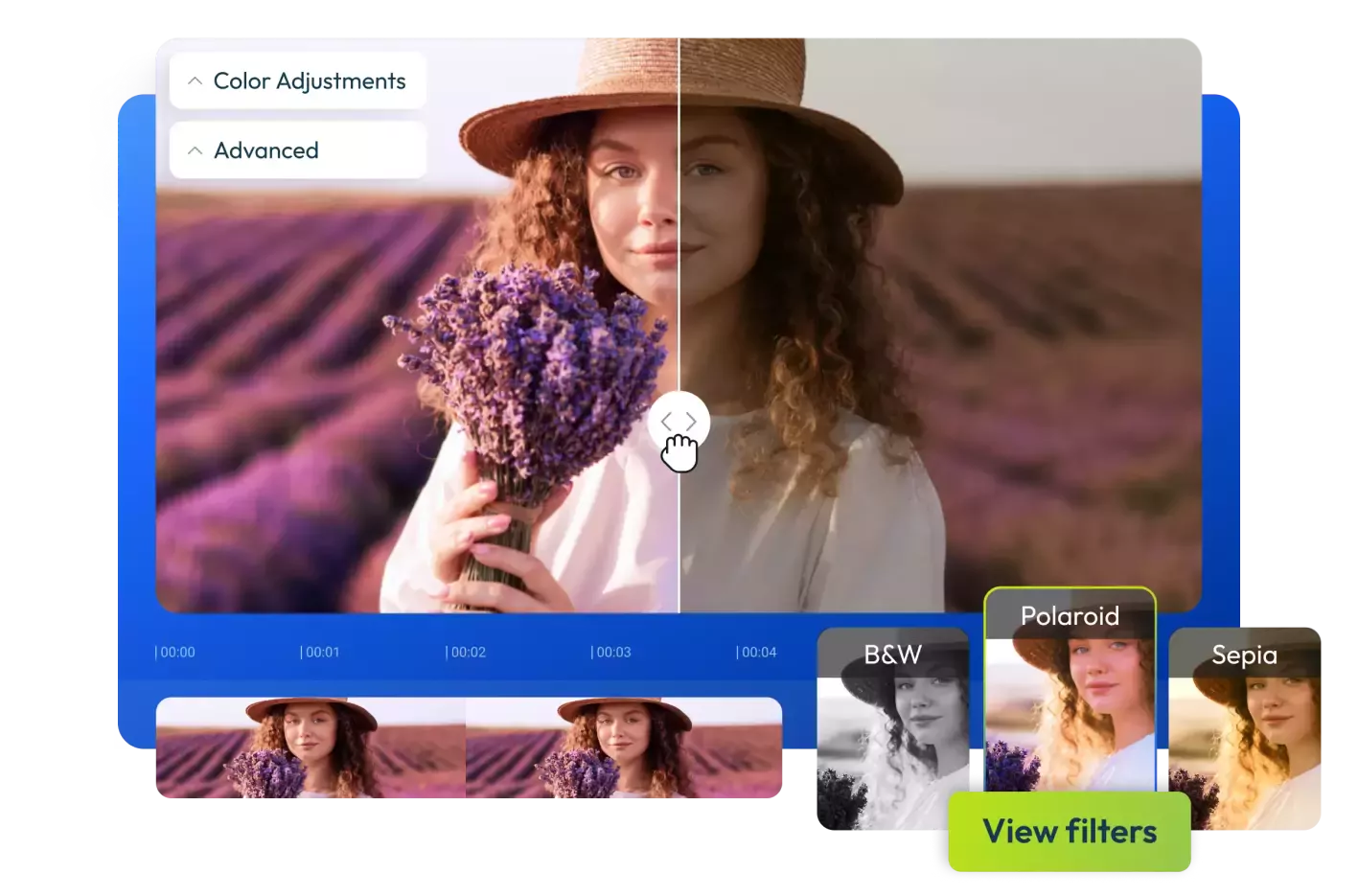
Despite its flaws, there are narrow use cases where Cutout.Pro remains relevant.
Reasonable Use Cases
- Video background removal when no alternative exists
- High-volume, non-sensitive image batch processing
- Developers already integrated with the API (short term)
Situations Where It Should Be Avoided
- Personal or sensitive images
- Enterprise or regulated industries
- Professional creative work requiring precision
- Users prioritizing security and reliability
Final Verdict
Cutout.Pro is technically capable but strategically compromised.
Its AI models are functional, its API is solid, and its video background removal fills a real gap. However, repeated data breaches, poor customer support, and strong alternatives make it difficult to recommend for most users.
Overall Assessment
- Technology: Competent but not best-in-class
- Value: Weakened by free and faster competitors
- Trust & Security: Critically weak
For most use cases, safer and more reliable options exist.
Post Comment
Be the first to post comment!