Table of Content
- Why this comparison matters
- The best Notion alternatives at a glance
- ClickUp: best when project management is the real job
- Coda: best for document‑based systems
- Obsidian: best for personal knowledge work
- Airtable: best for structured data
- Monday.com: best for visual team coordination
- Confluence: best for enterprise documentation
- Craft: best for Apple users
- Anytype: best for privacy‑first users
- Taskade: best for AI‑driven workflows
- Which one should you choose?
- Final verdict
Notion is still one of the most important productivity tools around, but it is no longer the obvious answer for every team. Some people outgrow it and need stronger project management, better databases, offline‑first notes, tighter enterprise compliance, or a workspace that fits a very specific workflow more naturally.
That is why the Notion alternatives market matters so much in 2026. The best replacements are not trying to copy Notion page for page. They focus on the parts of the job that Notion only does “well enough” and, in many cases, do those jobs much better.
Why this comparison matters
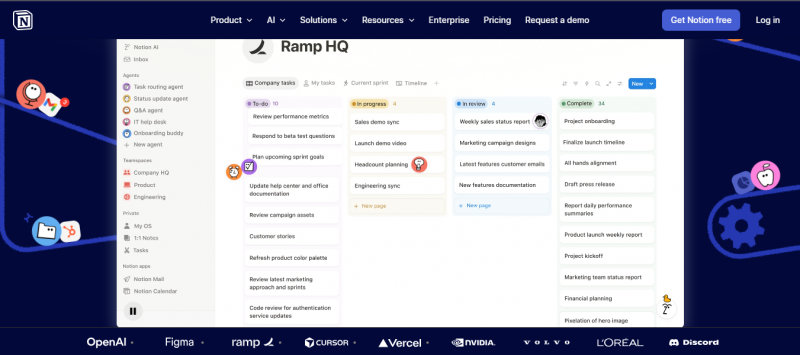
Notion works well when you want a single workspace for notes, databases, wikis, and lightweight task tracking. Once a team becomes larger, more structured, or more specialised, the trade‑offs get harder to ignore.
The free plan has real limits, the mobile experience still frustrates some users, and more advanced AI or enterprise features push costs up fast. That does not make Notion bad. It just means the right tool depends on the kind of work you actually do.
The best Notion alternatives at a glance
| Tool | Best for | Starting price | Main strength |
|---|---|---|---|
| ClickUp | Project management teams | Free | Task and workflow depth |
| Coda | Teams with many viewers, few makers | Free | Doc Maker pricing model |
| Obsidian | Personal knowledge management | Free | Local‑first notes |
| Airtable | Structured data and internal systems | Free | Relational database power |
| Monday.com | Cross‑team visibility | Free | Visual project clarity |
| Confluence | Enterprise documentation | Free for small teams | Compliance and Jira links |
| Craft | Apple‑first writing and docs | Free | Native Apple experience |
| Anytype | Privacy‑conscious users | Free | Local‑first and encrypted |
| Taskade | AI‑driven workflows | Free | AI agents and collaboration |
ClickUp: best when project management is the real job
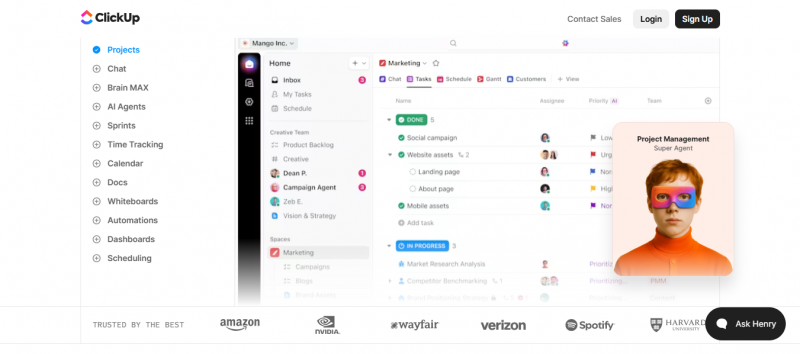
ClickUp is the strongest choice for teams that use Notion mainly as a task tracker. It is built around project management first, so you get more structure out of the box than Notion usually provides.
Its main strength is depth: Gantt charts, Kanban boards, goal tracking, workload views, sprints, and timelines all live in the core platform. That makes it especially useful for teams managing dependencies, deadlines, and multi‑step workflows.
Where ClickUp stands out
- Strong project and task management
- Good fit for timeline‑heavy team work
- Free plan supports unlimited users
- AI is optional rather than forced into the base product
ClickUp is powerful, but that power comes with complexity. If your work is mostly writing, note‑taking, or simple documentation, it can feel like more tool than you need.
Coda: best for document‑based systems
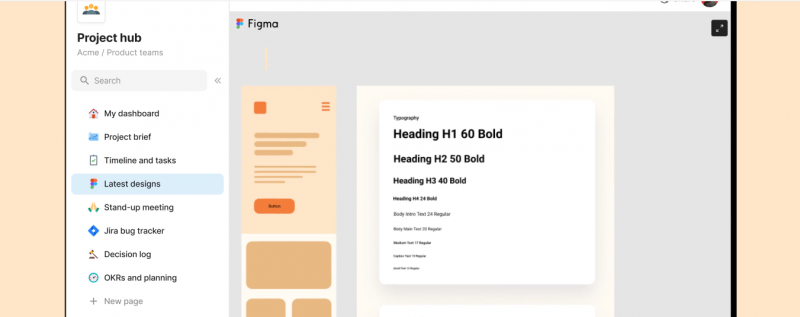
Coda is ideal for teams that want documents to behave more like apps. Instead of just holding information, Coda docs can include logic, workflows, formulas, and multiple structured views.
This makes it appealing for operations, product, and internal systems where many people just consume information and only a smaller group build or maintain it. Its Doc Maker pricing model can also be a big cost advantage when you have lots of viewers.
Where Coda stands out
- Powerful document and spreadsheet hybrid
- Strong for operational workflows and internal tools
- Cost‑effective when most users are viewers
- Automation and AI included in the core experience
Coda is more complex than Notion, so it is not the easiest starting point. But if your team needs a document that behaves like a system, it is one of the smartest alternatives available.
Obsidian: best for personal knowledge work
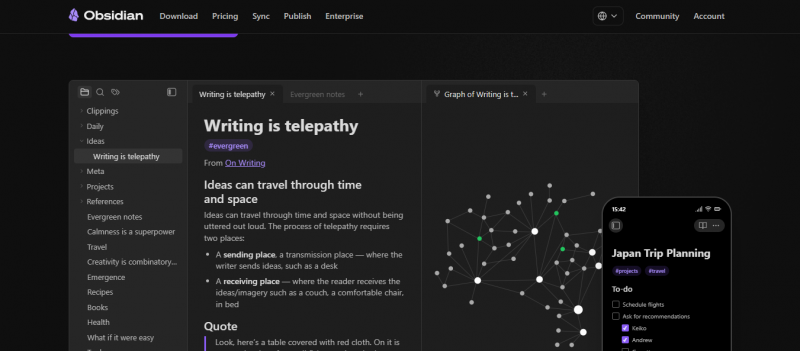
Obsidian is not trying to replace Notion for teams. It is a local‑first notes app for people who want their knowledge to live on their own devices.
That makes it a strong choice for writers, researchers, developers, and anyone who values long‑term portability and offline access. Notes are plain Markdown files, so they remain readable even if the app disappears one day.
Where Obsidian stands out
- Local storage and offline access
- Strong privacy and data ownership
- Deep plugin ecosystem
- Excellent for long‑term personal knowledge management
Obsidian is not built as a collaborative workspace, and it takes some setup to get “just right.” But if your priority is personal thinking rather than team coordination, it is one of the best tools available.
Airtable: best for structured data
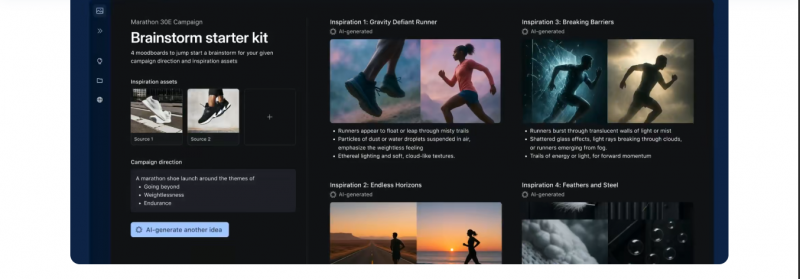
Airtable sits between a spreadsheet and a database. It is ideal for teams that manage structured information rather than general notes.
This makes it strong for operations, inventory, content calendars, product workflows, and internal tools. If Notion databases have felt too limited or fragile, Airtable is usually the more serious answer.
Where Airtable stands out
- One of the best relational database experiences in this category
- Great for data‑heavy teams and internal systems
- Multiple flexible views over the same dataset
- Strong foundation for custom workflows and mini‑apps
Airtable can get expensive as teams grow, especially when many people only need read access. But if structured data is the heart of your work, it is hard to beat.
Monday.com: best for visual team coordination
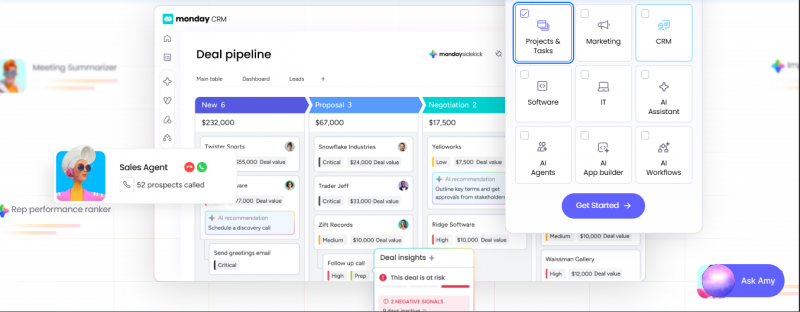
Monday.com fits teams that need project status to be obvious at a glance. It is built for visual clarity, which makes it especially useful for cross‑functional work and for managers who want quick updates without digging through nested pages.
Dashboards, timelines, and dependency views are easy to read, even for people who are not in the tool every day. That makes it a good match for larger organisations with a lot of moving parts.
Where Monday.com stands out
- Highly visual and easy to scan
- Strong for cross‑team coordination
- Helpful for stakeholders and managers who need quick status
- Clearer project visibility than Notion in many setups
It is less useful as a deep documentation tool, so some teams pair it with another workspace app. For visible, structured project management, though, it works very well.
Confluence: best for enterprise documentation
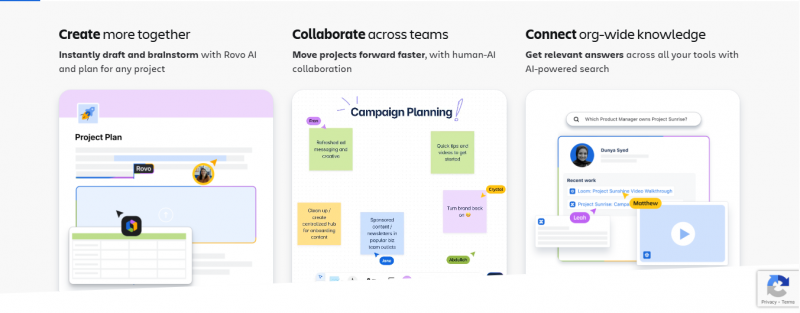
Confluence is a safe choice for organisations that care about compliance, audit readiness, and tight integration with Jira. It is not the most stylish tool, but it is one of the most trusted in enterprise environments.
It works especially well for engineering teams and companies already using the Atlassian stack. If your team lives in Jira, Confluence often makes more sense than trying to push Notion into that role.
Where Confluence stands out
- Strong compliance and governance profile
- Deep integration with Jira and other Atlassian tools
- Built with large organisations in mind
- Reliable for formal, long‑lived documentation
Confluence is more functional than elegant. In the environments where it shines, function usually matters more than polish.
Craft: best for Apple users
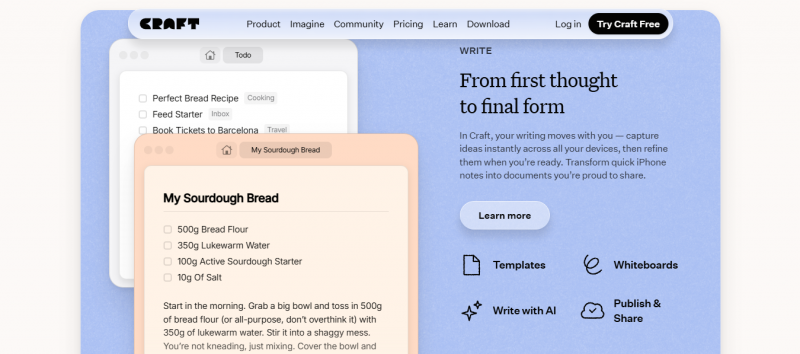
Craft is a polished document app for people who live in the Apple ecosystem. It feels fully native on Mac, iPhone, and iPad, and that makes a real difference in daily use.
The writing experience is smooth, offline mode is reliable, and the overall interface feels more refined than a typical browser‑based workspace. For writers, consultants, and small teams on Apple devices, that can be a major advantage.
Where Craft stands out
- Beautiful, native Apple app experience
- Strong for focused document writing
- Good offline behaviour
- Great for individual writing and client work
Craft is not a database tool, so it will not replace Notion if you rely on complex tables and relations. For pure writing and thinking, it is excellent.
Anytype: best for privacy‑first users
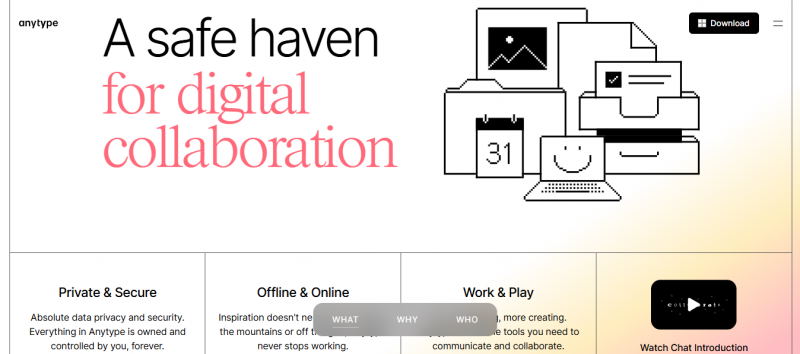
Anytype is built for people who want real data ownership and end‑to‑end encryption. It follows a local‑first approach: your notes and objects live on your device first, not just in the cloud.
That makes it appealing for privacy‑conscious users and fans of open ecosystems. It also suits anyone who wants a more future‑proof alternative to purely cloud‑hosted workspaces.
Where Anytype stands out
- Local‑first with encryption
- Strong privacy and ownership focus
- Good for personal knowledge systems
- Open‑source friendly direction
Anytype is still maturing, so it is not as polished as older tools. But its direction is strong, and it is one of the most interesting Notion alternatives to watch.
Taskade: best for AI‑driven workflows
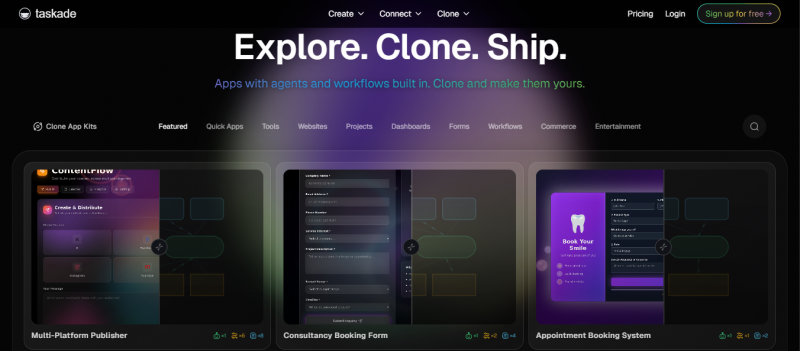
Taskade is different from most of the tools on this list because it treats AI agents as part of the core product, not just an extra feature.
It is collaborative, flexible, and leaning hard into AI‑first workflows. That makes it attractive for teams who want to experiment with AI as part of how they organise projects, not just how they write content.
Where Taskade stands out
- AI agents built directly into the workflow
- Collaborative across many project types
- Good value for small, AI‑curious teams
- Designed around an AI‑assisted future of work
Taskade will not be the right answer for everyone, but it is one of the most distinct alternatives if you want AI to sit at the centre of your process.
Which one should you choose?
You can think in terms of the main job you are hiring the tool for:
| Your need | Best pick |
|---|---|
| Project management | ClickUp |
| Document‑based systems | Coda |
| Personal knowledge management | Obsidian |
| Structured databases and systems | Airtable |
| Visual team coordination | Monday.com |
| Enterprise documentation | Confluence |
| Apple‑native writing and docs | Craft |
| Privacy and data ownership | Anytype |
| AI‑driven workflows | Taskade |
Final verdict
Notion is still one of the best all‑in‑one workspaces available, but it is no longer the best answer for every type of work. The right alternative depends on what you actually need to do, not just what looks impressive in a feature tour.
Choose ClickUp if project management is your main pain point. Choose Coda or Airtable if structure and data matter more than notes. Choose Obsidian or Anytype if ownership and privacy are at the top of your list. Choose Confluence if compliance and enterprise integration are non‑negotiable. Choose Craft or Taskade if your workflow is shaped more by writing quality or AI‑assisted collaboration.
The “best” Notion alternative is simply the one that fits the real job you are trying to get done.
Post Comment
Be the first to post comment!