Table of Content
- Why classic note taking falls apart as your work grows
- The four “second brain” styles: pick your style first, tools second
- What “AI note taking” actually means in 2026
- Research brains: when your problem is “too many PDFs, not enough insight”
- Workspace brains: where notes and work live together
- Meeting brains: when your knowledge lives in conversations
- Capture brains: inboxes for your brain so you stop losing ideas
- Problems vs tool direction: a quick decision table
- How these tools look in real workflows
- How to pick a note‑taking stack that fits your brain
- Opinionated closing thoughts
Most people are drowning in notes without really having a note‑taking system. You save links in one place, type ideas into another, throw screenshots into random folders, and half your best thoughts live inside chat threads or meeting recordings. When you finally need something, you know you wrote it somewhere, but search feels like a lottery.
AI note‑taking tools in 2026 are trying to fix exactly that. They are less about pretty notebooks and more about giving you a second brain that understands what your notes mean, connects related ideas, and surfaces the right thing at the right time.
Why classic note taking falls apart as your work grows
A basic notes app is fine when your life is just a handful of reminders. As soon as you add serious work, study, or content, the old model collapses.
Common failure points:
- Notes live in ten different places
Some are in your phone app, some in Google Docs, some in PDFs, some pasted into Slack. There is no single place that feels like your brain. - Search only works when you already remember the exact phrase
It is easy to find a note if you know the title. It is much harder to find “every time I wrote about onboarding friction” or “all notes related to a specific client.” - Ideas are captured but never meet each other
You highlight books, clip articles, and jot ideas, but all those fragments rarely combine into projects, essays, strategies, or products. - Meetings and notes do not talk
You might have great conversations in calls, then write totally separate notes later. The link between what was said and what was decided is weak.
AI note‑taking tools attack these problems by reading your content, not just storing it. They try to understand topics, relationships, and questions, so you can work with your notes instead of simply archiving them.
The four “second brain” styles: pick your style first, tools second
Instead of starting with brand names, it helps to ask: what kind of brain are you trying to build?
AI note tools by “second brain” style
| Brain style | What it focuses on | Example tools / setups | Typical user |
| Research brain | PDFs, articles, long docs, cross‑queries | NotebookLM, Lindy with document packs, Obsidian + NotebookLM exports | Researchers, students, analysts |
| Workspace brain | Pages, databases, tasks together | Notion with AI, Evernote with AI search, OneNote + AI assistants | Founders, PMs, teams with projects |
| Meeting brain | Call recordings and transcripts | Lindy, Otter.ai, Fireflies, Granola, Fathom, Bluedot feeding into a notes hub | Sales, CS, remote‑heavy teams |
| Capture brain | Fast capture of anything, anywhere | Apple Notes / Google Keep with AI help, Notion Quick Capture, mobile Lindy/Granola | Creators, founders, idea‑driven roles |
What “AI note taking” actually means in 2026
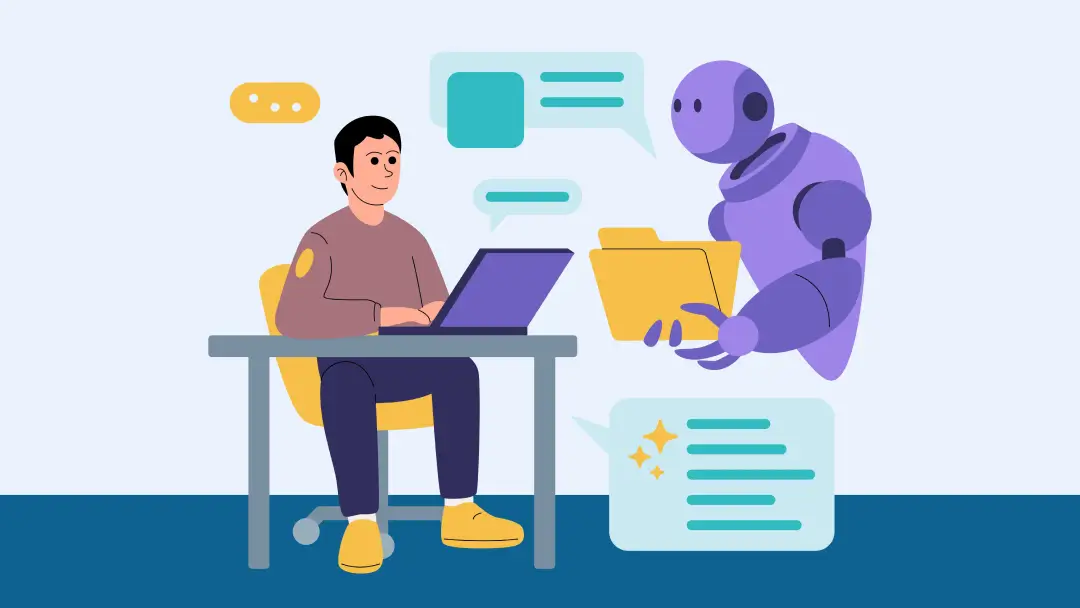
The label gets used very loosely, so it is worth being precise.
Modern AI note tools usually aim to:
- Understand
They read your notes, web clips, voice memos, and PDFs to identify topics, entities, and relationships. NotebookLM, for example, ingests multi‑document “notebooks” and builds an internal map of your sources. - Connect
They link notes that talk about similar things, even if you never put them in the same folder or used the same wording. Tools like Notion AI and Lindy can reference related pages or past meetings when answering questions. - Summarise
They compress long lecture notes, meeting transcripts, or research docs into something you can read in a few minutes. Lindy, Granola, Otter, Fathom, and NotebookLM all emphasise high‑quality summaries. - Answer
They let you ask questions in normal language and reply using your own notes as the source, often with citations back to the original documents. - Act
They help turn notes into outlines, tasks, emails, or study materials rather than leaving them as dead text. Lindy can sync action items into tools like Notion, Asana, and Slack, while Notion AI can turn notes into task lists.
Different tools have different strengths, so the trick is to match your main pain to the right capabilities.
Research brains: when your problem is “too many PDFs, not enough insight”
This style is for you if you spend more time inside documents than inside tasks. Think students, researchers, analysts, and long‑form creators.
Best AI tools for a research brain
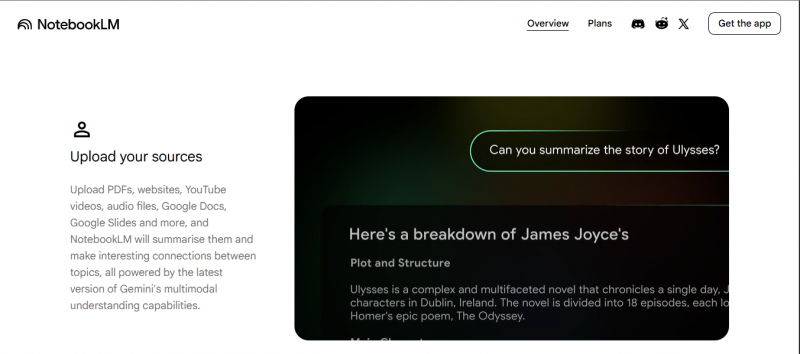
- NotebookLM – Google’s free research assistant that turns piles of PDFs, docs, and links into summaries, Q&A, study guides, and even podcast‑style audio overviews, all grounded strictly in your uploaded sources.
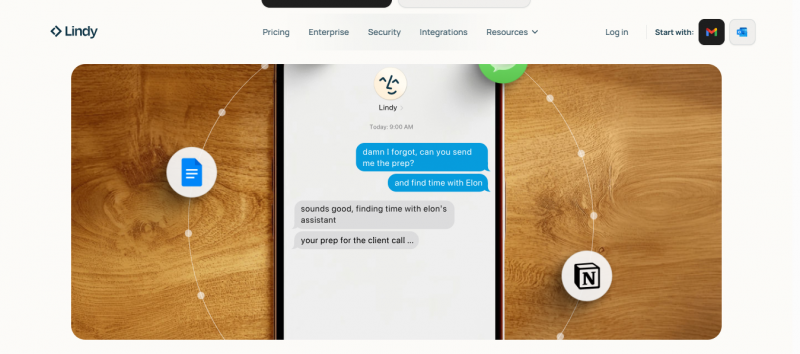
- Lindy (with document workflows) – can take long documents, meeting notes, and transcripts, then summarise them and extract tasks or structured notes, especially when combined with its automation and integrations.
What a research brain should do for you
- Accept PDFs, articles, docs, and long notes without complaining.
- Let you ask questions across all of them at once.
- Keep answers grounded in your actual sources with citations back to the original documents.
- Help you build outlines and syntheses instead of copying quotes around manually.
How you might actually use it
- Collect all readings for a project in one NotebookLM notebook.
- Ask, “What do all my sources say about pricing for small businesses?” and get a sourced summary.
- Turn that into a structured summary and export the key points into your workspace tool (like Notion) as a project overview.
- Use NotebookLM’s audio overview or Q&A mode when revising before a presentation or exam.
If your main pain is “I read a lot and remember very little”, NotebookLM plus a simple workspace tool is usually the first piece of your stack.
Workspace brains: where notes and work live together
Workspace brains matter when your notes are tightly tied to ongoing projects, sprints, or clients. Instead of “a notebook over here and a project tool over there”, you want one system that knows both.
Best AI tools for a workspace brain
Notion with AI – a flexible workspace where you can keep pages, databases, and tasks together, then use AI to summarise pages, extract tasks, and answer questions grounded in your workspace.
Evernote with modern AI features – classic notebook structure with improved search, suggestions, and AI summarisation layered on top.
OneNote + AI assistants - freeform notebook tied into the Microsoft ecosystem, often used with Copilot or external AI tools for summarisation.
What a workspace brain should do
- Give you flexible pages, databases, and links between them.
- Store project docs, meeting notes, decisions, and small snippets side by side.
- Use AI to summarise pages, pull out tasks, and answer questions about a project space.
In practice, this might look like:
- Creating a Notion project space for a product launch or campaign.
- Keeping specs, brainstorms, user research, and meeting summaries in that one space.
- Asking Notion AI to list open questions, risks, or pending decisions from the entire project area.
This style is ideal if you are a founder, PM, or team leader who needs one place that shows what you know and what you are doing for each initiative.
Meeting brains: when your knowledge lives in conversations
You already have a dedicated article for AI meeting notes, so here the perspective is slightly different: how those tools become part of your note‑taking system.
Best AI tools for a meeting brain
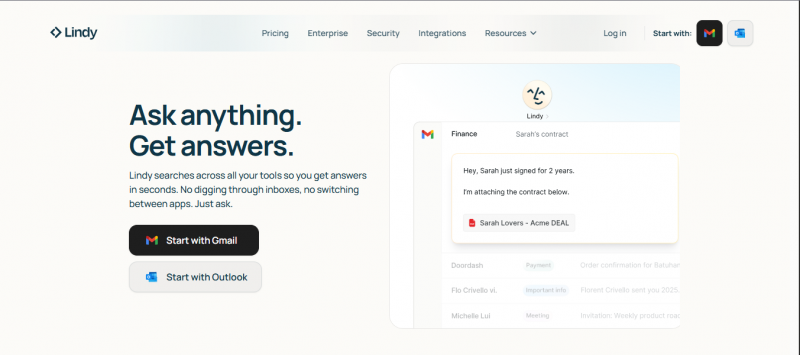
- Lindy – an AI meeting assistant that joins calls, transcribes with high accuracy, generates structured summaries and task lists, and syncs them into tools like Slack, Notion, Asana, and Google Docs.
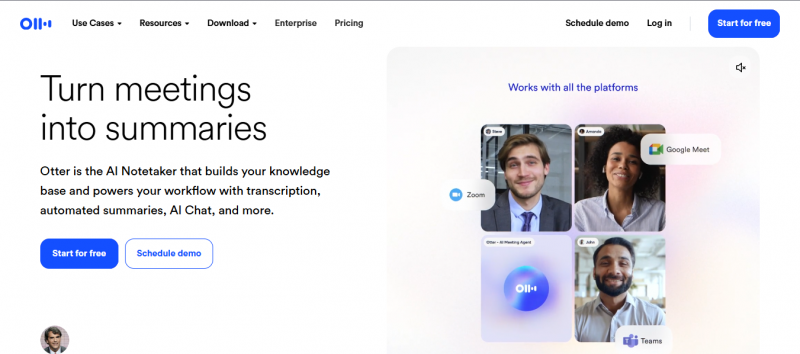
- Otter.ai – well‑known for high‑quality meeting transcription and collaborative live notes.
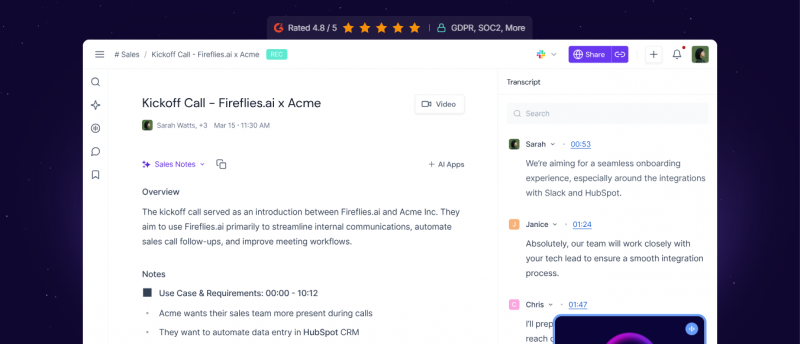
- Fireflies.ai – good transcripts plus analytics across many meetings, popular with sales and CS teams.
- Granola / Bluedot / Fathom – privacy and bot‑free‑focused tools that generate summaries and action items without adding a visible bot to every call.
A meeting brain should
- Capture calls reliably without you worrying about the record button.
- Produce summaries with clear decisions, questions, and action items.
- Store those summaries somewhere you can search by topic later.
- Link those notes back to projects, clients, or themes in your workspace brain.
The key shift: you stop treating meeting recordings as archives you will never open and start treating meeting summaries as first‑class notes in your second brain.
Capture brains: inboxes for your brain so you stop losing ideas
Capture tools do not try to be the final home for every note. Their job is to catch things before you lose them.
Best tools for a capture brain
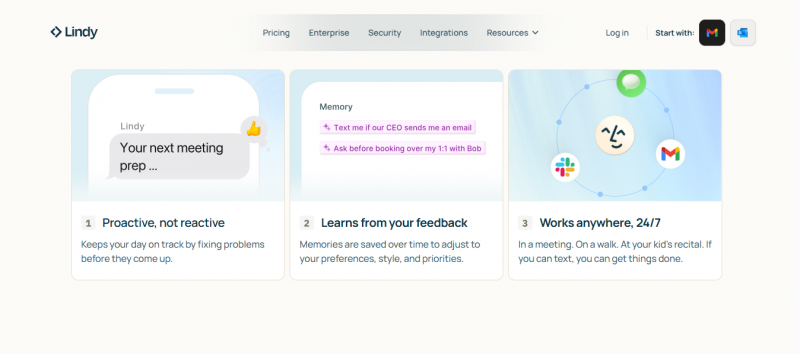
- Lindy mobile / desktop – lets you capture quick thoughts and meetings and have them summarised and synced automatically.
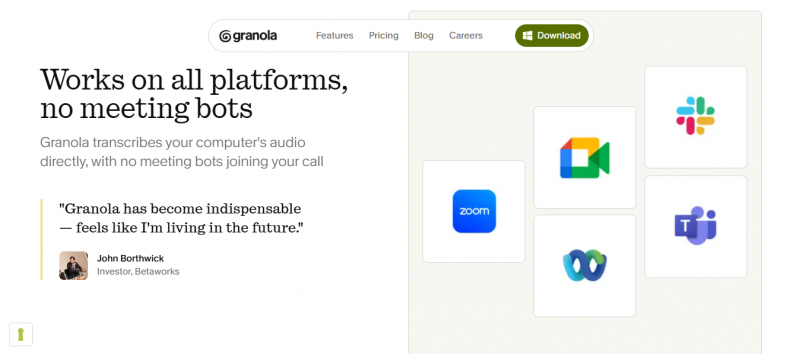
- Granola – runs locally, lets you jot rough notes during calls, then merges them with an AI summary into clean notes.
- Apple Notes, Google Keep, OneNote – when paired with summarisation assistants or workspace tools, they become fast capture points for text, images, and links.
What a capture brain should make easy
- Dictate a thought with one key combo.
- Save a web page with one click.
- Snap a whiteboard or book page and pull text out of the image.
- Dump ideas without deciding on folders or tags up front.
The AI layer then:
- Transcribes audio accurately.
- Suggests tags or categories.
- Links new snippets to older related notes.
- Makes your future review sessions much easier.
Many people pair a capture‑everywhere tool with a canonical workspace brain. The capture inbox is for speed; the workspace is for long term clarity.
Problems vs tool direction: a quick decision table
Before you get lost in brand comparisons, start from what actually hurts.
Problems and suggested note‑taking direction
| Main problem you feel | What you actually need | Tool direction to prioritise |
| “I keep losing ideas” | Faster capture with low friction | Capture brain + simple notes (Apple Notes, Keep, Lindy, Granola) |
| “I cannot find anything later” | Better structure and smarter search | Workspace or research brain (Notion, Evernote, NotebookLM) |
| “My notes never turn into action” | A strong bridge between notes and tasks | Workspace brain near your task manager (Notion + Lindy, Notion + Asana) |
| “I read a lot and forget most of it” | Summaries and Q&A grounded in your sources | Research brain with multi‑doc questions (NotebookLM, Lindy) |
| “Everything important happens in meetings” | Reliable summaries integrated into your notes hub | Meeting brain feeding your main system (Lindy, Otter, Fireflies, Granola) |
How these tools look in real workflows
Lists of features are boring. Workflows show what this actually feels like.
Workflow 1: deep research project
You are writing a long report, thesis, or industry piece.
- All relevant PDFs and articles go into a NotebookLM notebook.
- You ask questions like “summarise only the sections related to user retention.”
- NotebookLM returns a condensed view that you refine into your own words.
- The final summary and key quotes move into your Notion workspace under a specific project, next to tasks and timelines.
- Meeting summaries from stakeholder calls, generated by Lindy or Otter, are stored in the same Notion project space, so qualitative feedback and formal research meet.
Now, when someone asks “why did we choose this direction?”, you have research and conversations in one place.
Workflow 2: founder or team lead juggling many inputs
Your days are full of calls, Slack messages, emails, and random ideas.
- Quick thoughts and links go into your capture app (Lindy mobile, Apple Notes, or Keep) the moment they appear.
- Your meeting assistant (Lindy, Granola, or Otter) summarises calls and drops those into your note hub tagged by client or project.
- Once or twice a week, you review captured notes and decide: archive, task, or project doc in Notion or your workspace brain.
- AI helps you turn messy raw notes into clean docs or checklists.
You stop carrying everything in your head and trust the system to surface what matters when you plan.
Workflow 3: student or self‑taught learner
You are trying to absorb lectures, readings, and assignments without burning out.
- Lecture audio and discussions are recorded and turned into text and summaries using Lindy, Otter, or Granola.
- Slides and readings go into your NotebookLM research brain, which you query when revising.
- You ask the system to generate condensed study notes and practice questions from your material.
- A simple task or workspace tool (Notion, OneNote) tracks deadlines and key topics for each course.
Instead of cramming from scattered files, you revise from structured, AI‑enhanced notes tied to specific classes and exams
How to pick a note‑taking stack that fits your brain
You do not need the “best” app on paper. You need the one that matches how you naturally think and work.
A few useful questions:
Do you think in long documents or in short fragments
If you enjoy writing essays, pages, and detailed notes, a workspace or research brain like Notion + NotebookLM will feel natural.
If your ideas arrive as short bullets, phrases, or voice memos, prioritise a capture brain (Lindy, Granola, Apple Notes) and a simple central notebook with good search.
How often should notes become tasks
If many notes should become work, pick tools that live near your task manager or have tasks built in. Notion + Lindy is strong here because action items can sync into Asana, Slack, or Notion databases.
If notes are mainly for learning and reference, keep the system lighter and focus on search and summarisation (NotebookLM, Evernote with AI, OneNote + assistants).
Are you the only audience or do others depend on your notes
If notes are personal, you can optimise for comfort and idiosyncrasies (Apple Notes, Google Keep, a personal Notion).
If teammates rely on them, choose tools that support shared spaces, permissions, and clear structure, and keep your naming conventions consistent (Notion, Lindy shared workspaces, NotebookLM collaboration notebooks).
Opinionated closing thoughts
Forget the feature matrix for a second. Think about where you feel the most friction. Are you losing ideas before they ever hit a page? Are you drowning in scattered notes you cannot pull up on demand? Or are you carefully writing everything down and then carrying on as if those notes never existed?
Each of those pains points to a different fix: better capture, better organisation, or a stronger connection between notes and the work that follows. Once you are honest about which problem is yours, the choice of tools usually becomes obvious.
You do not need the smartest AI note‑taking app. You need a place where your thoughts feel safe, findable, and connected enough that future‑you will actually thank past‑you for writing them down.
Post Comment
Be the first to post comment!