Table of Content
- Why AI struggles to remember your character
- How we tested and scored the tools
- The scoreboard at a glance
- Leonardo AI: best overall for consistent characters
- Midjourney: best image quality plus a memory boost
- Stable Diffusion: best for total control on a shoestring
- DALL·E 3: best for text-driven storytelling
- Adobe Firefly: best for brand-safe, style-consistent campaigns
- Pricing and licensing cheat sheet
- Five pro tips for rock-solid consistency
- Which tool is right for you?
Keeping a character on-model is still the toughest part of using any AI image generator. One prompt nails the face; the next warps the jaw and flips the hair. To see which platforms remember a hero from scene to scene, we pushed 12 popular tools through one brief: “recreate the same protagonist in five radically different settings.” We scored fidelity, image quality, speed, and cost. Five tools rose above the rest—each for a different reason. Here’s how they stack up.
Why AI struggles to remember your character
Every new prompt resets the model’s short-term memory.
A diffusion-based AI image generator starts from random noise and shapes it into an image in a single pass; it has no scrapbook to store yesterday’s hero.
That missing memory causes drift.
Leave the system alone and it treats “Aria in a forest” and “Aria on the moon” as unrelated jobs. New seed, new face, new hassle.
Creators have worked around this gap for years.
They repeat ultra-specific descriptors, lock random seeds, and patch faces in Photoshop. These tricks do the job, but they slow creative flow.
Researchers documented the pain early.
Technical guides from 2024 pointed to two clear fixes: give the AI a visual reference to lock onto, or fine-tune a small copy of the model on your own image set. Both add a dash of memory, and both power the tools we ranked today.
Keep that framework in mind as we continue.
Every platform in this review closes the memory gap with one of those methods, and a few manage to combine them.
How we tested and scored the tools
We wanted a fair comparison.
Our single brief asked each AI image generator to recreate one protagonist across five radically different scenes while keeping the face identical from first frame to last.
Each platform started with a new account, default settings, and the same written prompt.
If the service offered image references, we uploaded one approved headshot. When fine-tuning was possible, we stayed with the entry-level training workflow, skipping custom scripts or rented GPUs.
Speed counted.
We timed the minutes from sign-up to a publish-ready image and logged every reroll it took to lock the jawline. When fifty credits disappeared before the face looked right, the score reflected that burn.
Quality meant more than sharp pixels.
We ranked lighting, anatomy, and background coherence, and we checked how closely the fifth image still matched the first. A flawless clone in a dull, muddy render still lost points.
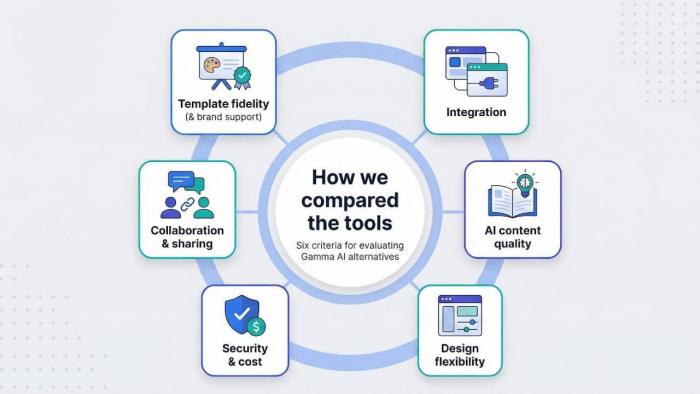
We weighted seven criteria:
1. Consistency accuracy
2. Output quality
3. Ease of use
4. Speed and efficiency
5. Cost value
6. Commercial rights
7. Flexibility for power users
Consistency carried the most weight, while fine-tuning options and licensing rounded out the mix.
Adding the weighted marks produced a score out of 100.
That single number decided which five tools top the chart you’ll read next.
The scoreboard at a glance
Here’s a quick look at how each AI image generator scored. One table, five contenders, and the numbers that earned each a spot in the final cut.
| Tool | Consistency | Quality | Ease | Speed | Cost | Rights | Flexibility | Total |
| Leonardo AI | 5 | 4.5 | 5 | 4 | 4.5 | 5 | 4 | 93 |
| Midjourney | 4 | 5 | 4 | 4 | 3 | 5 | 3 | 86 |
| Stable Diffusion | 5 | 4 | 2.5 | 3 | 5 | 5 | 5 | 85 |
| DALL·E 3 | 4 | 4.5 | 5 | 4.5 | 4 | 5 | 2 | 85 |
| Adobe Firefly | 3.5 | 4 | 4 | 5 | 4 | 5 | 3 | 83 |
Scores are weighted, not raw. A perfect face match matters more than a fast render or a budget plan because that is what most creators care about.
With the leaderboard set, let’s explore why each platform landed where it did and how that affects your workflow.
Leonardo AI: best overall for consistent characters
Leonardo’s image generation engine emphasizes speed, consistency, and control—qualities that have attracted over 55 million creators—and it closes the memory gap instead of just patching it. Its Character Reference tool, released in May 2024, lets you upload one headshot, adjust a strength slider, and watch the same face appear in fresh poses, outfits, and lighting without drift.
Leonardo AI Character Reference interface screenshot for consistent characters
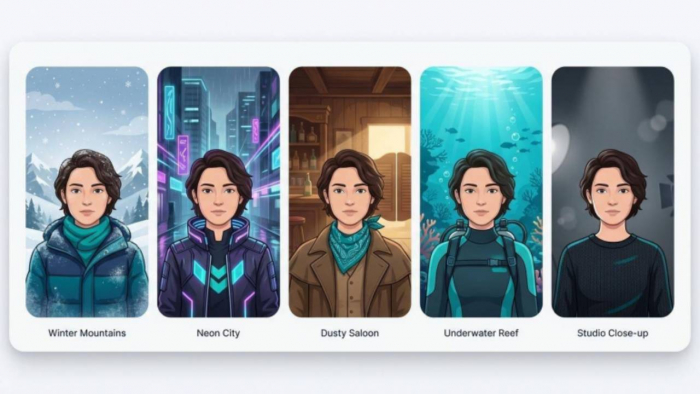
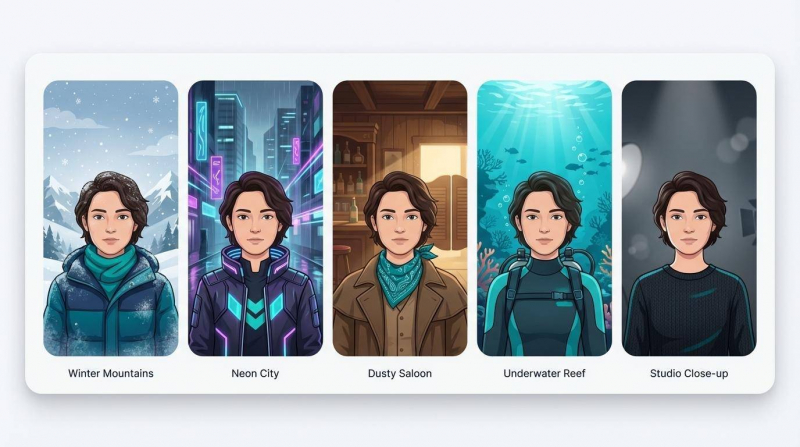
We tested the AI image generator with one neutral portrait and five scenes: winter mountains, neon city, dusty saloon, underwater reef, and low-key studio close-up. Four scenes worked on the first attempt. One reroll fixed eye color. Total time from sign-up to final image: twelve minutes.
Quality holds up.
Leonardo’s SDXL-based models render crisp anatomy and balanced lighting that rival higher-priced tools. Only extreme fashion shots showed faint plastic skin compared with Midjourney.
Workflow feels welcoming.
Type a prompt, tick “Character Reference,” and start generating. No Discord bots or custom LoRA uploads unless you want extra control. The free tier offers about 150 credits per day, so you can experiment before paying.
Pricing suits teams.
A ten-dollar monthly plan unlocks thousands of images. The Team tier adds shared projects and role permissions. You own every image you generate.
Bottom line: if you need repeatable faces tomorrow, not after a weekend of fine-tuning, Leonardo is the fastest path forward.
Midjourney: best image quality plus a memory boost
Midjourney has long been the show-off of AI art: rich lighting, painterly detail, and cinematic drama few rivals match.
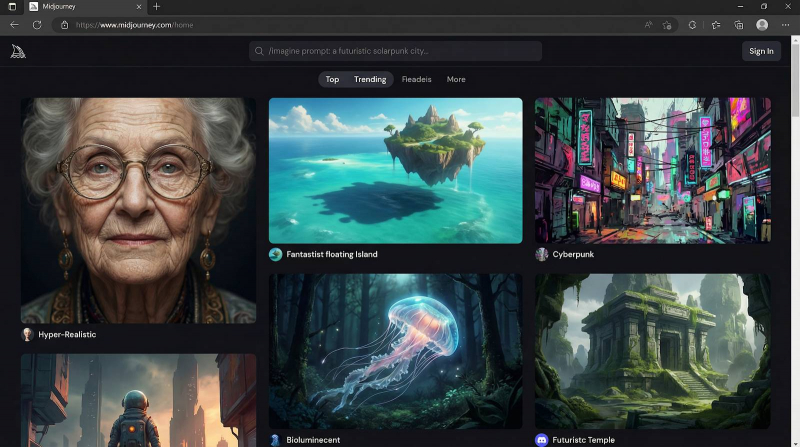
Midjourney AI art results showcasing cinematic quality and consistency
Until 2024, that brilliance came with amnesia. You could create a hero shot, then watch the face change when you switched the background. The spring update fixed the issue. The --cref parameter lets you add a reference image so the AI image generator reuses key facial features across new prompts.
Our test used one portrait and --cref to move the character through a forest, space station, and 1920s jazz club. Hair color and bone structure held steady, although we lost a nose piercing in the final scene. Two quick rerolls solved it.
Midjourney still sets the bar for texture, mood, and subtle lighting. That makes it ideal for posters, concept art, or high-impact marketing images. The trade-off is cost: there is no free tier, and the Discord workflow can feel busy when you just want to focus on a project.
If your brand depends on eye-catching visuals and you can budget thirty dollars a month, Midjourney delivers magazine-ready polish without a Photoshop cleanup pass.
Stable Diffusion: best for total control on a shoestring
Stable Diffusion is not a single site; it is an ecosystem. Run it on your laptop, launch it in the cloud, or open a web UI such as Automatic1111 or ComfyUI. However you connect, one fact stands out: with a custom LoRA or DreamBooth fine-tune, this AI image generator can lock a face with near-photographic precision.
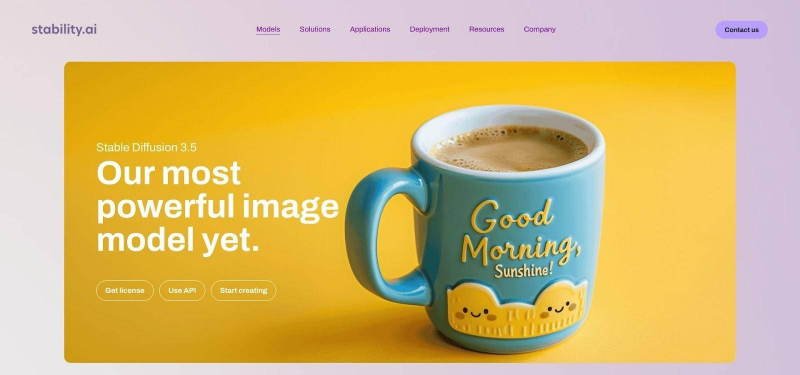
Stable Diffusion ecosystem product page or UI showcasing flexible controls
Our benchmark proved the claim. We trained a small LoRA on eight selfies, a process that took seventeen minutes on a rented GPU. After that, every prompt—submarine cockpit, noir alley, medieval banquet—returned the same face with no nose drift and no eye-color shuffle.
Power costs time. You manage model versions, tweak sampler settings, and juggle ControlNet nodes. Beginners may feel lost until they watch a few tutorial videos. Once the workflow clicks, cost drops close to zero. Self-hosting means unlimited images for the price of electricity, and paid APIs charge only pennies per render.
Pick Stable Diffusion when precision and ownership matter more than convenience. If you plan to illustrate a 200-page graphic novel or need brand-safe assets that never leave your server, roll up your sleeves and start fine-tuning.
DALL·E 3: best for text-driven storytelling
DALL·E 3 excels when you start with words. Describe your hero once, note key traits like hazel eyes, a buzz cut, and a cobalt flight suit, and the AI image generator carries those details through every follow-up request in the same chat. No seed numbers, no reference uploads. Just conversation.
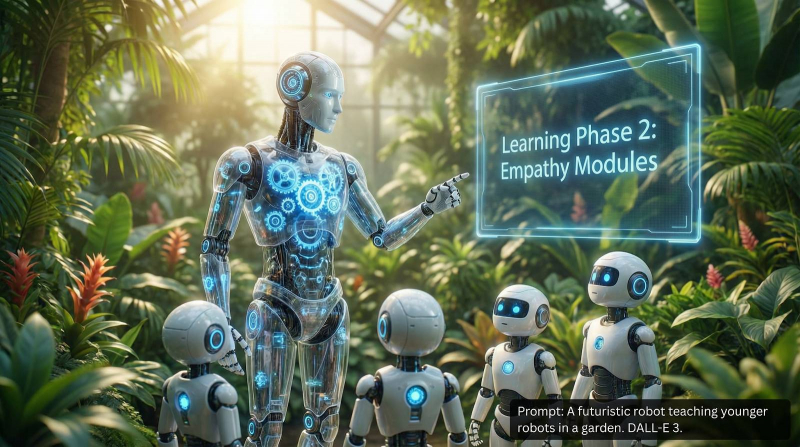
DALL·E 3 text-driven storytelling and comic panels interface screenshot
We put that claim to the test. Inside ChatGPT we wrote a four-panel comic script starring “Captain Sora, a pilot with a crescent-moon scar on her left cheek.” DALL·E kept the scar and outfit consistent as the story moved from cockpit, alien bazaar, and zero-G showdown. One panel softened the scar, but a quick prompt, “make the scar sharper,” fixed it without regenerating the whole page.
Quality stays high and prompt-faithful. Hands land where they should, text on signs stays clean, and crowded scenes rarely tangle limbs. Bing’s free tier lets you experiment at no cost, while a ChatGPT Plus subscription covers heavier sessions.
If you write first and illustrate second, DALL·E 3 feels like a co-author who draws.
Adobe Firefly: best for brand-safe, style-consistent campaigns
Adobe Firefly focuses less on cloning a face and more on keeping every asset on brand and legally sound. Its Generative Match feature lets you upload a reference poster or color palette, then the AI image generator produces new visuals that share the same vibe, typography, and lighting
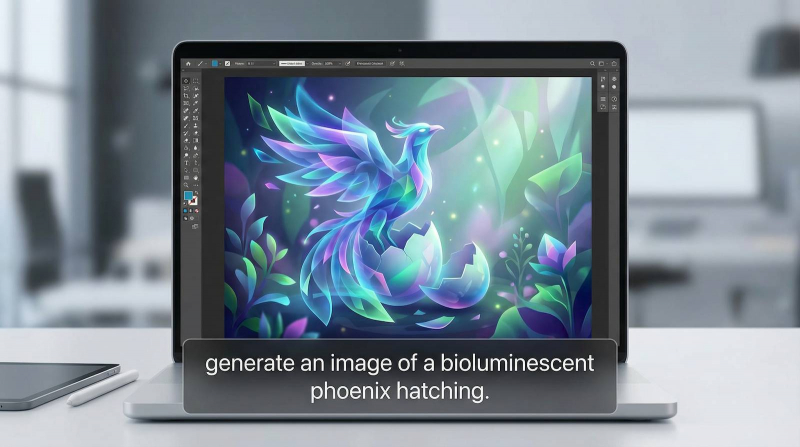
Adobe Firefly Generative Match brand-safe campaign interface screenshot
Put it to work by feeding Firefly last quarter’s hero graphic, and you can spin up matching web banners, email headers, and print ads in minutes. In our test, a teal and orange style board guided every output without slipping into unlicensed stock-photo territory.
Because Firefly lives inside Photoshop, Illustrator, and Express, you can move edits straight into existing workflows. Built-in content credentials tag each file as AI-generated, which satisfies new disclosure rules and keeps compliance teams comfortable.
Choose Firefly when visual cohesion and legal confidence matter more than pixel-perfect character recall.
Pricing and licensing cheat sheet
Budgets vary, but nobody likes hidden fees. Use this table to see what each AI image generator costs and which rights you keep.
| Tool | Free tier | Typical paid plan | Rough cost per image | Commercial rights |
| Leonardo AI | 150 daily credits | $10 per month (5 k credits) | ≈ $0.002 | Full ownership on all tiers |
| Midjourney | None | $30 per month (Standard) | ≈ $0.08 | Full ownership while subscription is active |
| Stable Diffusion | Unlimited self-host | Pay-as-you-go clouds ($0.01) | ≈ $0–0.01 | Open license; you own everything |
| DALL·E 3 | Limited Bing boosts | ChatGPT Plus $20 per month | ≈ $0.03 | Full ownership, no royalty |
| Adobe Firefly | 25 monthly credits | Included in Creative Cloud | ≈ $0.04 | Adobe indemnifies enterprise users |
Free trials let you test consistency claims before you pay. If you need watertight legal cover, Firefly leads. When you need volume on a tight budget, self-hosted Stable Diffusion wins. Everyone else falls in the middle—pick the balance that matches your workload, risk tolerance, and wallet.
Five pro tips for rock-solid consistency
Give every prompt the same core descriptor.
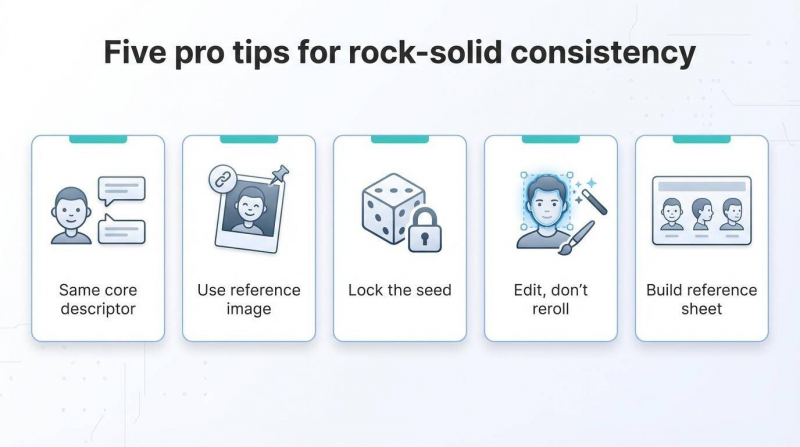
Change scenery, mood, or camera angle, but keep the character’s name and key traits word-for-word. Tiny wording shifts confuse the AI image generator and invite drift.
Use a reference image whenever the platform allows.
Leonardo’s Character Reference, Midjourney’s --cref, and Stable Diffusion’s ControlNet all anchor facial structure better than text alone. Upload once, reuse often.
Lock a seed when you need framing to stay put.
Seeds freeze the initial noise pattern. Reusing that number keeps composition, color palette, and lighting similar even after you tweak details.
Edit, don’t regenerate.
If one eyebrow slides off model, mask the area and inpaint instead of starting over. You save credits and keep the 90 percent that already works.
Build a quick reference sheet.
Generate or photograph your character from front, side, and three-quarter angles. Keep it visible while you work. Catching micro-differences early protects your budget and caffeine supply.
Which tool is right for you?
Need turnkey reliability? Start with Leonardo. You will spend more time writing than fixing seeds, and the free credit pool lets you explore before opening your wallet.
Seeking gallery-quality visuals for a campaign? Midjourney costs more, but its images stop thumbs in their tracks. Choose it when art direction outweighs budget.
Building a large asset library or protecting client IP? Stable Diffusion hands you full control. Train once, render for pennies, and keep everything on your own server.
Writing first, drawing second? DALL·E 3 treats a long prompt like a storyboard and keeps context alive between panels. It is the storyteller’s shortcut to fast illustration.
Running brand work through legal review? Firefly produces only licensed content and comes with Adobe’s indemnity pledge. Your compliance team will sleep better, and so will you.
Post Comment
Be the first to post comment!