Picture your great-grandmother from a 1940s portrait suddenly blinking and offering a warm smile, or watching your grandfather turn his head as if acknowledging your presence. Thanks to advanced AI technology, these precious memories can now come alive through photo animation, transforming static images into dynamic videos that bridge generations and preserve cherished memories in ways never before possible.
The ability to animate old photos represents a revolutionary leap in how we connect with our family history. Before animation, many users first enhance their damaged images with ai photo restoration tools that remove scratches, repair tears, correct fading, and reconstruct missing details to ensure the highest quality starting point for animated results.
This comprehensive guide will walk you through everything you need to know about animating old photos, from the most straightforward quick steps to the sophisticated technology behind these remarkable transformations. Whether you’re preserving memories for future generations or creating engaging content for professional projects, you’ll discover how to turn your static photos into living stories that capture hearts and preserve legacies.
Quick Steps to Animate Old Photos
Getting started with photo animation is remarkably straightforward. Here’s how you can animate old photos in just six simple steps:
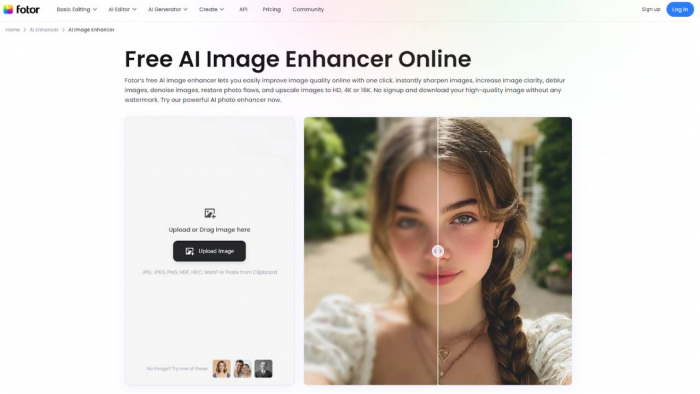
Upload your old photo to an AI animation platform like BigMotion or Fotor. Choose a high-quality digital scan of your vintage images for the best results. The AI photo animator works most effectively with clear, well-lit portraits from any decade, whether black-and-white images from the 1920s or color family photos from the 1980s.
Select the type of animation you want (facial expressions, body movements, or speaking). Most platforms offer preset animation styles, including gentle smiles, natural blinking, head turns, and even speaking animations where your loved ones appear to talk. Consider what type of motion would feel most authentic for your particular old picture.
Let the AI analyze facial features and automatically generate motion patterns. The AI model examines facial landmarks, bone structure, and lighting in your static photos to understand how natural movement should appear. This process typically takes 30 seconds to 2 minutes,, depending on theanimation's complexityn and image quality.
Preview the animated result and make adjustments if needed. Review the generated video to ensure the motion looks natural and respectful. Most platforms allow you to adjust animation intensity, speed, or choose different motion templates if the first result doesn’t meet your expectations.
Download your animated photo as an MP4 video file. Once satisfied with the animation, download the file in your preferred resolution. Higher quality outputs are ideal for presentations or memorial services, while smaller files work perfectly for social media sharing.
Share your living memory on social media or save it for personal viewing. Your old photos-to-life transformation is now ready to share with family members, post on social platforms, or incorporate into larger video projects. Many users find that these animated photos become treasured digital heirlooms that bring joy to entire families.
Understanding Photo Animation Technology
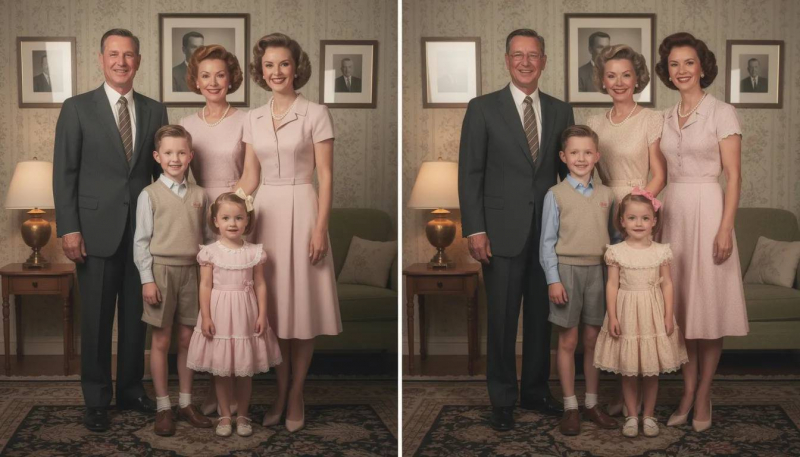
The technology behind modern photo animation represents decades of advancement in computer vision and machine learning. AI algorithms analyze facial landmarks and bone structure in static photos from the 1920s to the 2000s, identifying key points such as eye corners, lip edges, and jawlines that serve as anchors for realistic movement generation.
Machine learning models predict natural movement patterns based on thousands of training examples. These sophisticated systems have been trained on vast databases of human facial movements, learning how people naturally blink, smile, turn their heads, and express emotions. AI technology can now apply this knowledge to animate old photos with remarkable accuracy, even with vintage photographs that lack the sharp detail of modern digital photography.
Deep neural networks generate realistic facial expressions such as smiling, blinking, and head turning. The core innovation lies in neural networks that understand the relationship between static facial features and dynamic motion. When you upload an old story through an old picture, these networks predict how muscles would move, how shadows would shift, and how lighting would change during natural facial animation.
Advanced image processing preserves original photo quality while adding motion. Rather than creating entirely new images, the best animation systems maintain the authentic character of your original photographs. This means the grain, lighting, and artistic qualities of photos from past decades remain intact while only adding carefully controlled motion.
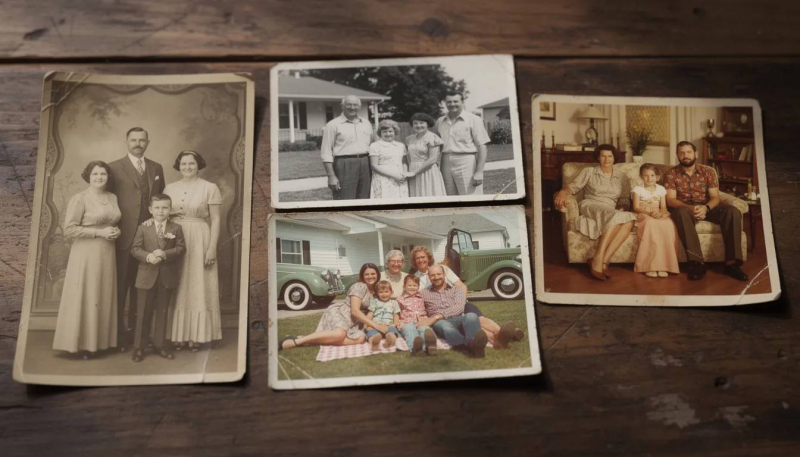
Face detection technology works on black-and-white photos, sepia tones, and color images. Modern AI photo animators have been specifically trained to handle the unique characteristics of vintage photography. Whether you’re working with formal studio portraits from the 1940s or casual family snapshots from the 1970s, the technology adapts to different photographic styles and qualities.
Motion synthesis creates smooth transitions between static poses and animated sequences. The most advanced systems generate multiple intermediate frames between the original static image and various animated poses, creating fluid motion that appears natural rather than jerky or artificial. This frame-generation process transforms a simple old picture into a compelling animated experience.
Best AI Tools for Animating Old Photos
BigMotion Photo Animation Platform
BigMotion solves the problem of preserving old photos by converting fragile family photos from the 1950s to the 1980s into digital, animated memories that can be shared and preserved for generations. This innovative platform recognizes that traditional photo preservation methods—simply scanning and storing—aren’t enough to keep precious memories alive in our fast-paced digital world.
Advanced AI technology transforms static portraits into dynamic videos showing grandparents speaking or smiling. BigMotion’s proprietary AI model has been specifically tuned for heritage photo animation, understanding the unique characteristics of vintage photography, including film grain, lighting variations, and the formal poses common in family photos from past decades. The system can animate old photos with remarkable sensitivity, ensuring that precious memories are enhanced rather than altered in ways that feel inauthentic.
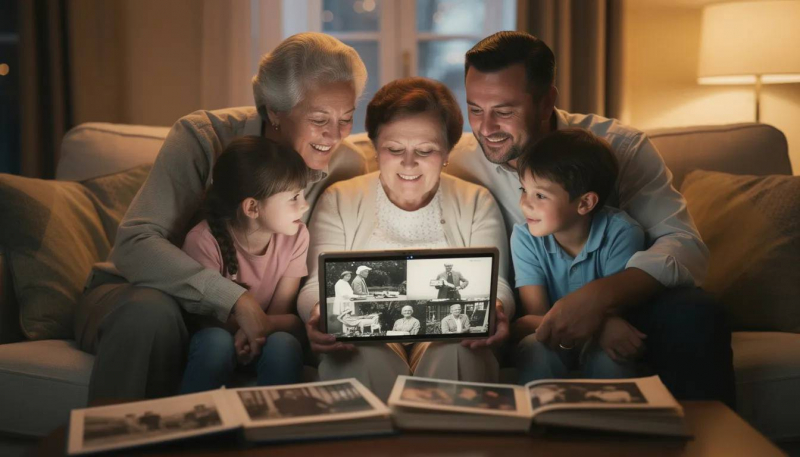
Real-world applications include creating memorial videos for funerals, family reunion presentations, and genealogy projects. Families use BigMotion’s technology to transform old story archives into engaging presentations that connect younger generations with their ancestors. Memorial services benefit from animated tributes that help celebrate a life rather than simply displaying static images. Genealogy researchers create interactive family trees where clicking on ancestor photos reveals short animated clips that bring historical family members to life.
Supports high-resolution processing for photos dating back to the early 1900s. Unlike consumer apps that compress images for quick processing, BigMotion maintains image quality suitable for professional use. Whether you’re working with formal studio portraits from the 1920s or casual backyard photos from the 1980s, the platform preserves the authentic character of your vintage photos while adding tasteful animation.
Offers batch processing for animating entire photo albums at once. For families with extensive photo collections or institutions working with archives, BigMotion provides tools to animate old photos in bulk while maintaining consistent quality and style across the entire collection. This scalability makes it practical to transform hundreds of family photos into a comprehensive animated archive.
Provides professional-grade output suitable for documentary filmmaking and historical preservation. Museums, documentary filmmakers, and educational institutions rely on BigMotion for creating compelling visual content that brings historical photographs to life. The platform’s output quality meets broadcast standards while respecting the historical authenticity of the source material.
Other Popular Animation Tools
MyHeritage Deep Nostalgia specializes in animating historical family portraits and vintage photographs. This pioneering service brought mainstream attention to AI photo-animator technology, focusing on gentle, respectful animations suitable for family photos. Deep nostalgia works particularly well with formal portraits and studio photography, offering several preset animation styles that feel appropriate for cherished memories.
Fotor AI Photo Animator offers free online animation with a variety of motion presets. As an accessible entry point for photo animation, Fotor provides basic animation capabilities that work well for casual experimentation. While the free tier has limitations, it’s an excellent way to test how your photos animate before investing in premium features for higher quality results.
RunwayML provides advanced animation controls for professional photo restoration projects. Designed for creative professionals, RunwayML offers more granular control over animation parameters. This platform works well for users who want to customize motion patterns or combine photo animation with other video effects for complex projects.
Pika Labs creates longer animated sequences from old wedding photos and childhood pictures. Specializing in extended animations, Pika Labs can generate video clips that last several seconds rather than brief loops. This capability is particularly valuable for creating substantial video content from single photographs for use in longer documentary or memorial projects.
D-ID focuses on creating talking photo animations for educational and storytelling purposes. When you need your animated photos to actually speak—perhaps reading historical letters or delivering educational content—D-ID specializes in combining lip-sync technology with photo animation to create convincing talking portraits from static images.
Types of Photo Animations You Can Create
Modern AI technology opens up numerous creative possibilities when you animate old photos, each serving different purposes and emotional goals:
Facial expression animations, including natural smiles, gentle blinking, and subtle head movements. The most popular and emotionally resonant animations focus on bringing facial expressions to life. These subtle movements—a grandmother’s knowing smile, a grandfather’s gentle nod—create powerful emotional connections without appearing overly dramatic or artificial. These animations work exceptionally well with formal portraits and studio photography.
Speaking animations, where deceased relatives appear to talk using AI-generated lip sync, perhaps the most emotionally powerful option, speaking animations allow you to add voice recordings to animated photos. Family members often record themselves reading letters, sharing memories, or delivering messages that are then synchronized with animated photos of deceased relatives, creating deeply meaningful tributes.
Body movement animations showing people waving, hugging, or dancing from 1960s family gatherings. Full-body animations work best with photos that show complete figures and capture people in the middle of activities. A 1960s wedding photo might show the couple beginning to dance, or a family gathering could animate relatives waving at the camera.
Eye movement animations that make portrait subjects appear to look around naturally. Subtle eye movements can make portrait subjects appear more present and aware. These animations work particularly well with photographs in which the subject is looking directly at the camera, creating the illusion that they’re scanning the room or making eye contact with viewers.
Breathing animations that add life to chest movement in formal studio portraits. For very still, formal portraits common in early photography, gentle breathing animations add just enough movement to create life without disrupting the dignity of the original image. This type of animation is particularly effective for memorial applications.
Hair movement effects for outdoor photos with natural wind motion. Outdoor family photos often benefit from subtle hair or clothing movement that suggests a gentle breeze. These environmental animations help create more dynamic scenes while maintaining the authentic feel of the original moment.
Group photo animations where multiple people move simultaneously. Advanced platforms can animate several people within a single group photo, with each person displaying different movements. A family reunion photo might show various relatives smiling, turning their heads, or engaging in subtle interactions that bring the entire scene to life.
Real-World Applications of Animated Photos
The practical applications for animated old photos extend far beyond personal nostalgia, creating value in professional, educational, and commercial contexts:
Memorial services use animated photos to honor grandparents and great-grandparents who passed in the 1970s-1990s. Funeral homes and families increasingly incorporate animated tributes into celebration-of-life services. Rather than displaying static photo boards, memorial presentations now feature vivid videos where beloved family members appear to smile, nod, or even deliver brief messages, creating more engaging and emotionally resonant tributes.
Family historians create engaging presentations for reunions, showcasing ancestors from the early 1900s. Genealogy enthusiasts use photo animation to transform dry family tree presentations into compelling visual stories. Animated ancestor portraits help younger generations connect with family history in ways that static photos cannot, making family reunions more engaging and educational.
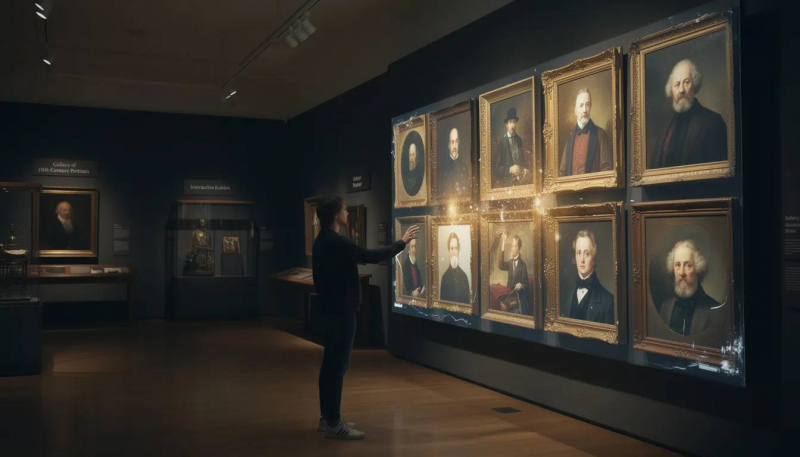
Museum exhibitions bring historical figures to life using photographs from the 1800s and 1900s. Cultural institutions worldwide are adopting animated photo displays to enhance visitor engagement. Rather than reading about historical figures, visitors can now watch animated portraits that appear to welcome them, explain exhibits, or demonstrate historical contexts in more immersive ways.
Documentary filmmakers enhance storytelling by animating archival family photos. Professional filmmakers use photo animation to create compelling visual content when archival video footage doesn’t exist. Historical documentaries benefit from animated photographs that help maintain visual interest while preserving authentic historical imagery rather than relying on reenactments.
Social media content creators share animated childhood photos to evoke nostalgia. Content creators leverage the viral potential of animated family photos to create engaging posts that resonate with audiences. These posts often generate significant engagement as viewers share their own animated family memories, creating a community around shared nostalgic experiences.
Genealogy researchers create interactive family trees with moving ancestor portraits. Digital family trees become significantly more engaging when ancestor photos animate as users click through different branches. These interactive experiences help preserve family stories and encourage ongoing genealogical research by making family history more accessible and engaging.
Educational institutions use animated historical photos to teach about past decades. Schools and universities incorporate animated historical photographs into their curriculum to help students connect with different time periods. Seeing historical figures appear to come alive helps students engage more deeply with historical content and creates more memorable educational experiences.
Tips for Best Animation Results
Achieving high-quality results when you animate old photos requires attention to both technical and aesthetic considerations:
Use high-resolution scans of original photos rather than photocopies for the clearest facial detail. The quality of your source material directly impacts animation results. Scan original photographs at 600 DPI or higher, and avoid using photocopies or smartphone photos of prints. High-resolution scanning captures subtle facial details that AI photo animators need to generate convincing motion.
Choose photos with clear, well-lit faces taken between the 1940s and 2000s for optimal AI recognition. While modern AI technology can work with photos from any era, images from the mid-20th century onward typically produce the best results due to improved photographic technology and lighting. Look for photos where facial features are clearly visible and well-defined.
Avoid heavily damaged photos with tears, stains, or significant fading that obscure facial features. Before animation, consider photo restoration to repair damage that might interfere with facial recognition algorithms. Tears across faces, heavy staining, or severe fading can prevent accurate feature detection and result in poor animation quality.
Select portraits where the subject is facing forward rather than in profile for better animation. Front-facing or three-quarter view portraits provide more facial landmarks for AI algorithms to analyze. Pure profile shots limit animation options since only one side of the face is visible, though some specialized tools can work with profile images.
Clean and restore photos digitally before animation to remove dust spots and scratches. Basic photo restoration—removing dust spots, scratches, and minor blemishes—can significantly improve animation results. Many AI photo animators include basic cleanup tools, but pre-processing your static photos often yields better results.

Test different animation styles on the same photo to find the most natural-looking result. Most platforms offer multiple animation presets or intensity settings. Experiment with different options to find the style that best suits each individual photo. A formal 1940s portrait might work best with subtle blinking, while a casual 1970s snapshot could support more dynamic movement.
Save original files separately before applying any animation effects. Always maintain backup copies of your original static images. This practice ensures you can revisit animations with different settings or platforms without losing your source material. Consider creating a systematic file-naming convention to distinguish among originals, restored versions, and final animated outputs.
The journey from static photos to animated memories represents more than just technological advancement—it’s about preserving family stories in formats that resonate with contemporary audiences while honoring the authentic character of precious memories. Whether you’re creating memorial tributes, enhancing family histories, or developing professional content, animated old photos offer unprecedented opportunities to combine images from the past with today’s dynamic digital communication.
As AI technology continues advancing, the quality and accessibility of photo animation will only improve, making it easier for families and institutions to create vivid videos that celebrate life, preserve stories, and build connections across generations. Start exploring how to animate old photos today, and discover how static images can become living testimonies to the people and moments that matter most.
Your cherished memories deserve more than storage in forgotten albums—they deserve to live, breathe, and continue inspiring future generations through the magic of animation. Begin with a single beloved family photo, and watch as decades of family photos transform into an animated legacy that brings joy for years to come.
Post Comment
Be the first to post comment!